6 Best AI Note-Taking Platforms for Solo Consultants
We tested every major AI knowledge platform through a consultant lens—privacy, offline access, client project management, and pricing for solopreneurs. Here's what actually works.
Last updated: February 2026
What Solo Consultants Need in an AI Note-Taking Tool
Solo consultants have unique requirements that differ from general productivity users. You're handling confidential client data under NDAs, switching between 5-8 active engagements, and need to recall specific commitments from meetings weeks ago. The right AI note-taking platform should feel like a dedicated research analyst for every client—not just another chat window.
We evaluated six leading platforms across seven criteria that matter most to independent consultants: contextual Q&A capability, cost for solo users, offline capability, privacy and data control, Apple ecosystem integration, setup complexity, and client project management. Each tool was tested with real consulting workflows—uploading RFPs, querying meeting notes, drafting proposals, and managing multi-client knowledge bases.
Our 7 Evaluation Criteria:
Quick Comparison Table
Side-by-side overview of all six platforms. Scroll right on mobile.
| Feature | Elephas | NotebookLM | Notion AI | Mem | Reflect | Obsidian AI |
|---|---|---|---|---|---|---|
| Offline Mode | ||||||
| Privacy (Local Processing) | ||||||
| Cost/Month | From $19 | Free | $8-10 | $15 | $10 | Free-$8 |
| Mac Native App | ||||||
| Super Brain / KB | ||||||
| Contextual Q&A | ||||||
| System-Wide Access | ||||||
| Multi-Client Projects | ||||||
| Model Flexibility |
Elephas is the only platform offering offline processing, system-wide Mac access, and dedicated client project management in one tool.
Detailed Tool Reviews
1. Elephas — Best Overall for Solo Consultants
Privacy-first, Mac-native AI knowledge assistant with offline Super Brain
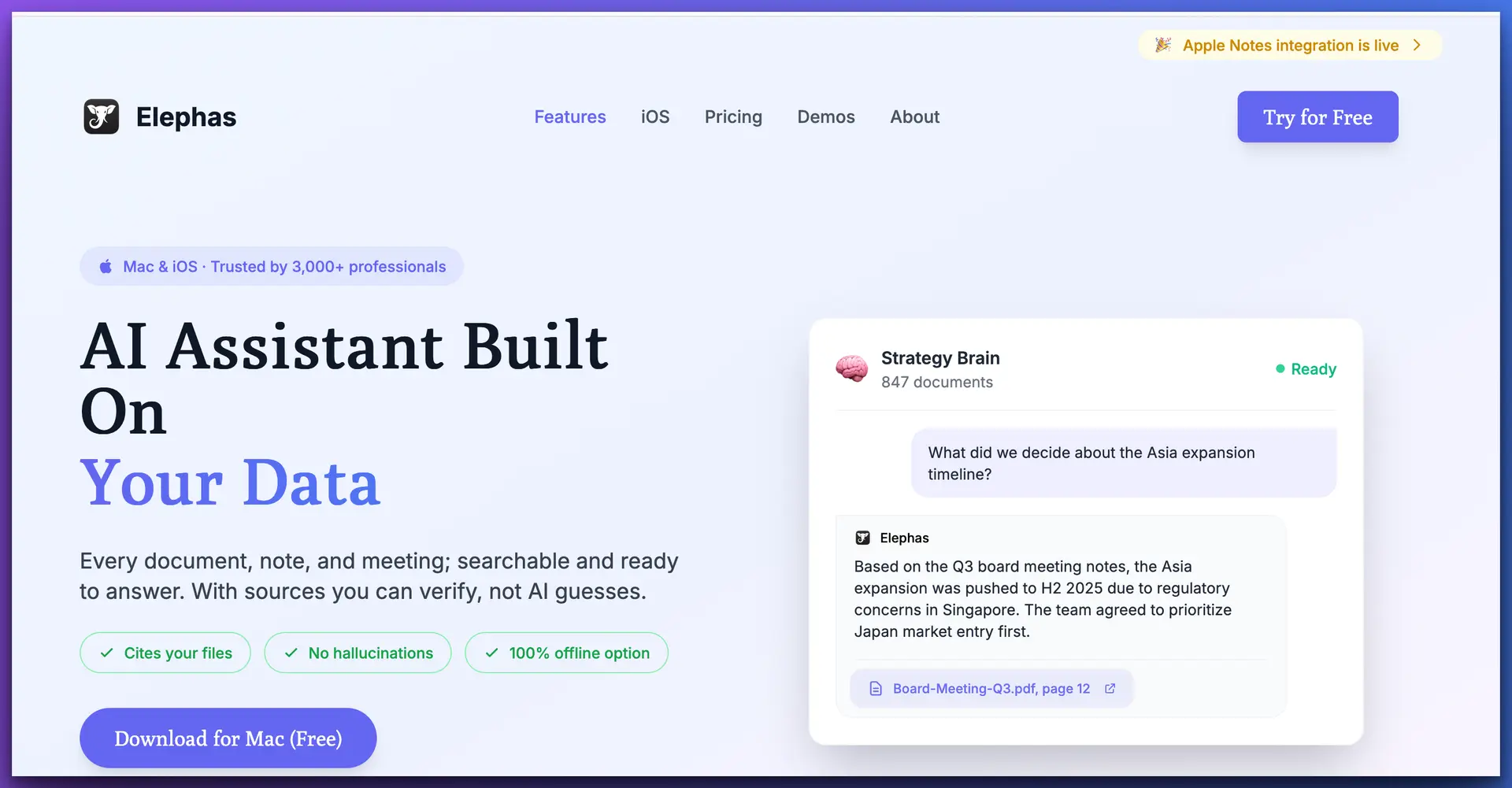
Elephas is purpose-built for professionals who handle confidential information—which makes it a natural fit for solo consultants. The core concept is simple: create dedicated "Super Brains" (knowledge bases) for each client, upload all your documents, and query them conversationally. What sets it apart is that everything runs locally on your Mac. No data leaves your device, no cloud servers touch your client files, and you can work entirely offline.
For consultants, the system-wide access is a game-changer. You don't need to switch to a separate app to use AI—Elephas works inside Word, Google Docs, Mail, Slack, Notion, or any Mac application. One keyboard shortcut brings up your AI assistant with full client context. Draft a proposal section, compose a client email referencing last week's discussion, or pull insights from 50 uploaded research PDFs—all without leaving your workflow.
Key Strengths:
Limitations:
From $19/mo
NDA Work
macOS
2. NotebookLM — Best Free Research Synthesis Tool
Google's experimental AI notebook for document research and audio overviews
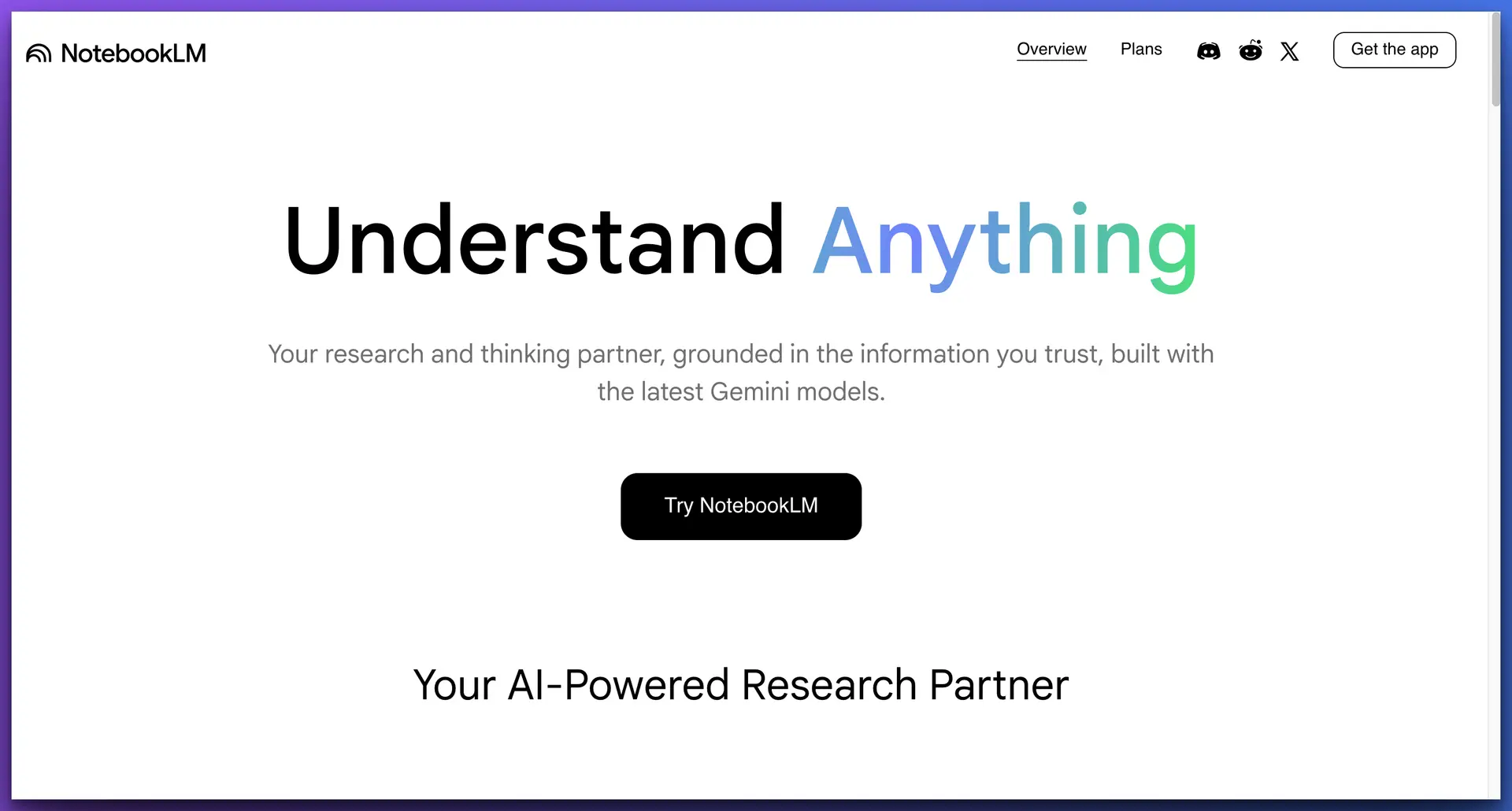
NotebookLM is Google's free AI research tool that lets you upload documents (up to 50 per notebook) and ask questions across them. It's strong at research synthesis—extracting themes, comparing concepts, and generating "Audio Overviews" that turn your documents into podcast-style summaries. For consultants doing preliminary research or exploring public industry data, it's a capable option that costs nothing.
The major concern for consultants is privacy: all your documents are processed on Google's cloud servers. This makes it unsuitable for NDA-bound work, confidential client documents, or any engagement where data sovereignty matters. The 50-source limit per notebook is also restrictive for large engagements. And as an "experimental" product, Google could change or discontinue it without notice—a risk for consultants building workflows around it.
Key Strengths:
Limitations:
Free
Public Research
Web Browser
3. Notion AI — Best for Existing Notion Users
AI layer built into Notion's workspace for document Q&A and writing assistance
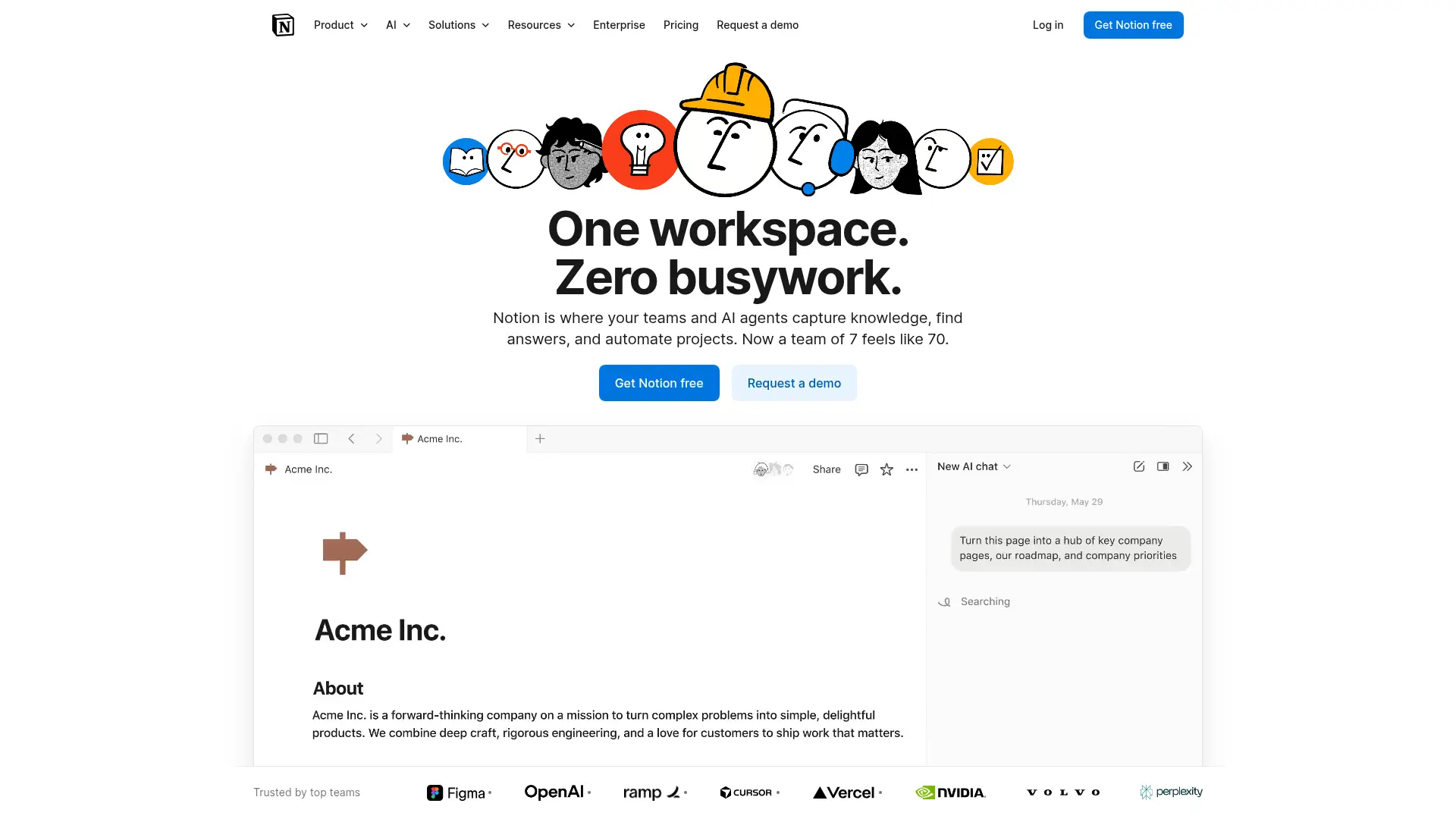
If your entire consulting practice already lives in Notion—proposals, meeting notes, client databases, project boards—then Notion AI adds an intelligence layer on top of your existing workspace. You can ask questions about your Notion pages, generate content, summarize meeting notes, and extract action items without leaving the tool. The Q&A feature searches across your connected Notion pages and gives sourced answers.
The catch for consultants: Notion AI is cloud-only, which rules it out for confidential or NDA-bound work. It only works within Notion—no system-wide access across other Mac apps. Pricing can also add up quickly: you need a Notion subscription plus the AI add-on, pushing monthly costs to $18+ for solo users. And if your documents live outside Notion (PDFs, Word docs, email exports), you can't query them directly.
Key Strengths:
Limitations:
$8-10/mo + AI
Notion Users
Web + Desktop
4. Mem — Best for AI-Powered Note Organization
AI-first note-taking app that auto-organizes your knowledge and surfaces related notes
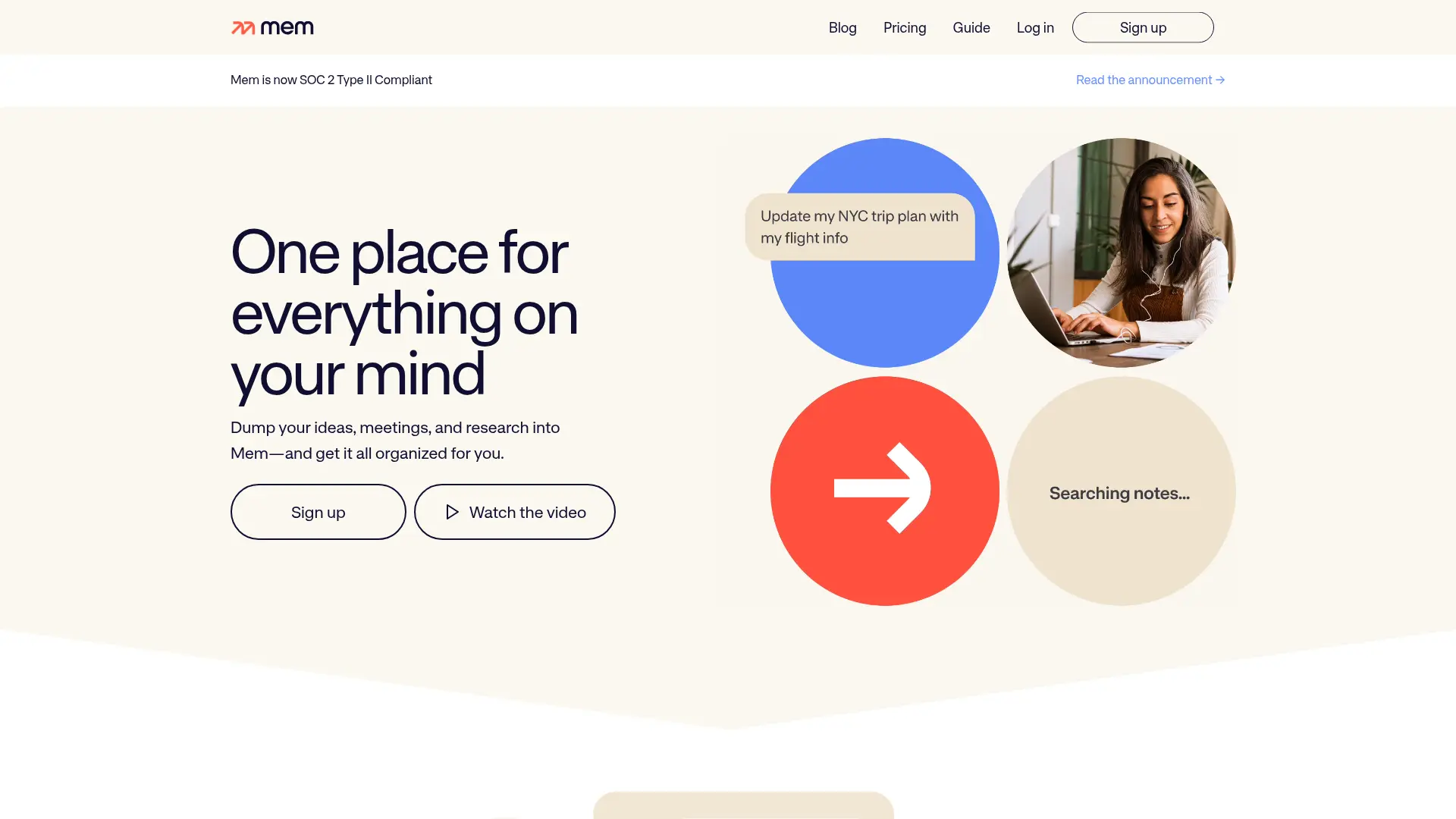
Mem takes a different approach: instead of asking you to organize notes manually, it uses AI to automatically surface related content, tag information, and build connections across your notes. The "Smart Search" feature understands natural language queries and pulls relevant notes even when you can't remember exact keywords. For consultants who hate manual organization, this passive intelligence is appealing.
However, Mem's limitations are significant for consulting work. It's cloud-only with no offline capability—a non-starter for confidential projects. The knowledge base is limited to notes you create within Mem (no PDF uploads or external document querying). At $15/month, it's the most expensive option in this comparison. And without system-wide access, you're locked into the Mem editor for all AI interactions.
Key Strengths:
Limitations:
$15/mo
Auto-Organize
Web + Desktop
5. Reflect — Best for Networked Thinking
End-to-end encrypted note-taking with AI-powered backlinks and knowledge graph
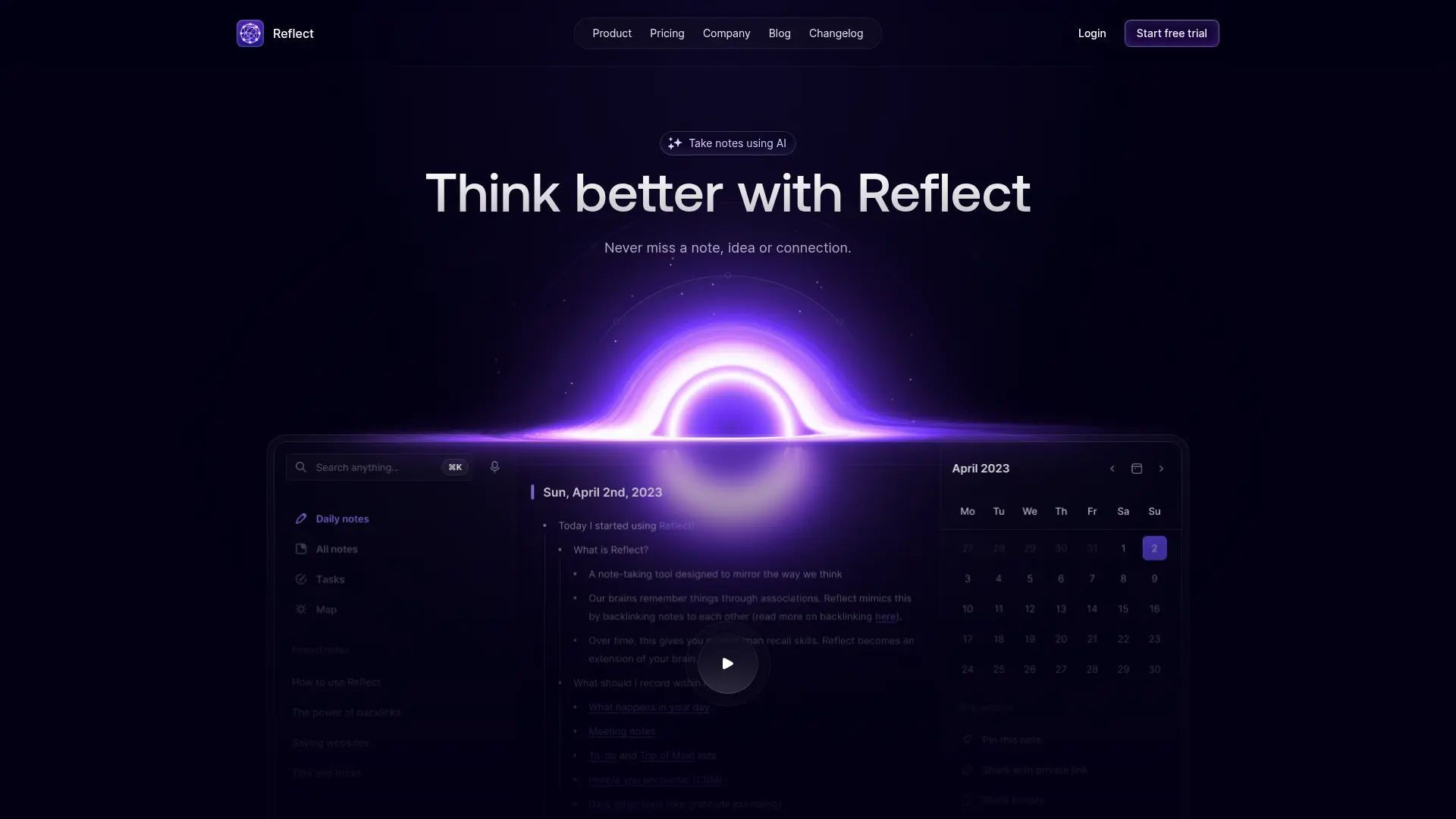
Reflect focuses on networked thinking—building a personal knowledge graph where notes automatically link to related concepts. The AI assistant can help you write, organize, and surface connections between ideas. Its strongest feature for privacy-conscious consultants is end-to-end encryption: your notes are encrypted before leaving your device, meaning even Reflect can't read them.
The limitation is that Reflect is primarily a note-taking tool, not a knowledge management platform. There's no Super Brain-style document upload—you can't drag in 50 PDFs and query across them. The AI features are focused on helping you write and link notes, not on synthesizing external documents. For consultants who need to query across RFPs, research reports, and client deliverables, Reflect falls short of what you actually need.
Key Strengths:
Limitations:
$10/mo
Note-Linking
Web + Desktop
6. Obsidian AI — Best for Technical Consultants Who Like to Tinker
Local-first Markdown editor with community AI plugins for knowledge management
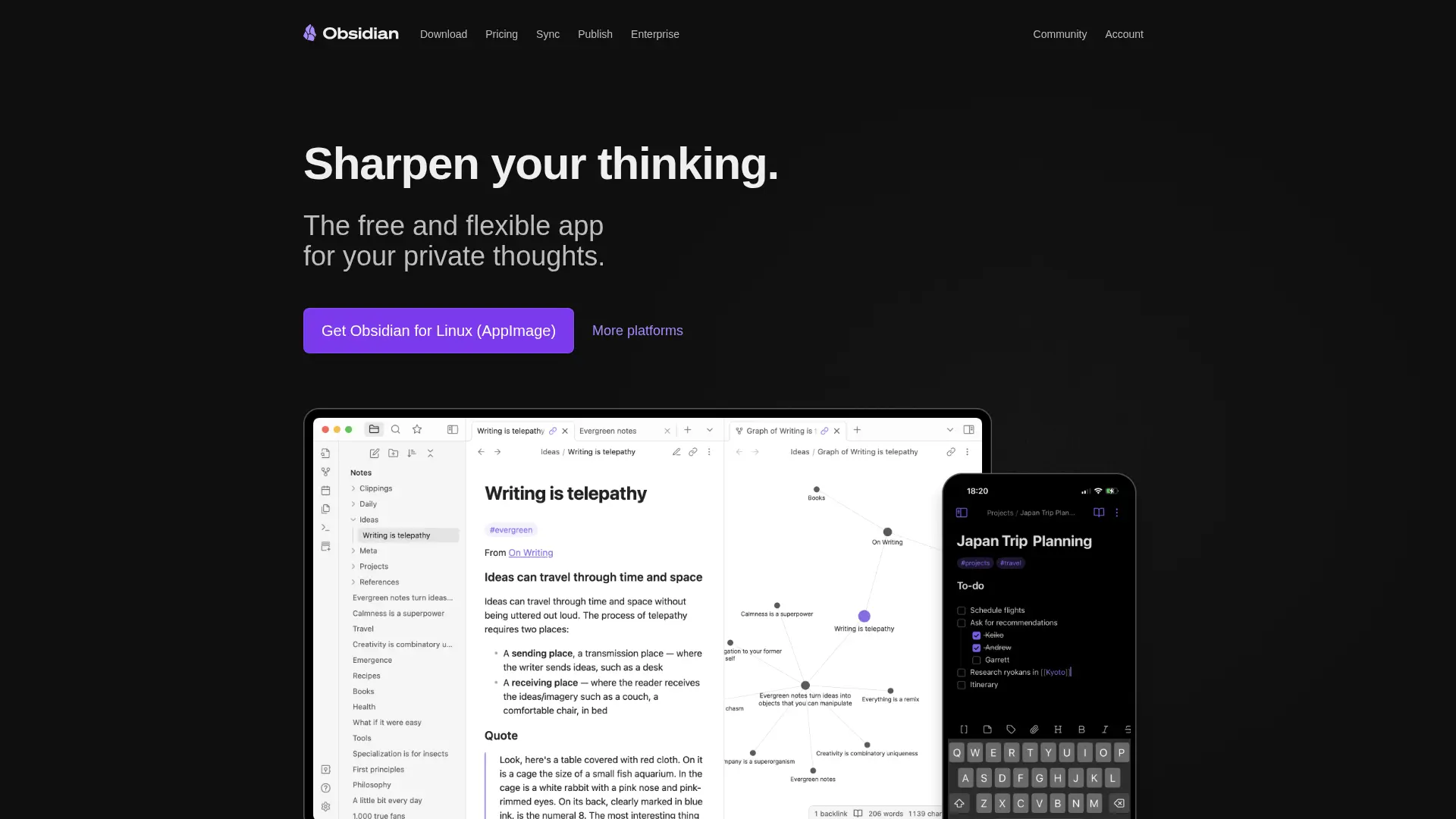
Obsidian stores everything as local Markdown files—a huge privacy win for consultants. All your notes live on your device in plain text, giving you complete control over your data. The AI capabilities come through community plugins like "Smart Connections" and "Copilot" that add ChatGPT or local model integration. For technical consultants comfortable with plugins and configuration, Obsidian provides a highly customizable knowledge management system.
The trade-off is complexity. Getting AI working well in Obsidian requires installing and configuring multiple plugins, managing API keys, and troubleshooting compatibility issues. There's no built-in Super Brain feature—you need to piece together PDF import, document indexing, and AI querying through separate plugins. And without system-wide Mac integration, you're limited to working within the Obsidian editor. For consultants who want AI that "just works," Obsidian requires too much setup.
Key Strengths:
Limitations:
Free-$8/mo
Technical Users
Cross-Platform
Scoring Breakdown: How Each Tool Rates
We rated each platform on five consultant-specific criteria using a 0-5 scale. These scores reflect real-world usability for independent professionals managing multiple confidential client engagements.
🏆 Elephas
24/25NotebookLM
17/25Notion AI
13/25Mem
11/25Reflect
14/25Obsidian AI
14/25Our Verdict: Why Elephas Wins for Solo Consultants
After testing all six platforms through real consulting workflows, Elephas stands out as the clear winner for solo consultants and independent professionals. The combination of offline processing, dedicated client knowledge bases, system-wide Mac access, and affordable pricing creates a uniquely powerful toolkit that no other platform matches.
The key differentiator is privacy. When you're handling confidential client data—strategy documents, financial projections, NDA-protected research—you can't send that information to Google, OpenAI, or any cloud provider. Elephas is the only platform in this comparison that lets you work with full AI capabilities while keeping every byte of client data on your local machine. For consultants, this isn't a nice-to-have—it's a professional requirement.
Elephas wins in 4 key areas for consultants:
Runner-Up: When to Consider Alternatives
Choose NotebookLM if...
You only work with non-confidential, public research materials and want a free tool for research synthesis. It's excellent for exploring industry reports and academic papers that aren't under NDA.
Choose Notion AI if...
Your entire consulting practice already runs on Notion and you don't handle confidential data. Adding AI to your existing workspace is more convenient than adopting a new tool.
Choose Obsidian AI if...
You're a technical consultant comfortable with plugins and configuration, want local-first storage, and are willing to invest time in setup for a highly customizable system.
Frequently Asked Questions
Which AI note-taking tool is best for confidential client work?
Elephas is the only platform in this comparison that processes everything locally on your Mac with no cloud connectivity required. This makes it the best choice for NDA-bound consulting work, confidential client documents, and any situation where data privacy is non-negotiable.
Can I use multiple tools together?
Yes—many consultants use Elephas for confidential client work (offline, private) alongside NotebookLM for public research synthesis (free, powerful Q&A). The key is using the right tool for the right data sensitivity level.
What if I work on both Mac and Windows?
Elephas and Obsidian AI are the only platforms with local-first processing. Elephas is Mac-only, while Obsidian works cross-platform. If you need Windows support with AI features, NotebookLM (web-based) or Notion AI are better options, though both are cloud-only.
How much should a solo consultant spend on AI tools?
Most solo consultants find the sweet spot at $15-30/month total for AI tools. Elephas from $19/month provides the best value for knowledge management. If you're saving even 2-3 hours per week (realistic based on user reports), the ROI is substantial against a typical consultant hourly rate.
Is NotebookLM's free tier enough for consulting work?
For non-confidential research, NotebookLM is surprisingly capable at no cost. However, the 50-source limit per notebook restricts large engagements, there's no offline access, and all data goes to Google's servers. For anything under NDA, you need a private alternative like Elephas.
Can Elephas replace my existing note-taking app?
Elephas is designed to complement your note-taking workflow, not replace it. Continue using your preferred note-taking tool (Obsidian, Notion, Apple Notes) and use Elephas as the AI intelligence layer on top—uploading your notes to Super Brain and querying them with AI. It works alongside any existing workflow.
Do I need technical skills to set up these tools?
Elephas, NotebookLM, Notion AI, Mem, and Reflect all work out of the box with minimal setup. Obsidian AI requires the most technical setup—installing plugins, configuring API keys, and managing compatibility. If you want AI that 'just works,' avoid Obsidian unless you enjoy tinkering.
Related Resources for Consultants
→ Notion AI vs Elephas for Independent Professionals
Head-to-head comparison — pricing, privacy, offline access, and which wins for consultants
→ Elephas for Solo Consultants
Detailed overview of how Elephas works for consulting workflows
→ NotebookLM Alternative for Consultants
Why consultants are switching from NotebookLM to Elephas
→ ChatGPT Alternatives for Solo Consultants
5 tools that solve ChatGPT's limitations for consulting work
Try the #1 AI Platform for Consultants
Join thousands of consultants using Elephas to manage client knowledge privately, work offline, and draft deliverables faster.
Try Free for 7 Days
No credit card required. Full access to all features. Cancel anytime.
