9 Best Private AI Tools for Lawyers in 2026 (Local & Offline Options)
Privacy matters more for lawyers than any other profession. We compared 9 AI tools on data privacy, offline capability, pricing, and legal-specific features—including enterprise platforms like Lexis+ AI and Westlaw AI—so you can use AI without risking attorney-client privilege.
Lawyers face a unique challenge with AI tools. The efficiency gains are too significant to ignore—AI can cut document review time by 60%, accelerate research, and assist with drafting. But the privacy requirements are also more demanding than in any other profession. When you handle privileged attorney-client communications, cloud-based AI tools create a third-party disclosure that can waive privilege.
This guide compares 9 AI tools through a privacy-first lens. We evaluated each on data handling (where your data actually goes), pricing (solo practitioner affordability), AI model flexibility, file format support, offline capability, and legal-specific features.
Our evaluation criteria: Privacy/data handling (30%), pricing/affordability (20%), AI model flexibility (15%), file format support (15%), offline capability (10%), legal-specific features (10%).
Quick Comparison Table
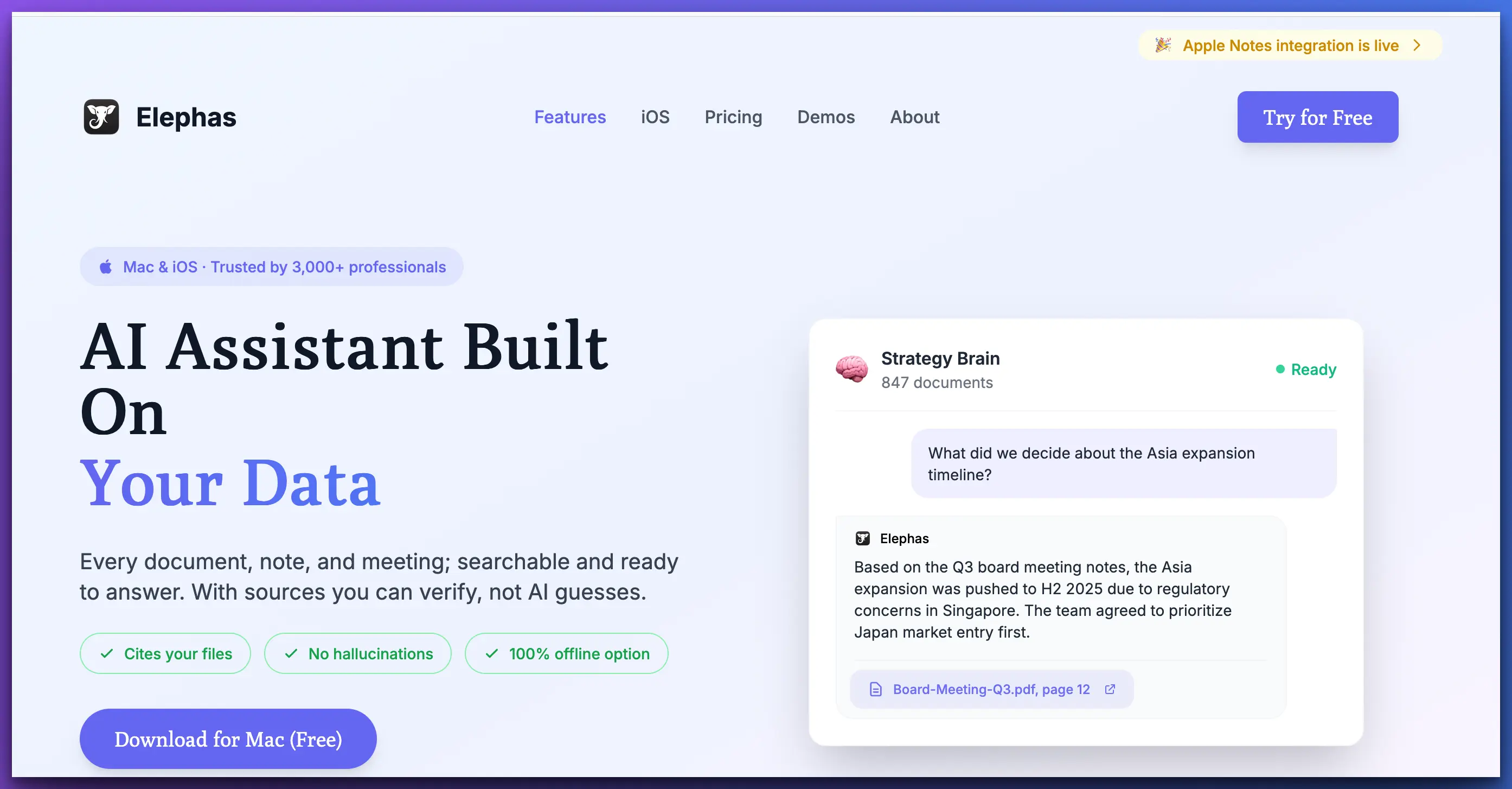
Elephas — Best Overall for Privacy-Conscious Lawyers
PRIVACY
PRICING
AI MODELS
OFFLINE
Elephas is the only AI tool that combines true local processing, broad file format support (20+ formats), multiple AI model options (OpenAI, Claude, Gemini, plus local models), and native Apple ecosystem integration at a price solo practitioners can afford. For privacy-conscious lawyers, it's the clear winner.
The key differentiator is Super Brain—Elephas's knowledge base feature that lets you create separate, isolated databases for each client or matter. Import contracts, correspondence, depositions, and memos into a matter-specific Brain, then ask questions in plain English and get answers with source citations from your own documents. All processing can happen locally via Ollama, meaning privileged documents never leave your Mac.
Strengths
Limitations
Best for: Solo attorneys, small firms, criminal defense, anyone who handles privileged documents and needs affordable, private AI.
CoCounsel (Thomson Reuters) — Best Enterprise Legal AI
PRIVACY
PRICING
LEGAL FEATURES
OFFLINE
CoCounsel is Thomson Reuters' AI assistant, deeply integrated with Westlaw. It offers the most comprehensive legal-specific AI features available—document review, legal research, deposition preparation, contract analysis, and timeline creation. The AI is trained on Westlaw's legal database, so it understands legal concepts at a level that general-purpose AI tools can't match.
The significant downside is cost ($500+ per user per month) and the fact that all processing happens in the cloud. Thomson Reuters offers enterprise security agreements, but your data still leaves your device and is processed on their infrastructure. For firms with large budgets and existing Westlaw subscriptions, CoCounsel is powerful. For solo practitioners or privacy-focused lawyers, the cost and cloud dependency are dealbreakers.
Strengths
Limitations
Best for: Large firms with existing Westlaw subscriptions and enterprise budgets who prioritize legal-specific features over privacy.
Casetext — Best for AI Legal Research
Casetext (now part of Thomson Reuters) pioneered AI-assisted legal research with its CARA tool. It excels at finding relevant case law, analyzing legal arguments, and identifying key authorities. The natural language search is strong, and it integrates well with existing legal research workflows.
Like CoCounsel, Casetext is cloud-based, meaning all your queries and uploaded documents are processed on external servers. The pricing ($250+ per month) puts it out of reach for many solo practitioners. It's a solid tool for legal research specifically, but it doesn't address the broader document analysis, drafting, and knowledge management needs that tools like Elephas cover.
Strengths
Limitations
Best for: Mid-size to large firms that need specialized legal research AI and can accept cloud processing.
Spellbook — Best for Contract Drafting
Spellbook focuses specifically on contract drafting and review. It integrates directly with Microsoft Word and uses AI to suggest clause language, flag missing provisions, and identify potential issues in contracts. It's trained on legal contracts and understands legal drafting conventions.
The specialization is both its strength and weakness. If your practice is heavily contract-focused (corporate, real estate, M&A), Spellbook is excellent at that specific task. But it doesn't help with general legal research, case file analysis, or knowledge management. It's also cloud-based and priced at enterprise levels ($500+ per month), making it inaccessible for most solo practitioners.
Strengths
Limitations
Best for: Contract-heavy practices (corporate, M&A, real estate) with enterprise budgets.
Harvey AI — Best for Large Firm Enterprise AI

Harvey AI is the venture-backed darling of the legal AI world, with major investments and partnerships with elite law firms like Allen & Overy. It offers a comprehensive AI platform for legal work—research, analysis, drafting, and document review. The AI is custom-trained for legal applications and is designed for large firm workflows.
However, Harvey is squarely an enterprise product. Pricing is not publicly listed (a sign of enterprise-level costs), and it's designed for large firms with dedicated IT teams. All processing is cloud-based. For solo practitioners or small firms, Harvey is simply not accessible—neither by price nor by design.
Strengths
Limitations
Best for: Am Law 100 firms with enterprise budgets and dedicated AI implementation teams.
GPT4All / PrivateGPT — Best Free Open-Source Option
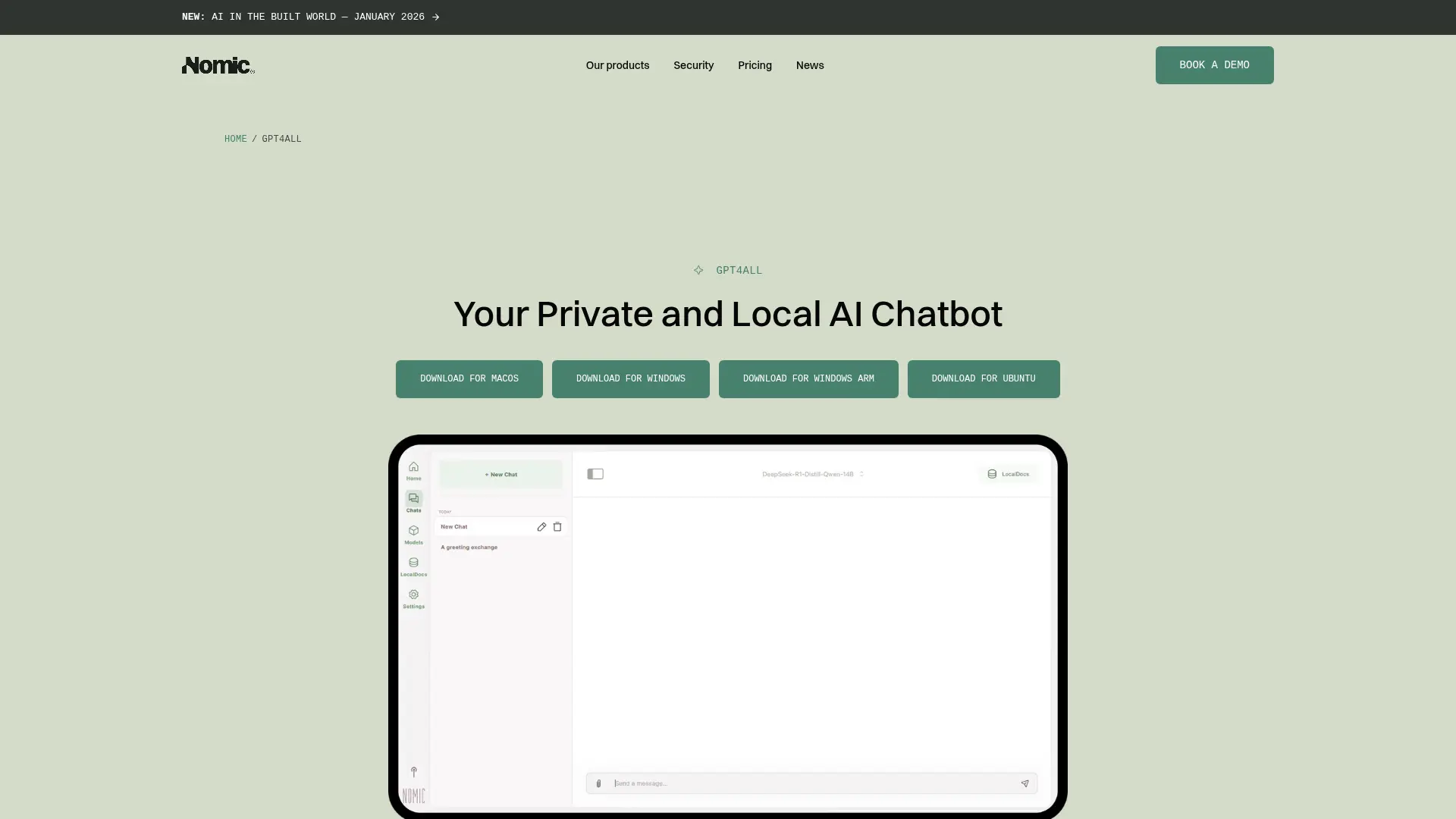
GPT4All and PrivateGPT are open-source tools that run AI models locally on your computer. They provide genuine local processing at zero cost—a strong privacy proposition. For lawyers who are technically comfortable and need basic AI assistance without any cloud dependency, these tools deliver on the privacy promise.
The trade-off is usability and features. These tools require technical setup (installing models, configuring parameters), have limited file format support, and don't offer the kind of document management features that legal work requires (no knowledge bases per matter, no source citations, no file organization). They're tools for technically inclined users, not polished products for busy lawyers.
Strengths
Limitations
Best for: Technically inclined lawyers who want free, privacy-respecting AI for basic tasks and don't need document management.
Paxton AI — Budget Legal Research Option
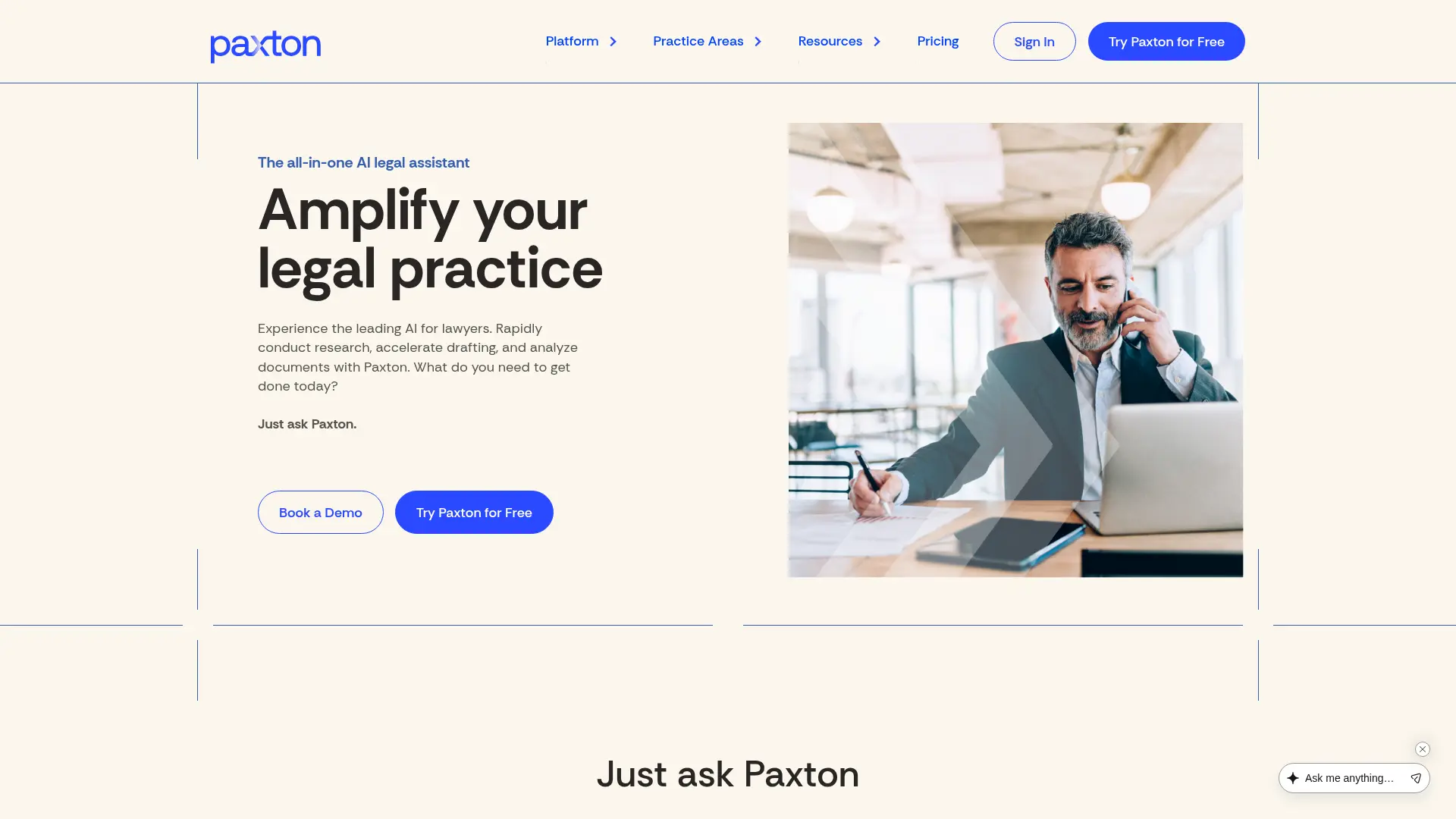
Paxton AI offers AI-powered legal research at a more accessible price point than CoCounsel or Casetext. It focuses on legal research, document analysis, and brief drafting. The tool is designed specifically for legal professionals and includes access to legal databases and case law.
At $99+ per month, it's more affordable than the enterprise tools, though still significantly more expensive than general-purpose AI tools. Like most legal AI tools, it's cloud-based, which means the privacy concerns around privileged data still apply. It occupies a middle ground: more affordable than CoCounsel, more legal-focused than general AI, but still cloud-dependent.
Strengths
Limitations
Best for: Solo and small firm lawyers who want legal-specific AI at a mid-range price and can accept cloud processing.
Lexis+ AI — Best for Deep Legal Research with AI Drafting
PRIVACY
PRICING
LEGAL FEATURES
OFFLINE
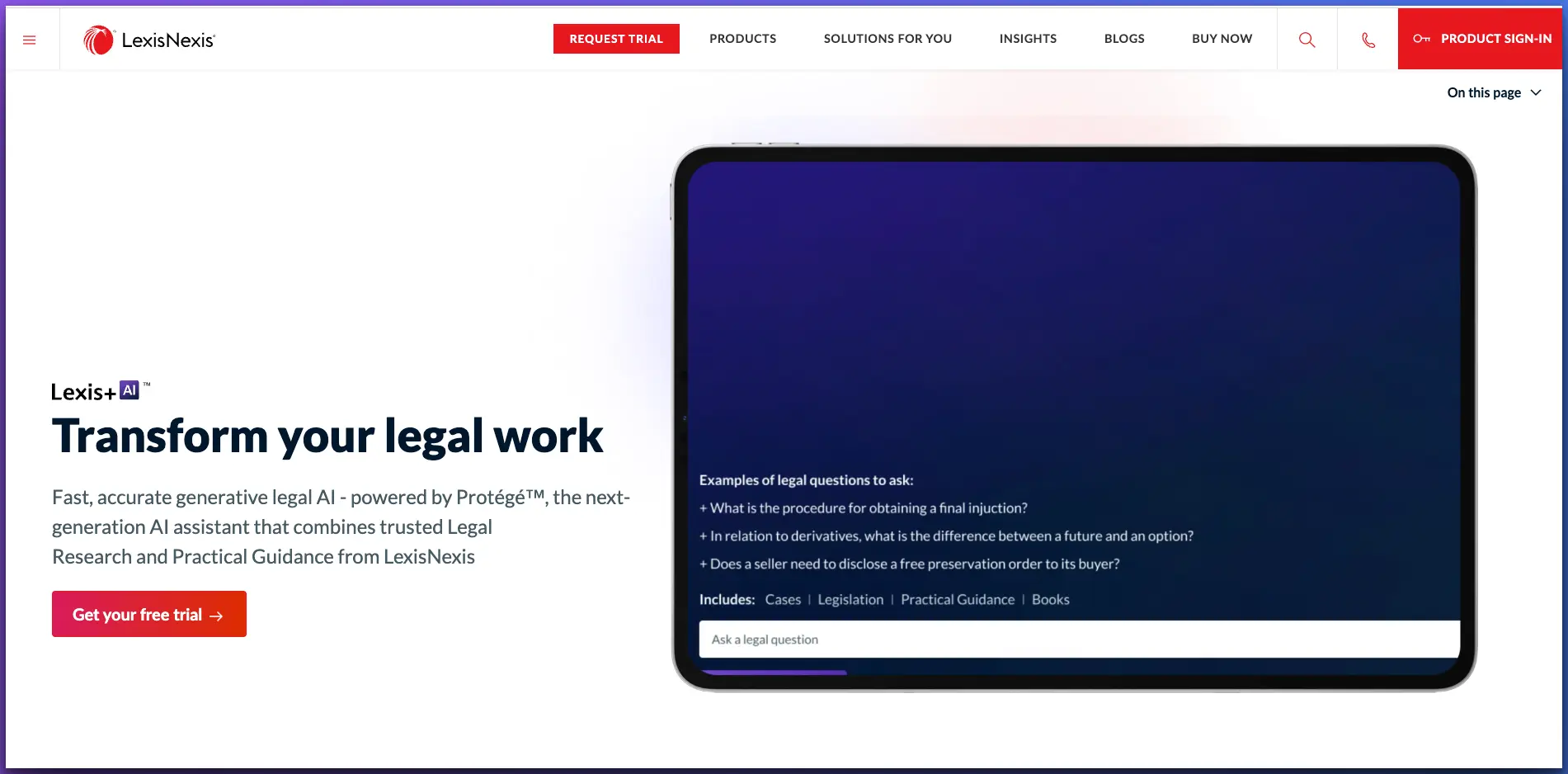
Lexis+ AI is LexisNexis's generative AI platform built on top of its massive legal database. It offers conversational legal research, AI-powered drafting (motions, complaints, correspondence), document summarization, and timeline generation—all grounded in LexisNexis's authoritative case law, statutes, and secondary sources including Matthew Bender and Nimmer. Responses include verifiable Shepard's Citations, which significantly reduces hallucination risk.
The platform also includes Protégé Legal AI (a legal-specific assistant) and Protégé General AI (secure access to GPT-5 and Claude for non-legal tasks). It integrates with document management systems like iManage, NetDocuments, and SharePoint, and offers mobile apps on iOS and Android.
Pricing is complex and builds on existing LexisNexis subscriptions. Base access starts around $171/month, with AI search at $99/month add-on and GenAI drafting at $250/month. Like CoCounsel, it's a cloud-only enterprise product—powerful for firms already in the Lexis ecosystem, but expensive and privacy-compromising for solo practitioners handling privileged information.
Strengths
Limitations
Best for: Firms already subscribed to LexisNexis who want AI-enhanced research and drafting within their existing ecosystem.
Westlaw AI-Assisted Research — Best for AI-Powered Case Law Analysis
PRIVACY
PRICING
LEGAL FEATURES
OFFLINE
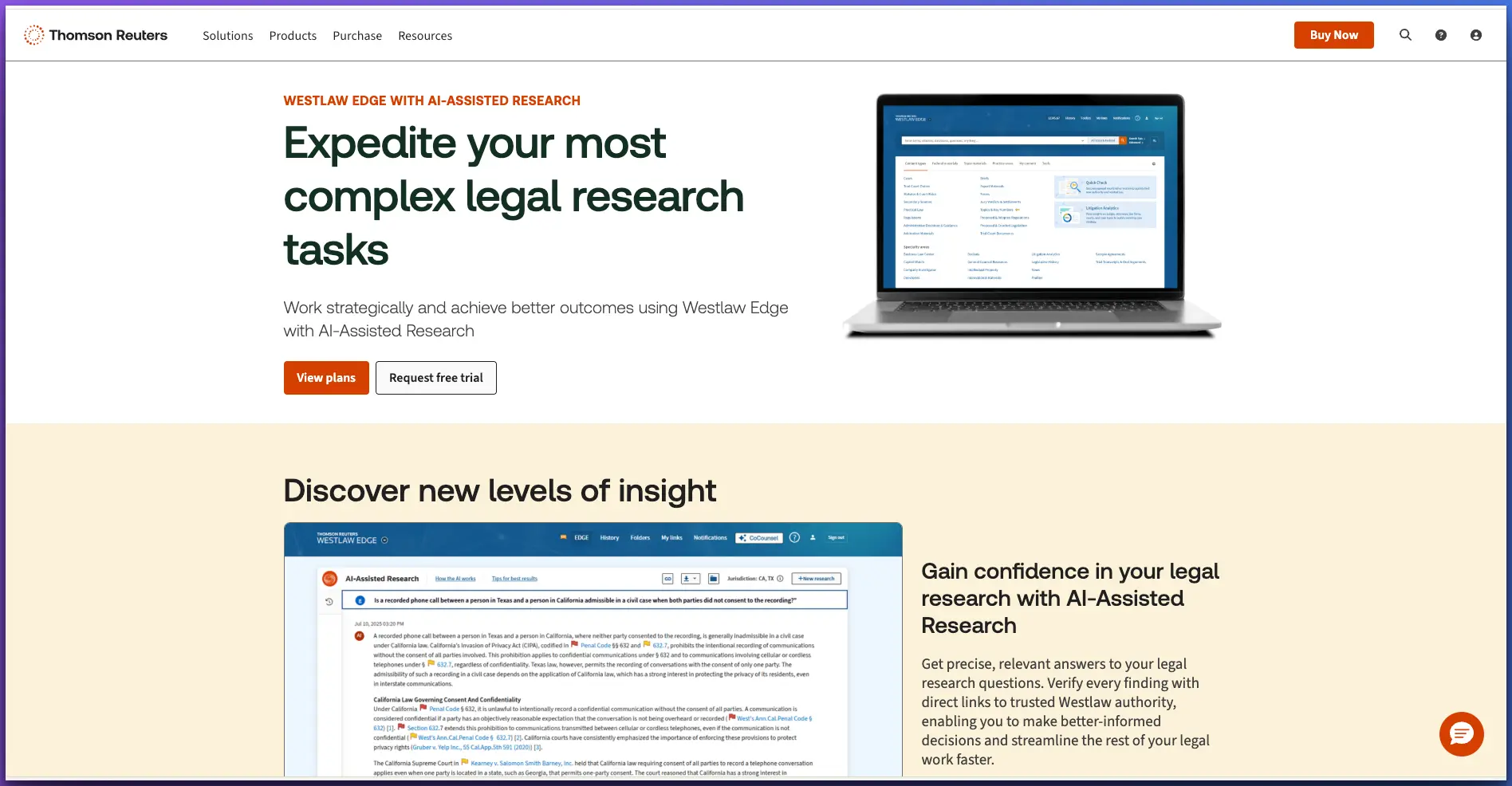
Westlaw's AI-Assisted Research (available on Westlaw Precision and the newest Westlaw Advantage) uses Retrieval Augmented Generation (RAG) to let you ask complex legal questions in natural language and receive synthesized answers with links to supporting authority from Westlaw's content. This RAG approach is specifically designed to prevent hallucinated case names and citations—a critical concern for legal work.
The latest release, Westlaw Advantage (August 2025), introduced Deep Research—an agentic AI capability that creates research plans, executes them iteratively, and delivers comprehensive reports with transparent reasoning. It also includes CoCounsel Legal for agentic workflows (drafting complaints, creating employee policies) and a Litigation Document Analyzer for examining opposing arguments.
Pricing starts at $194+/month for Westlaw Edge (single state), with Westlaw Precision and Advantage requiring custom pricing conversations. Like Lexis+ AI, this is a cloud-only enterprise product that requires an existing Westlaw subscription. Over 20,000 law firms use CoCounsel, including the majority of Am Law 100 firms. For solo and small firm lawyers, the cost and cloud dependency remain significant barriers.
Strengths
Limitations
Best for: Firms already subscribed to Westlaw who want AI-enhanced research and agentic workflows within the Thomson Reuters ecosystem.
Legal AI Pricing Comparison 2026: What Does It Actually Cost?
Pricing is one of the biggest factors in choosing a legal AI tool—and one of the least transparent. Enterprise tools often hide costs behind "contact sales" buttons. Here's a detailed breakdown of what each tool actually costs, including hidden fees and minimum commitments.
The pricing gap is staggering. A solo practitioner using Elephas pays from $19/month for local AI with privacy. The same lawyer using Lexis+ AI with drafting features would pay $171+ base plus $250/month for GenAI drafting—over $400/month before accounting for the underlying LexisNexis subscription. Enterprise tools like CoCounsel and Harvey AI can cost $500–1,000+ per seat per month. For privacy-conscious lawyers who don't need deep legal database integration, Elephas delivers 90% of the value at 5% of the cost.
Document Management & Integration: How Each Tool Handles Your Files
For lawyers, document management isn't optional—it's how you organize your practice. How well an AI tool integrates with your existing workflow, manages documents by matter, and connects to your other software determines whether it actually saves you time or creates more work.
For document management, Lexis+ AI and Westlaw AI have the edge in enterprise DMS integration (iManage, NetDocuments, SharePoint)—but this only matters if your firm already uses those systems. Elephas takes a different approach: instead of integrating with cloud DMS platforms, it works with your local files directly. Super Brain lets you create isolated knowledge bases per matter, import 20+ file formats, and query them locally. For solo practitioners who manage files on their Mac rather than through enterprise DMS, this local-first approach is both simpler and more private.
Which Tool Is Best for Brief Drafting?
Brief drafting is one of the most common use cases lawyers evaluate when choosing an AI tool. Each tool approaches it differently—some are purpose-built for legal drafting, others excel at research that informs your briefs, and some handle the general writing workflow. Here's how they compare by specific use case:
The bottom line on brief drafting: If you need the absolute deepest legal research to inform your briefs, Lexis+ AI and Westlaw AI are hard to beat—but at $200–500+/month and with cloud processing. If you need to draft briefs privately with context from your own case files (contracts, depositions, prior filings), Elephas's Super Brain gives you matter-specific AI assistance starting at $19/month with no data leaving your Mac.
Why Elephas Wins for Privacy-Conscious Lawyers
When you weight the criteria that matter most to lawyers—privacy, affordability, and practical features—Elephas emerges as the clear winner. Here's how it compares on the factors that matter:
The gap in the market is clear: enterprise legal AI tools like CoCounsel, Lexis+ AI, and Westlaw AI offer deep features but require cloud processing and cost $200–1,000+ per month. Open-source tools offer privacy but lack usability. Elephas fills this gap with local processing, practical document management features, and pricing that solo practitioners can actually afford. For a deeper analysis of the privilege implications, see our article on how AI tools can waive attorney-client privilege. Solo practitioners should also see our solo practitioner's guide to AI-powered legal work, and for discovery workflows, our guide to offline AI for legal discovery.
Frequently Asked Questions
What makes an AI tool 'private' for legal work?
A truly private AI tool for legal work processes data locally on your device without transmitting it to external servers. This is different from tools that simply promise not to misuse your data (policy privacy). For attorneys, local processing eliminates the third-party disclosure that can waive attorney-client privilege. Look for tools that offer offline capability and local AI model support.
Can I use enterprise versions of ChatGPT or Claude for legal work?
Enterprise versions offer stronger contractual protections (zero data retention, no training on your data), but your data still travels to and is processed on third-party servers. This means the fundamental third-party disclosure still occurs. For non-privileged work, enterprise plans may be acceptable. For privileged client information, local-processing tools are the safer choice.
Why is Elephas ranked #1 over legal-specific AI tools?
Elephas is ranked #1 specifically for privacy-conscious lawyers because it's the only tool that combines local AI processing (true privilege preservation), broad file format support (20+ formats), multiple AI model options, Apple ecosystem integration, and affordable pricing (from $19/month). While legal-specific tools like CoCounsel have deeper legal features, they require cloud processing and cost $500–1,000+/month, making them impractical for solo and small firm lawyers who need both privacy and affordability.
Do I still need Westlaw or LexisNexis if I use an AI tool?
Yes. AI tools like Elephas work with your own documents—contracts, case files, correspondence, memos. They're not a replacement for legal research databases. For case law research and statutory analysis, traditional legal databases remain essential. AI tools complement them by helping you analyze and work with the documents in your matters.
Is GPT4All a good free alternative for lawyers?
GPT4All offers genuine local processing at no cost, which is good for privacy. However, it lacks document management features (no knowledge base per matter), has a technical setup process, and doesn't support the breadth of file formats that legal work requires. It's best suited for lawyers who are technically inclined and need basic local AI for simple tasks, not for managing complex matters.
How much does legal AI actually cost?
The range is enormous. Enterprise legal AI tools like CoCounsel and Harvey AI cost $500–1,000+ per user per month. Lexis+ AI starts at $171/month (base) with AI add-ons costing $99–250/month extra. Westlaw AI-Assisted Research requires Westlaw Edge ($194+/month) or Westlaw Precision (custom pricing). General-purpose tools like ChatGPT Plus cost $20–25/month but don't offer privacy. Elephas offers a middle ground: from $19/month with local processing, multiple AI models, and features designed for knowledge workers including lawyers. GPT4All is free but lacks polish and document management.
Can any of these tools replace a paralegal or associate?
No AI tool can replace the judgment, ethical obligations, and client relationship skills of a trained legal professional. These tools accelerate specific tasks—document review, research synthesis, draft generation—but the attorney remains responsible for all work product. Think of AI as a force multiplier for your existing team, not a replacement.

Related Resources
Explore all AI for Lawyers resourcesSiri vs ChatGPT for Confidential Work
15 min readarticleCan You Upload Contracts to AI? Privacy Risks, Vendor Workflow, and Safer Alternatives for AI Contract Management
11 min readarticleAI for Sensitive Data: A Complete Guide to Using AI Tools Without Exposing Sensitive Company Information (2026 Edition)
10 min readarticleIs ChatGPT Attorney-Client Privilege Protected? The Heppner Ruling and Generative AI in Litigation
11 min readAI for Lawyers That Respects Privilege
Elephas gives you powerful AI with local processing, matter-specific knowledge bases, and 20+ file format support. Starting at $19/month—a fraction of enterprise legal AI pricing.
Try Elephas Free
No credit card required. True offline AI included.