5 ChatGPT Alternatives That Actually Work for Solo Consultants
ChatGPT can't remember your clients, can't work offline, and sends everything to the cloud. Here's what to use instead when you need privacy, persistent context, and NDA compliance.
Last updated: March 2026
Why Solo Consultants Need More Than ChatGPT
ChatGPT is a remarkable tool for general-purpose AI conversations. But solo consultants don't have general-purpose needs. You're managing confidential client data under NDAs, building knowledge across multi-month engagements, and writing proposals that reference specific documents from specific clients. ChatGPT's architecture—stateless conversations with no persistent memory—fundamentally doesn't support how consultants actually work.
The result? You spend time re-explaining context in every chat session. You can't upload 50 client PDFs and query across them. You worry about NDA compliance when pasting sensitive information. And you can't work offline during flights or at secure client sites. These aren't edge cases—they're daily realities for independent consultants.
Why Are People Leaving ChatGPT?
It's not just consultants. A growing wave of users are canceling their ChatGPT subscriptions and looking for alternatives. The reasons range from practical to principled—and if you're reading this page, you've likely felt at least a few of them yourself.
The trend is clear: people aren't just looking for a different chatbot—they're looking for a fundamentally different approach to AI. One that respects their data, works within their workflow, and doesn't require trusting a single cloud provider with everything. That's the context for the limitations and alternatives below.
5 Key Limitations of ChatGPT for Consulting Work
No Knowledge Persistence Across Sessions
Every ChatGPT conversation starts from zero. Upload a client's RFP in one session, and it's gone in the next. There's no way to build a persistent knowledge base that you can return to over weeks or months of an engagement. For consultants managing 5-8 concurrent clients, re-uploading and re-explaining context every session wastes hours.
Can't Query Uploaded Documents Contextually
While ChatGPT allows file uploads, it processes them as one-off attachments rather than building a searchable knowledge base. You can't upload 50 PDFs and ask "What are the recurring themes across all stakeholder interviews?" The way consultants need to synthesize information across large document collections simply isn't how ChatGPT works.
Privacy Concerns: All Data Sent to OpenAI
Every prompt you type and every file you upload gets sent to OpenAI's servers. For consultants bound by NDAs, handling client financial data, or working with trade secrets, this is a deal-breaker. OpenAI's data policies—including potential use for model training—create real professional liability risk.
No Offline Mode for Confidential Work
ChatGPT requires an internet connection for every interaction. You can't analyze confidential documents during a flight, work at a secure client facility with restricted internet, or simply ensure data never leaves your device. For consultants, offline capability isn't a convenience—it's a compliance requirement.
Doesn't Integrate with Your Mac Workflow
ChatGPT lives in a browser tab or a separate app. To use it, you need to switch away from whatever you're working on—your proposal in Word, your email in Mail, your notes in Notion. There's no system-wide access that lets you invoke AI assistance directly within your workflow, which means constant context switching.
5 Better Alternatives for Solo Consultants
Each tool solves one or more of ChatGPT's limitations. We've ranked them by how well they serve the unique needs of solo consultants handling confidential client work.
Elephas — Privacy-First Knowledge Assistant for Consultants
The only ChatGPT alternative with offline AI, persistent client knowledge bases, and system-wide Mac access
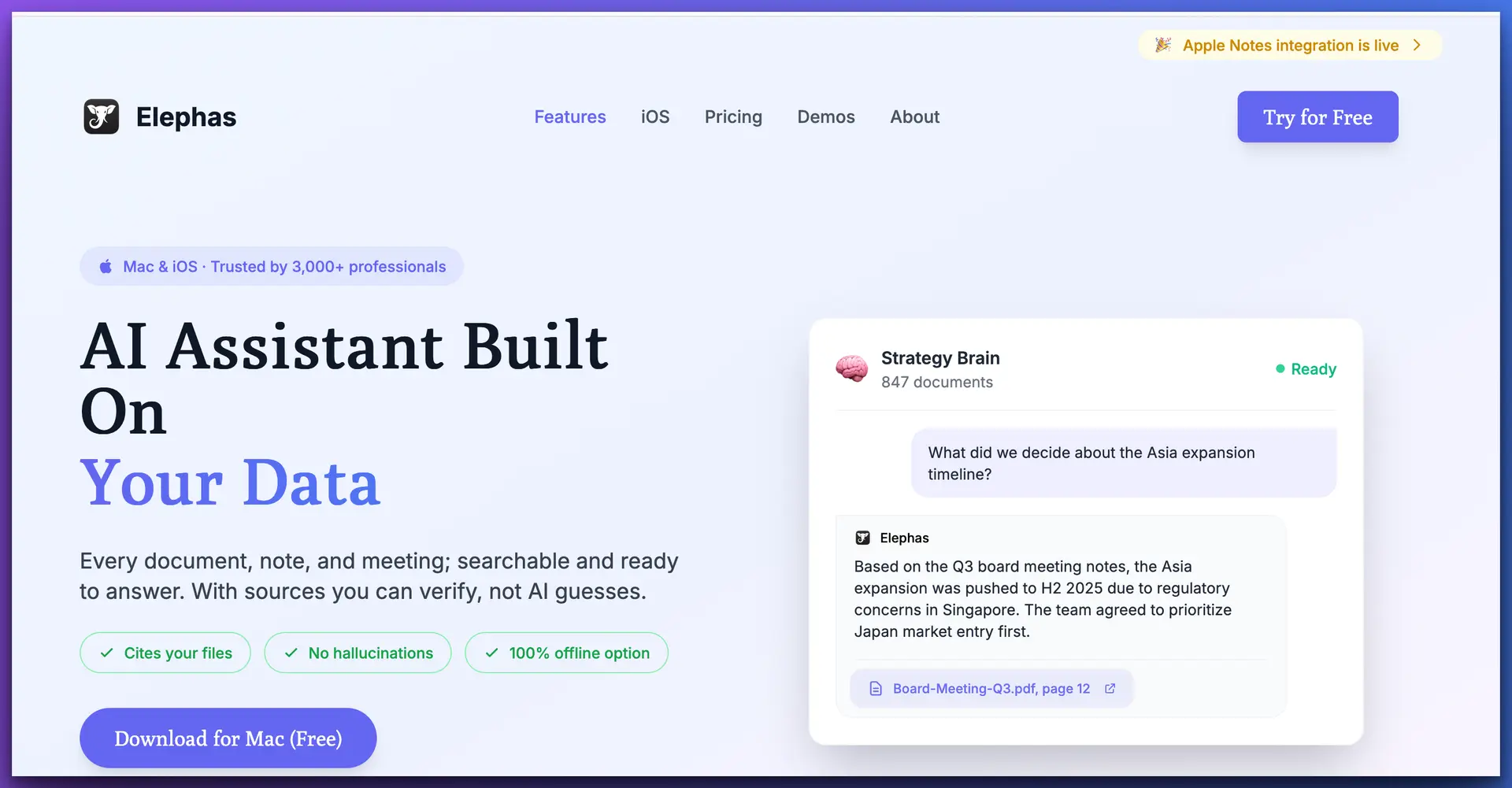
Elephas is what ChatGPT would look like if it were designed specifically for consultants handling confidential client work. Instead of stateless conversations that forget everything between sessions, Elephas lets you build permanent "Super Brains"—dedicated knowledge bases for each client or project. Upload RFPs, meeting notes, research reports, stakeholder interviews, past proposals—everything stays indexed and queryable for the entire duration of your engagement.
The critical difference: everything runs locally on your Mac. When you switch to an offline AI model (Elephas supports 20+ including Llama 3.3, Qwen 2.5, and DeepSeek), your data never leaves your device. No cloud servers, no API calls, no risk of client data appearing in training datasets. For NDA-bound consulting work, this isn't just a feature—it's the entire point.
Where Elephas really shines is in daily workflow integration. Instead of switching to a browser tab, Elephas works system-wide on Mac—invoke it with a keyboard shortcut in Word while writing a proposal, in Mail while composing a client email, in Notion while taking meeting notes. It pulls context from your Super Brain for that client, so your AI assistant always knows the engagement details. This alone saves consultants hours of copy-pasting between windows.
Why It's Better Than ChatGPT for Consultants:
Consultant Workflow Example:
Limitations:
From $19/mo
NDA Client Work
macOS
Full Support
2. NotebookLM — Best Free Research Synthesis Alternative
Google's document-grounded AI for research analysis, completely free
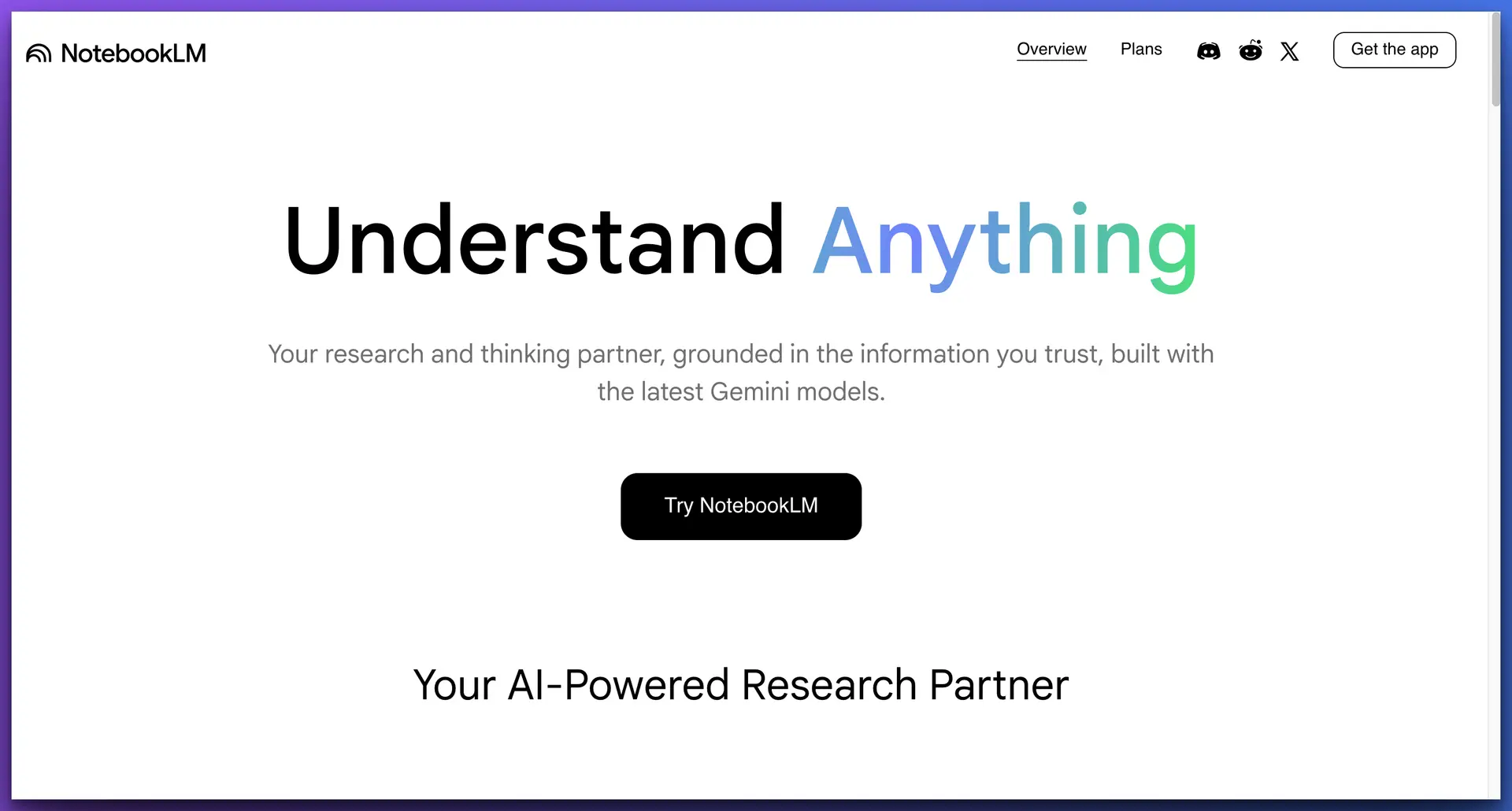
Where ChatGPT treats your documents as disposable attachments, NotebookLM builds a persistent notebook around them. Upload up to 50 sources per notebook—PDFs, Google Docs, websites, YouTube transcripts—and ask questions grounded in those specific documents. The answers include citations pointing to exact passages, making it easy to verify AI-generated insights. The Audio Overview feature turns your research into a podcast-style summary, which is surprisingly useful for absorbing dense material during commutes.
For consultants, NotebookLM is an excellent tool for non-confidential research: exploring industry reports, synthesizing public competitor data, or preparing for thought leadership content. However, it shares ChatGPT's fundamental privacy problem—all data goes to Google's cloud. You can't use it for NDA-bound work, there's no offline mode, and the 50-source limit restricts large engagements. Think of it as a free complement to Elephas, not a replacement.
Free
Public Research
No
3. Notion AI — Best for Consultants Already Using Notion
AI capabilities built directly into the Notion workspace for writing and Q&A
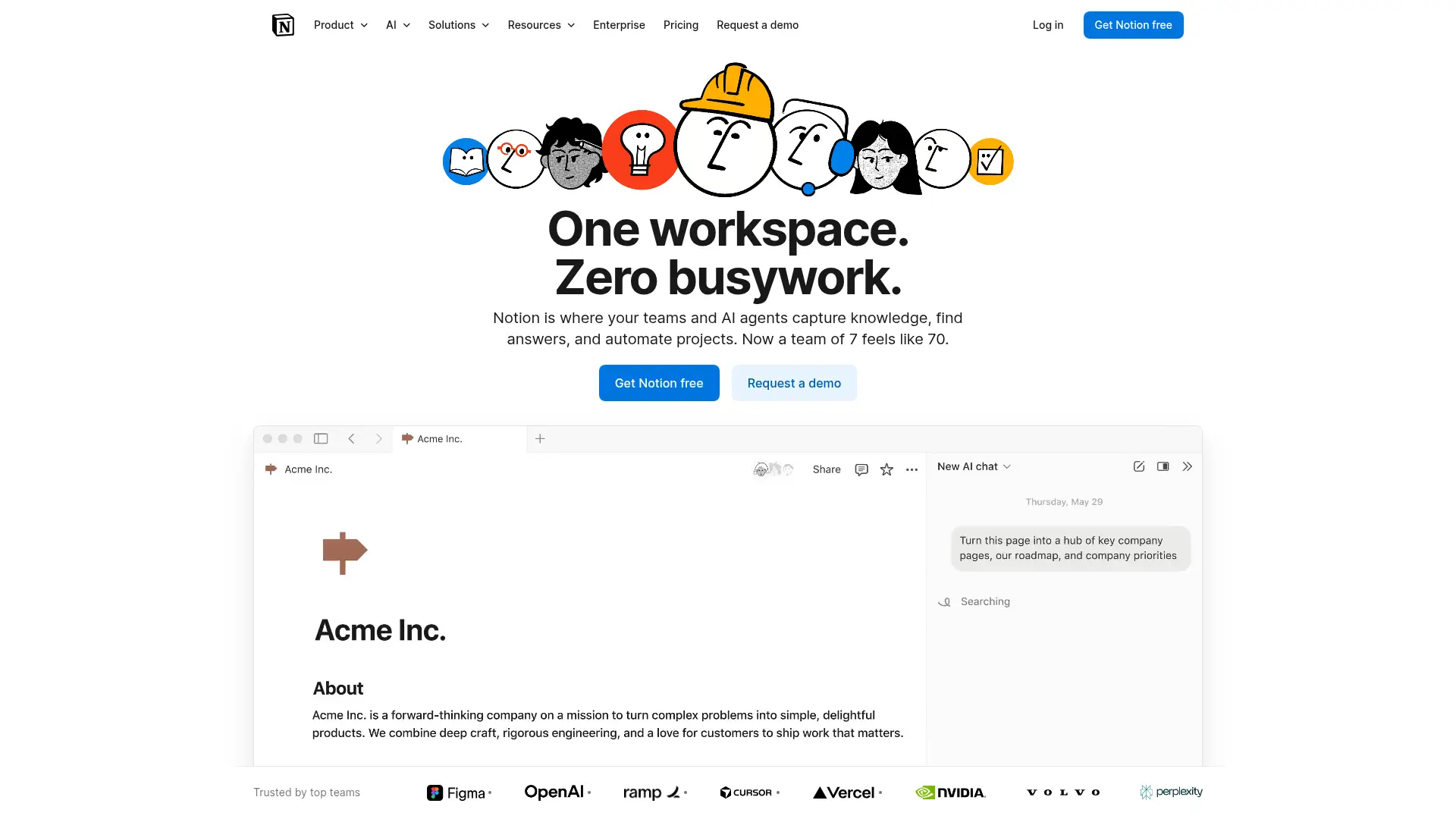
If your consulting practice runs on Notion—client databases, proposal drafts, meeting notes, project boards—then Notion AI adds intelligence to your existing workspace. Ask questions about your Notion pages, generate summaries, extract action items from meeting notes, and draft content using the context already stored in your workspace. The integration is seamless because the AI layer sits on top of your existing data.
The limitations are similar to ChatGPT's: cloud-only with no offline access, no privacy guarantees for confidential data, and no system-wide integration beyond Notion itself. If your documents live outside Notion (PDFs, Word docs, email threads), you can't query them. For consultants who need AI across their entire workflow—not just within one app—Notion AI is too constrained. And at $18+/month for workspace plus AI, it's not cheap for solo users.
$18+/mo
Notion Users
No
4. Claude Projects — Best for Long-Context Analysis
Anthropic's context-aware AI with project-based knowledge and 200K token context
Claude by Anthropic addresses one of ChatGPT's biggest limitations: context persistence. With Claude Projects, you can upload documents and create persistent project spaces that the AI remembers across conversations. The 200K token context window is massive—roughly equivalent to a 500-page book—meaning you can work with large documents without truncation issues. Claude's analysis tends to be more nuanced and thorough than ChatGPT's, especially for complex strategic analysis.
For consultants, Claude Projects is a solid upgrade from ChatGPT for general analysis and writing. Anthropic's privacy stance is more conservative than OpenAI's—they don't train on your data by default. However, it's still cloud-based with no offline mode, no system-wide Mac integration, and no dedicated knowledge base architecture like Elephas's Super Brains. You're still working in a browser tab, still sending data to external servers, and still can't guarantee data sovereignty for NDA-bound work.
$20/mo Pro
Deep Analysis
No
5. Ollama + Open WebUI — Best for Maximum Privacy (Technical Users)
Self-hosted local LLMs with a web interface—complete data sovereignty
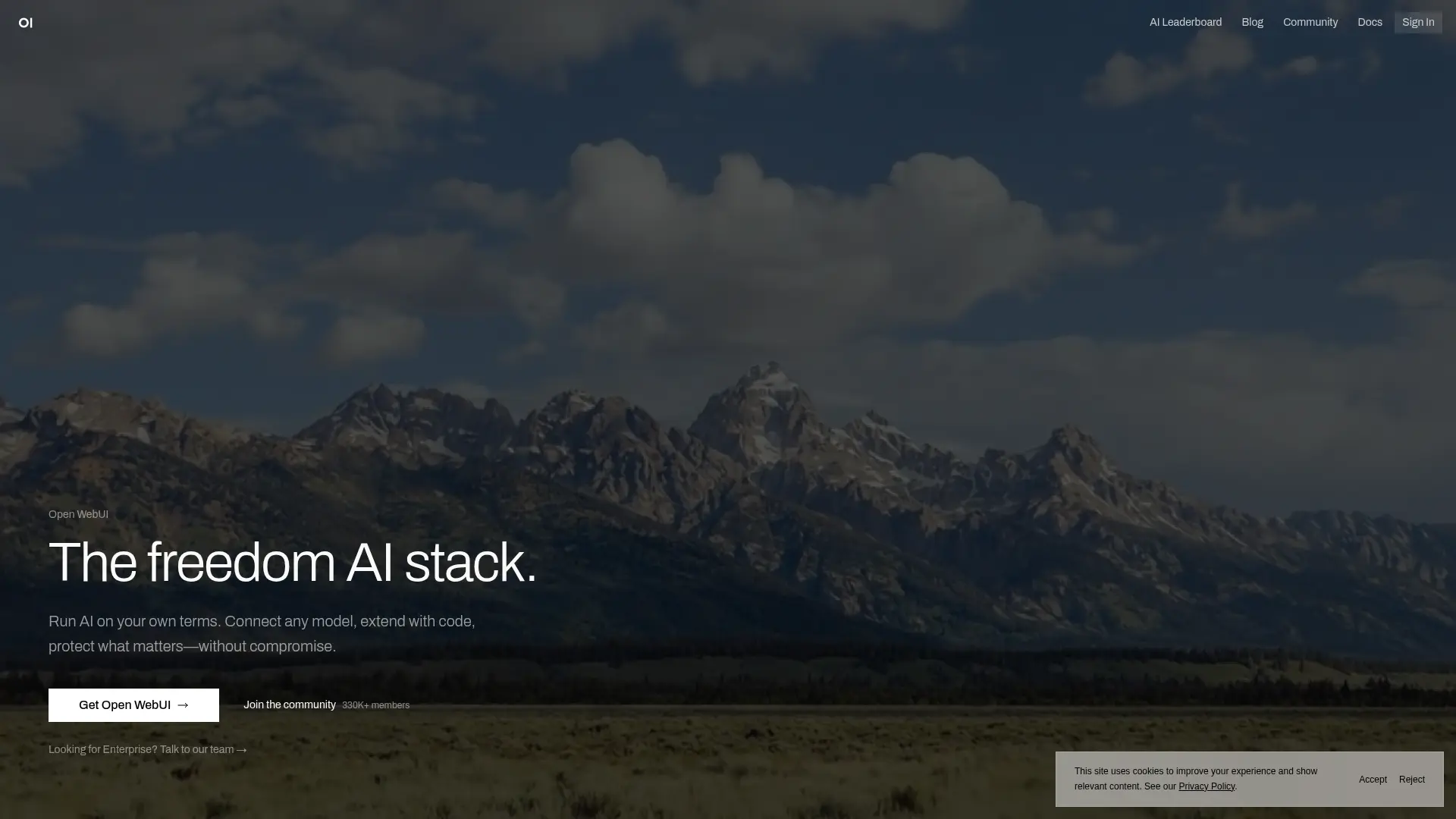
For the technically inclined consultant who wants absolute control over their AI stack, Ollama provides a way to run open-source language models (Llama, Mistral, Qwen, DeepSeek) locally on your machine. Combined with Open WebUI, you get a ChatGPT-like interface that runs entirely on your hardware. No cloud, no subscriptions, no data leaving your device—ever.
The downside is significant: this is a technical setup requiring command-line familiarity, model management, and troubleshooting. There's no built-in Super Brain feature—you'd need to configure RAG (Retrieval Augmented Generation) pipelines yourself to query across documents. There's no system-wide Mac integration, no polished UI for non-technical workflows, and maintenance falls entirely on you. For IT consultants or technically savvy professionals, it's a viable option. For most consultants, Elephas provides the same offline privacy with none of the technical overhead.
Free
Tech-Savvy Users
Full (Self-Hosted)
Elephas vs ChatGPT vs Alternatives: Full Comparison
| Feature | ChatGPT | Elephas | NotebookLM | Notion AI | Claude |
|---|---|---|---|---|---|
| Persistent Knowledge | |||||
| Offline Mode | |||||
| Privacy (Local) | |||||
| Document Q&A | |||||
| System-Wide Mac | |||||
| Multi-Client KBs | |||||
| Model Flexibility | |||||
| NDA Compliant |
Ethical Alternatives to ChatGPT
For many professionals, choosing an AI tool isn't just about features—it's about values. If you're looking for a more ethical alternative to ChatGPT, here are the key concerns driving that search and how the alternatives stack up.
🔒 Data Training Practices
OpenAI uses conversations to improve its models unless you explicitly opt out—and even then, policies have shifted multiple times. Elephas sidesteps this entirely: when using local models, your data never leaves your device. There's no server to send it to, no training pipeline it could end up in. Claude (Anthropic) also commits to not training on user data by default, making it a more ethical cloud option.
🌍 Environmental Impact
Large cloud AI services consume enormous amounts of energy and water for data center cooling. Running smaller, efficient local models through tools like Elephas or Ollama has a meaningfully smaller environmental footprint. If sustainability matters to your practice—or your clients—local-first AI is the greener choice.
🏛️ Corporate Governance & Transparency
OpenAI's transition from a nonprofit to a capped-profit entity, leadership upheavals, and shifting mission statements have raised legitimate questions about accountability. Alternatives like Ollama (fully open-source) and Elephas (indie Mac-native tool with transparent pricing) offer more predictable governance. Anthropic's public commitment to AI safety also provides a clearer ethical framework.
⚖️ Labor & Content Creator Concerns
Ongoing lawsuits and controversies around how training data was sourced have made some professionals uncomfortable using ChatGPT. Open-source models with documented training data provenance—available through Elephas and Ollama—give users more visibility into what their AI was trained on.
The ethical choice for consultants: Elephas's local-first architecture isn't just a privacy feature—it's an ethical stance. By processing AI on your own hardware, you opt out of the cloud data economy entirely. No data harvesting, lower environmental impact, and full transparency about where your information goes (nowhere).
Best Offline & Self-Hosted AI Options for Consultants
If you need an offline ChatGPT alternative or a self-hosted AI assistant that works without an internet connection, here's how the top options compare for consultants who need air-gapped, fully private AI.
| Criteria | Elephas | Ollama | LM Studio | Jan |
|---|---|---|---|---|
| Setup Difficulty | Easy (1-click) | Medium (CLI) | Easy (GUI) | Easy (GUI) |
| Knowledge Base / RAG | Built-in Super Brain | DIY setup | Basic | Basic |
| System-Wide Access | Yes (Mac-wide) | No | No | No |
| Consultant Workflows | Purpose-built | Generic | Generic | Generic |
| Model Support | 20+ local models | Extensive | Extensive | Good |
| Cloud + Local Hybrid | Yes | No (local only) | No (local only) | Limited |
| Document Upload & Query | 100+ docs per Brain | Manual RAG | Limited | Limited |
| Price | From $19/mo | Free | Free | Free |
The bottom line: Ollama, LM Studio, and Jan are excellent free tools for running local AI models—but they're general-purpose. None of them offer built-in knowledge bases, system-wide Mac integration, or workflows designed for consulting work. If you're a technically inclined user who enjoys configuring tools, Ollama gives you maximum flexibility. If you want offline AI that works out of the box for client engagements, Elephas is the only option purpose-built for that use case.
European & GDPR-Compliant ChatGPT Alternatives
If you're a consultant based in Europe—or working with European clients—GDPR compliance isn't optional. ChatGPT sends all data to OpenAI's US-based servers, which raises data sovereignty concerns under EU regulations. Many European organizations now require that AI tools used in consulting engagements meet specific data residency and processing standards.
How Elephas Satisfies GDPR & Data Sovereignty Requirements
For European consultants who need a ChatGPT alternative that won't create compliance headaches, Elephas's local-first approach is the simplest path to GDPR-friendly AI. No DPAs to negotiate, no data processing agreements to review—your data simply never leaves your jurisdiction because it never leaves your laptop.
When to Use Each Tool: Consultant Scenarios
Scenario: Confidential M&A analysis with NDA-protected financial data
Use Elephas — Offline processing ensures client financials never leave your Mac
Scenario: Exploring public industry reports for a thought leadership article
Use NotebookLM — Free, excellent at synthesizing research, and fine for non-confidential data
Scenario: Drafting a proposal from your Notion client database
Use Notion AI — Native integration means it can pull from your existing Notion pages
Scenario: Analyzing a 200-page strategy document with nuanced questions
Use Claude Projects — 200K context window handles massive documents without truncation
Scenario: Running AI entirely self-hosted with zero third-party dependencies
Use Ollama + Open WebUI — Complete control over your AI infrastructure and data
Moving from ChatGPT to Elephas: Migration Guide
Switching from ChatGPT to Elephas as your primary AI tool doesn't mean giving up ChatGPT entirely. Many consultants use both—Elephas for confidential client work and ChatGPT for quick general questions. Here's how to set up Elephas for your consulting practice:
Download and Install Elephas
Free 7-day trial, no credit card. Install takes under 2 minutes. Elephas lives in your Mac menu bar for instant access.
Set Up Your First Client Super Brain
Create a Super Brain named after your most active client. Upload their RFP, meeting notes, research documents, and past proposals.
Download an Offline Model
For confidential work, download a local model like Llama 3.3 or Qwen 2.5. One-click download in Elephas settings. Requires 4-8GB of disk space.
Test Your Consulting Workflow
Query your Super Brain: "What are this client's strategic priorities?" Open Word and try ⌘+Shift+E to invoke Elephas while drafting. Experience the difference.
Expand to All Clients
Create separate Super Brains for each active engagement. Upload everything relevant. Within a week, you'll have a comprehensive AI knowledge base for your entire practice.
Pro Tip: Don't try to migrate everything at once. Start with your most active client engagement, prove the workflow, then expand. Most consultants are fully migrated within a week and report saving 5-10 hours per week immediately.
Frequently Asked Questions
Can I still use ChatGPT alongside Elephas?
Yes, and many consultants do. Use Elephas for confidential client work (offline, private, persistent knowledge) and ChatGPT for quick general questions, brainstorming, or tasks where privacy isn't a concern. They're complementary tools with different strengths.
Is Elephas really as capable as ChatGPT for writing?
Elephas supports the same cloud models as ChatGPT (GPT-4, Claude) plus local models. The writing quality is identical when using cloud models—the difference is that Elephas adds persistent knowledge context from your Super Brain. So your AI-assisted writing is actually better because it's grounded in specific client documents.
What about ChatGPT's custom GPTs? Can Elephas do that?
Custom GPTs are limited by ChatGPT's lack of persistent document memory. Elephas Super Brains are far more powerful—upload unlimited documents, query across them, and maintain separate knowledge bases per client. It's like having a custom GPT for each client that actually remembers everything.
How does offline mode work? Are local models as good as GPT-4?
Elephas supports 20+ local models that run entirely on your Mac. Modern local models like Llama 3.3 and Qwen 2.5 are remarkably capable—close to GPT-4 for most consulting tasks. You download the model once (4-8GB) and it runs without internet. For maximum quality, use cloud models when privacy permits and local models for confidential work.
I'm not a Mac user. What are my options?
Elephas is Mac-only. For Windows users needing privacy, Ollama + Open WebUI provides self-hosted AI (technical setup required). For cloud-based alternatives, Claude Projects offers the best privacy stance among cloud providers. NotebookLM works on any browser but sends all data to Google.
Is $19/month really worth it when ChatGPT Plus is $20/month?
Elephas is actually cheaper than ChatGPT Plus and offers features ChatGPT doesn't have: offline mode, persistent knowledge bases, system-wide Mac access, and multi-model flexibility. For consultants, the ROI is clear: if it saves you even one billable hour per month, it's paid for itself many times over.
What happens to my data if I cancel Elephas?
All your Super Brains and documents are stored locally on your Mac. If you cancel, your data stays on your device—you just lose access to the AI features. Nothing is deleted, nothing is in the cloud to worry about.
Can I try Elephas before committing?
Yes—Elephas offers a free 7-day trial with full access to all features including offline models, Super Brain, and system-wide access. No credit card required. Most consultants decide within the first day of testing with a real client project.
Is Elephas a more ethical alternative to ChatGPT?
Many users consider it so. Elephas's local-first architecture means your data isn't used for model training, there's no cloud data harvesting, and running local models has a smaller environmental footprint than large cloud AI services. For professionals who care about data ethics, corporate governance, and sustainability, Elephas offers a more transparent and values-aligned approach to AI.
Is Elephas GDPR-compliant for European consultants?
When using Elephas with local offline models, all data processing happens on your device—no data is sent to external servers, no cross-border transfers occur, and nothing is stored in the cloud. This aligns with GDPR's data minimization and data sovereignty principles, making it straightforward to use for EU-based consulting work.
How does Elephas compare to other offline AI tools like LM Studio or Jan?
While LM Studio and Jan are excellent free tools for running local models, they're general-purpose interfaces without built-in knowledge bases, document querying, or system-wide Mac integration. Elephas is the only offline AI tool purpose-built for consulting workflows—with Super Brains for persistent client knowledge, one-click document upload, and the ability to invoke AI from any Mac app.
Related Resources for Consultants
→ Best NotebookLM Alternative for Consultants
Why privacy-conscious consultants are switching from NotebookLM to Elephas
→ Elephas for Solo Consultants
Complete overview of Elephas for consulting workflows
→ Best AI Note-Taking Platforms for Consultants
6-tool comparison guide with scoring and detailed reviews
→ Offline AI Tool for Confidential Client Documents
Deep dive into privacy-first AI for NDA-bound consulting work
→ OpenClaw Alternatives Hub
Head-to-head comparisons and safer local-AI tools if you've been using or considering OpenClaw
Ready to Switch from ChatGPT?
Join thousands of consultants who switched from ChatGPT to Elephas for private, offline AI with persistent client knowledge.
Try Free for 7 Days
No credit card required. Full access to all features. Cancel anytime.
