7 Best OpenClaw Alternatives for Professionals in 2026
OpenClaw went viral with 160K GitHub stars—but 42,900 instances are exposed online and its security record is alarming. Here are seven safer, more reliable alternatives built for serious professional work.
OpenClaw captured the AI community's imagination fast. In weeks, it accumulated 160,000 GitHub stars and a marketplace of community-built “skills.” But researchers quickly uncovered what that speed concealed: a CVSS 8.8 remote code execution vulnerability, 42,900 instances exposed to the open internet without authentication, and 341 malicious skills planted on ClawHub. For professionals handling confidential client data, those numbers are disqualifying.
The good news: the underlying need OpenClaw addresses—a capable, local-first AI interface that works with your own documents—is well served by more mature, security-conscious tools. This guide evaluates seven alternatives on the criteria that matter most to professionals: data privacy, security posture, document handling, ease of use, and pricing.
Why this matters: If you handle privileged client communications, NDAs, financial data, or any confidential information, a compromised AI tool is a data breach. OpenClaw's architecture makes this risk concrete and documented—not theoretical.
Want deeper comparisons? Read our head-to-head analyses:
More comparisons coming soon. See the full OpenClaw Alternatives hub.
Quick Comparison
* LM Studio is free for personal use; commercial license required for business use.
Elephas — Best OpenClaw Alternative for Professionals
Local AI · Knowledge Base · Mac-Native · From $19/mo
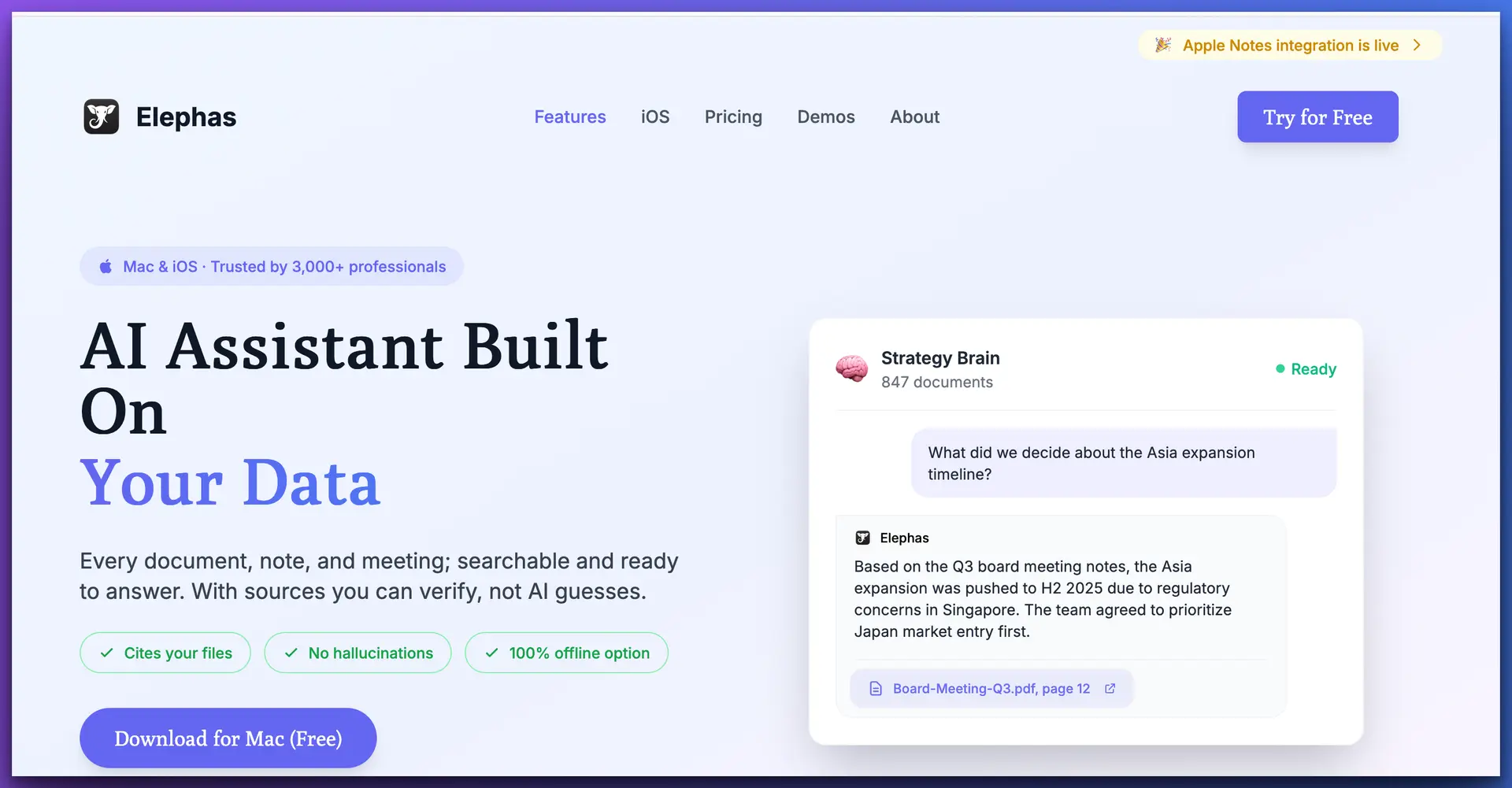
Elephas is a native Mac AI assistant built specifically for knowledge workers—lawyers, consultants, researchers, and anyone who works with large volumes of documents. Unlike OpenClaw, which is a general-purpose agentic framework bolted together quickly, Elephas is a polished, purpose-built product with a coherent security model: everything runs locally on your device.
The centerpiece feature is Super Brain—a per-project knowledge base where you can ingest contracts, case files, meeting notes, research papers, and correspondence in 20+ file formats, then query them in plain English and receive answers with source citations. The AI processes your documents locally via Ollama, so privileged or confidential content never leaves your machine. You can also switch to cloud models (Claude, GPT-4o, Gemini) when the task warrants it.
PRIVACY
EASE OF USE
DOC ANALYSIS
VALUE
Key Features
Pros
Cons
Pricing
Elephas offers a free trial with no credit card required. Paid plans start at $19/month. There is no per-seat enterprise pricing mystery — what you see is what you pay.
Reviews & Verdict
Elephas consistently earns praise for its privacy-first approach and the quality of its document analysis. Users on the Mac App Store highlight the Super Brain feature as transformative for managing client work. Compared to OpenClaw, the experience is night-and-day: no security incidents, no exposed instances, no malicious skill supply chain. It is the single most complete replacement for OpenClaw that professionals can deploy with confidence.
Best for: Lawyers, consultants, researchers, and any professional on a Mac who needs private, document-aware AI.
LM Studio — Best for Running Local Models
Local Models · Cross-Platform · Free (personal use)
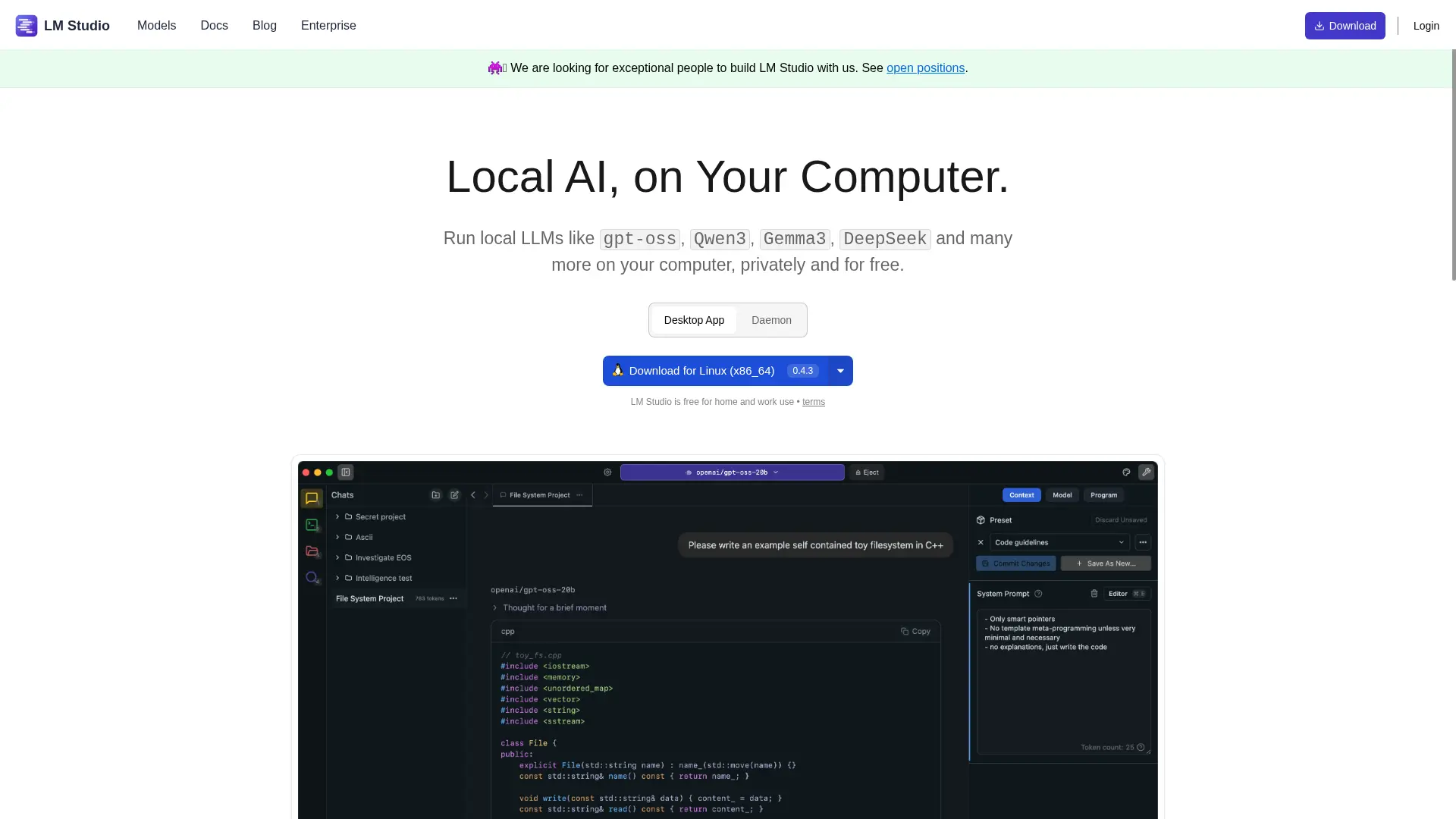
LM Studio is arguably the most polished application for discovering, downloading, and running large language models locally. Its interface for browsing the Hugging Face model hub, managing downloaded models, and running inference is significantly better than anything OpenClaw provides. The app runs on Mac, Windows, and Linux, making it the go-to for teams with mixed operating systems.
LM Studio also exposes a local OpenAI-compatible API server, which means other applications — including Elephas and AnythingLLM — can use it as a backend. Its security posture is strong: the server is localhost-only by default, no external connections are made, and the project has a responsible disclosure policy. It is not a document management platform, but as a raw model runner it is excellent.
Pros
Cons
Key Features
Model hub browser with one-click download, hardware-aware model recommendations, local OpenAI-compatible API server, multi-model chat, GPU acceleration on Apple Silicon and NVIDIA, and model performance benchmarking. LM Studio supports GGUF, MLX, and other popular quantization formats.
Pricing
Free for personal use. Commercial use requires a paid business license (pricing available on request). Given the feature set, this is exceptional value for individuals and researchers.
Reviews & Verdict
LM Studio is widely regarded as the easiest entry point into local AI. Developers and researchers consistently rank it above Ollama's CLI for discoverability and above Jan for polish. Where it falls short for professionals is the lack of document management — for that, pair it with Elephas or AnythingLLM.
Best for: Developers and technically-minded professionals who want the best local model management experience.
AnythingLLM — Best Open-Source Document AI
Self-Hosted · RAG · Multi-Model · Free / $15+/mo
AnythingLLM is the open-source project most directly comparable to what OpenClaw aspires to be — a document-aware AI system with workspaces, multi-document RAG (retrieval-augmented generation), and support for many model providers. Where OpenClaw has a chaotic skill marketplace and an exposed attack surface, AnythingLLM is built around a coherent, self-hostable architecture with a dedicated security team.
It supports local models via Ollama and LM Studio as well as cloud providers (OpenAI, Claude, Gemini). Each “workspace” functions like a scoped knowledge base you can populate with documents. For teams that need a self-hosted, open-source solution they can audit, AnythingLLM is the strongest option in this category.
Pros
Cons
Key Features
Workspace-based document management, multi-document RAG, support for 15+ model providers, web scraping ingestion, agent capabilities, team collaboration features (cloud), role-based access control, and a REST API for integration.
Pricing
The self-hosted version is completely free and open-source. AnythingLLM Cloud starts at $15/month. Enterprise plans with SSO and advanced access controls are available on request.
Reviews & Verdict
AnythingLLM has grown substantially in maturity over the past year. It is the preferred open-source pick for teams that need auditable code, self-hosted infrastructure, and document AI in a single package. Individual professionals who want something easier to set up and more polished will prefer Elephas, but AnythingLLM is the right call for organizations with technical resources.
Best for: Technical teams and organizations that need a self-hostable, open-source document AI platform.
Jan — Best Fully Open-Source Desktop AI
100% Offline · Open-Source · Cross-Platform · Free
Jan (from Jan.ai) is a fully open-source desktop AI application that runs models entirely locally. Its philosophy is simple: all computation happens on your device, no telemetry, no cloud fallback, no accounts required. The interface is clean and straightforward, making it more accessible than CLI-based alternatives like Ollama alone.
Jan ships with a built-in model hub for downloading popular open models and supports the OpenAI API format, so it can serve as a drop-in local backend for compatible tools. Its extension system allows community-built add-ons, though the marketplace is far smaller and more curated than OpenClaw's ClawHub — which is exactly the point.
Pros
Cons
Key Features
Local model download and management, multi-model chat threads, OpenAI-compatible local API server, conversation history, extension support, GPU acceleration via CUDA and Metal, and configurable context windows per session.
Pricing
Completely free and open-source under the MIT license. No commercial restriction. The only cost is the hardware to run local models.
Reviews & Verdict
Jan is highly regarded in the open-source AI community for its transparency and simplicity. It is not as feature-rich as Elephas or as model-focused as LM Studio, but it occupies a valuable middle ground: a trustworthy, auditable, cross-platform app that just works. Users who have moved from OpenClaw to Jan consistently cite the absence of security incidents and the cleaner codebase.
Best for: Professionals on any OS who need a free, auditable, zero-telemetry AI app with no strings attached.
Open WebUI — Best Self-Hosted Web Interface
Docker · Self-Hosted · Multi-User · Free
Open WebUI (formerly Ollama WebUI) is the most popular self-hosted web interface for running AI models locally. Deployed via Docker, it provides a ChatGPT-like browser interface for Ollama and OpenAI-compatible backends, with multi-user support, conversation management, and document ingestion via RAG.
It is significantly more mature and better maintained than OpenClaw's web interface. The key difference for security-conscious professionals: Open WebUI's default configuration binds to localhost only, authentication is required, and the project has a responsible security disclosure policy. 48,000+ GitHub stars and active development from a dedicated core team give it a very different pedigree from OpenClaw.
Pros
Cons
Key Features
Multi-model switching, conversation history with search, document RAG, image generation support, web search integration, custom system prompts per conversation, multi-user admin panel, API access, and Pipelines for custom processing nodes.
Pricing
Completely free and open-source. Run it yourself on any machine with Docker. Open WebUI also offers a managed cloud option for teams who prefer not to manage infrastructure.
Reviews & Verdict
Open WebUI is the community's favorite self-hosted AI interface for good reason: it is feature-rich, actively developed, and has a strong security culture. Teams transitioning off OpenClaw often land here. The main caveat is the Docker setup requirement — for professionals who want something they can install in two clicks, Elephas or LM Studio are easier.
Best for: Teams and technically-capable individuals who want a multi-user, self-hosted AI platform with a familiar chat interface.
Claude Desktop — Best for Agentic Workflows
Cloud AI · MCP Tools · Agentic · Free + Usage

Claude Desktop is Anthropic's official desktop application for macOS and Windows. It provides direct access to Claude's full capabilities — including Projects for long-context document work and MCP (Model Context Protocol) for connecting external tools and data sources — in a polished, native application. For many of the tasks OpenClaw promises, Claude Desktop simply delivers them without the security baggage.
The key trade-off versus local alternatives is that all processing happens on Anthropic's cloud. For non-privileged professional work, the enterprise-grade security and SOC 2 compliance of Anthropic's infrastructure is entirely sufficient. For strictly confidential or privileged work, a local-first option like Elephas is more appropriate. Claude Desktop and Elephas also integrate well — Elephas can use Claude as one of its model backends.
Pros
Cons
Key Features
Projects with persistent memory and document context, MCP server support for connecting databases, filesystems, and APIs, artifact generation (code, documents, diagrams), extended thinking for complex reasoning, and computer use capabilities on supported plans.
Pricing
Claude.ai Free tier provides limited access. Pro plan is $20/month with higher usage limits and access to all models. Team plan at $25/user/month adds admin controls and zero data retention. Enterprise is custom-priced with full BAA and SOC 2 compliance.
Reviews & Verdict
Claude Desktop earns exceptional reviews for AI quality — Claude's writing, reasoning, and analysis capabilities are widely considered best-in-class. Professionals who switched from OpenClaw specifically praise the reliability, the quality of extended document analysis in Projects, and the absence of the security anxiety that came with OpenClaw. For non-privileged professional work, it is one of the strongest choices available.
Best for: Professionals who need top-tier AI quality and agentic features, and whose work does not require strict local data processing.
Msty — Best for Multi-Model Comparison
Multi-Model · Local + Cloud · Cross-Platform · Free / $9.99/mo
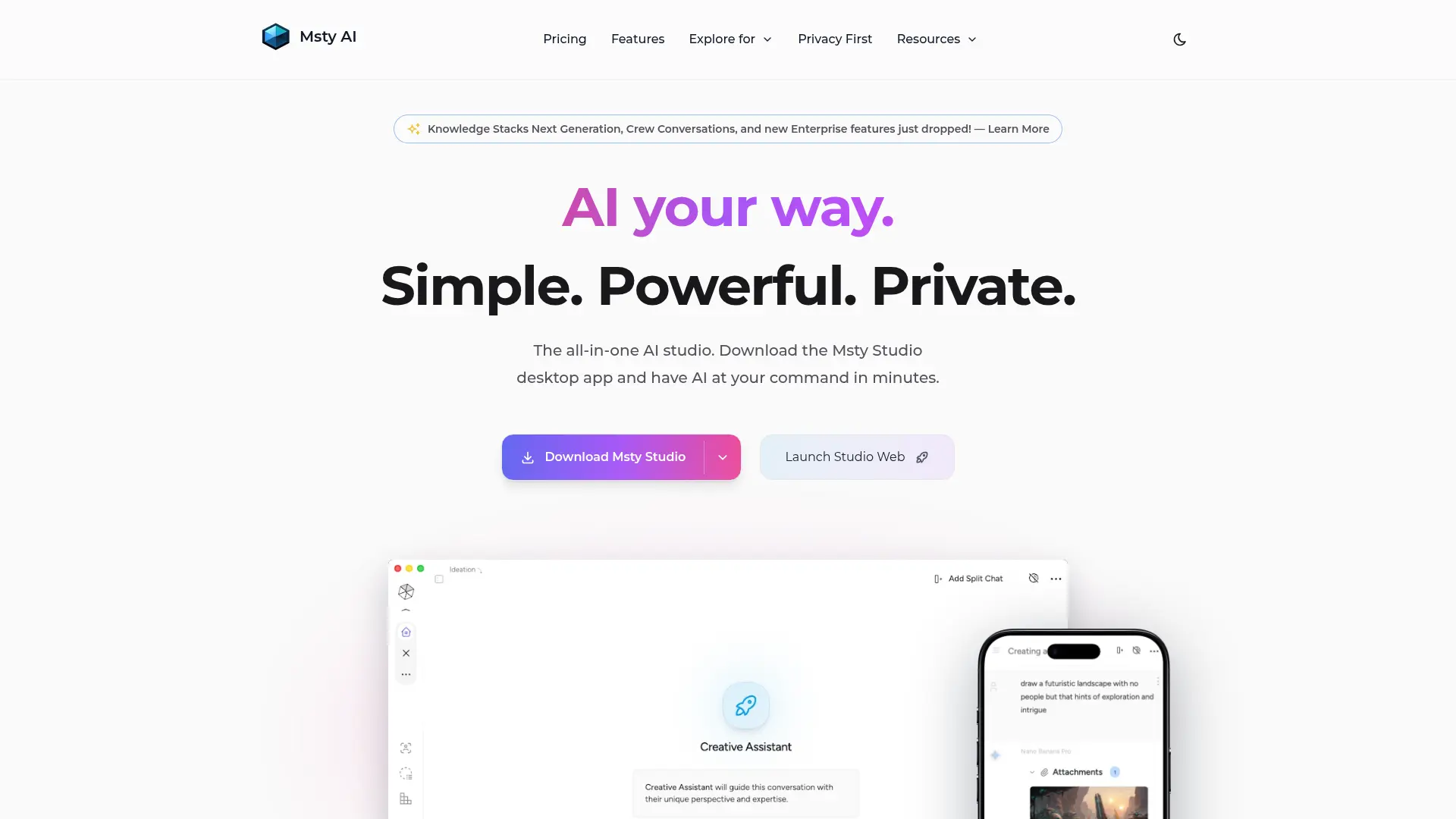
Msty is a desktop AI app built around one standout idea: comparing responses from multiple models side-by-side in a single interface. Send the same prompt to Claude, GPT-4o, Gemini, and a local Llama model simultaneously and compare their outputs. For professionals evaluating AI for a specific task, or who want to cross-check important work, this is genuinely useful.
Msty also supports local models via Ollama, has a clean chat interface, and runs on Mac and Windows. It is less specialized for document management than Elephas or AnythingLLM, but as an everyday AI interface it is polished and fast. Its security posture is sound: local models run entirely on-device, and cloud connections are made only when explicitly using cloud-based providers.
Pros
Cons
Key Features
Multi-model parallel chat, conversation forking, prompt library, custom model personas, Ollama local model support, API key management for major providers, conversation folders, and search across conversation history.
Pricing
Msty is free for basic use. The Pro plan at $9.99/month unlocks unlimited history, advanced features, and priority support. A one-time lifetime license is also available. For professionals, the free tier covers most everyday needs.
Reviews & Verdict
Msty has a loyal following among power users who regularly switch between AI providers. The multi-model comparison feature is genuinely differentiated — no other tool in this list does it as cleanly. For professionals who want a single interface to manage their AI model subscriptions without committing to one provider, Msty is the strongest pick. It ranks 7th here primarily because it lacks the document analysis depth of higher-ranked alternatives.
Best for: Power users who work with multiple AI providers and want a clean, cross-platform interface for comparing model outputs.
Why OpenClaw Is a Risk Professionals Can't Ignore
The alternatives above are not simply “different choices” from OpenClaw — they represent a fundamentally safer class of tools. The documented risks with OpenClaw are not theoretical: 42,900 live, exposed instances, 341 malicious skills that were actively planted and discovered, and a CVSS 8.8 vulnerability that allows remote code execution. For a fuller breakdown of the security incidents, see our detailed analysis: OpenClaw AI Agent: 42,900 Instances Exposed — Not Ready for Serious Work.
Frequently Asked Questions
Why should professionals avoid OpenClaw?
OpenClaw has documented, critical security vulnerabilities: 42,900 instances were found exposed on the open internet, 341 malicious skills were planted on its ClawHub marketplace, and a CVSS 8.8 remote code execution vulnerability was disclosed. For professionals handling confidential client data — legal, consulting, finance — these risks are unacceptable. An attacker with access to your OpenClaw instance can read your documents, exfiltrate data, and execute code on your machine.
What is the best OpenClaw alternative for privacy?
Elephas is the best OpenClaw alternative for privacy-conscious professionals. It processes data locally on your Mac using Ollama-powered models, meaning your documents never leave your device. It also supports multiple AI models (cloud and local), has a polished native interface, and is priced affordably from $19/month. For pure local model running without the knowledge-base features, LM Studio and Jan are also strong privacy-first options.
Is Open WebUI safe?
Open WebUI is safer than OpenClaw because it has a much stronger security track record and an active security team. However, like any self-hosted application, it requires proper configuration to be secure — particularly network access controls and authentication settings. If you expose Open WebUI to the internet without authentication, you create the same class of risks seen with OpenClaw. For most professionals, a locally-run instance accessible only on localhost is safe.
Can I use these OpenClaw alternatives offline?
Yes. Elephas, LM Studio, Jan, and Msty all support fully offline operation using locally-downloaded AI models (Llama 3, Mistral, Gemma, Phi, and others via Ollama). You can run sophisticated AI without any internet connection. Claude Desktop and Open WebUI also support local models but can also connect to cloud APIs. AnythingLLM supports both modes.
Which OpenClaw alternative works best for document analysis?
Elephas and AnythingLLM are the strongest for document analysis. Elephas's Super Brain lets you create isolated knowledge bases per client or project, supports 20+ file formats, and provides source citations from your documents. AnythingLLM also offers strong RAG (retrieval-augmented generation) with multi-document workspaces. For professionals who regularly work with large document sets — contracts, case files, research — Elephas is the more polished, production-ready option.
Are these alternatives free?
Jan and Open WebUI are completely free and open-source. LM Studio is free for personal use (paid for commercial use). Msty has a free tier with paid plans starting at $9.99/month. AnythingLLM has a free self-hosted version and a cloud plan. Elephas starts at $19/month. Claude Desktop is free (you pay for API usage or a Claude subscription). The local model alternatives save money on API costs but require hardware capable of running models locally.
Do I need a powerful computer to run local AI models?
For good performance, you need at least 16GB RAM and preferably 32GB+ for larger models. An Apple Silicon Mac (M1, M2, M3, M4) is ideal — it handles local AI models extremely efficiently via its unified memory architecture. On Intel Macs and Windows PCs, an NVIDIA GPU significantly accelerates inference. Smaller models (7B parameters) run acceptably on 8GB RAM, but quality and speed improve substantially with more memory. For professionals doing serious work, Apple Silicon Macs are the current gold standard for local AI.

Related Resources
Explore all AI Privacy & Security resourcesCan I Trust ChatGPT After OpenAI's Safety Report Lead Quit?
10 min readarticleClaude API Credits: How to Use Your Free $100 to $200 Before It Expires
11 min readarticleChatGPT Message Limit: Free, Plus and Pro Caps
10 min readarticleChatGPT File Upload Limit: How Many Files and What Size
10 min readThe OpenClaw Alternative Built for Professionals
Elephas gives you powerful local AI, per-project knowledge bases, and 20+ file format support — with zero security incidents and a price solo professionals can afford.
Try Elephas Free
No credit card required. Local AI included.