
Personal Sync is part of the Professional plan. See Personal Sync overview.
Synced, end-to-end encrypted
Only finished results sync. An answer that is still being written does not, and another computer never re-runs a question on its own.
Stays on each computer
How it works
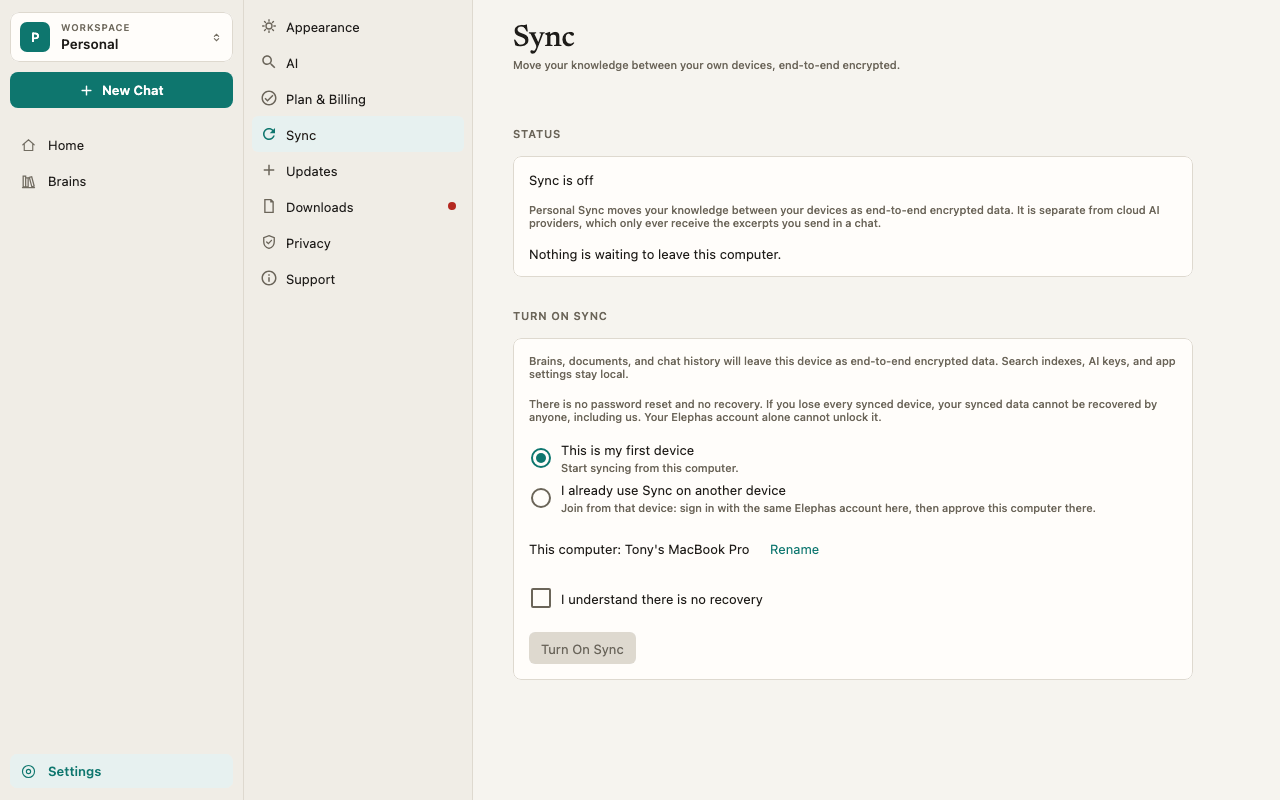
- Encrypted per Brain. Each Brain has its own key, and your chats have their own. The sync server stores the encrypted result and cannot read file names, Brain names or chat text. See Sync encryption.
- Text travels with the file. The text Elephas extracted on the first computer syncs with the file, so every computer works from the same text and the same citations. The receiving computer does not read the file again from scratch.
- Your Personal workspace only. Personal Sync covers your Personal workspace. Team Brains sync through the Team.
- Not a backup of your disk. Sync copies what is inside Elephas. It does not watch or copy the folders your files came from.
File size
The sync service accepts files up to 512 MB. Elephas currently imports files up to 200 MB, so every file you can add today also syncs.Troubleshooting
My AI choice or API key is missing on the other computer
My AI choice or API key is missing on the other computer
That is expected. Settings and keys stay on each computer. Set them up in Settings › AI on each one. See Choose how Elephas answers.
A synced document isn't searchable yet
A synced document isn't searchable yet
The receiving computer is still indexing it. The Sync status shows Indexing synced documents. If it says the search model is missing, get it back in Settings › Downloads, then choose Sync Now. See Sync troubleshooting.