Writing Styles, Presets & Snippets
Teach Elephas your writing style, save reusable presets, and use snippets to write faster and stay on-brand.
Tones: write in your own style
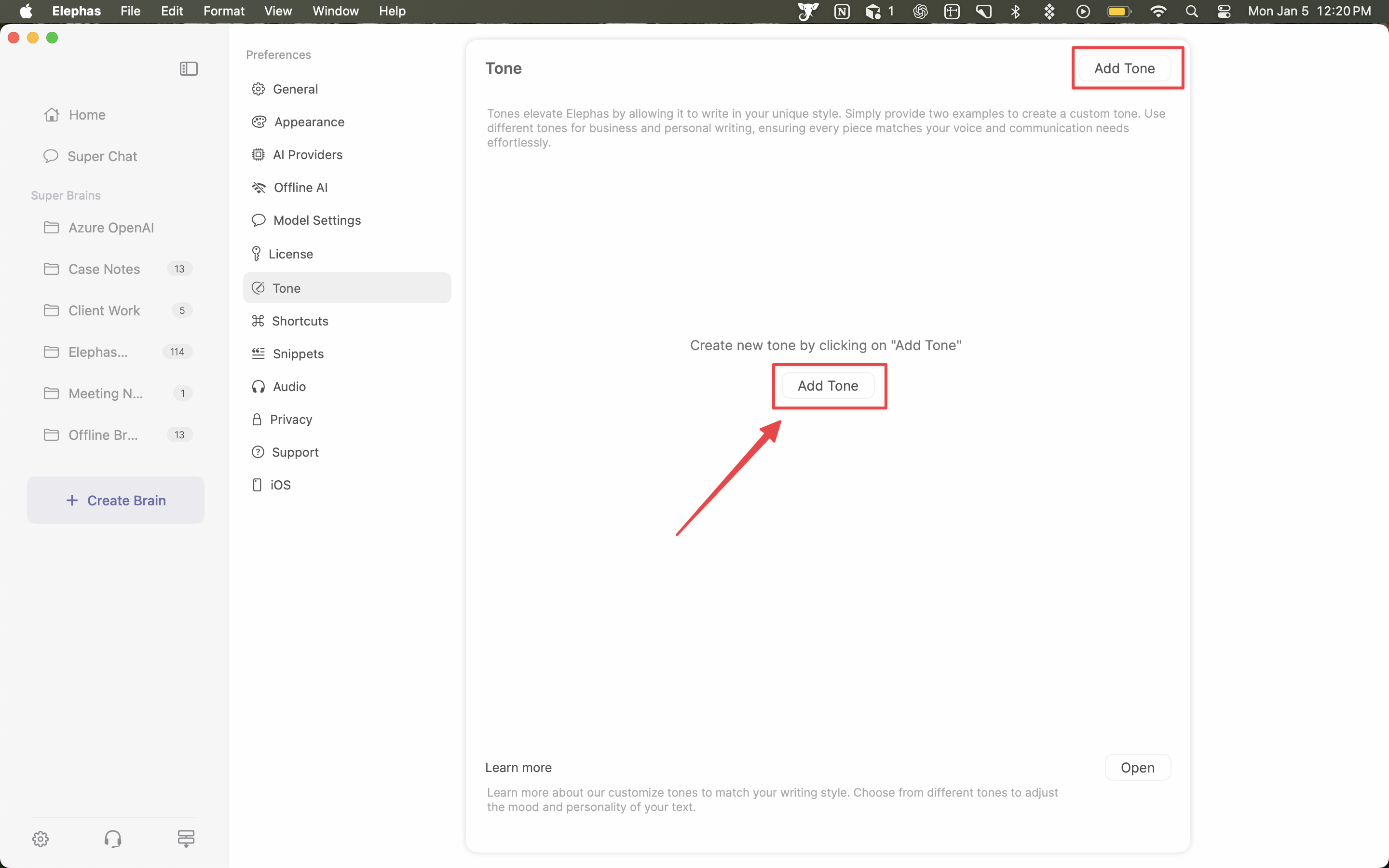
Tones let Elephas write in your voice. Go to Preferences → Tone, give the tone a unique name, and provide two writing examples. Elephas learns your style from those samples. You can keep multiple tones for different contexts, such as a formal business tone and a casual personal one.
Once created, a tone can be applied through:
- Snippets — generate text that matches your style
- Smart Reply — replies that keep your voice
- Workflow — select it with the “Tone” tool
Presets
Presets are reusable templates for Smart Write, so you do not retype the same instructions each time. Manage them under Presets → Add or Manage. A preset has a Title, an Instruction, and an optional Format. Use placeholders in the instruction (for example NAME or YOUR_DESCRIPTION) so one template serves many cases.
To use a preset: invoke it, fill in the placeholders, select all the text, and run Smart Write. Saved presets are also accessible from Spotlight, so you can use them in any text editor.
Snippets
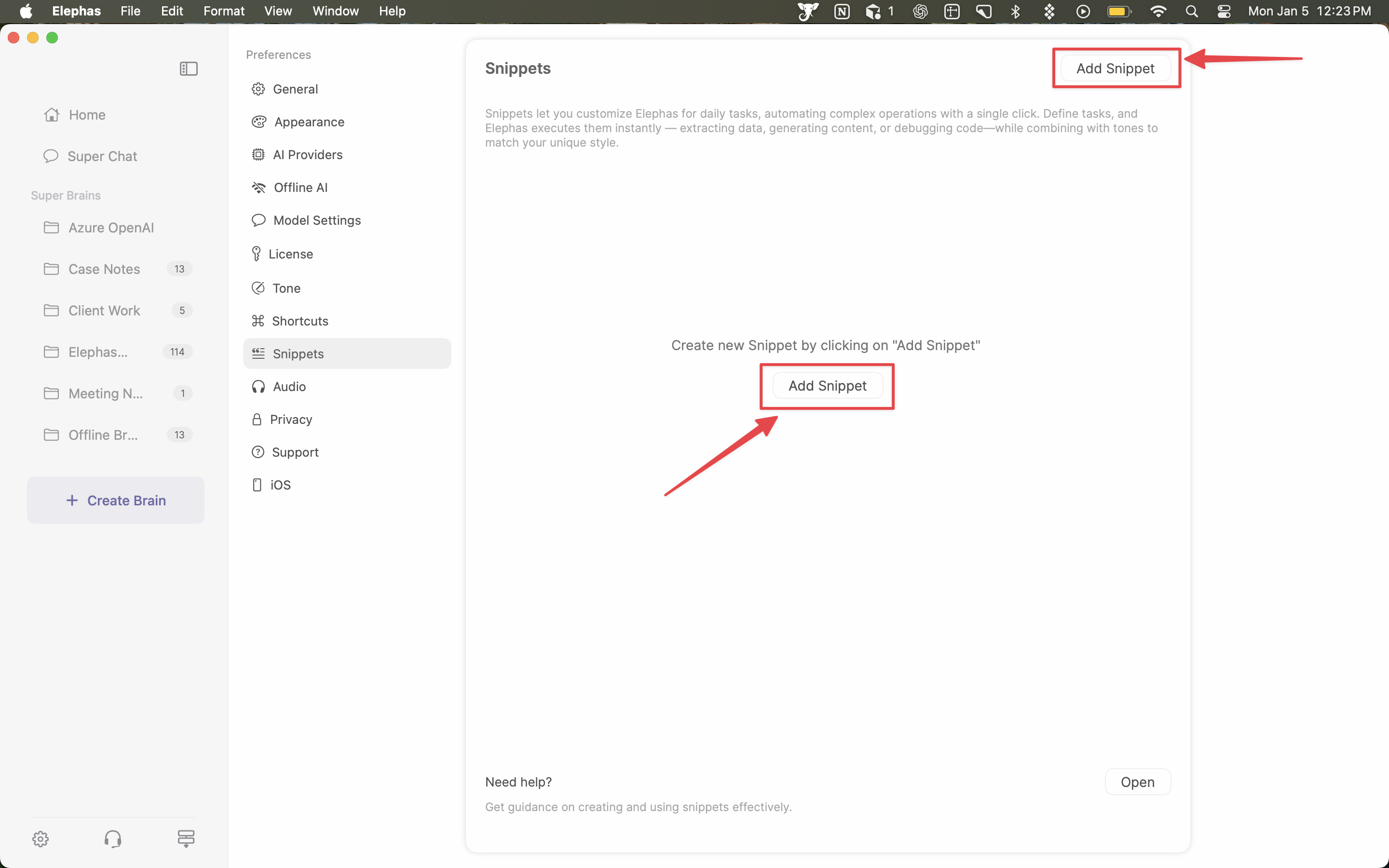
Snippets are custom AI commands you set up once and reuse from the floating menu. Go to Preferences → Snippets and select Add Snippet, then give it a name and instructions. You can also choose the model, optionally add knowledge base context, and set behavior, tone, and temperature.
Snippets are useful for recurring tasks such as:
- Extracting data from content
- Translating between languages
- Generating a quiz or summary from text
- Debugging code or reformatting content
Invoke a snippet with a custom hotkey, through Super Command, or by audio. An Inline Reply snippet activates only when an email is open: it reads that email's content and drafts a response in place. To keep a task fully private, build the snippet on an offline model so the data is processed entirely on your Mac.
Hiding writing tools you don't use
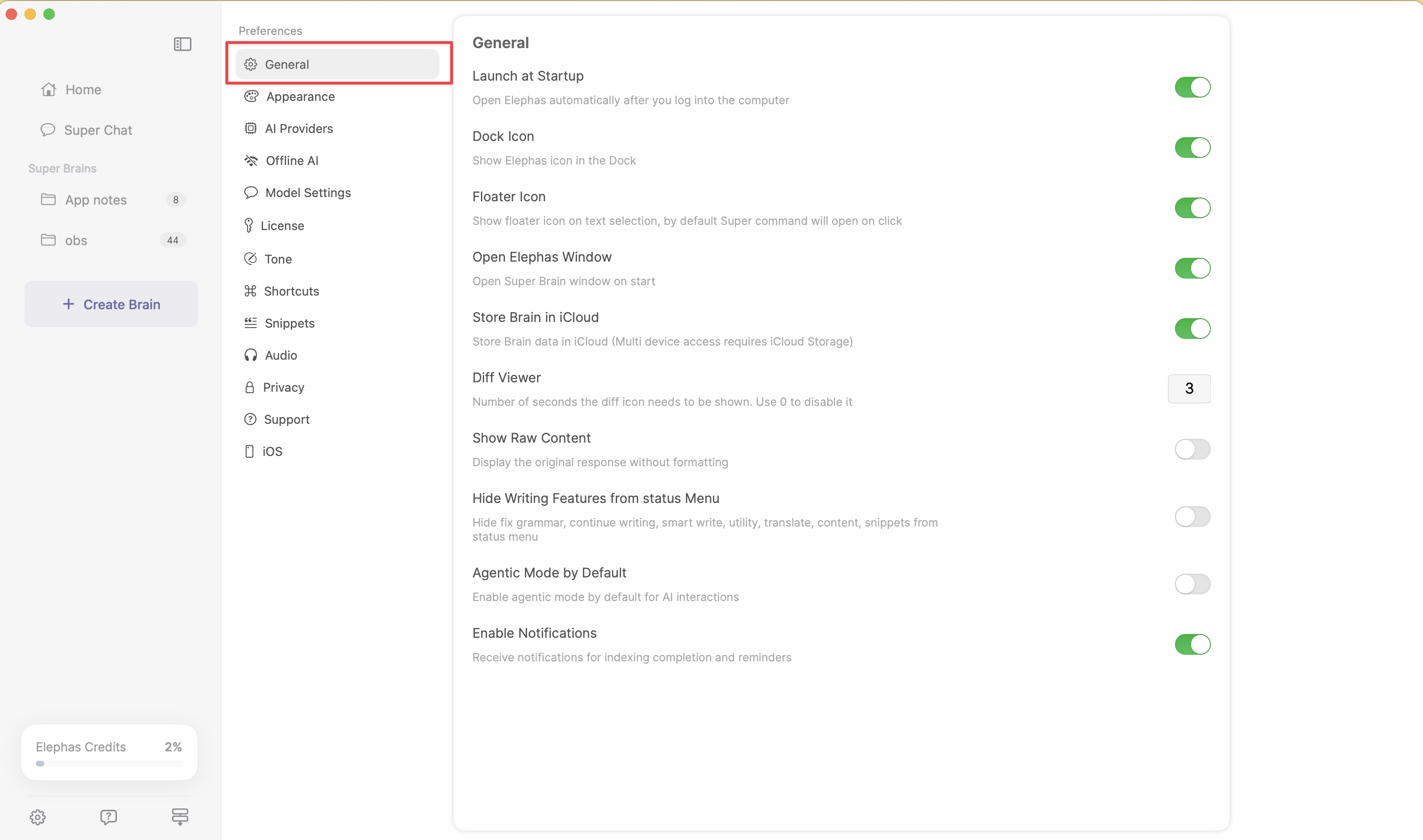
To reduce clutter, go to Preferences → General and enable Hide Writing Features from status Menu. The tools are removed from the status menu but stay available through Super Command.