How Your Data Is Stored
Your documents are indexed and stored entirely on your Mac. Learn exactly how Elephas keeps your data private and where it lives.
100% local indexing
Starting in version 11.6, Elephas Super Brain indexing runs completely on your Mac. When you add documents to a Super Brain, all the indexing happens locally on your device. Nothing is sent to any external service to build your index.
- Fully local processing — indexing never leaves your Mac
- No credit usage during indexing — local processing is free
- Works offline — no internet required to index
- Better privacy — your document content never touches a server
iOS supports 100% local indexing as well, so you get the same privacy on your iPhone and iPad.
Existing Brains
Brains created before version 11.6 continue to work as before. To use the new 100% local indexing flow, create a new Brain and select the local indexing option when prompted.
What is stored locally on your Mac
- Local search index: A keyword search index built from your documents, generated and stored entirely on your Mac
- Text chunks: Segments of your document text, stored in a local SQLite database. Used for citations and context in AI responses
- File metadata: File names, paths, dates, and indexing status
Indexed data lives in the Elephas application support directory:
~/Library/Application Support/Elephas/iCloud sync
iCloud sync is enabled by default, which lets you access your Super Brains across your Mac, iPhone, and iPad using the same Apple ID. You can disable iCloud sync in Preferences → General if you prefer to keep each device's data fully isolated.
What happens when you ask a question
When you type a question, Elephas searches your local index to find relevant passages. Only the relevant text passages (not your entire document library) are sent to your configured AI provider to generate a response.
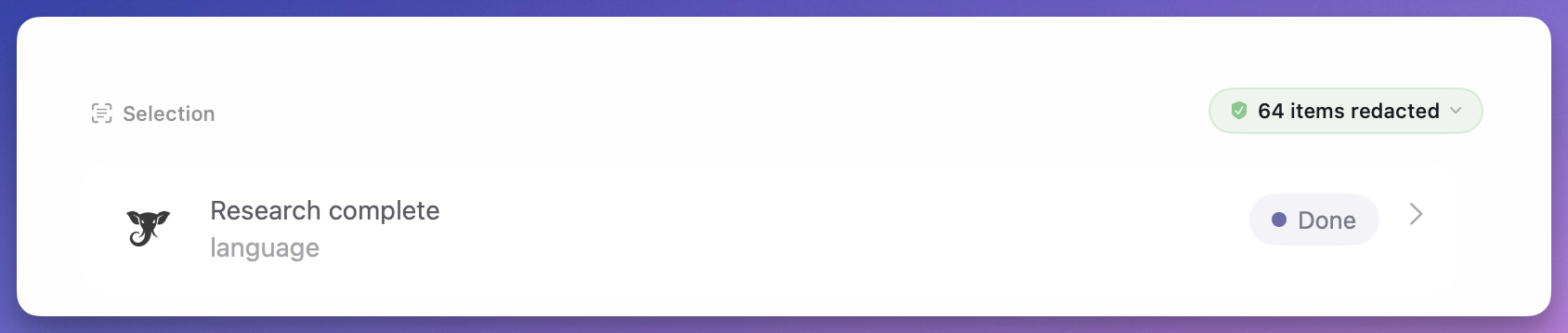
With Smart Redaction (11.7+), Elephas automatically anonymizes personal information from those passages on-device before they reach any cloud AI provider. See the Sensitive Data Protection article for details.
With Offline AI mode, even the AI response generation happens locally — nothing leaves your Mac at all.
Does Elephas use my data to train models?
No. Elephas does not train any models on your data. Cloud AI requests routed through the Elephas reverse proxy only go to providers with zero data retention enabled. That means your question and the passages sent along with it are not logged, not stored, and not used for training by the provider. The provider processes the request in memory and returns the response.
With Bring Your Own Key, requests go directly to the provider using your own API account, so retention follows whatever policy your account has configured.
Learn more about Elephas' data handling in the Elephas Privacy Policy.