7 Best Local AI Assistants for Mac
Run AI entirely on your Mac — no cloud, no subscriptions, no data leaving your device. Here are the 7 best options for private, offline AI in 2026.
Quick Verdict
Elephas
Best overall — polished Mac-native UI, offline mode, Super Brain knowledge bases, hybrid cloud+local
Ollama
Best for developers — CLI tool, 100+ models, API-compatible, completely free
LM Studio
Best visual model manager — one-click downloads, built-in chat, local API server
The case for running AI locally on your Mac has never been stronger. Apple Silicon chips make AI inference fast and efficient. Open-source models have reached quality levels that rival cloud services for most tasks. And growing concerns about AI data privacy have professionals everywhere asking: do I really need to send my confidential data to someone else's server?
The answer, increasingly, is no. Local AI assistants let you work with AI privately — your documents, conversations, and prompts never leave your Mac. They work offline. They have zero recurring costs (or much lower costs than ChatGPT's $20/month). And in 2026, they're genuinely good enough for the majority of professional work.
We tested the seven most popular local AI tools for Mac, evaluating each on ease of use, privacy, model quality, knowledge management, and value for professionals who handle sensitive data.
Elephas
RECOMMENDEDElephas is the only local AI assistant built specifically for Mac professionals who need both privacy and productivity. Unlike terminal-based tools, Elephas works system-wide — select text in any app, hit a keyboard shortcut, and get AI assistance without context switching.
What sets Elephas apart is Super Brain — persistent knowledge bases you can create per client, project, or topic. Upload documents (PDFs, DOCX, TXT, and more), and Elephas builds a searchable knowledge base that persists across conversations. Ask questions about your uploaded documents and get answers grounded in your actual content — not hallucinated from training data.
Elephas uses a hybrid approach: connect it to local Ollama models for confidential work (data never leaves your Mac), or switch to cloud models (ChatGPT, Claude, Gemini) when you need frontier intelligence. This flexibility is why it's the top pick — you don't have to choose between privacy and capability.
Strengths
- System-wide — works in every Mac app via keyboard shortcut
- Super Brain knowledge bases per client or project
- Full offline mode with local Ollama models
- Hybrid: local models for privacy, cloud for complex tasks
- Native Mac app — fast, clean, no browser required
- Smart writing tools: rewrite, summarize, translate in-place
Limitations
- Mac only — no Windows or Linux version
- Paid subscription (from $19/month) — not free
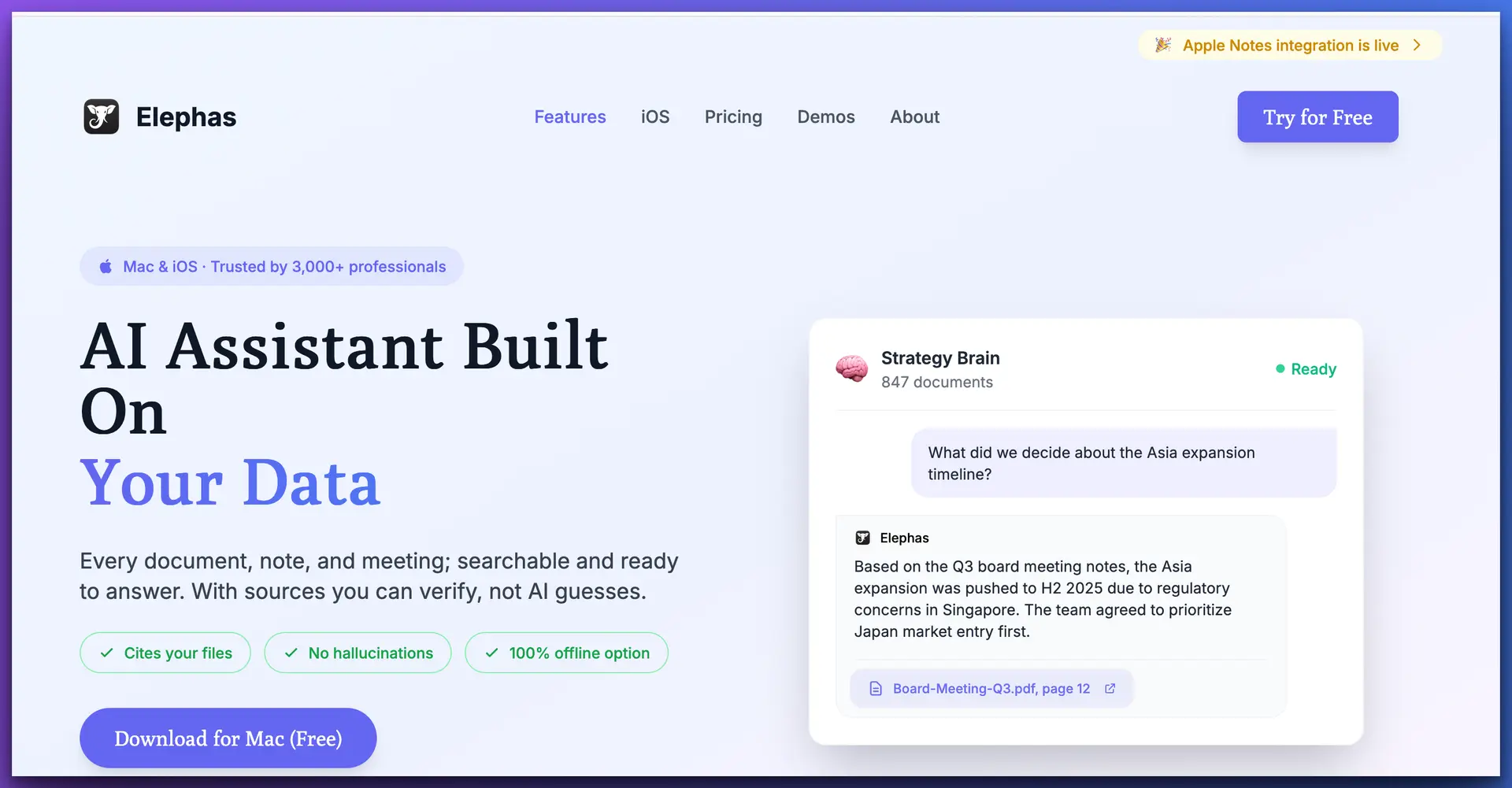
Elephas works system-wide on Mac — access AI in any app with a keyboard shortcut
Pricing
From $19/mo
Platform
macOS
Offline
Full Support
Best For
Professional Use
Ollama
Ollama is the most popular open-source tool for running AI models locally. It's a command-line application that downloads and manages models with simple commands like ollama run llama3.1. Think of it as the foundation that other tools build on.
Ollama supports 100+ open-source models, offers an OpenAI-compatible API for building your own applications, and is completely free. The trade-off: it's command-line only by default. You'll need a third-party UI (like Open WebUI or Elephas) for a graphical interface. For the full comparison, see our Ollama vs ChatGPT guide.
Strengths
- 100+ models: Llama 3.1, Mistral, Mixtral, Gemma, and more
- Completely free and open source
- OpenAI-compatible API for app development
- Cross-platform: Mac, Windows, Linux
- Custom Modelfiles for fine-tuned behavior
Limitations
- Command-line only — no built-in graphical interface
- No built-in knowledge base or document management
- Requires comfort with Terminal
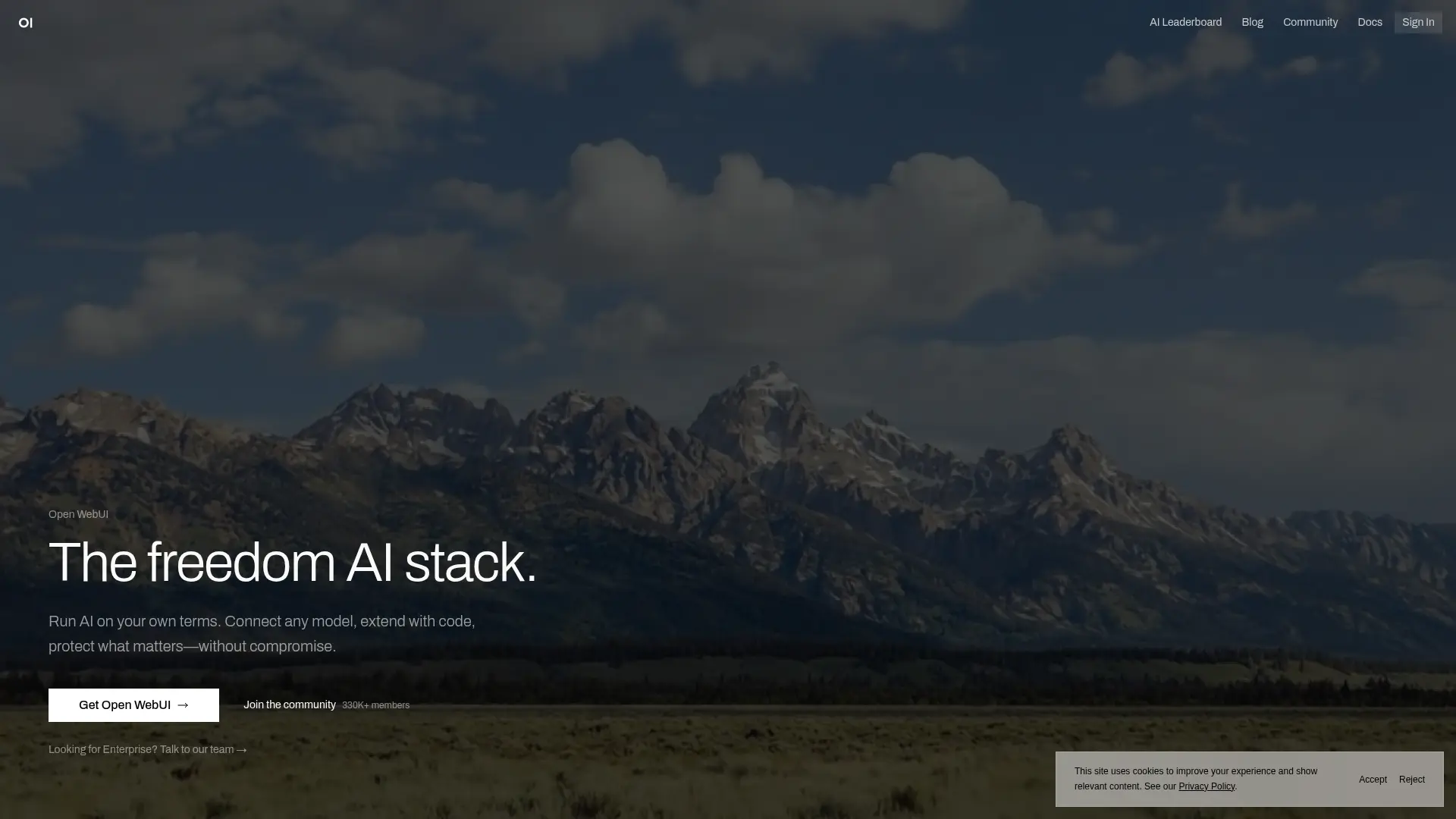
Ollama paired with Open WebUI gives you a ChatGPT-like interface for local models
Pricing
Free
Platform
Mac/Win/Linux
Offline
Full Support
Best For
Developers
LM Studio
LM Studio is the best visual model manager for local AI. It provides a clean desktop app where you can browse, download, and run hundreds of models from Hugging Face with a single click. No command line needed — everything is point-and-click.
It includes a built-in chat interface, a local API server (compatible with OpenAI's API format), and detailed model information including size, quantization, and RAM requirements. LM Studio is ideal for users who want Ollama's power with a more approachable interface.
Strengths
- Visual model browser — browse and download with one click
- Built-in chat interface and API server
- Detailed model info (RAM, size, quantization)
- Free for personal use
Limitations
- Not open source — closed-source application
- No knowledge base or document upload features
- Standalone app only — no system-wide integration
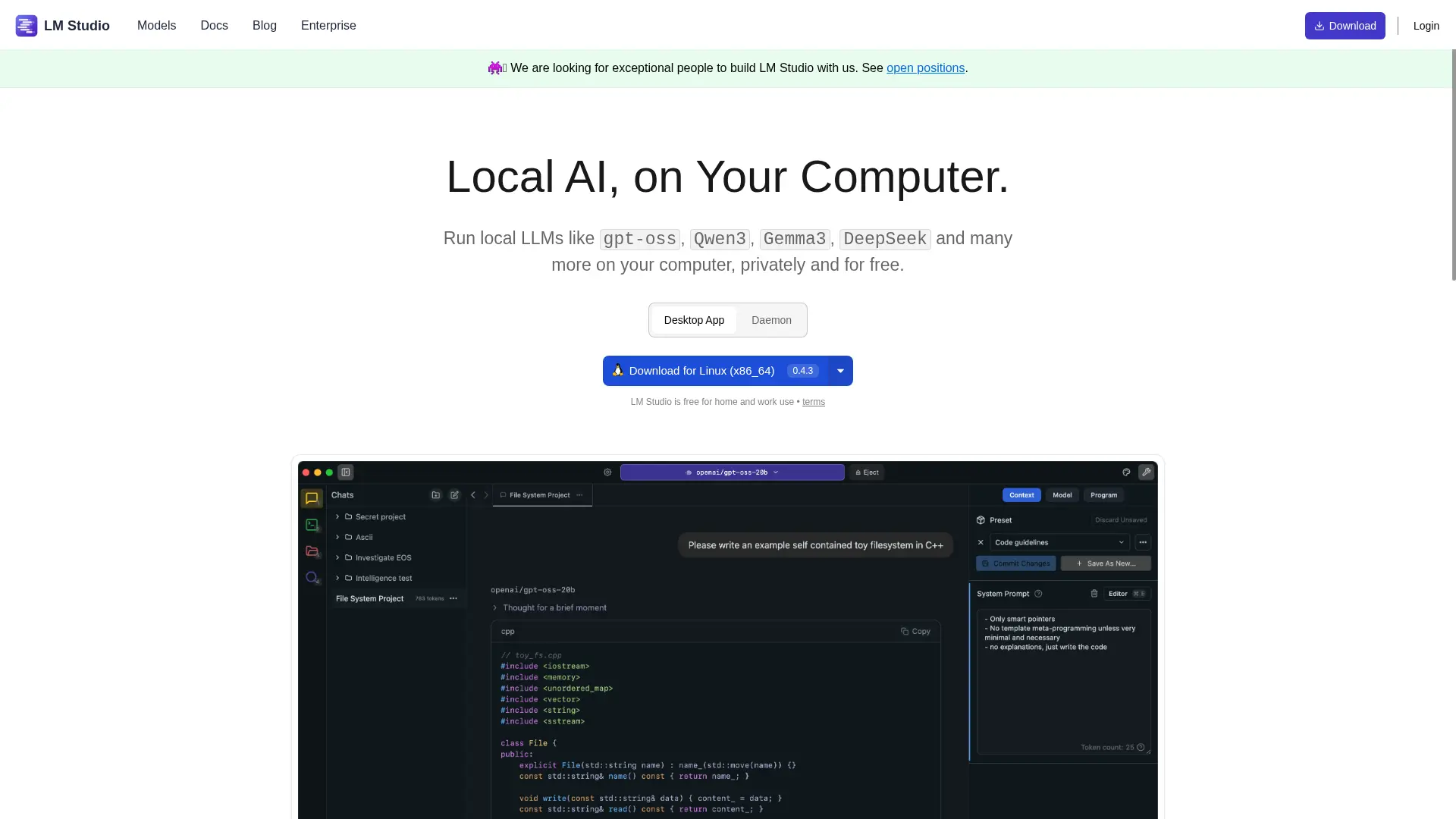
LM Studio's visual model browser makes discovering and running local AI models easy
Pricing
Free
Platform
Mac/Win/Linux
Offline
Full Support
Best For
Model Exploration
Jan
Jan is an open-source ChatGPT alternative designed to run entirely on your machine. It offers the most familiar interface for ChatGPT users — a clean chat window with conversation history, model switching, and one-click model downloads.
Jan's strength is simplicity. It's the easiest path from "I want to try local AI" to "I'm chatting with a local model." It supports connecting to cloud APIs (OpenAI, Anthropic) alongside local models, though its knowledge management features are basic compared to Elephas.
Strengths
- Familiar ChatGPT-like interface
- Open source and free
- One-click model downloads
- Supports both local and cloud models
Limitations
- Basic knowledge management — no per-client knowledge bases
- No system-wide Mac integration
- Electron-based — heavier than native apps
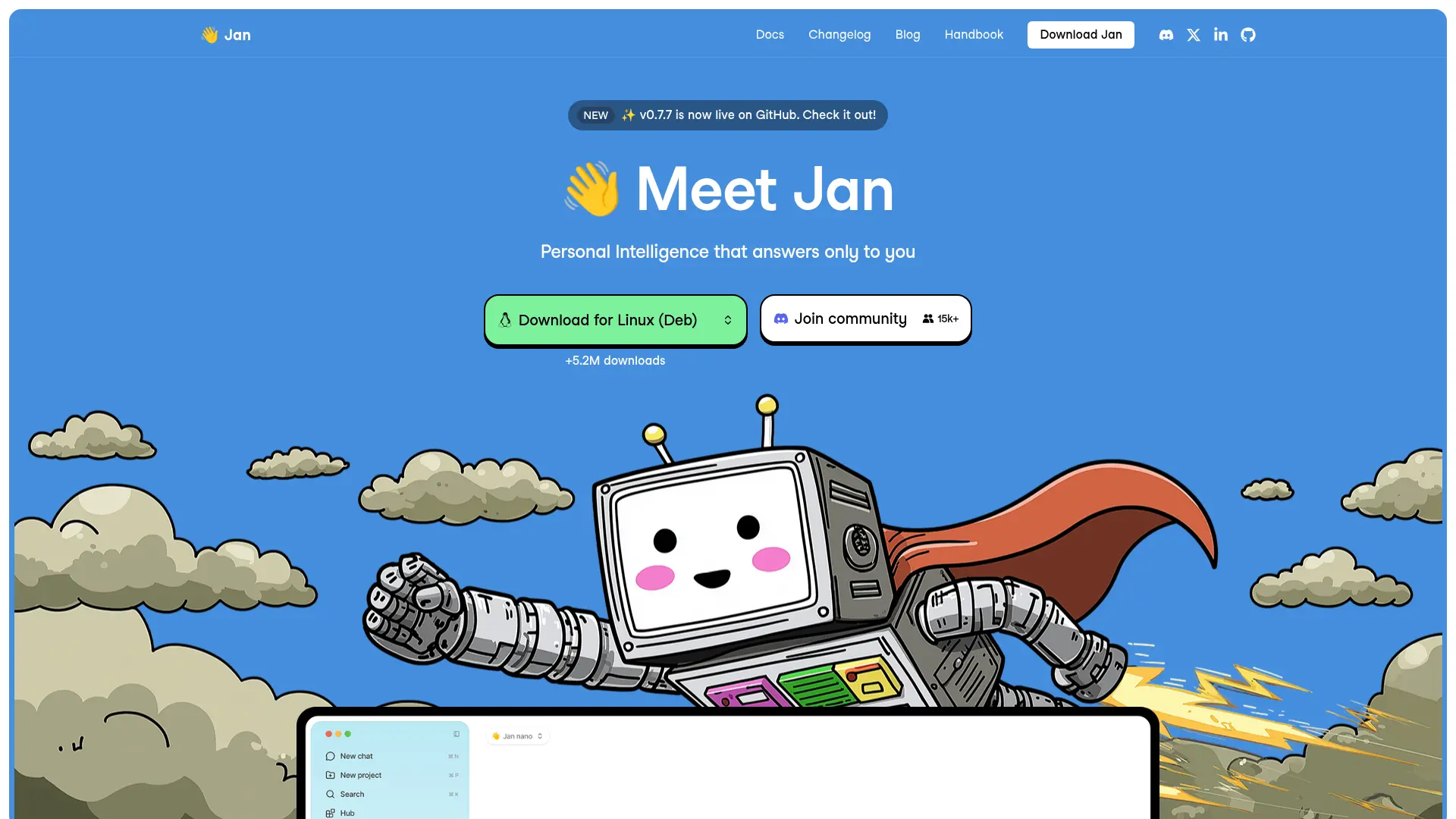
Jan offers a familiar ChatGPT-like interface with one-click local model downloads
Pricing
Free
Platform
Mac/Win/Linux
Offline
Full Support
Best For
ChatGPT Refugees
Msty
Msty is a Mac-native AI chat application with a focus on aesthetics and usability. It connects to both local models (via Ollama) and cloud APIs, with a particularly well-designed interface that feels native to macOS.
Msty offers basic knowledge management through document uploads and conversation organization. The free tier covers most needs, with a premium tier ($9.99 one-time) unlocking advanced features. It's a solid middle ground between Ollama's raw power and Elephas's professional features.
Strengths
- Clean, Mac-native design
- Connects to local and cloud models
- Affordable one-time purchase for premium
- Basic document knowledge features
Limitations
- Mac only
- No system-wide integration
- Limited knowledge base depth compared to Elephas
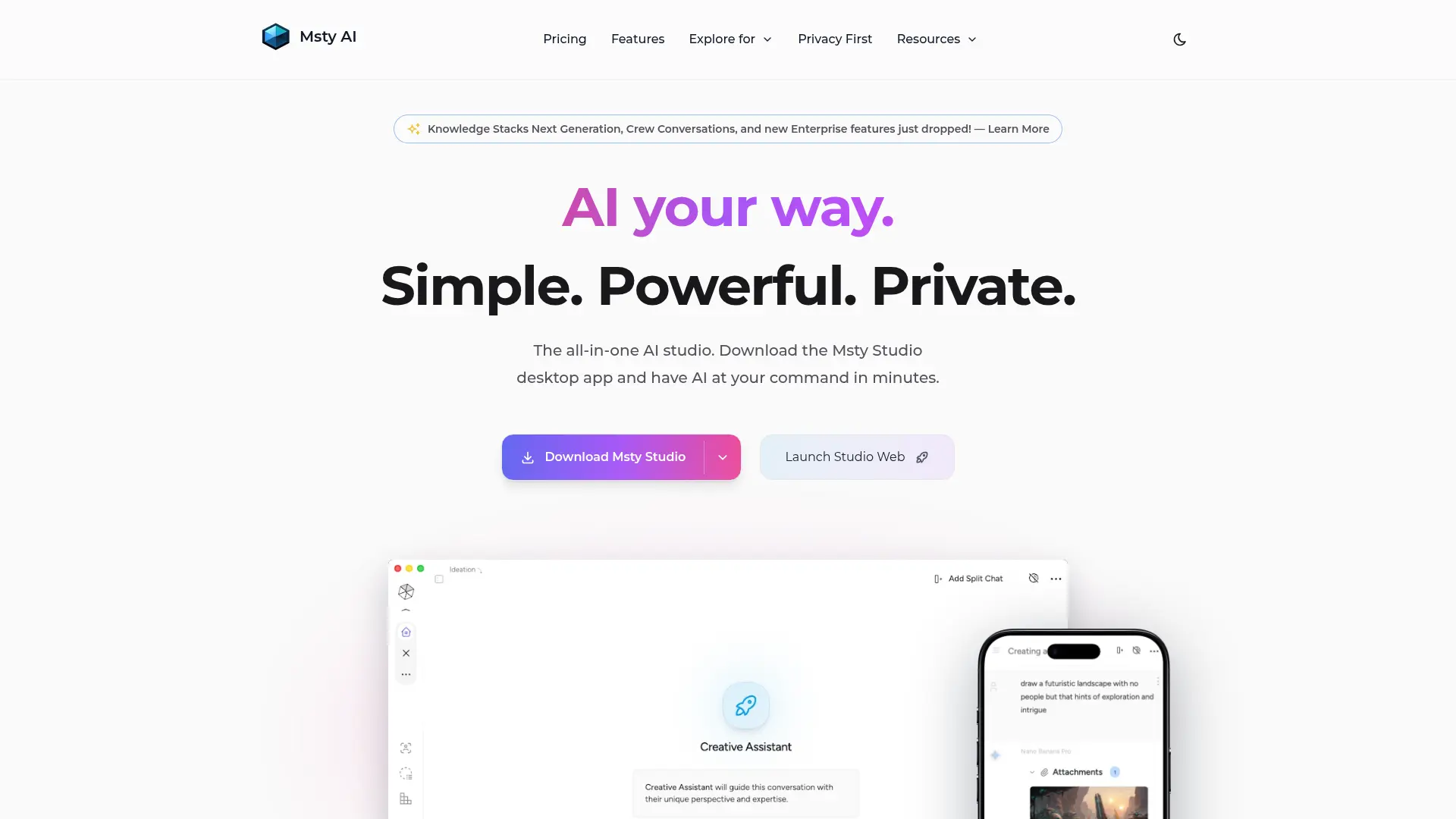
Msty's Mac-native design prioritizes aesthetics and usability
Pricing
Free/$9.99
Platform
macOS
Offline
Full Support
Best For
Casual Users
AnythingLLM
AnythingLLM is an all-in-one AI application with the strongest built-in RAG (Retrieval Augmented Generation) capabilities on this list. Upload documents, and AnythingLLM chunks, embeds, and indexes them for semantic search — meaning the AI can answer questions grounded in your actual files.
It supports workspaces, multiple vector databases (including local options like LanceDB), and both local and cloud LLM providers. The trade-off is complexity — setup requires more configuration than simpler tools, and the interface is functional rather than polished. For the full comparison, see our AnythingLLM vs OpenClaw comparison.
Strengths
- Best RAG capabilities — semantic document search
- Workspace-based organization
- Supports many LLM and embedding providers
- Open source with Docker and desktop options
Limitations
- More complex setup than alternatives
- Some features require cloud services
- Functional but less polished interface
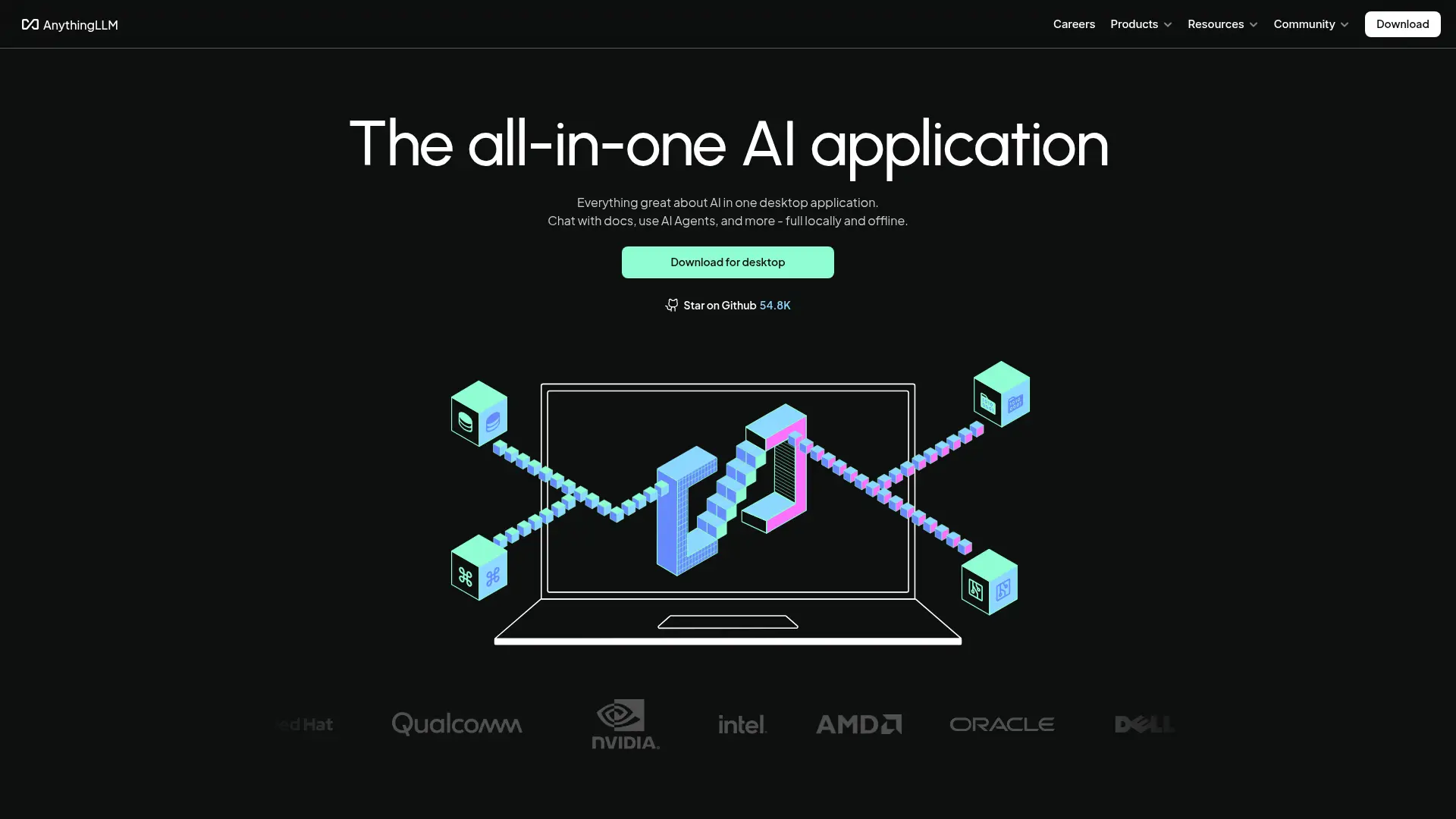
AnythingLLM's workspace-based interface with document upload and semantic search
Pricing
Free/$6.99/mo
Platform
Mac/Win/Linux
Offline
Partial
Best For
Document RAG
GPT4All
GPT4All by Nomic AI is one of the earliest local AI tools and remains a solid free option. It offers a simple desktop app with one-click model downloads, basic chat functionality, and a local document feature that lets you chat about files in a folder.
GPT4All's main appeal is simplicity — download, install, pick a model, and start chatting. It's less feature-rich than Elephas or LM Studio, but it gets the basics right and is completely free. The LocalDocs feature for chatting with your files is functional but basic compared to Elephas's Super Brain or AnythingLLM's RAG.
Strengths
- Simple and beginner-friendly
- Completely free and open source
- LocalDocs for chatting with files
- Cross-platform
Limitations
- Fewer model choices than Ollama or LM Studio
- Basic interface — less polished
- No system-wide integration or cloud model support
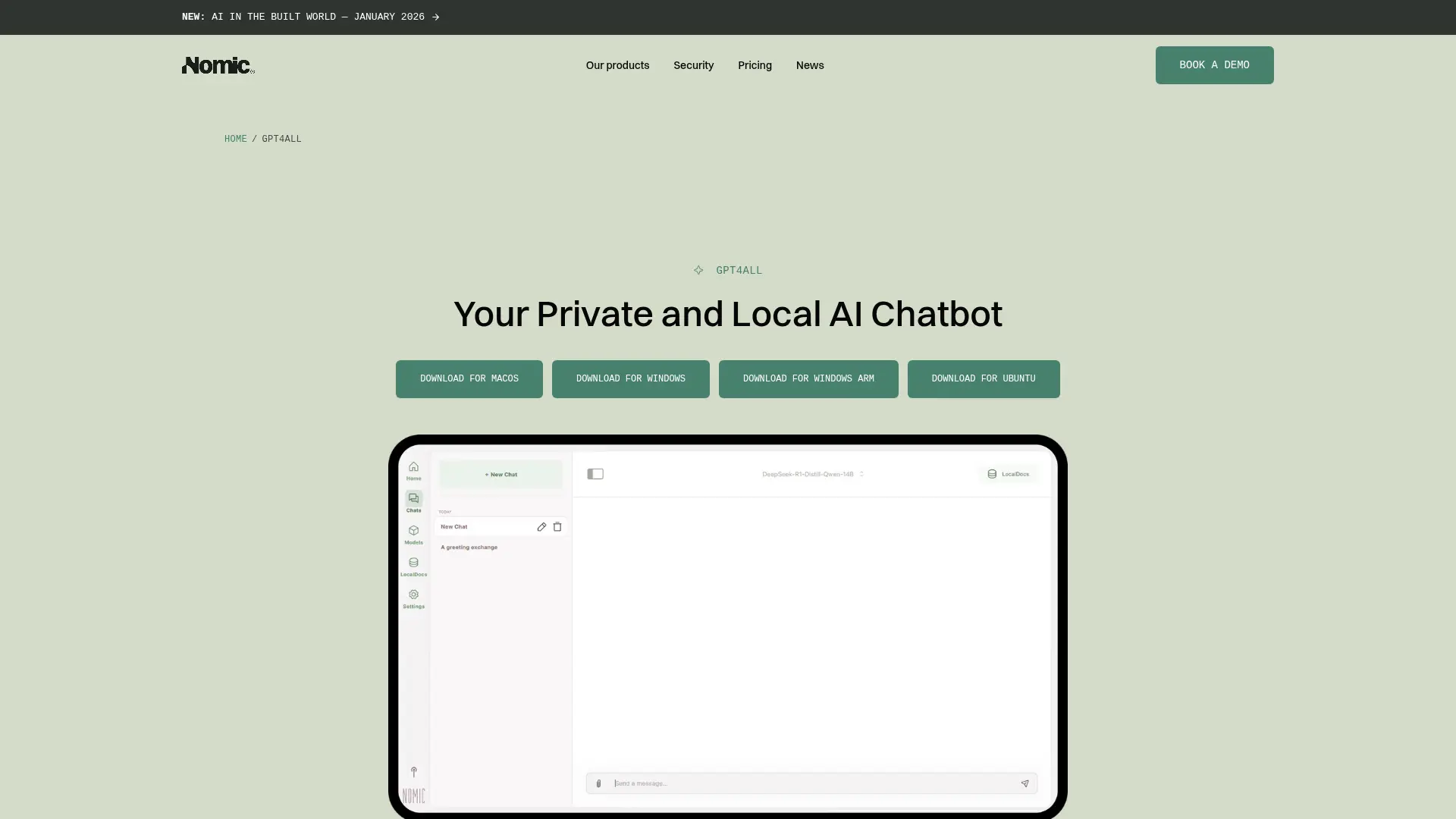
GPT4All keeps it simple — download, pick a model, and start chatting locally
Pricing
Free
Platform
Mac/Win/Linux
Offline
Full Support
Best For
Beginners
Full Comparison Table
| Feature | Elephas | Ollama | LM Studio | Jan | Msty | AnythingLLM | GPT4All |
|---|---|---|---|---|---|---|---|
| Full Offline | Yes | Yes | Yes | Yes | Yes | Partial | Yes |
| System-Wide Mac | Yes | No | No | No | No | No | No |
| Knowledge Base | Super Brain | None | None | Basic | Basic | RAG | LocalDocs |
| GUI Interface | Native | CLI Only | Desktop | Desktop | Native | Web/Desktop | Desktop |
| Cloud + Local | Yes | No | No | Yes | Yes | Yes | No |
| Open Source | No | Yes | No | Yes | No | Yes | Yes |
| Model Count | Via Ollama | 100+ | Hundreds | Many | Via Ollama | Many | Limited |
| Document Upload | Yes | No | No | No | Basic | Yes | Yes |
| Setup Difficulty | Very Easy | Moderate | Easy | Easy | Easy | Moderate | Easy |
| Price | From $19/mo | Free | Free | Free | Free/$9.99 | Free/$6.99/mo | Free |
Which Should You Choose?
Professionals with confidential client data
Choose Elephas — Super Brain per client, system-wide Mac access, offline mode for NDA work, hybrid cloud+local for flexibility
Developers building AI-powered apps
Choose Ollama — OpenAI-compatible API, 100+ models, free, scriptable, and the industry standard for local inference
Users who want to explore many models
Choose LM Studio — Visual model browser makes it easy to discover, download, and test hundreds of models
People switching from ChatGPT who want something familiar
Choose Jan — Most ChatGPT-like interface, one-click setup, open source, and supports cloud APIs as a fallback
Teams needing document Q&A with custom RAG
Choose AnythingLLM — Best document ingestion pipeline, workspace organization, and vector search for grounded answers
Our recommendation: Start with Elephas if you're a Mac user who values both privacy and productivity. It combines the best of local AI (offline mode, data stays on your Mac) with the convenience of cloud models when you need them — all through a native Mac interface that works in every app.
If you're a developer or power user, pair Ollama with Elephas — Ollama handles the model backend, and Elephas provides the polished frontend with persistent knowledge bases.
Frequently Asked Questions
What is a local AI assistant?
A local AI assistant runs AI models directly on your device (Mac, PC, or Linux) instead of sending your data to cloud servers. Your prompts, documents, and conversations stay on your machine. This means complete privacy — no third party ever sees your data — and the ability to work offline without an internet connection.
Can I run AI locally on a MacBook Air?
Yes. Modern MacBook Airs with Apple Silicon (M1, M2, M3, M4) run smaller AI models (7B-8B parameters) very well with 8GB RAM. For larger models (13B-30B), 16GB or 24GB unified memory gives better performance. The Apple Silicon architecture is particularly well-suited for AI inference thanks to its unified memory design.
Are local AI assistants as good as ChatGPT?
For 80% of daily tasks — writing, summarizing, Q&A, brainstorming — open-source models like Llama 3.1 running locally produce comparable results to ChatGPT. For complex multi-step reasoning, creative writing, and image analysis, ChatGPT's frontier models still have an edge. Tools like Elephas bridge this gap by letting you use local models for privacy-sensitive work and cloud models for complex tasks.
Which local AI assistant is best for beginners?
Elephas and Jan are the most beginner-friendly options. Elephas works system-wide on Mac with a native interface — no terminal or model management needed. Jan offers a clean ChatGPT-like interface with one-click model downloads. LM Studio is also approachable with its visual model browser. Ollama is more technical but powerful if you're comfortable with the command line.
How much storage do local AI models need?
Model sizes vary: 7B models need about 4-5GB, 13B models need 7-8GB, 30B models need 16-20GB, and 70B models need 35-40GB of disk space. Most users start with a 7B or 8B model, which fits easily on any modern Mac. You can download multiple models and switch between them as needed.
Can Elephas work with Ollama models?
Yes. Elephas connects to Ollama as a backend, so you can use any model you've downloaded through Ollama — Llama 3.1, Mistral, Mixtral, and more — through Elephas's polished Mac interface. This gives you Ollama's model flexibility with Elephas's system-wide access and Super Brain knowledge bases.
Do local AI assistants work offline?
Most do, once models are downloaded. Elephas, Ollama, LM Studio, Jan, and GPT4All all work fully offline. AnythingLLM works offline for local models but needs internet for cloud features. This makes local AI assistants ideal for travel, air-gapped environments, or simply ensuring your work isn't dependent on an internet connection.
What's the best local AI for confidential client documents?
Elephas is the best choice for professionals handling confidential documents. It combines offline local models with persistent per-client knowledge bases (Super Brains), system-wide Mac access, and a polished native interface. For developers or power users who prefer open-source, Ollama paired with Open WebUI is a strong free alternative.
