9 Best Claude Cowork Alternatives in 2026 for Knowledge Professionals
Claude Cowork is impressive for one-off automation—but it forgets everything between sessions, requires cloud processing, and locks you into one AI provider. Here are nine alternatives ranked by data grounding, privacy, and workflow reliability.
Claude Cowork shook up the AI world when it launched in January 2026. Anthropic's pitch—an AI coworker that operates your computer, reads your files, and completes multi-step tasks without hand-holding—was exactly what knowledge professionals had been waiting for.
Then reality set in. Cowork is cloud-dependent, locked to Anthropic's models, and treats every session as a fresh start. For consultants, researchers, lawyers, and analysts who need AI grounded in their data—not generic internet knowledge—that's a serious gap.
For a detailed look at what Cowork does well, see our 10 best Claude Cowork use cases for knowledge workers and our Cowork plugins review. This article focuses on the alternatives.
If you pay for Max or Team, your plan now also includes monthly Claude API credits. They do not cover Cowork itself, but they do cover the Claude API, so an app that takes your own Claude key should be able to use them.
Why knowledge professionals look for Cowork alternatives
No persistent knowledge base. Cowork processes your documents per task. It doesn't build a searchable library you can query months later.
Cloud-only processing. Every file leaves your machine and hits Anthropic's servers. For professionals handling NDAs, contracts, or medical records, that's a deal-breaker.
Single AI provider lock-in. Cowork only uses Claude. No GPT-4, no Gemini, no local models for sensitive work.
No system-wide access. Cowork lives inside Claude Desktop. You can't summon it while drafting in Mail, Word, or Safari.
Expensive for real usage. Pro ($20/mo) hits limits after 3–5 tasks per day. Serious use requires Max at $100–$200/month.
No mobile support. Desktop-only. No continuity between Mac, iPhone, and iPad.
Quick Comparison
Elephas — Best for grounding AI in your own data with reliable workflows
Super Brain · System-Wide Mac · Offline AI · From $19/mo
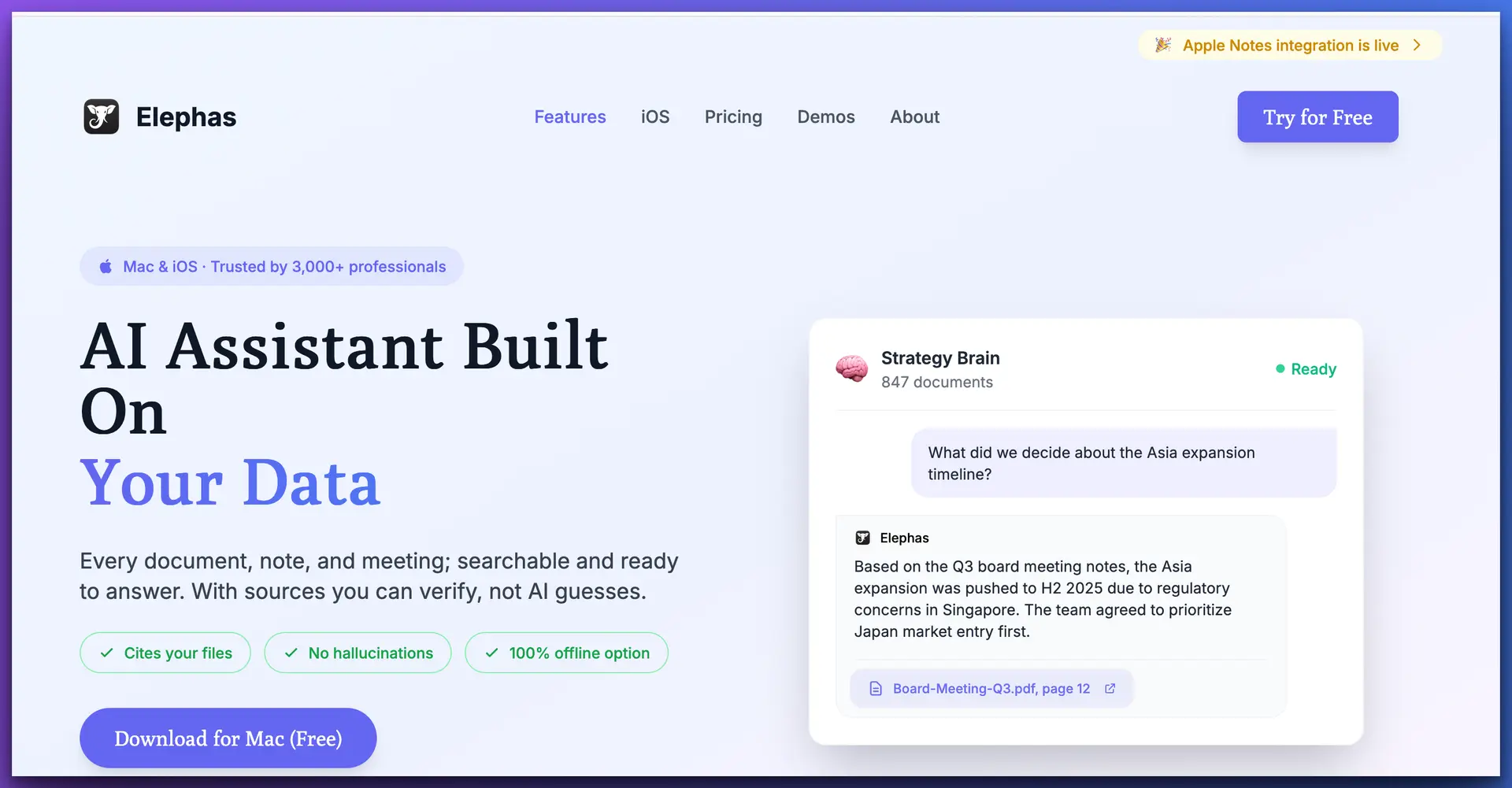
Elephas is a personal AI knowledge assistant built specifically for the Apple ecosystem. Where Cowork treats each task as a one-off, Elephas builds a persistent, searchable knowledge base — called Super Brain — from your documents, notes, PDFs, transcripts, and web clips. You feed it your materials once, and it becomes an expert in your domain permanently.
The difference matters most for professionals who return to the same body of knowledge repeatedly. A consultant who uploads 200 client documents doesn't want to re-explain their work every session. They want to ask "What did we recommend for the Q3 pricing strategy?" six months later and get the answer with a citation pointing to the exact source document.
Key Features
Pros
Cons
Pricing
Free tier available (no credit card required). Paid plans from $19/month — significantly less than Cowork's $20/month Pro plan, and you won't hit usage ceilings that push you to $100–$200/month.
Best for: Knowledge professionals who need AI grounded in their own documents, with privacy controls and system-wide Mac access. Researchers, consultants, lawyers, analysts, and anyone whose work depends on a growing body of proprietary knowledge.
ChatGPT Projects — Best for general-purpose AI with conversational memory
Project Memory · GPT-4o · Canvas · From $20/mo
OpenAI's ChatGPT introduced Projects in late 2025, giving Plus and Team subscribers a way to organize conversations around specific topics with persistent context. You can upload files to a project, set custom instructions, and ChatGPT remembers context across conversations within that project.
ChatGPT Projects offer better persistence than Cowork — your uploaded files and conversation history stay within a project. But it's still a chat interface. You're copy-pasting between ChatGPT and your actual work apps, and the knowledge base is limited to what you upload per project rather than a unified searchable library across all your work.
Key Features
Pros
Cons
Pricing
Free tier available. Plus at $20/month. Team at $25/user/month.
Best for: Professionals who need a strong general-purpose AI assistant with project-level memory, but don't need system-wide access or offline privacy.
Notion AI — Best for teams already living in Notion
Workspace AI · Connectors · Team Collaboration · From $10/mo add-on
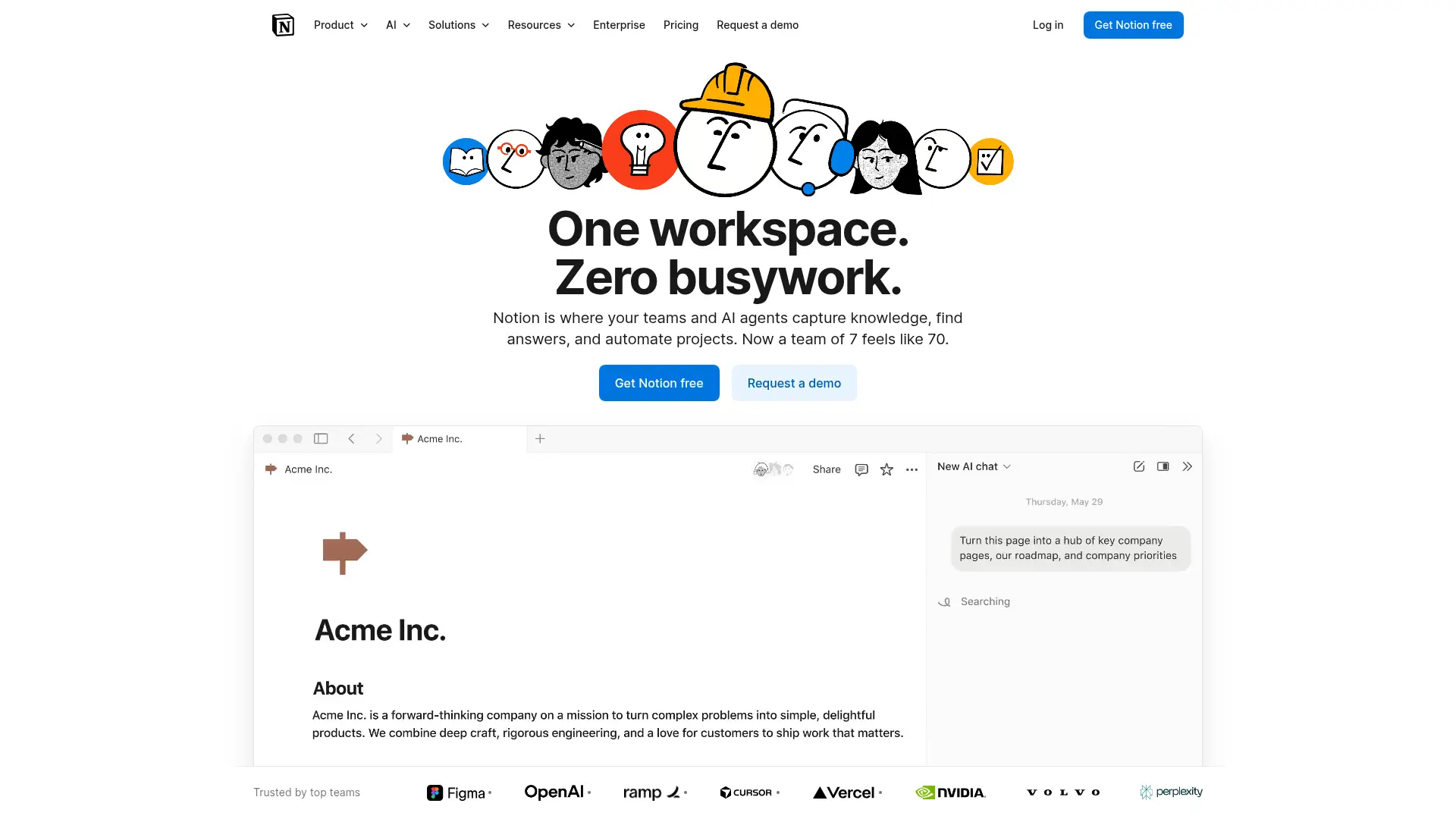
Notion AI is embedded directly into the Notion workspace, giving teams AI-powered writing, summarization, and Q&A over their Notion content. If your team already runs on Notion for wikis, project docs, and knowledge management, the AI layer adds value without changing your workflow.
Notion AI is deeply integrated but fundamentally app-bound. It only knows what's in Notion. If your knowledge lives in PDFs, Apple Notes, local files, or other apps, Notion AI can't reach it. Cowork at least reads files from your local folders — though it doesn't retain them.
Key Features
Pros
Cons
Pricing
Included with Notion plans; AI add-on from $10/member/month.
Best for: Teams that run their entire knowledge workflow inside Notion and want AI layered on top without adding new tools.
Microsoft 365 Copilot — Best for enterprise Microsoft environments
Word · Excel · Teams · Microsoft Graph · $30/user/mo
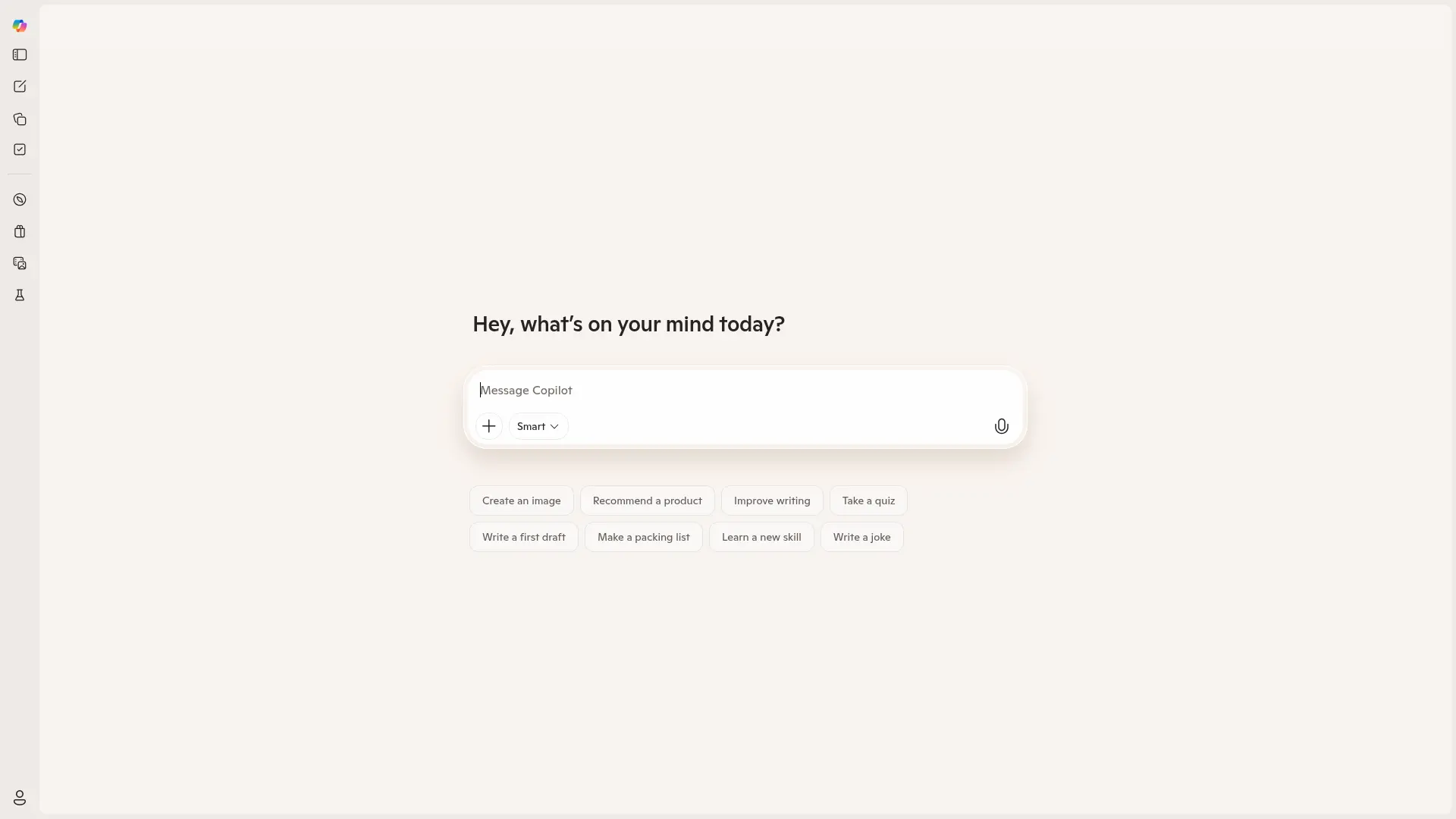
Microsoft 365 Copilot brings AI into Word, Excel, PowerPoint, Outlook, and Teams. It draws on your organization's Microsoft Graph data — emails, documents, calendar, chats — to generate contextually relevant responses.
Copilot has broader organizational data access than Cowork through Microsoft Graph — it can pull context from your emails, files, and calendar automatically. But it's locked to Microsoft apps. If you work on Mac with a mix of Apple and third-party tools, Copilot's integration advantage disappears.
Key Features
Pros
Cons
Pricing
$30/user/month (requires Microsoft 365 Business or Enterprise subscription).
Best for: Large organizations standardized on Microsoft 365 that want AI embedded in their existing tools.
Google Gemini + Workspace — Best for Google ecosystem teams
Gmail · Docs · Sheets · Meet · Included in plans
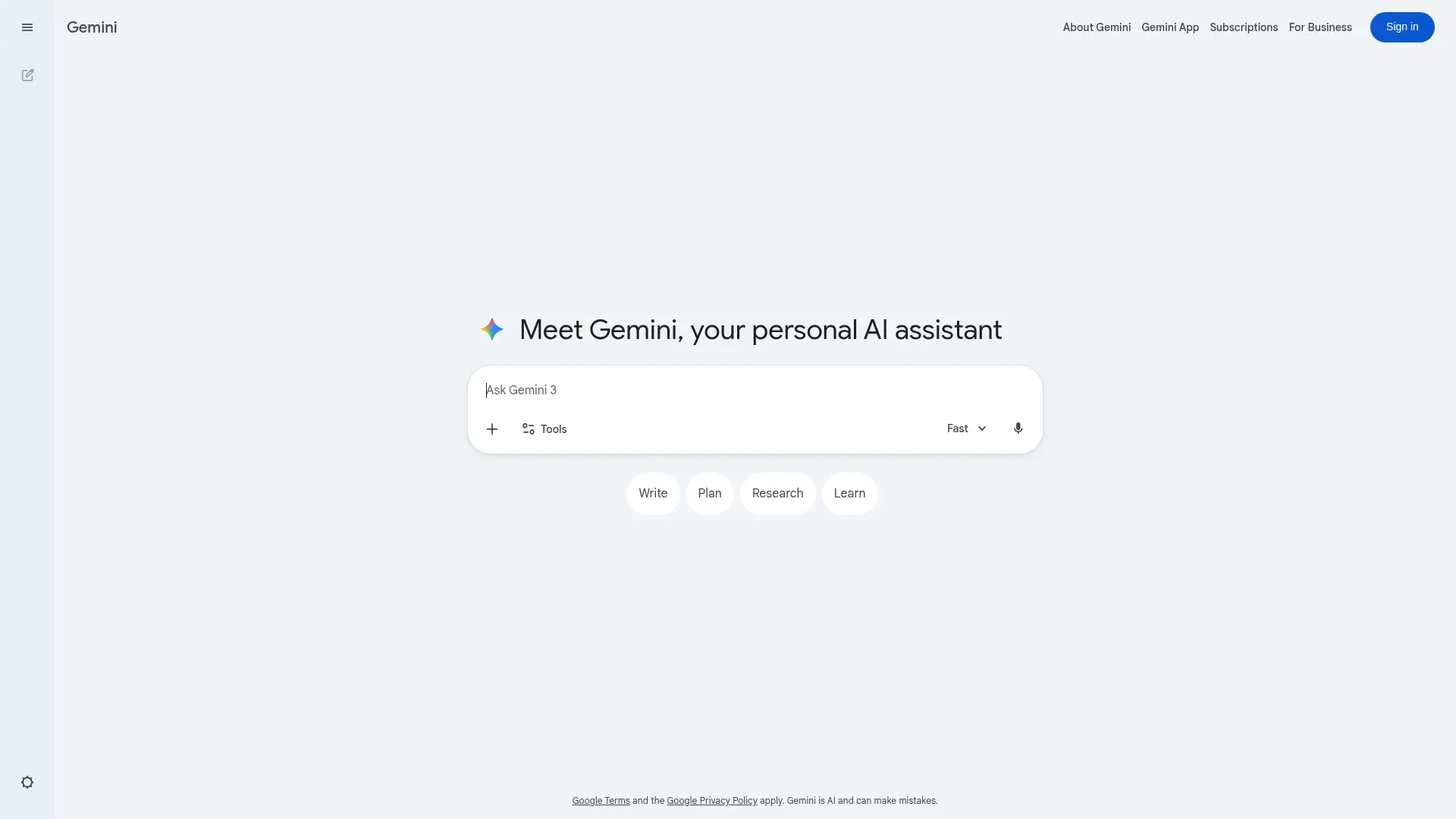
Google Gemini is integrated across Gmail, Docs, Sheets, Meet, and Slides for Workspace users. It leverages your Google Workspace data to provide contextual AI assistance without introducing new tools or costs.
Like Microsoft Copilot, Gemini is ecosystem-locked — but to Google's. It assists rather than independently executes, and has broader data awareness within Google's suite. The limitation is identical: if your work lives outside Google apps, Gemini can't help.
Key Features
Pros
Cons
Pricing
Included in Google Workspace Business Standard and above. Gemini Advanced standalone at $20/month.
Best for: Organizations already on Google Workspace that want AI integrated into their existing tools without additional cost.
Perplexity AI — Best for real-time research with cited sources
Answer Engine · Live Web · Citations · Free / $20/mo
Perplexity AI positions itself as an "answer engine" — a research tool that searches the web in real time and provides answers with inline citations. For knowledge workers who need to quickly verify facts, research trends, or gather competitive intelligence, it's fast and transparent about its sources.
Perplexity and Cowork serve different needs. Cowork automates multi-step tasks on your computer. Perplexity is a research tool that excels at finding and synthesizing external information with citations. It's not grounded in your personal data — it's grounded in the live web.
Key Features
Pros
Cons
Pricing
Free tier available. Pro at $20/month.
Best for: Knowledge workers who need fast, cited research from web sources. Pairs well with Elephas for professionals who need both external research and internal document grounding.
Raycast AI — Best for Mac power users who want AI in their launcher
Launcher + AI · Keyboard-First · Extensions · From $8/mo
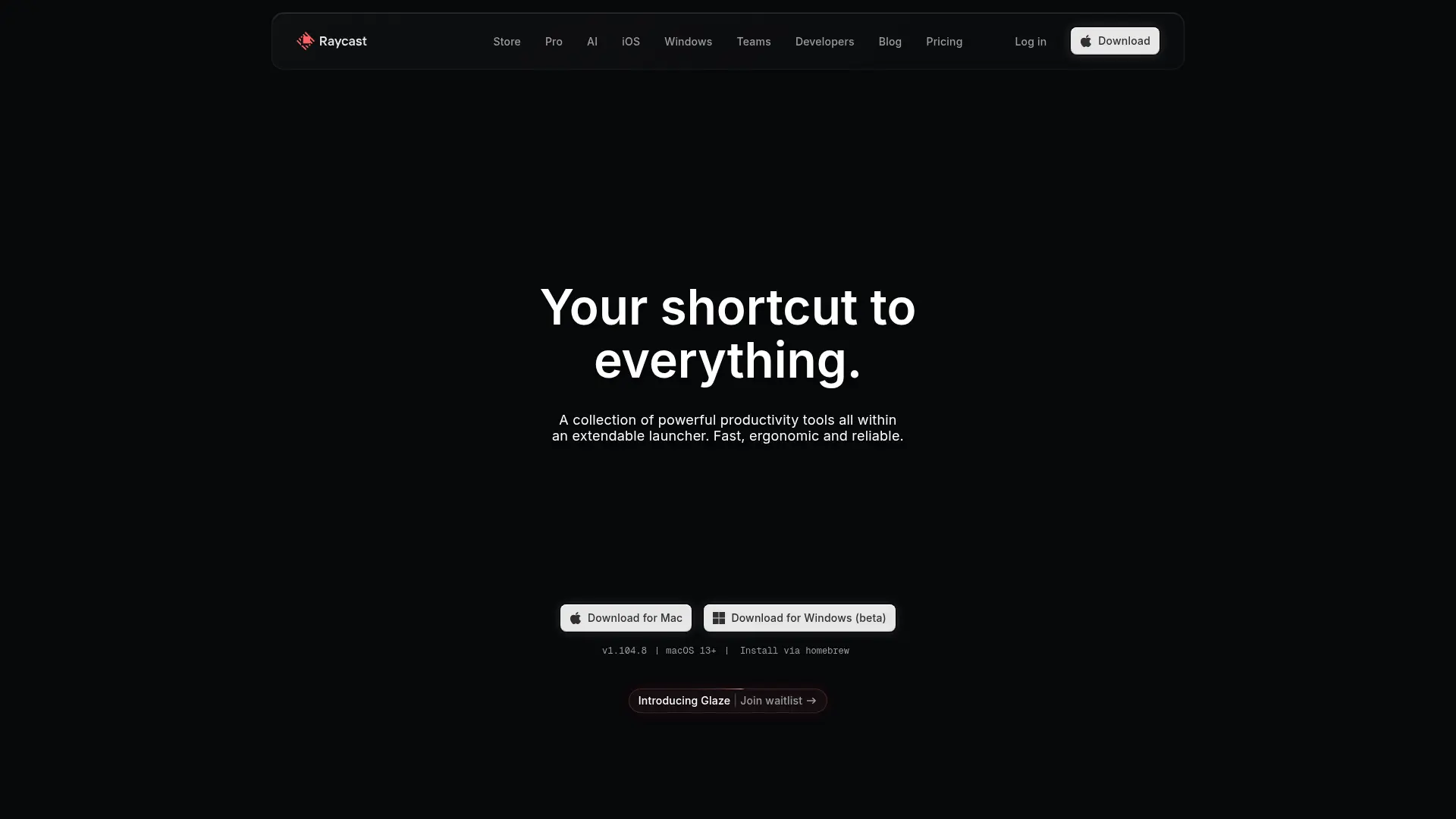
Raycast is a Mac launcher (think Spotlight on steroids) with AI built in. Raycast AI lets you chat with AI, translate text, summarize content, and run custom AI commands — all from a keyboard-driven interface that's fast and fluid.
Raycast AI is lighter and faster than Cowork for quick AI actions — select text, trigger a command, get a result. But it doesn't have a personal knowledge base, can't process your documents, and doesn't support offline mode. It's an AI-enhanced launcher, not a knowledge system.
Key Features
Pros
Cons
Pricing
Free tier available. Pro with AI from $8/month.
Best for: Mac power users who want fast, lightweight AI actions within a launcher interface and don't need document grounding.
NotebookLM — Best free option for document analysis
Document-Grounded · Audio Overview · Citations · Free
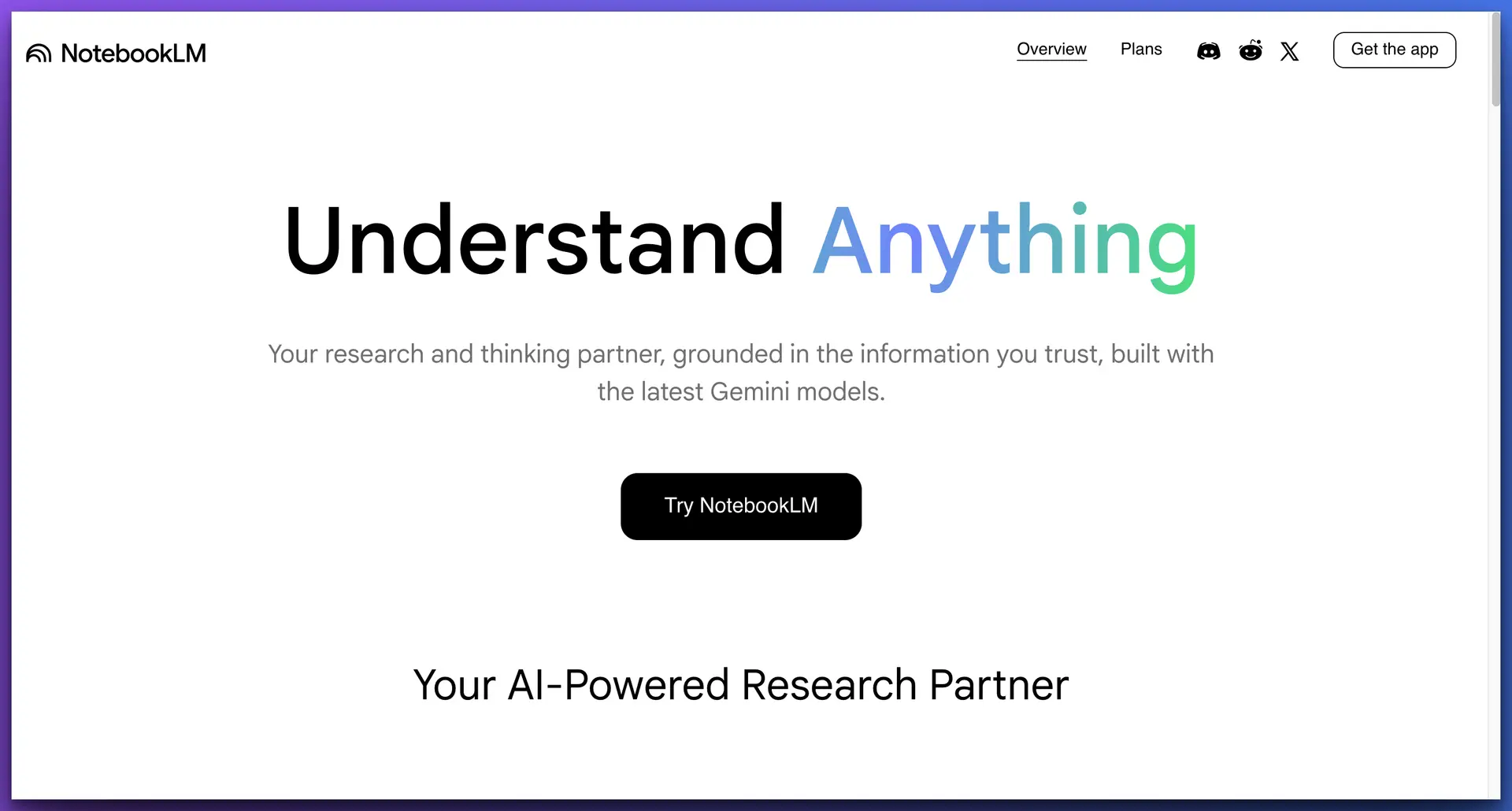
Google's NotebookLM lets you upload documents and have AI-powered conversations grounded in your sources. It's excellent at analyzing PDFs, research papers, and long documents, and provides answers with citations pointing back to your uploads. The Audio Overview feature that generates podcast-style summaries has been particularly popular.
NotebookLM is closer to what knowledge professionals actually need from Cowork — AI grounded in their documents. It does source citation well. But it's web-only, has no offline mode, no system-wide access, and each notebook is isolated. You can't query across all your knowledge at once.
Key Features
Pros
Cons
Pricing
Free.
Best for: Budget-conscious professionals who need document analysis with citations and don't need offline mode or system-wide access.
OpenWork — Best open-source, self-hosted alternative
Open Source · Local-First · MCP · Multi-Provider · Free
OpenWork is an open-source AI cowork desktop that launched as a direct response to Claude Cowork. Built for developers and technical users who want full control, it runs locally, supports multiple AI providers, and connects to your existing tools through MCP (Model Context Protocol).
OpenWork gives you Cowork-like autonomous capabilities without the subscription or cloud dependency. The trade-off is setup complexity — this is a tool for technical users comfortable with configuration, not a polished experience for non-engineers.
Key Features
Pros
Cons
Pricing
Free (open source). You pay for your own API keys.
Best for: Technical professionals and developers who want full control over their AI cowork setup and are comfortable with self-hosting.
How to choose the right Claude Cowork alternative
Start with your data
Does the tool ground its AI in your documents? If your work depends on proprietary knowledge, you need a tool with a real knowledge base. Best: Elephas (Super Brain with citations), NotebookLM (per-notebook), Notion AI (Notion content).
Consider where you work
Ecosystem-locked tools (Notion AI, Copilot, Gemini) are excellent inside their apps and useless outside them. Best for system-wide: Elephas (any Mac app via ⌘+Space), Raycast AI (launcher-based).
Evaluate privacy needs
If you handle confidential data, cloud-only tools are a liability. Best for privacy: Elephas (fully local AI with Ollama), OpenWork (self-hosted).
Compare real costs
Cowork's $20/month sounds reasonable until you hit limits and need $100–$200/month. Elephas starts at $19/month with no usage ceilings pushing you to higher tiers.
Frequently Asked Questions
What is the best free Claude Cowork alternative?
NotebookLM is the best free option for document analysis with citations. OpenWork is the best free option if you're technical and want autonomous task capabilities. Elephas also offers a free tier with system-wide Mac access and personal knowledge base features — no credit card required.
Which Claude Cowork alternative is best for privacy?
Elephas is the strongest option for privacy-conscious professionals. It offers a fully offline mode using local AI models through Ollama — your documents never leave your device. OpenWork also runs locally but requires more technical setup.
Can I use Claude Cowork and an alternative together?
Yes, and many professionals do. A common setup is using Cowork for occasional autonomous task automation while using Elephas as a daily driver for knowledge-grounded writing and research across all Mac apps. The tools serve different purposes and complement each other well.
Which alternative is best for researchers and academics?
Elephas is ideal for researchers who need a persistent, growing knowledge base from their papers, notes, and transcripts — with source citations on every answer. Perplexity AI pairs well for external research. NotebookLM is a solid free option for individual document analysis.
Is there a Claude Cowork alternative that works on iPhone and iPad?
Elephas is the only alternative on this list with native iPhone and iPad apps that sync with your Mac knowledge base via iCloud. ChatGPT has a mobile app but without the same knowledge base depth. Most other alternatives are desktop or web-only.
What's the cheapest Claude Cowork alternative for daily use?
Elephas starts at $19/month and offers a persistent knowledge base, system-wide access, and multiple AI providers without the usage ceilings that push Cowork users to $100–$200/month plans. Raycast AI at $8/month is cheaper but doesn't include document grounding.
Related articles
10 Best Claude Cowork Use Cases for Knowledge Workers in 2026
What Cowork does well — and where Elephas goes deeper
Claude Cowork Plugins: First Impressions and Alternatives
Detailed review of all 11 Cowork plugins and privacy-first alternatives
NotebookLM vs Claude Cowork: Complete Comparison (2026)
Side-by-side breakdown of two very different AI tools for document work

Related Resources
Explore all AI Privacy & Security resourcesPerplexity Computer vs Claude Cowork: Which AI Agent Should Run on Your Mac?
18 min readarticleChatGPT Business vs Plus: Which Plan Is Right for Your Firm?
15 min readarticlePerplexity Computer Review (2026): What It Actually Does, What It Costs, and Who It's For
11 min readarticleClaude API Credits: How to Use Your Free $100 to $200 Before It Expires
11 min readThe Claude Cowork Alternative Built for Your Knowledge
Elephas gives you a persistent knowledge base with cited answers, system-wide Mac access, and true offline mode—starting free, no credit card required.
Try Elephas Free
No credit card required. Local AI included.