8 Best Google Foresight Alternatives for Private Answers From Your Documents in 2026
Google launched Google AI Edge Foresight, the full name of Google Foresight, on 6 October 2026 as an experimental app that runs on your Mac (launch post). That matters because a Zapier survey found 89% of 1,005 US workers had entered company data into AI, and 79% had entered sensitive information (Zapier).
The best Google Foresight alternatives are AnythingLLM, Elephas, GPT4All and LM Studio. AnythingLLM is the top free, open-source pick if you can set up a local model. Elephas ($19 a month) opens the exact page behind each answer and hides names before cloud AI, with no setup. GPT4All and LM Studio are free and offline.
Below are quick picks, a table of all 8 tools, then each tool.
Quick answer
- Free and open source: AnythingLLM, a desktop app that cites sources and runs fully local with a local model.
- Answers that open the exact page: Elephas, for Mac and Windows. Pick it over the free tools when you want each answer to open its page, slide or sheet, with personal details hidden before cloud AI and nothing to set up. 7-day free trial, then $19 a month.
- Simplest free offline: GPT4All, which reads a folder with nothing leaving your computer by default.
- Mac archive with AI added: DEVONthink 4, a licence from $99 with no subscription.
- Cloud, from Google: NotebookLM (now called Gemini Notebook), with in-line citations and a base plan with no price shown, but your files go to Google's cloud.
- Staying with Foresight: Google says there are no cloud subscription costs (launch post), but work accounts need an admin to switch on Early Access apps (Admin Help, last updated 26 October 2026).
Which Google Foresight Alternative Fits Your Documents?
Your pick turns on where your files and the AI may run. Four free tools can keep everything on your computer, Msty Studio has a free plan, two have no free version, and NotebookLM is the cloud choice.
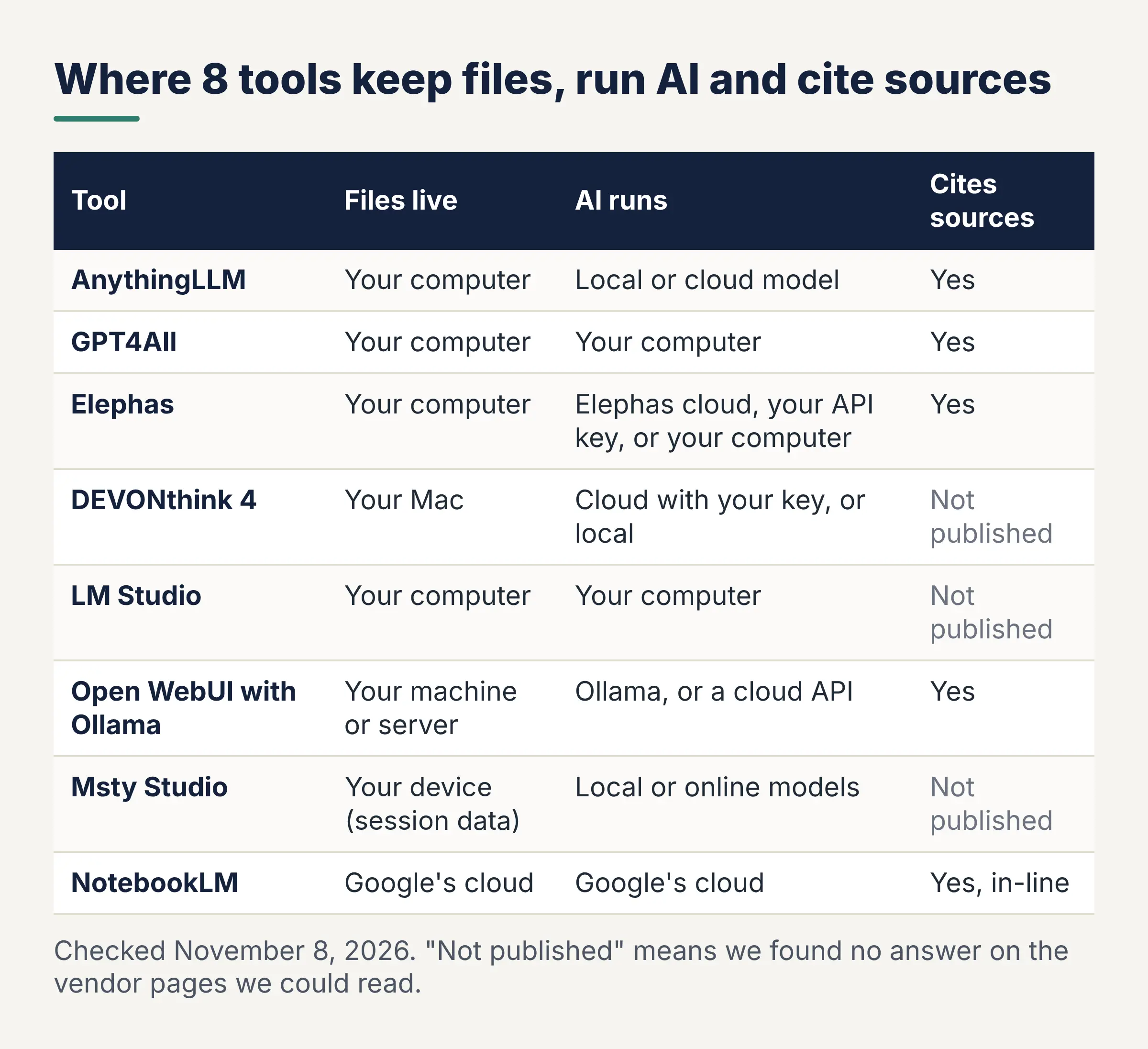
| Tool | Where files and index live | Where the AI runs | Cites sources | Works offline | Platforms | Price (monthly) |
|---|---|---|---|---|---|---|
| Google Foresight (baseline) | Your Mac, plus Google Drive | Your Mac | Meeting cards only | Yes | Mac, optimized for Apple Silicon | No price shown |
| AnythingLLM | Your computer | Local or cloud model | Yes | With a local model | Mac, Windows, Linux | Free |
| GPT4All | Your computer by default | Your computer by default | Yes, file titles | Yes | Mac, Windows, Ubuntu | Free |
| Elephas | Your computer; index and chats encrypted | Elephas cloud, your API key, or your computer | Yes, page, slide or sheet | On-computer model; sign-in needs internet | Mac (Apple Silicon), Windows | $19 |
| DEVONthink 4 | Your Mac | Cloud with your key, or local | Not published | Not published | Mac; iPhone and iPad via DEVONthink To Go | $99, $199 or $499 licence |
| LM Studio | Your computer | Your computer; cloud optional | Not published | Yes | Mac (Apple Silicon), Windows, Linux | Free; Bionic+ $20 |
| Open WebUI with Ollama | Your machine or server | Ollama, or a cloud API | Yes | With Ollama | Mac, Windows, Linux | Free |
| Msty Studio | Your device (session data) | Local or online models | Not published | Not published | Mac, Windows, Linux | Free; Aurum $149 a year |
| NotebookLM | Google's cloud | Google's cloud | Yes, in-line | None listed | Web and mobile app | Base plan, no price shown; AI Pro $19.99 |
Checked November 8, 2026. "Not published" means we found no answer on the vendor pages we could read.
1. AnythingLLM: Free, Open-Source Document Chat
Best for: free, fully local answers from your own folders.
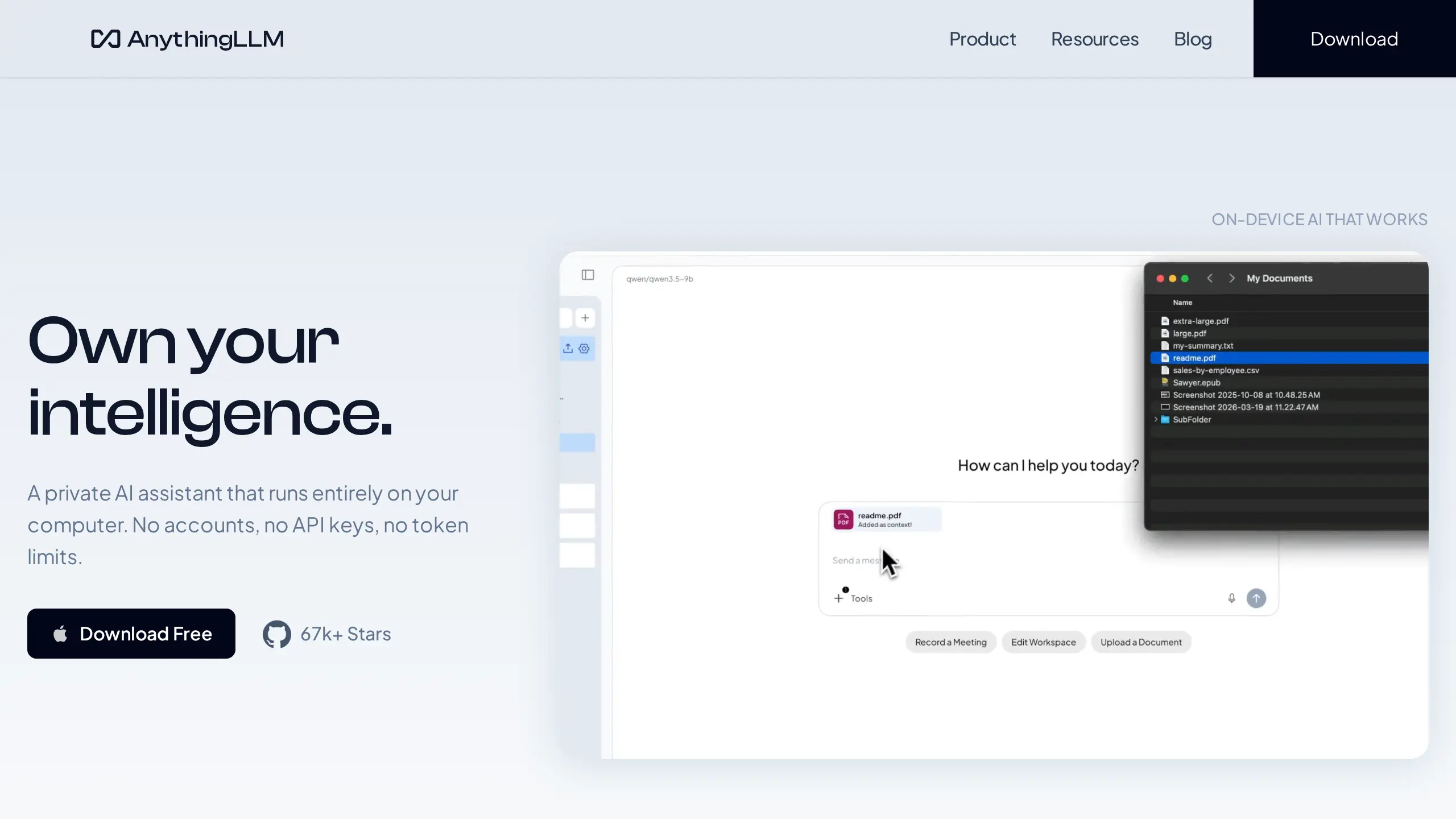
AnythingLLM is an MIT-licensed (free, open-source) app for Mac, Windows and Linux, best for local chat with your documents. Its privacy page says "everything is saved locally on your device by default" (docs). Our AnythingLLM security comparison goes deeper.
Key Capabilities:
- Cites sources in the chat, per its GitHub page
- A built-in local model, Ollama, LM Studio, or cloud models from OpenAI or Anthropic
Pricing: Free desktop app. Hosted AnythingLLM Cloud for small teams starts at $50 a month.
Your documents: Files, index and chats stay on your computer. With a cloud model, your question and passages go to that provider.
Main catch: Anonymous usage tracking is on by default; turn it off under Privacy. Answers depend on your model and memory (16GB recommended).
Why We Picked AnythingLLM: It is free, open source and shows sources, so it beats every paid app on price if you can set up a local model.
User Feedback: We could not find a public user review we could quote on Trustpilot, Product Hunt, SourceForge or Capterra.
2. GPT4All: Simple, Free Chat With a Folder
Best for: install-and-go chat with a folder of PDFs and notes.
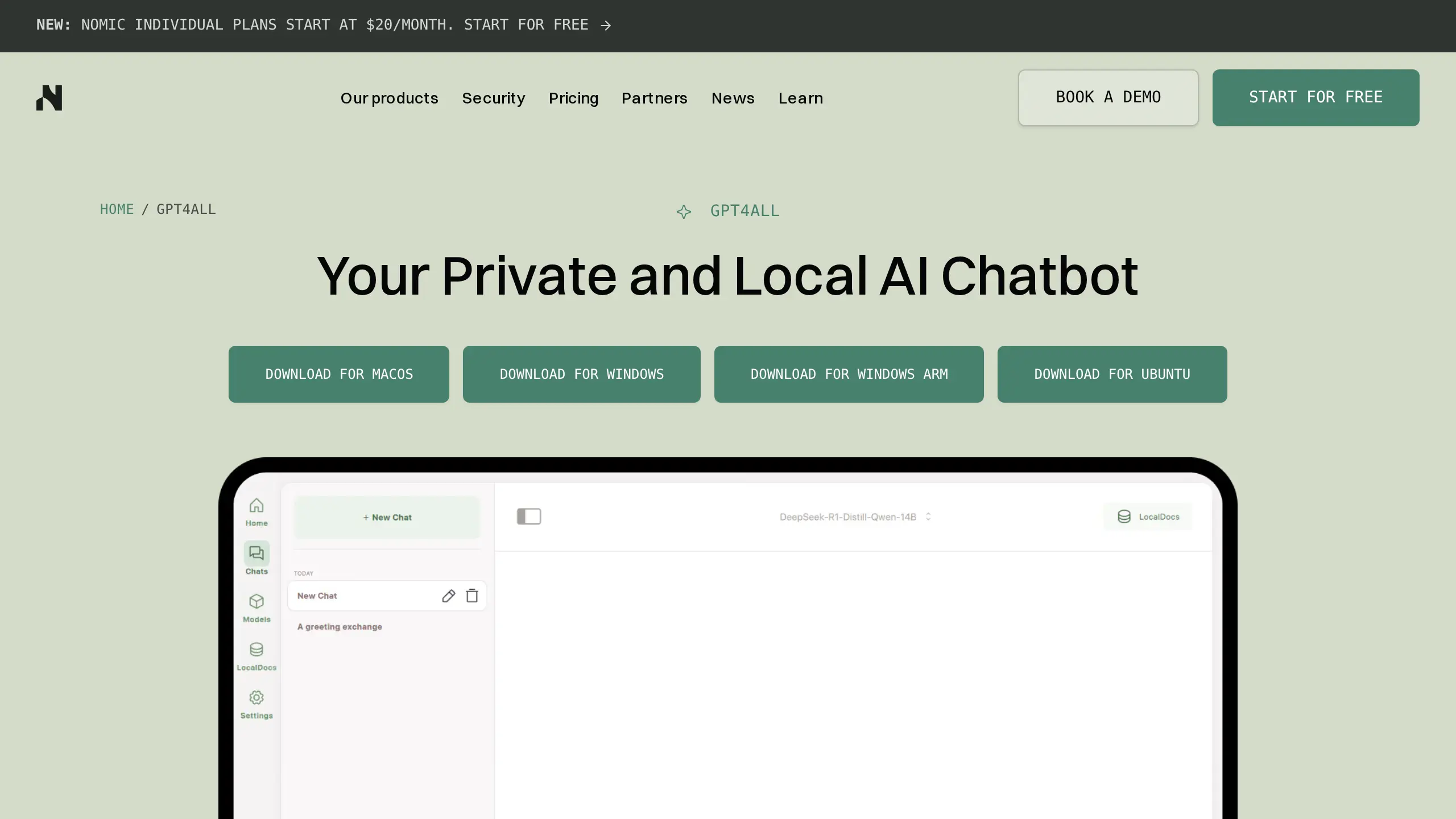
GPT4All is a free, open-source (MIT) app from Nomic, best for simple folder chat. Its LocalDocs feature indexes a folder on your computer, and Nomic says "no data leaves your machine" (GPT4All).
Key Capabilities:
- "Show Sources" lists the files used under each reply, on by default (settings)
- Reads .txt, .pdf, .md and .rst by default; the changelog also lists LocalDocs support for .docx files
Pricing: Free (MIT licence).
Your documents: By default, files, index and model stay on your computer. Two optional settings, the Nomic Embed API and remote models, can send data out; both start off.
Main catch: By default it reads only 3 snippets of 512 characters per question. The last desktop release, v3.10.0, is dated 24 February 2025 in its changelog.
Why We Picked GPT4All: The simplest free way to ask a folder of files with nothing leaving your computer by default.
User Feedback:
Positive: "...It's reassuring to have a tool I can use for sensitive projects without needing to stay connected to the internet all the time." (Amina Khan, SoftwareFinder, Jan 2025, source)
3. Elephas: Private Answers That Open the Exact Page
Best for: cited answers from work files, no setup.
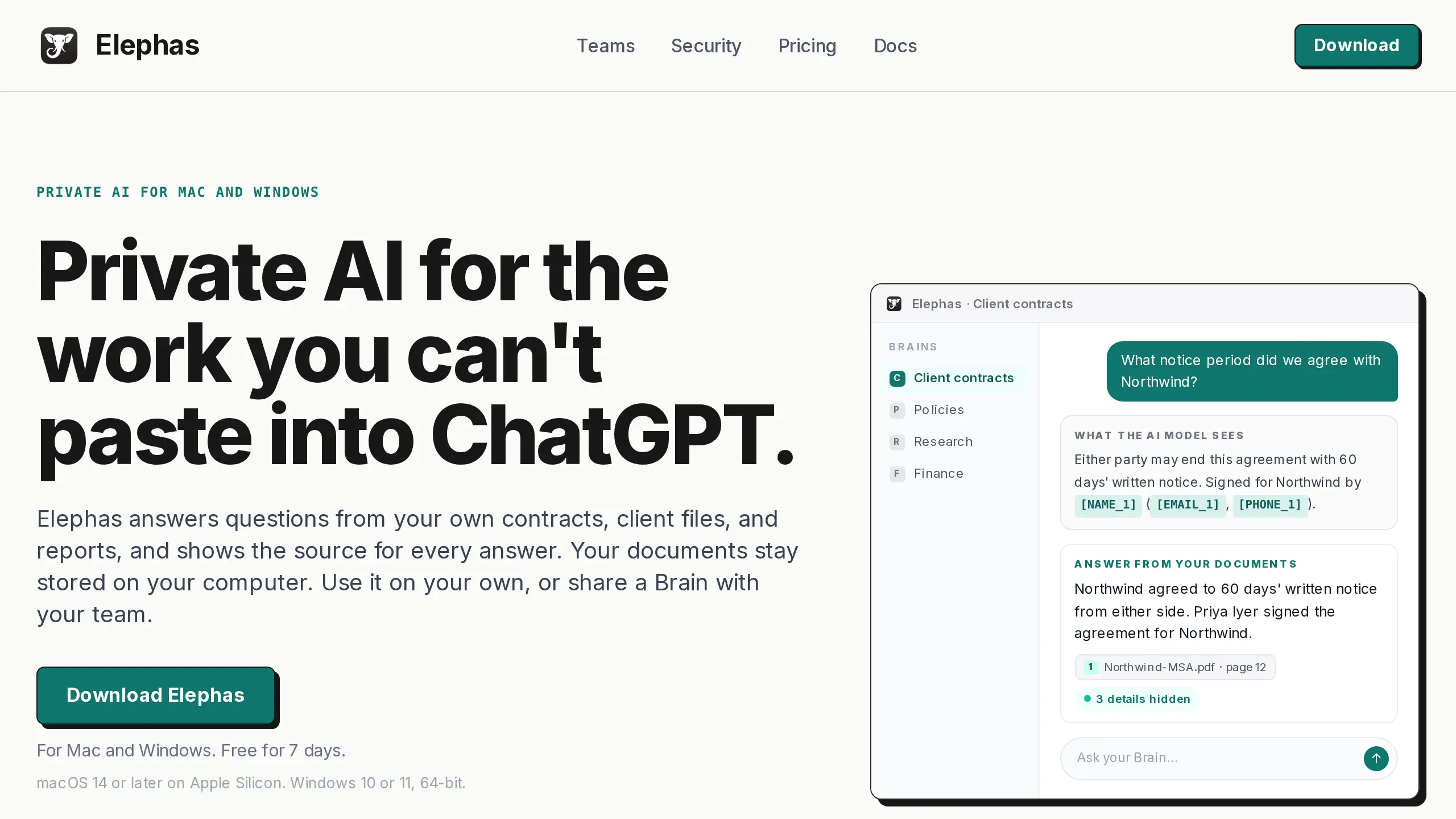
Elephas is a private AI knowledge assistant for Mac and Windows that answers questions from your own documents and shows the source for every answer. Sources open the quoted passage and page.
Privacy matters most for contracts and files that name people. Before a question leaves your computer, Elephas hides names, emails and phone numbers, and shows what it hid ("detection, not a guarantee", security page).
Key Capabilities:
- Three ways to answer: Elephas AI (the default), your own API key, or an on-computer model that sends nothing
- Elephas AI uses open-source models in its cloud; your prompts and answers are not stored or used for training
- PDFs (scanned too), Word, PowerPoint, Excel, Markdown and web pages
Pricing: $19 a month ($15 billed yearly); 7-day free trial, no card.
Your documents: Stored on your computer; the index and chats sit in an encrypted database.
Main catch: It is a paid app after the 7-day free trial, while several tools above are free.
Why We Picked Elephas: Answers open the quoted page, with nothing to set up. Elephas is our product.
User Feedback:
Positive: about the earlier version, "...This saves a huge amount of time when searching for information." (Reviewer, Capterra, Jan 2026, source)
4. DEVONthink 4: Mac Document Archive With Optional AI
Best for: researchers who want a Mac archive first.
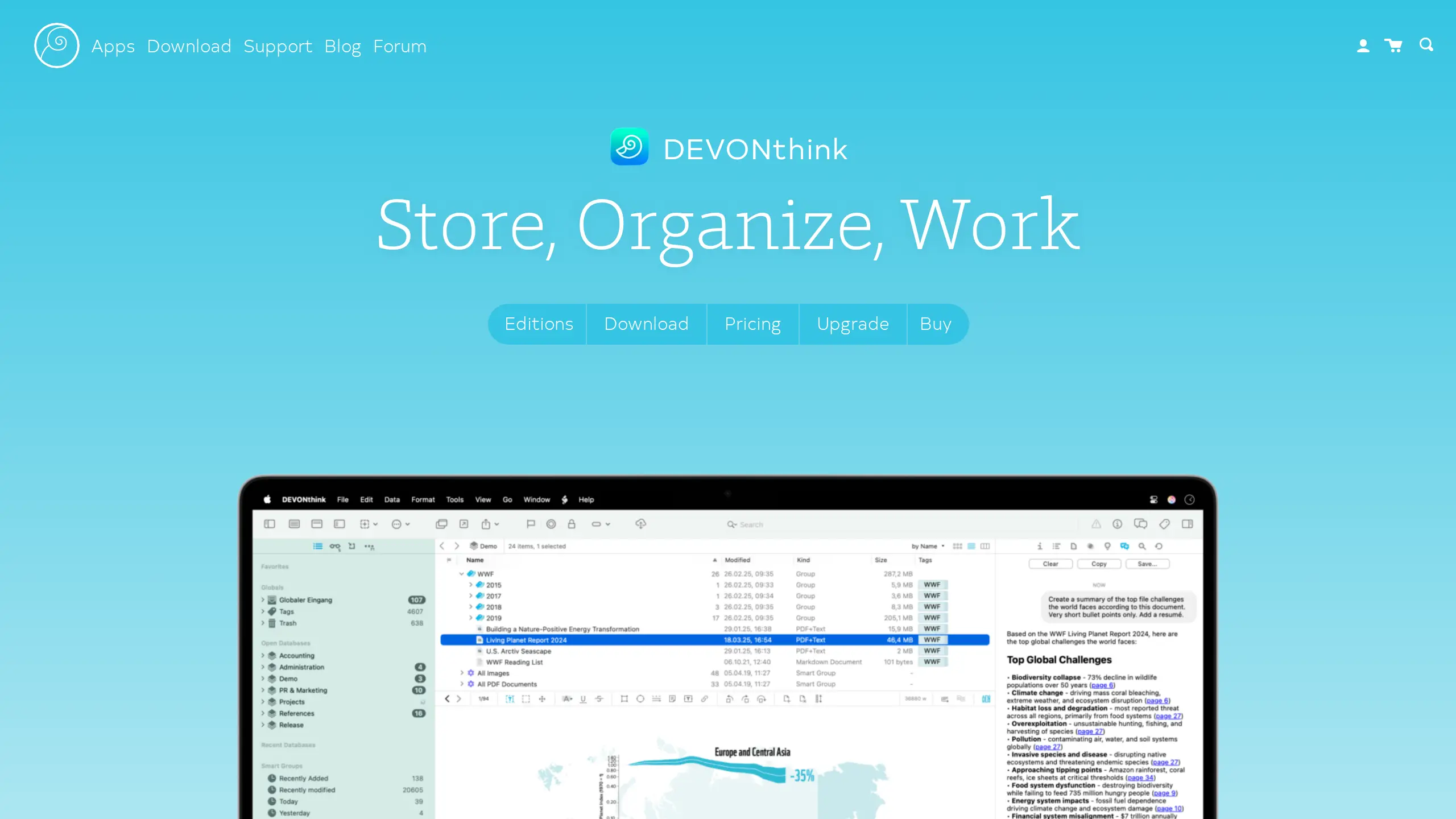
DEVONthink 4 is a document manager for PDFs, notes, emails and web pages, best for a Mac archive with AI added. It "stores your databases locally on your Mac, not on our servers" (DEVONthink).
Key Capabilities:
- ChatGPT, Claude or Perplexity with your own key, or local models through LM Studio or Ollama (MacStories)
- Pro hides emails, links and card numbers before text goes to a cloud model (manual)
Pricing: No subscription. Standard $99, Pro $199 (AI needs Pro) or Server $499. Trial: at least 30 days or 150 hours of use.
Your documents: Databases stay on your Mac. With a cloud model, it sends text from the selected documents, or scaled-down images of pictures and scans, never the original files (forum).
Main catch: Its manual doesn't describe answers that cite sources; you can ask for links in your prompt. It needs macOS Ventura or later.
Why We Picked DEVONthink: A full document manager you buy once, with AI when you want it.
User Feedback:
Positive: "...It offers excellent data privacy, as all data is stored locally with optional encryption..." (Reviewer, Capterra, May 2023, earlier version, source)
5. LM Studio: Free Local Model Runner With File Chat
Best for: running local models and asking a few files offline.
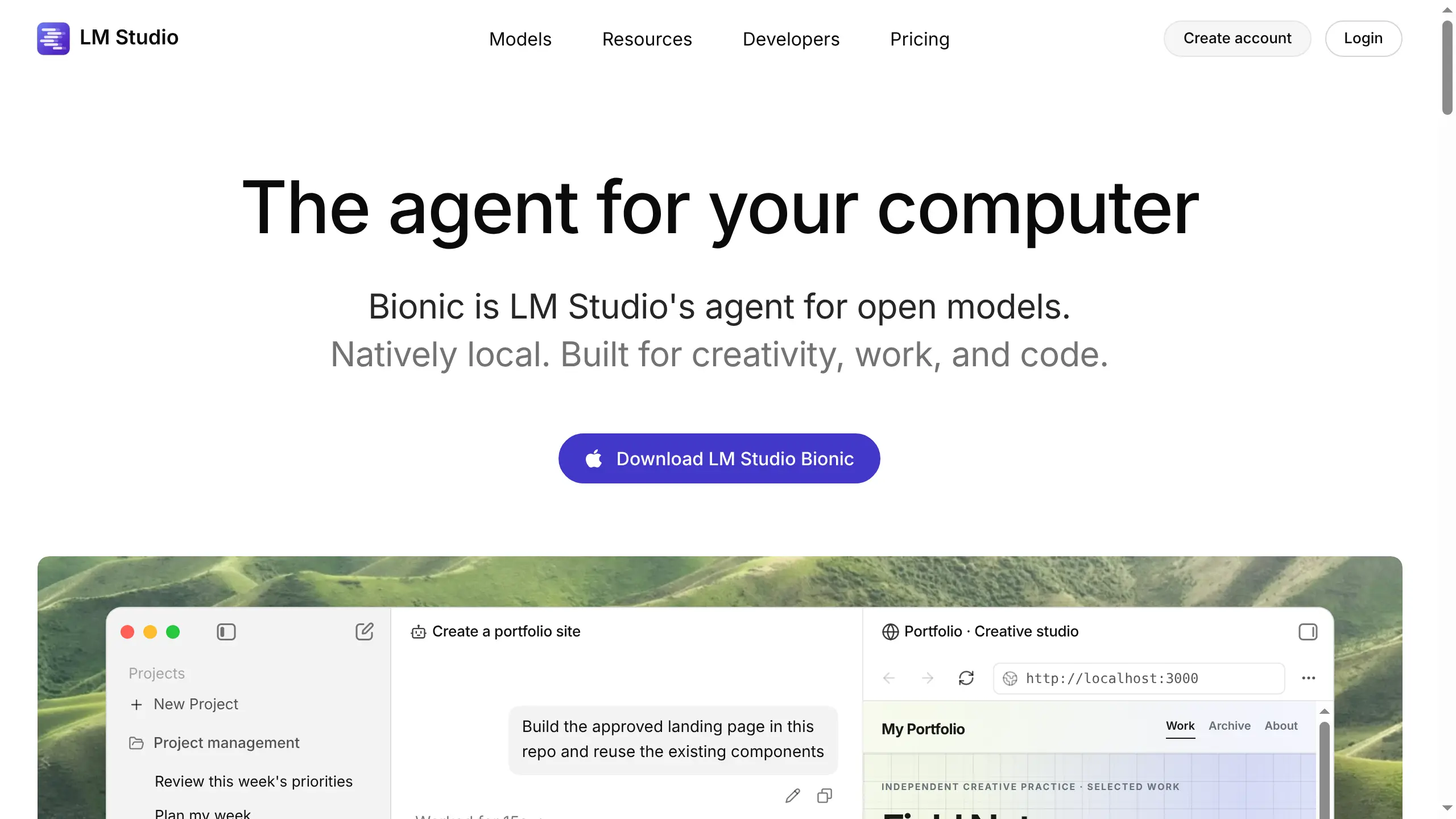
LM Studio is a free local model runner, best for chatting offline with a few attached files. Its privacy page says it "can run entirely on-device and offline", and that with local models, chats and documents stay on your device (privacy).
Key Capabilities:
- Attach .docx, .pdf and .txt files; short files go into the chat in full, long ones use retrieval (docs)
- No usage tracking: the app "does not include telemetry", per its privacy page
Pricing: Free, at home and at work (July 2025 post). Optional cloud plans: Bionic+ $20 a month, Pro $100 a month.
Your documents: You attach files to a chat, and with local models they stay on your computer. We found no folder library in its docs.
Main catch: Its document chat page doesn't mention citations. The app is closed source, and Macs need Apple Silicon and macOS 14 or newer.
Why We Picked LM Studio: Free, offline, and a model engine that AnythingLLM and DEVONthink can use.
User Feedback:
Positive: "LM Studio has turned my laptop into a mini AI lab." (Patty Rex, Product Hunt, about 2025, source)
6. Open WebUI with Ollama: Self-Hosted Chat With Citations
Best for: tinkerers who want their own chat-with-your-files site.
Open WebUI is a self-hosted chat site that shows citations, with Ollama running local models. RAG (retrieval) means the app looks up passages in your files before answering. Our Open WebUI comparison covers self-hosting.
Its docs say the RAG feature lets users "easily track the context of documents fed to LLMs with added citations for reference points" (RAG docs).
Key Capabilities:
- Ollama for local models, or OpenAI-compatible cloud models
- An offline setting that stops update checks and model downloads
Pricing: Free to self-host, no account needed (Open WebUI). Ollama is $0 for local models (Ollama).
Your documents: With a local Ollama model, questions and passages stay on your machine; a cloud model gets them too.
Main catch: Setup is the hard part. With under 24 GB of graphics memory, Ollama reads 4,096 tokens (small chunks of text) at once by default, which Open WebUI's docs say "severely limits" document answers until you raise it. Since v0.6.6, a branding clause means its licence isn't open source by the OSI definition (licence).
Why We Picked Open WebUI: Free, works offline once its models are downloaded, and its docs describe citations.
User Feedback:
Positive: "Incredibly extensible with pipelines and tools." (Ryan Yannelli, Product Hunt, about 2025, source)
7. Msty Studio: Polished Desktop App With Knowledge Stacks
Best for: one polished app for many models, with document search built in.
Msty Studio, from CloudStack, LLC, is best for running local and online models in one desktop app. Its Knowledge Stacks "Ground answers in your own documents and notes with organized, source-aware retrieval" (features).
Key Capabilities:
- Local embedding models for Knowledge Stacks (docs)
- "Zero product telemetry", per its home page
Pricing: Free forever plan with limited Knowledge Stacks. No monthly plan: Aurum is $149 a year, or $349 once for Aurum Lifetime (pricing).
Your documents: Its privacy page says session data "is stored locally on the user's device" or in services you choose to connect (privacy). It doesn't say where the index is kept.
Main catch: No official page we could read says answers show citations. Msty says "Formal SOC 2 and ISO 27001 certification are not yet complete" (both are security audits) (Msty).
Why We Picked Msty Studio: A free plan and a one-time licence, with many models in one app.
User Feedback: We could not find a public user review we could quote on Product Hunt, Trustpilot or G2.
8. NotebookLM: Google's Cloud Notebook With In-Line Citations
Best for: cited answers from Google when offline use doesn't matter.
NotebookLM (now called Gemini Notebook) is Google's cloud notebook, best for cited answers from sources you upload, with "clear in-line citations for accuracy, transparency, and trust" (Google).
Key Capabilities:
- PDFs, websites, YouTube videos, audio files, Google Docs and Google Slides
- Your data is "not used to train" it unless you send feedback
Pricing: Base plan with standard limits, no price shown. Google AI Plus ($4.99 a month) and Google AI Pro ($19.99 a month) raise the limits (US prices, Google AI plans).
Your documents: Uploaded to Google's cloud. It runs in a browser and in Android and iPhone apps; Google lists no Mac app.
Main catch: Google lists no offline mode, so it isn't local like Foresight.
Why We Picked NotebookLM: Google's own cited-answers tool, and a fair yardstick for citations.
User Feedback:
Positive: "...You can convert any web pages or documents you select into a very engaging video or podcast..." (Josef H., Trustpilot, Oct 2025, source)
Negative: "...it keeps giving information from one or two documents over and over again and won't even touch other sources..." (Muhammad Zuhaib Zahid, Trustpilot, Apr 2026, source)
Why Look for a Google Foresight Alternative?
Google Foresight is first a meeting notes app: it runs next to Google Meet, Zoom or face-to-face talks, and its document search serves the meeting. Its search runs on two Google AI models on your Mac, EmbeddingGemma 2 (740 million parameters) and Gemma 4 (Google).
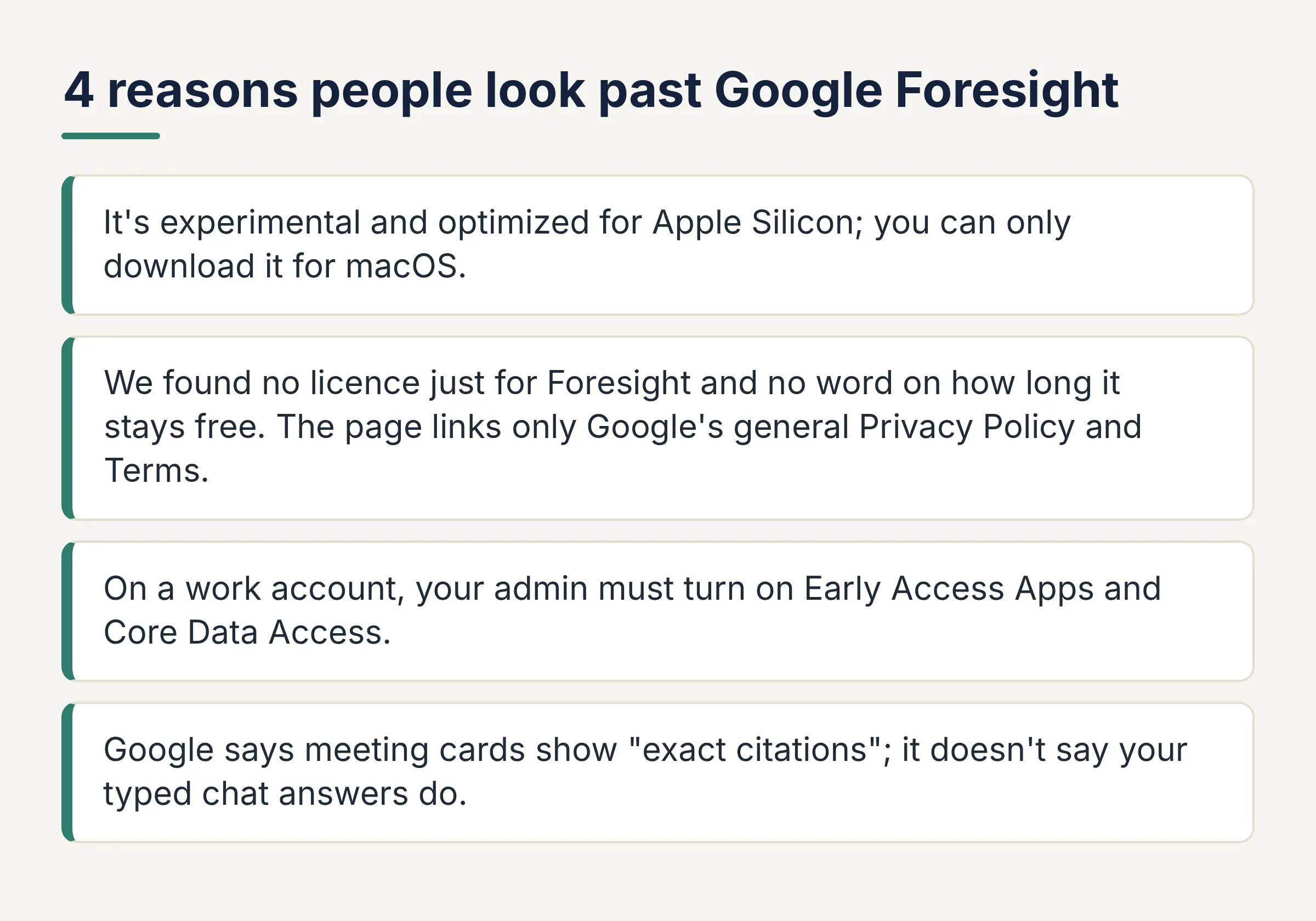
- It's experimental and optimized for Apple Silicon; you can only download it for macOS.
- We found no licence just for Foresight and no word on how long it stays free. The page links only Google's general Privacy Policy and Terms.
- On a work account, your admin must turn on Early Access Apps and Core Data Access.
- Google says meeting cards show "exact citations"; it doesn't say your typed chat answers do.
A study by Shenglai Zeng and coauthors found retrieval systems (apps that search your files before answering) can leak their private database (arXiv). In an email test, 250 attack prompts made the app fetch 452 pieces of private email. On prescription records, models repeated or closely copied records at rates near 50%.
A study by Wei Zou and coauthors (PoisonedRAG) found five planted texts per question, among millions of texts, gave a 90% attack success rate (arXiv). A few bad files in your set could steer an answer.
A study by Varun Magesh and coauthors (Stanford, Yale) found the Lexis+ AI and Westlaw research tools hallucinated between 17% and 33% of the time (arXiv). These studies test other systems, not the tools here, but show why a clickable source matters.
What Did We Find When We Checked All 8 Tools?
Three things stood out on the vendors' pages: only five say answers show sources, seven have a local option, and only two are paid with no free plan.
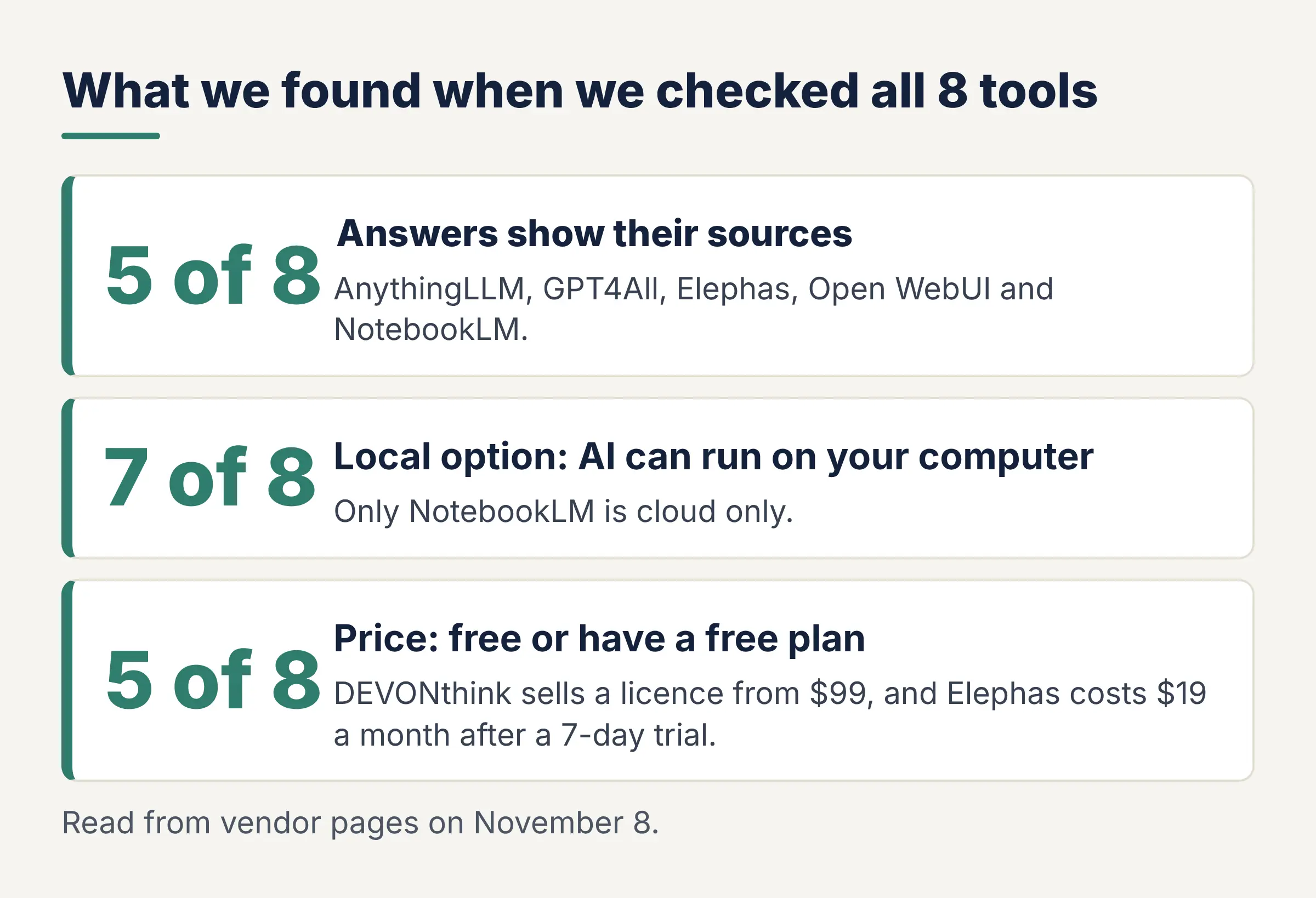
- Sources: 5 of 8 say in their own docs that answers show sources: AnythingLLM, GPT4All, Elephas, Open WebUI and NotebookLM. GPT4All shows file titles; Elephas opens the quoted passage and page. We found no such line for DEVONthink, LM Studio or Msty.
- Local option: 7 of 8 can run the AI on your computer: AnythingLLM, GPT4All, LM Studio, Open WebUI, DEVONthink and Msty Studio with a local model, and the Elephas on-computer model. Only NotebookLM is cloud only.
- Price: 5 of 8 are free or have a free plan; NotebookLM's base plan shows no price. DEVONthink sells a licence from $99, and Elephas costs $19 a month after a 7-day trial.
How We Picked These 8 Tools
We read each vendor's own pages, docs and pricing on November 8 and checked five things. We didn't install or test the apps. Elephas is our product and met the same checks.
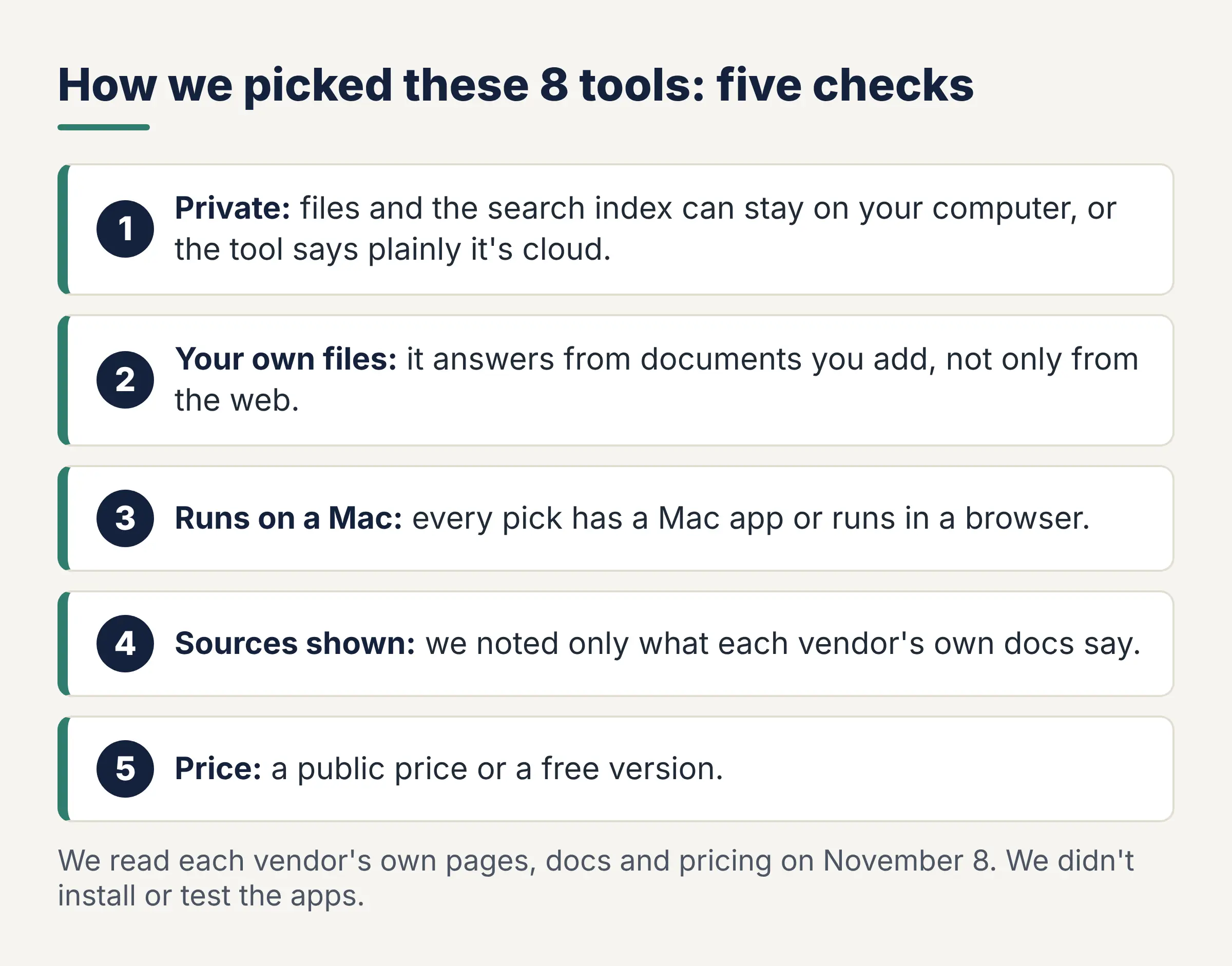
- Private: files and the search index can stay on your computer, or the tool says plainly it's cloud.
- Your own files: it answers from documents you add, not only from the web.
- Runs on a Mac: every pick has a Mac app or runs in a browser.
- Sources shown: we noted only what each vendor's own docs say.
- Price: a public price or a free version.
Meeting recorders are left out on purpose: this list is about documents. The order shows fit, not a score.
FAQ: Google Foresight Alternatives
Is there a free Google Foresight alternative?
Yes. AnythingLLM, GPT4All, LM Studio and Open WebUI with Ollama are free, and Msty Studio has a free plan. Google shows no price for NotebookLM's base plan or for Foresight, which it says has no cloud subscription costs.
Which Google Foresight alternative works fully offline?
GPT4All and LM Studio work offline once a model is downloaded, and so do AnythingLLM with a local model and Open WebUI with Ollama. NotebookLM is a browser and mobile service, and Google lists no offline mode.
Does Google Foresight work on Windows?
No. Google's page offers Foresight only as a macOS download, optimized for Apple Silicon. AnythingLLM, GPT4All, LM Studio and Msty Studio all have Windows apps, and NotebookLM runs in a web browser in supported countries.
Which apps show sources for their answers?
Five of the 8 tools say in their docs that answers show sources: AnythingLLM, GPT4All, Elephas, Open WebUI and NotebookLM. Elephas also opens the quoted passage and page. Click the source anyway, since tools that cite can still give wrong answers.
Is NotebookLM private?
Partly. Google says your data is not used to train it unless you send feedback, and Workspace content isn't reviewed by human reviewers. Your files are still uploaded to Google's cloud, so it isn't local like Foresight.
Does Elephas record meetings?
Elephas answers questions from the documents you add, not from calls. It works with PDFs, Word files, slides and spreadsheets, with a source for every answer. Each source opens the quoted passage and page. For call notes, use a meeting tool alongside it.
Related Resources
Research Methodology and Sources
We read vendor pages, docs and pricing on November 8.
- Foresight: Google's Foresight page, launch post
- Vendors: AnythingLLM, GPT4All, DEVONthink, LM Studio, Open WebUI, Msty, NotebookLM, plus each vendor's pricing page
- Studies: Zeng et al., PoisonedRAG, Magesh et al., Zapier survey
- Reviews: Trustpilot, Capterra, Product Hunt and SoftwareFinder, quoted word for word.