Top 12 Private AI Chatbots for Confidential Work
Last updated: September 28, 2026
A private AI chatbot is an AI assistant that keeps your prompts and files away from model training, long-term storage, or other people's servers. A 2025 University of Melbourne and KPMG study surveyed 48,340 people in 47 countries, and 48% of the employees in it said they had uploaded company information to a public AI tool.
The problem is that "private" means different things on different products. One chatbot runs fully on your laptop. Another sends your prompt to its own servers but promises not to keep it. A third passes it to OpenAI or Anthropic under a contract. All three use the same word on their homepage.
This guide compares 12 private AI chatbots for confidential work, from fully offline apps to hosted services with no-logs policies. For each one you get where your data actually goes, what the exception is, and what it costs. If you want the wider list of general tools, start with our ChatGPT alternatives guide.
Quick Answer
- The most private setup is a local model with cloud features switched off: LM Studio, Jan, GPT4All, Ollama or Private LLM. Nothing leaves your device in that mode.
- For hosted chat, Lumo by Proton keeps no chat logs and encrypts saved history, but your prompt is still processed on Proton's servers.
- Duck.ai, Brave Leo and Venice AI are free, account-light options. Each has a documented exception you should read before pasting client data.
- "Not used for training" is not the same as "not stored". Check training, retention and where the model runs as separate questions.
- Teams already on Microsoft 365, Google Workspace, ChatGPT Business or Claude for Work should use those governed plans, not personal accounts.
- Elephas is a privacy-friendly AI knowledge assistant for Mac with built-in local LLM models and Smart Redaction on every plan. It has a free plan, and paid plans start at $19/month with a free trial.
How Do the Best Private AI Chatbots Compare?
The table below compares the 12 best private AI tools for confidential work by where your data goes, whether they work offline, and whether they remove sensitive details before a cloud call. Prices were checked on each vendor's page on September 28, 2026, and plans change often, so confirm the current plan before you buy.
| Chatbot | Best For | Where Your Data Goes | Works Offline? | Redaction Before Cloud? | Price |
|---|---|---|---|---|---|
| Lumo by Proton | Private hosted chat in Proton's ecosystem | Proton-run servers, no chat logs | No | No | Free; Lumo Plus paid |
| LM Studio | Trying many local models in a clean app | Your device (local models) | Yes | No | Free; Bionic+ $20/mo for cloud |
| Elephas | Mac users who switch between local and cloud models | Your Mac, then redacted text to the cloud model you pick | Yes (built-in local models) | Yes, automatic | Free / from $19/mo |
| Jan | Open-source offline ChatGPT-style app | Your device | Yes | No | Free |
| GPT4All | Free local chat on Windows, Mac and Linux | Your device | Yes | No | Free |
| Ollama | Developers who want a local model API | Your device, unless cloud models are on | Yes | No | Free; Pro $20/mo for cloud |
| Duck.ai | Quick anonymous chat, no account | DuckDuckGo proxy, then the model provider | No | No (identity removed, not content) | Free |
| Brave Leo | AI inside the browser you already use | Brave's servers, no chat retention | No | No | Free; Premium $14.99/mo |
| Venice AI | Hosted chat with a choice of privacy modes | Venice proxy, then a GPU provider; history stays on device | No | No | Free; Pro $18/mo |
| Private LLM | On-device AI for iPhone, iPad and Mac | Your device | Yes | No | $4.99 one-time |
| AnythingLLM | Chatting with your own documents | Your machine or your own server | Yes | No | Free (self-hosted) |
| Msty | Local models plus your own cloud keys | Your device, or the cloud provider you connect | Yes | No | Free; Aurum $149/yr |
1. Lumo by Proton: Hosted Private AI Chatbot With Encrypted History
Best for people who want a hosted chatbot that keeps no chat logs and already trust Proton for mail or storage. Lumo is free to start, with a paid Lumo Plus plan for heavier use.
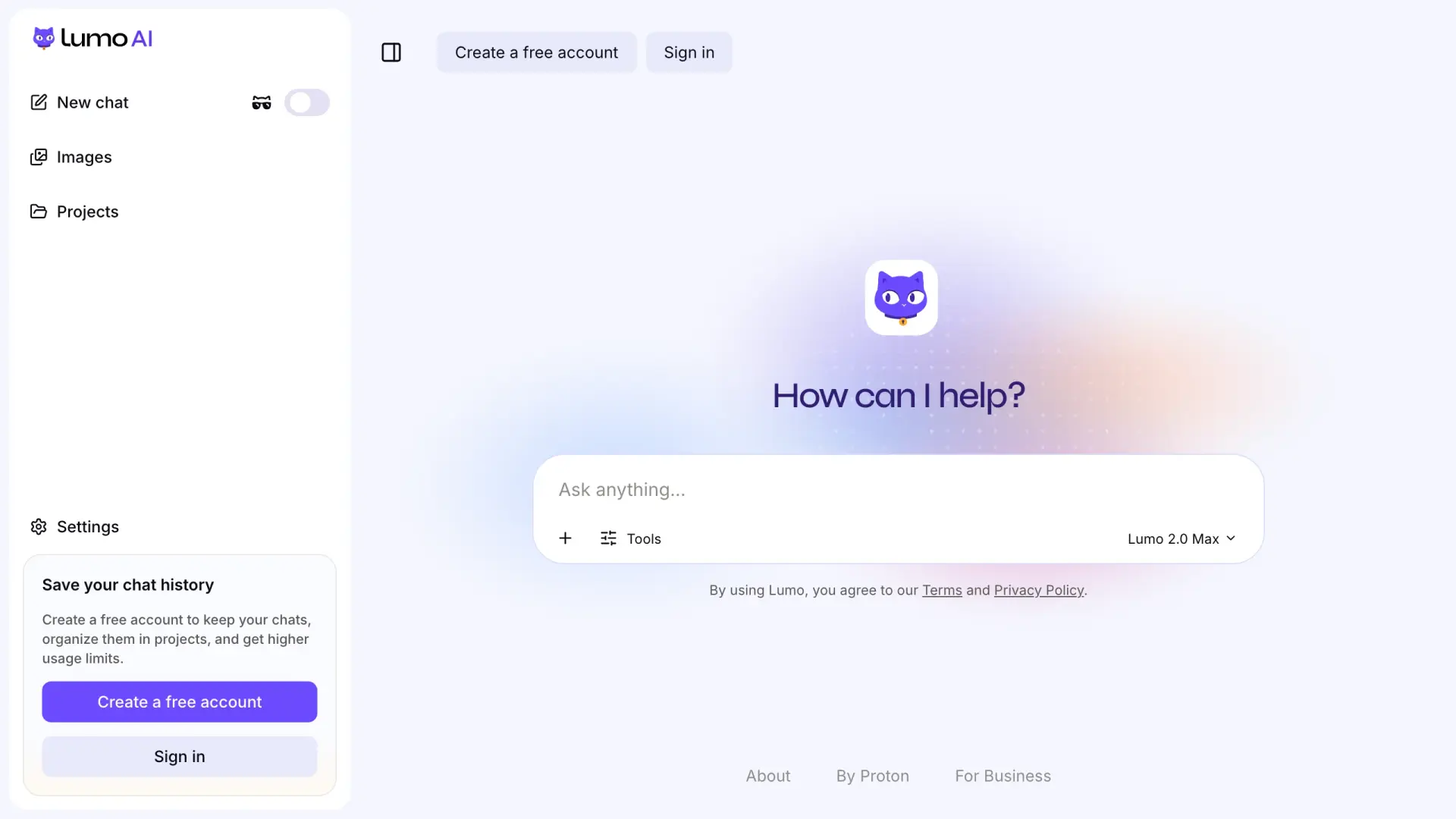
Proton says Lumo runs on servers it controls, keeps no logs, and does not use your chats for training. Your prompt is encrypted so only Lumo's GPU servers can decrypt it, which means it is readable there while the answer is made. Zero-access encryption protects your saved chat history, not the processing step.
Key Capabilities
- Hosted chat with no chat logs and no training on your chats, per Proton's policy
- Zero-access encrypted chat history, so saved chats are readable only by you
- One exception: Apertus, one of the open models Lumo can run, may use your chats for training, but only if you give explicit consent
- Pricing: free plan; Lumo Plus is paid (check the pricing page for your region)
Why We Picked Lumo
Proton publishes exactly where Lumo processes prompts and what it keeps, which makes it easy to decide whether it fits your policy. For a professional who needs a hosted assistant, not a local model, that clarity matters.
Positive: “Not surprised to find out that Proton’s chat bot is impressive, given that Proton’s suite of apps have long impressed me... it seems that Lumo’s responses are more deliberate and also quite comprehensive.” Popcorn fan, App Store
Negative: “The biggest drawback to me is that the model is strongly biased towards recommending Proton products, particularly when asking for product comparisons.” godsklok, App Store
2. LM Studio: Polished App for Running Local Models
Best for running and comparing many local models through a clean desktop interface. Local use is free, and LM Studio added paid Bionic cloud plans from $20/month in 2026.
LM Studio is private when you use a local model with cloud features off. Its app privacy policy, effective June 2026, says local chat and local document work stay on your device.
Cloud models and web search are separate networked services. LM Studio says those cloud calls use zero data retention, but they still leave your machine.
Key Capabilities
- Download, compare and chat with open models such as Llama, Qwen and Gemma on your own hardware
- Works fully offline once a model is downloaded (offline guide)
- Shows model file sizes before you download, so you know what fits your machine
- Pricing: free for local use; Bionic+ $20/month and Pro $100/month add hosted models
Why We Picked LM Studio
LM Studio removes most of the setup that stops people from trying local AI. For confidential work, keep to local models and leave the Bionic cloud models and web search switched off.
Positive: “Absolutely beautiful User Interface. It's super easy to setup and start using...” Sarang N, Product Hunt
3. Elephas: Private AI Knowledge Assistant With Automatic Redaction on Mac
Best for Mac users who want one app for local models and every major cloud model, with sensitive details removed before any cloud call. It runs on Mac, and the Professional plan adds access to your Super Brains on iPhone and iPad.
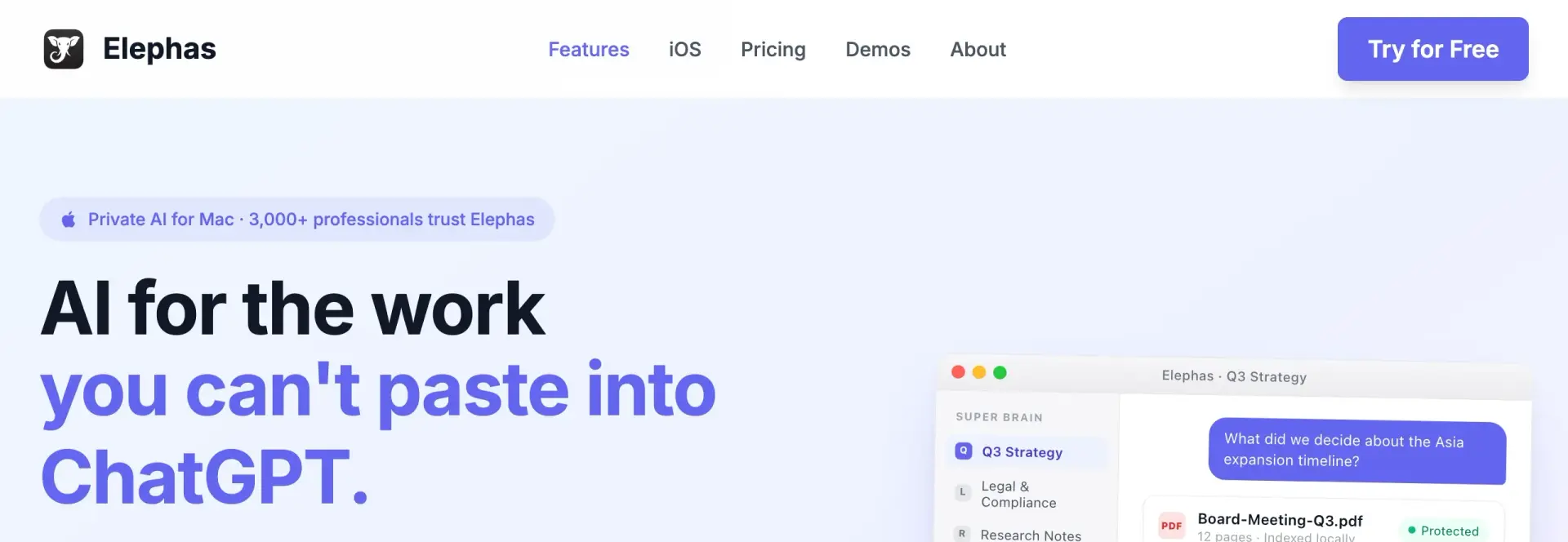
Elephas is a privacy-friendly AI knowledge assistant for Mac that indexes your files locally and lets you switch between ChatGPT, Claude, Gemini, Grok and Perplexity, or run fully offline with built-in local LLM models. Smart Redaction covers 28 types of sensitive data and is included on every plan, including Free.
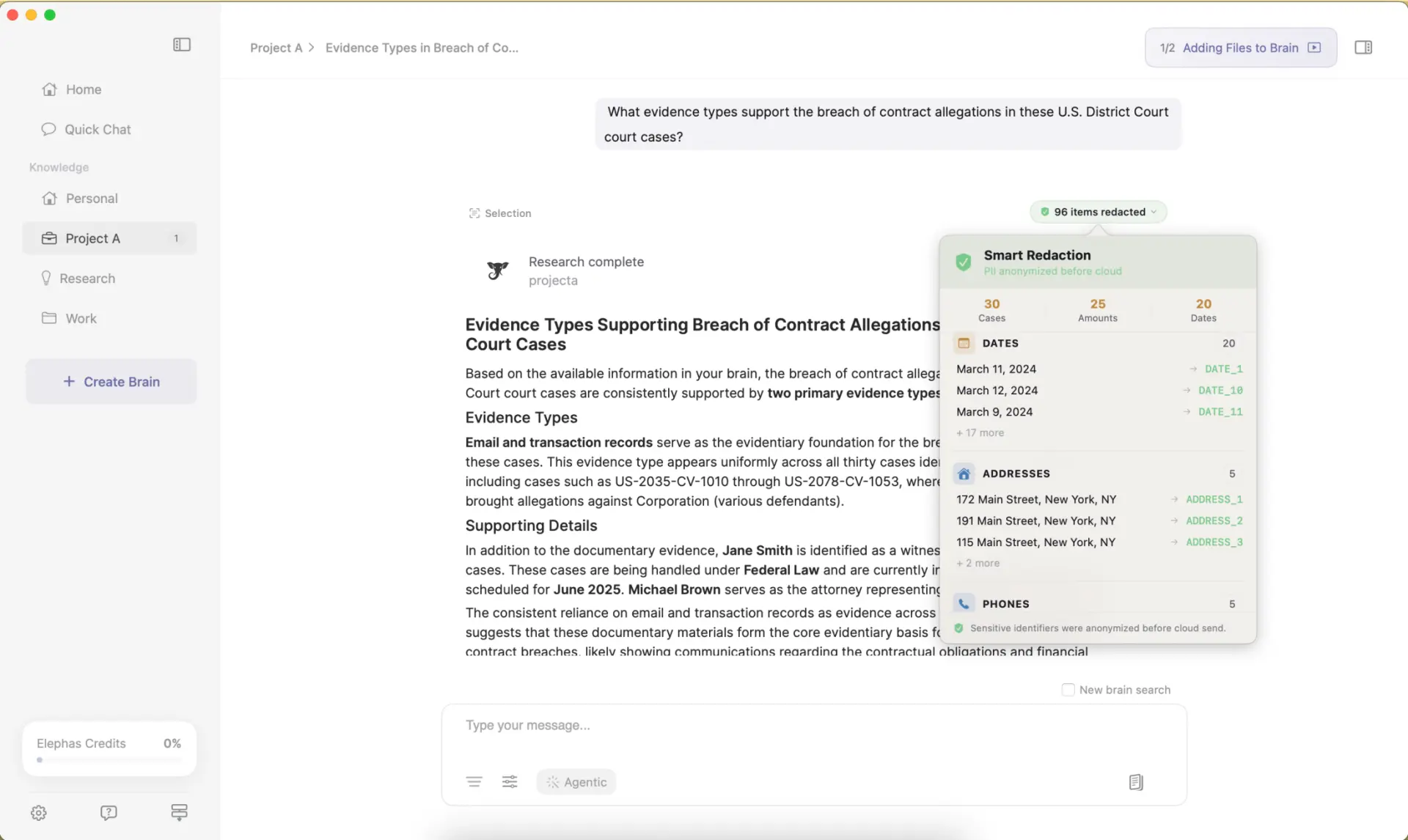
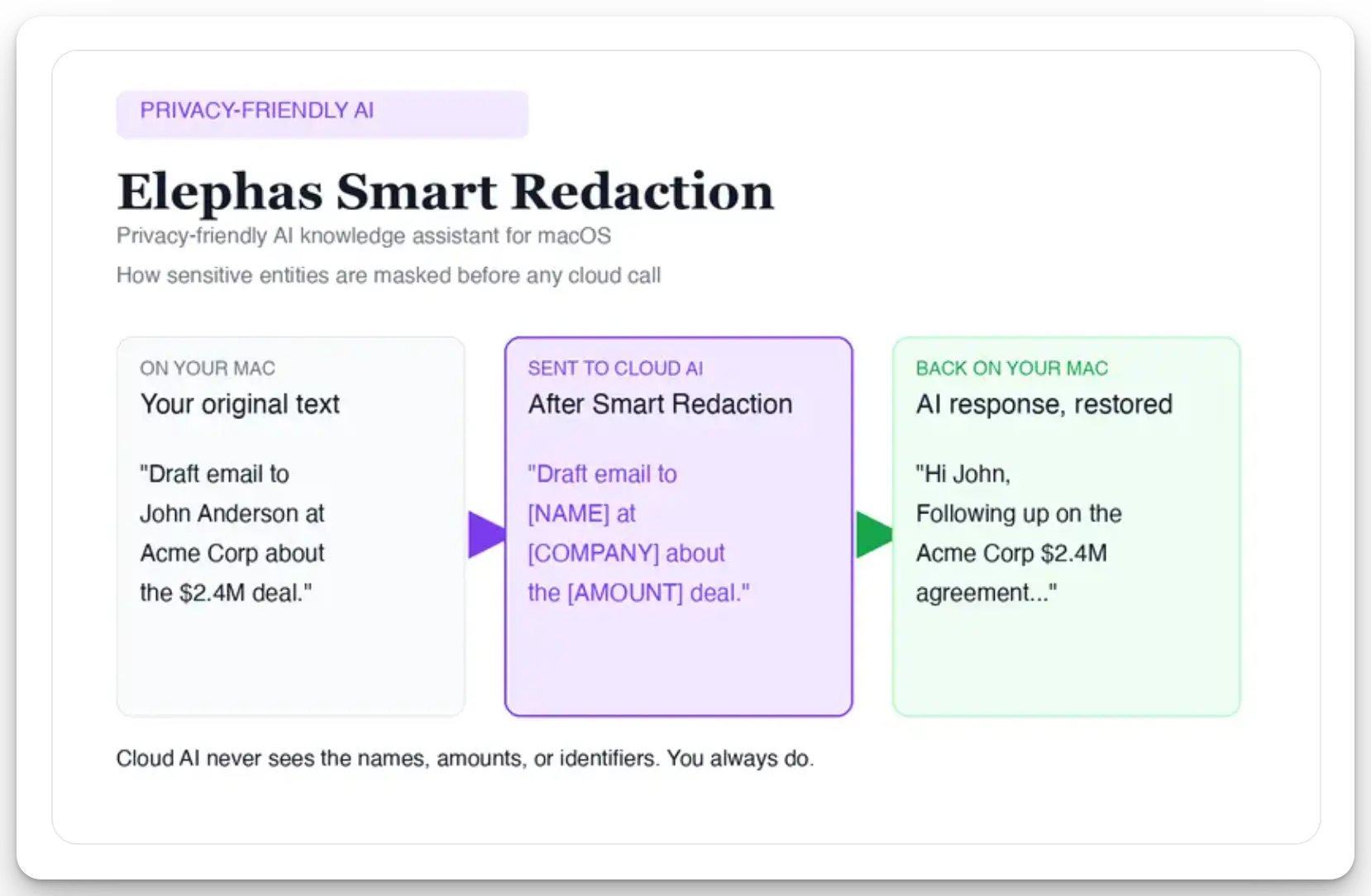
For professionals who still want a leading cloud model, Elephas adds a second layer through automatic PII redaction. Before a prompt is sent to ChatGPT, Claude, Gemini, Grok, Perplexity, or any other cloud model, Elephas strips sensitive names, emails, phone numbers, and identifiers on your Mac. The cloud model only ever sees the sanitized text. When the answer comes back, the redacted fields are reassembled locally on your machine, so identifiable information never leaves the device. Elephas pairs this with zero data retention: content never trains AI models, never sits on a vendor's server, and never passes through a third-party reviewer's screen.
Pricing is simple to start: a free plan with 20 credits a month, paid plans from $19/month, and 7 days of Pro when you first download. See the Elephas pricing page for the full plan list.
Key Capabilities
- One Mac app for ChatGPT, Claude, Gemini, Grok, Perplexity and built-in local LLM models
- Automatic redaction of 28 entity types, such as names, emails, addresses and financial details, before a cloud call
- Local-first indexing of your PDFs, notes and documents, with answers that cite your own files
- Fully offline mode with local models when nothing may leave the device
- Pricing: free plan; paid plans from $19/month
Why We Picked Elephas
Most tools on this list make you choose between a strong cloud model and keeping data on your device. Elephas lets a consultant draft with a cloud model while client names are removed first, and switch to an offline model for the most sensitive files. Redaction is a strong control, not a guarantee that every contextual secret is caught, so review what you send.
Positive: “The biggest advantage of Elephas is that my files remain stored locally” Ahmed F., Capterra, December 29, 2025
4. Jan: Open-Source Offline ChatGPT Alternative
Best for an open-source, offline assistant that looks and feels like ChatGPT. Jan is free, and its privacy policy says it runs 100% offline by default with chats stored on your computer.
Jan is private when you use a local model. Jan's own policy notes that if you connect a remote AI API, such as OpenAI or Groq, your data goes to that provider under its terms. Because the code is open source, a firm handling regulated data can check what the app does before trusting it.
Key Capabilities
- Chat with local open models in a familiar ChatGPT-style window
- Conversation history and usage logs stored locally on your computer
- Optional connection to cloud APIs when you choose to add a key
- Pricing: free
Why We Picked Jan
Jan is the closest match on this list for a researcher who wants an offline assistant with no login and no data-sharing agreement. The open codebase means you do not have to take the vendor's word for it.
Positive: “Great desktop app which provides [a] neat interface to work with LLMs in any way. For now lacks support of TTS which is certainly a convenient thing for the LLM.” Merciful Hades, Product Hunt
5. GPT4All: Free Local Chat on Windows, Mac and Linux
Best for anyone who wants a free, simple way to try fully local AI on an ordinary computer. Nomic describes GPT4All as a private chatbot that runs on your device with no cloud required, on Windows, macOS and Linux.
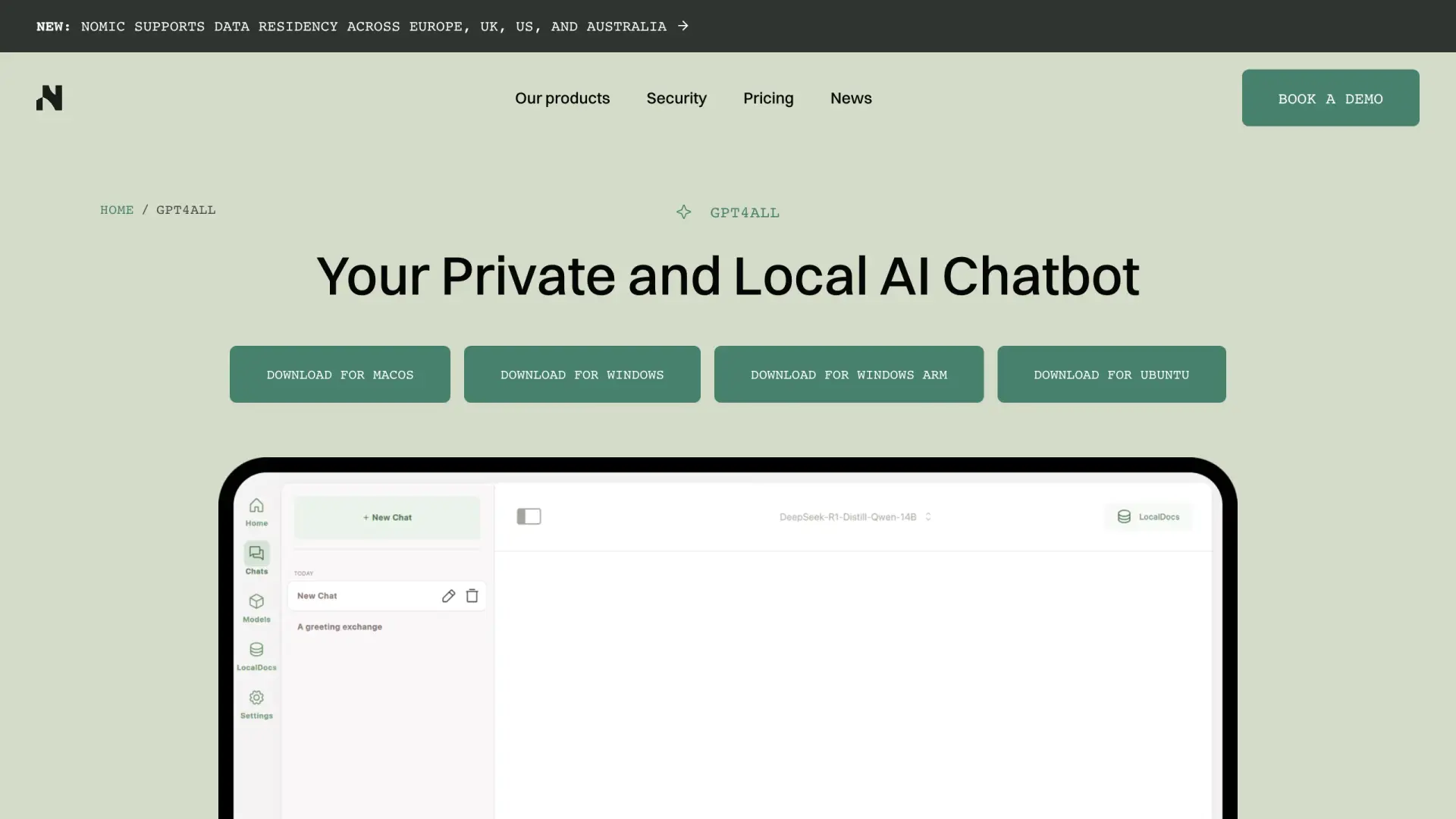
GPT4All is private when you use a downloaded local model. It needs no account for local chat, and its LocalDocs feature lets you ask questions about files on your own machine. If you add a cloud model key, those chats go to that provider instead.
Key Capabilities
- Runs open models on everyday hardware, including CPU-only machines
- LocalDocs lets you chat with folders of your own documents
- Open-source code you can inspect
- Pricing: free
Why We Picked GPT4All
GPT4All shows that local AI is not only for developers. Installation is a normal desktop download, and the defaults keep your chats on your machine.
Positive: “GPT4All by Nomic AI is the backbone of LumiChats Offline. Without it, building a fully offline, CPU-only LLM application that runs on everyday hardware simply would not have been possible.” Aditya Kumar Jha, Product Hunt
6. Ollama: Local Model Runtime for Developers
Best for developers and technical teams who want to build internal tools on a local model instead of a cloud API. Local use is free; Ollama's paid plans from $20/month are for its hosted cloud models.
Ollama is private when you run local models with cloud features off. Its privacy page says local runs do not send your prompts or answers to Ollama. Cloud models and web search change that, so its FAQ documents a setting, OLLAMA_NO_CLOUD=1, that turns cloud access off.
Key Capabilities
- Runs open models through a simple command line and a local API on your own machine or server
- A no-cloud setting for teams that must keep every prompt on their own hardware
- Easy to connect to other apps, including chat front ends such as Open WebUI
- Pricing: free locally; Pro $20/month and Max $100/month for cloud usage
Why We Picked Ollama
No other tool here makes it as easy to wire a private, local model into a developer workflow, and its no-cloud switch gives admins one clear control. For a comparison with OpenAI's app, read Ollama vs ChatGPT.
7. Duck.ai: Free Anonymous Access to Cloud AI Models
Best for a quick question with no account, where hiding your identity matters more than keeping the text on your device. Duck.ai is free and sits between you and models from providers such as OpenAI and Anthropic, as its privacy page explains.
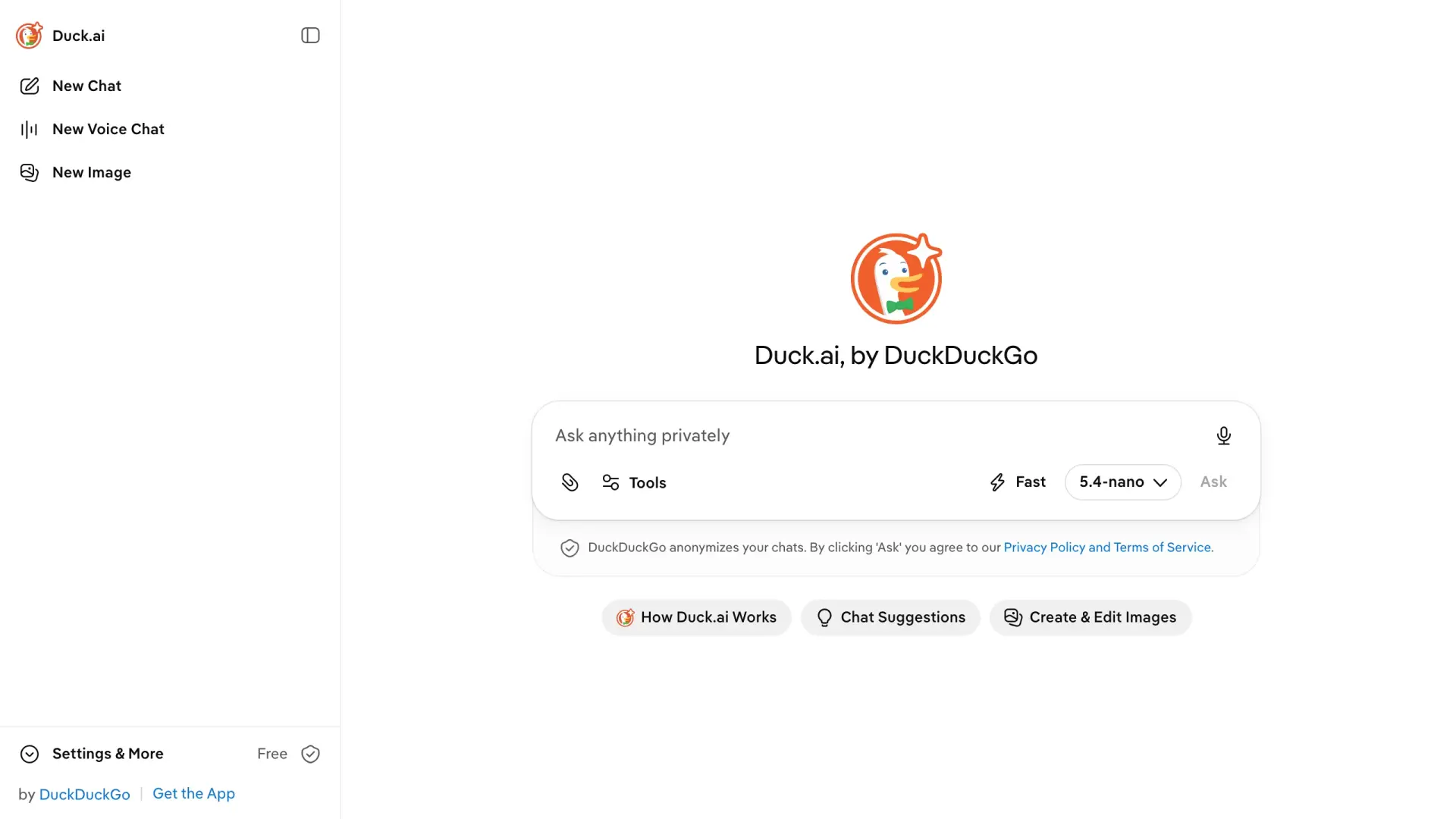
Duck.ai removes your IP address and identity before the request reaches the model provider, and its providers agree not to train on your chats. The content itself still reaches the provider.
DuckDuckGo's privacy help page notes that chats may be held in short-term memory for up to 1 hour, and that uploaded images and files are scanned by a third-party moderation provider.
Key Capabilities
- No account and no persistent profile for basic chat
- A choice of several cloud models behind one anonymous gateway
- Contracts that stop providers from training on your chats
- Pricing: free
Why We Picked Duck.ai
For a low-stakes question that still carries some context, an anonymous gateway is faster than setting up a local model. Keep client names and file contents out of it, because anonymous is not the same as invisible.
8. Brave Leo: Private AI Chatbot Built Into the Browser
Best for people who already use Brave and want an AI assistant without another app or account. Leo is free, with Leo Premium at $14.99/month or $149.99/year.
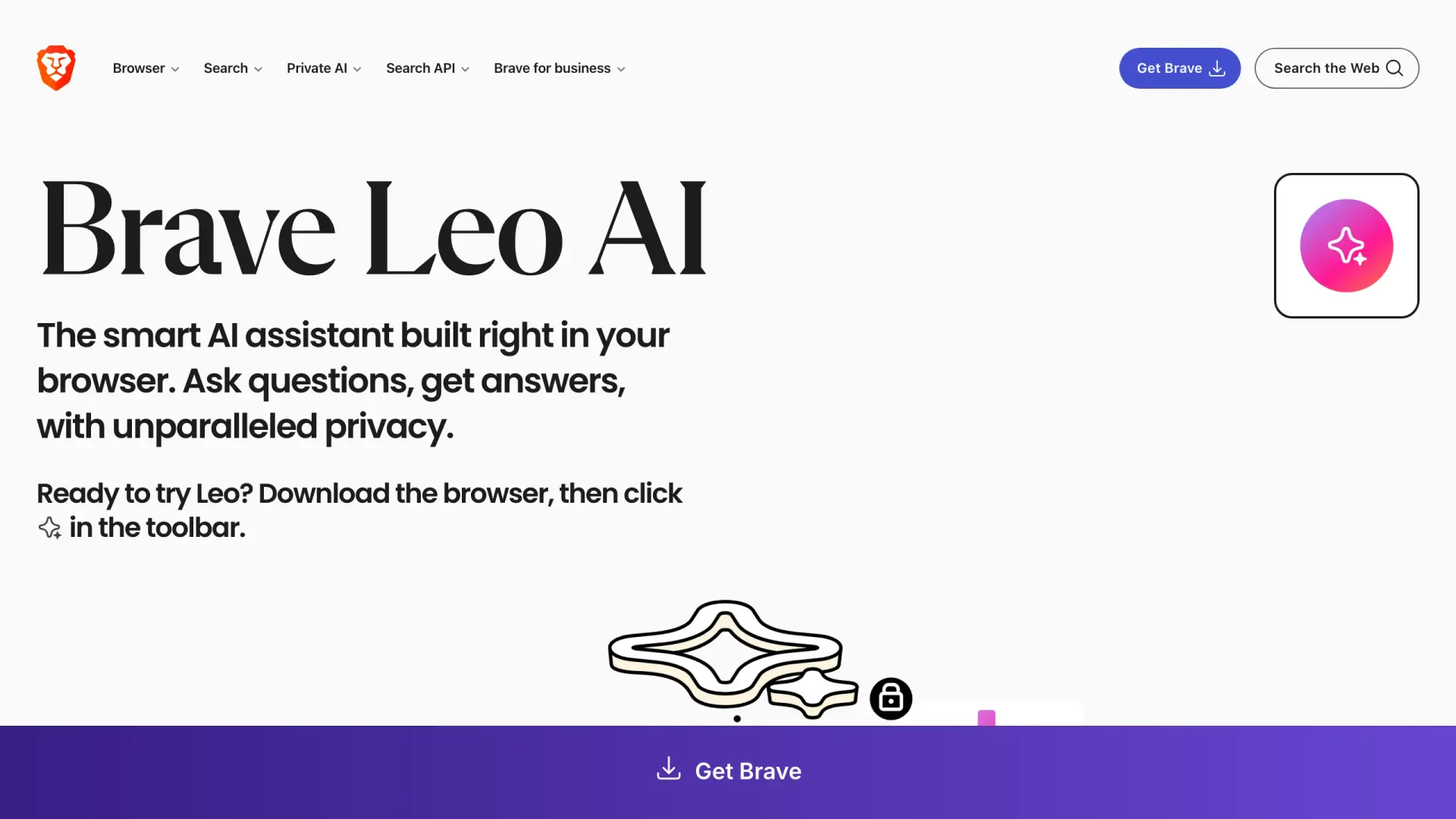
Brave says ordinary Leo chats are not kept or used for training, and no account is needed. Your current prompt, the chat so far, and sometimes the page you are reading are still sent to the servers that run Leo.
Feedback you submit follows a separate route, so do not send feedback on chats that contain client data.
Key Capabilities
- Built into the Brave browser, so there is nothing extra to install
- Can summarize or answer questions about the page you are on
- No account needed for the free tier
- Pricing: free; Premium $14.99/month
Why We Picked Brave Leo
For a Brave user who wants a private AI option without adding another tool, Leo is the easiest path. The page-context feature is useful, but it is also the thing to watch on confidential pages.
9. Venice AI: Hosted Chat With Four Privacy Modes
Best for people who want a hosted assistant with many models and a clear choice of privacy level. Venice has a free plan and a Pro plan at $18/month.
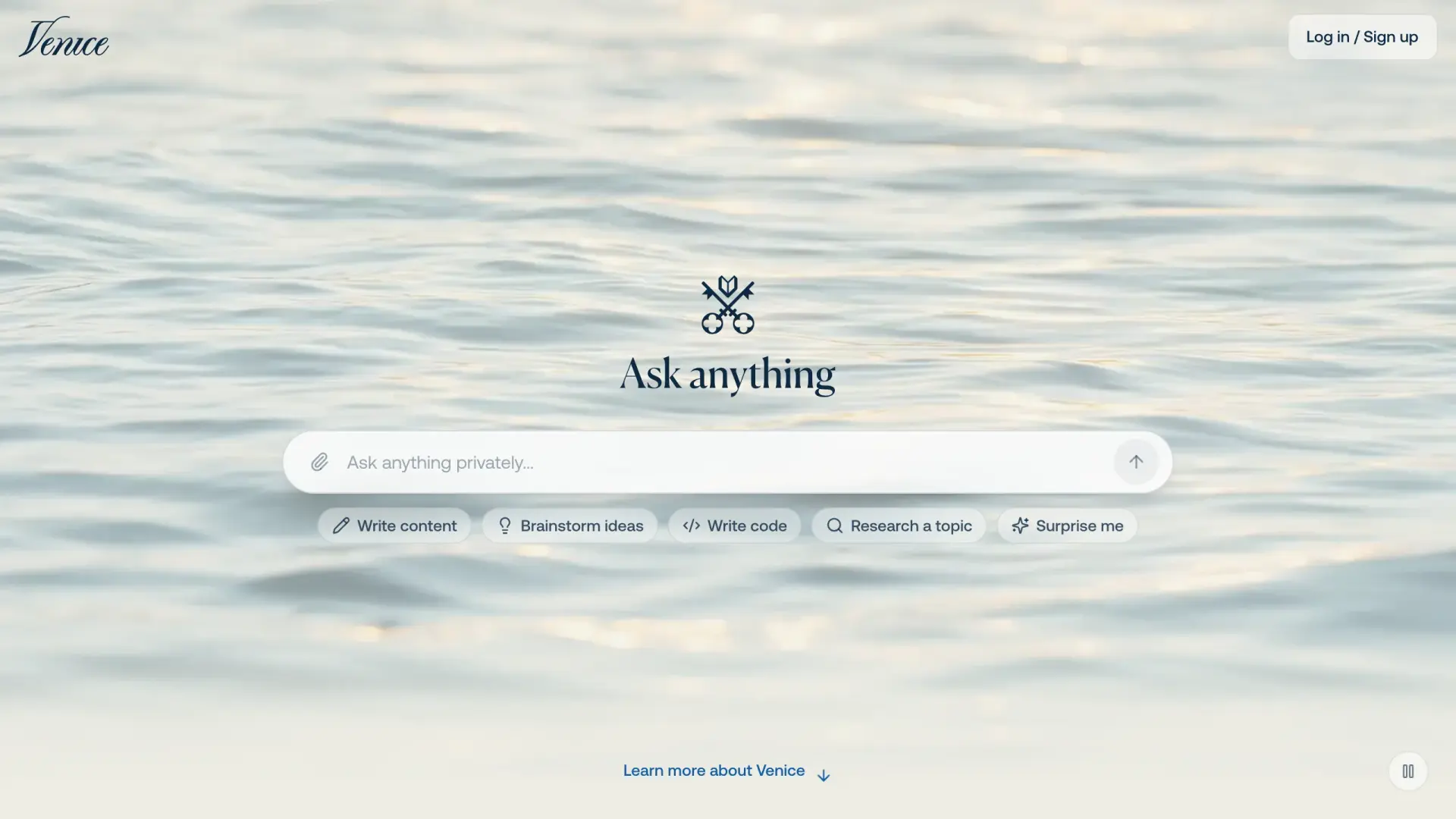
Venice says your chat history stays on your device and is not stored on its servers. Each model sits in one of four privacy modes. Anonymous mode passes your prompt to a big outside AI company, such as OpenAI, without your identity. Private mode uses providers that must delete your data by contract.
The two Pro modes go further. One runs the model inside a sealed, locked-down part of the server chip that even the server owner cannot look into. The other encrypts your prompt end to end.
Key Capabilities
- Local-only chat history in your browser or app
- Private mode by default, with stronger enclave and encrypted modes on Pro
- Web, iPhone and Android apps
- Pricing: free; Pro $18/month
Why We Picked Venice AI
Venice spells out which models get which protection, so you can pick the right mode for the task. For confidential work, stick to the Private, enclave or encrypted modes rather than Anonymous.
Positive: “This is genuinely a fantastic product, with a host of privacy features and a selection of many free, powerful models.” Aikka3, App Store
10. Private LLM: On-Device AI for iPhone, iPad and Mac
Best for Apple users who want private, on-device AI with no setup and no subscription. Private LLM is a $4.99 one-time purchase on the App Store and was last updated on September 14, 2026.
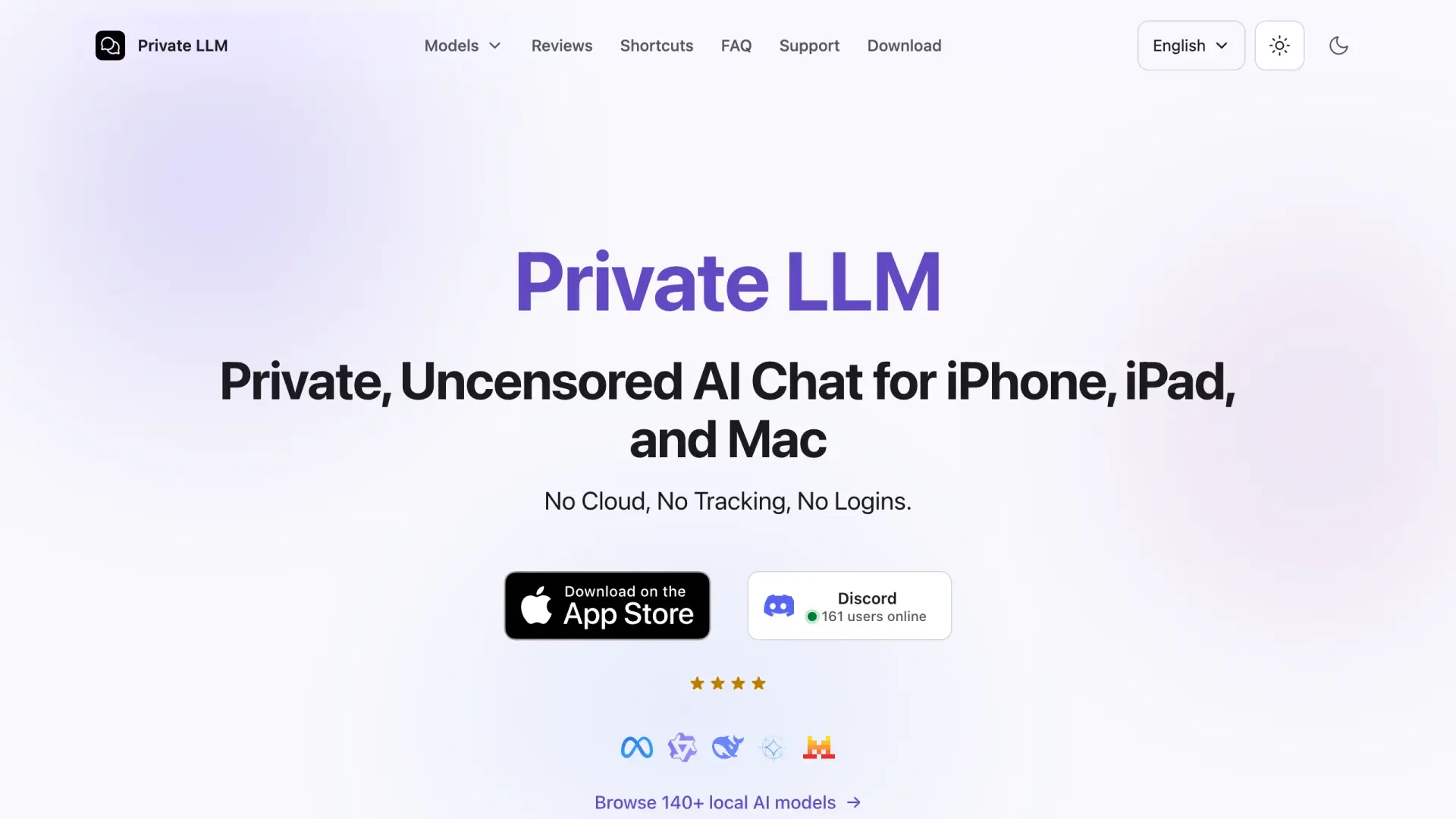
Private LLM runs models fully on your device, with none of the command-line setup that Ollama needs. The model runs on your phone or Mac, so your prompts stay there, and there is no account to sign in to. The trade-off is that on-device models are smaller than cloud models, so check important answers.
Key Capabilities
- Runs downloadable models on iPhone, iPad and Mac
- Works offline once a model is on the device
- One purchase covers the app, with no subscription
- Pricing: $4.99 one-time
Why We Picked Private LLM
For a solo professional who wants AI on their phone that never leaves the phone, Private LLM is the lowest-effort option here.
11. AnythingLLM: Self-Hosted Workspace for Your Documents
Best for chatting with your own documents on your own machine or company server. AnythingLLM is free to self-host on a laptop, an internal server or Docker, as its site explains.
AnythingLLM stays private when both parts stay local: a local model and a local document store. If you connect a cloud model, your document snippets go to that provider with each question.
Research on retrieval systems by Zeng and colleagues found that a private document store can leak retrieved text under attack, so set access rights carefully.
Key Capabilities
- Build a searchable workspace around your own files
- Runs as a desktop app or on a server you control
- Works with local models or cloud models you choose
- Pricing: free (self-hosted)
Why We Picked AnythingLLM
For a firm that wants a document-aware assistant without sending files to a third party, self-hosting the whole workspace is the most direct route. Pair it with a local model for work under NDA, and read our guide to private AI for lawyers for legal teams.
12. Msty: Local Models Plus Your Own Cloud Keys
Best for one desktop app that runs local models and can also call cloud models with your own API keys. Msty has a free plan, and Aurum costs $149/year or $349 one-time.
Msty says its apps keep product data on your device and send no usage telemetry back to Msty. That makes it private for local models. When you pick a cloud model with your own key, the prompt goes to that provider under your account's terms, so choose the model per task.
Key Capabilities
- Local model runner and cloud model keys in one interface
- No product analytics or crash reports sent to Msty
- Lets you compare local and cloud answers side by side
- Pricing: free; Aurum $149/year or $349 one-time
Why We Picked Msty
Msty suits someone who wants local-only privacy by default but still needs a cloud model now and then. The choice sits in one menu, which makes the privacy decision visible every time.
Why Do You Need a Private AI Chatbot for Confidential Work?
Pasting client or patient material into a normal consumer chatbot can break a contract, a professional rule or a privacy law. A 2025 Check Point report found that 1 in 80 AI prompts sent from company networks, or 1.25%, carried a high risk of leaking sensitive data. Another 7.5% contained potentially sensitive information.
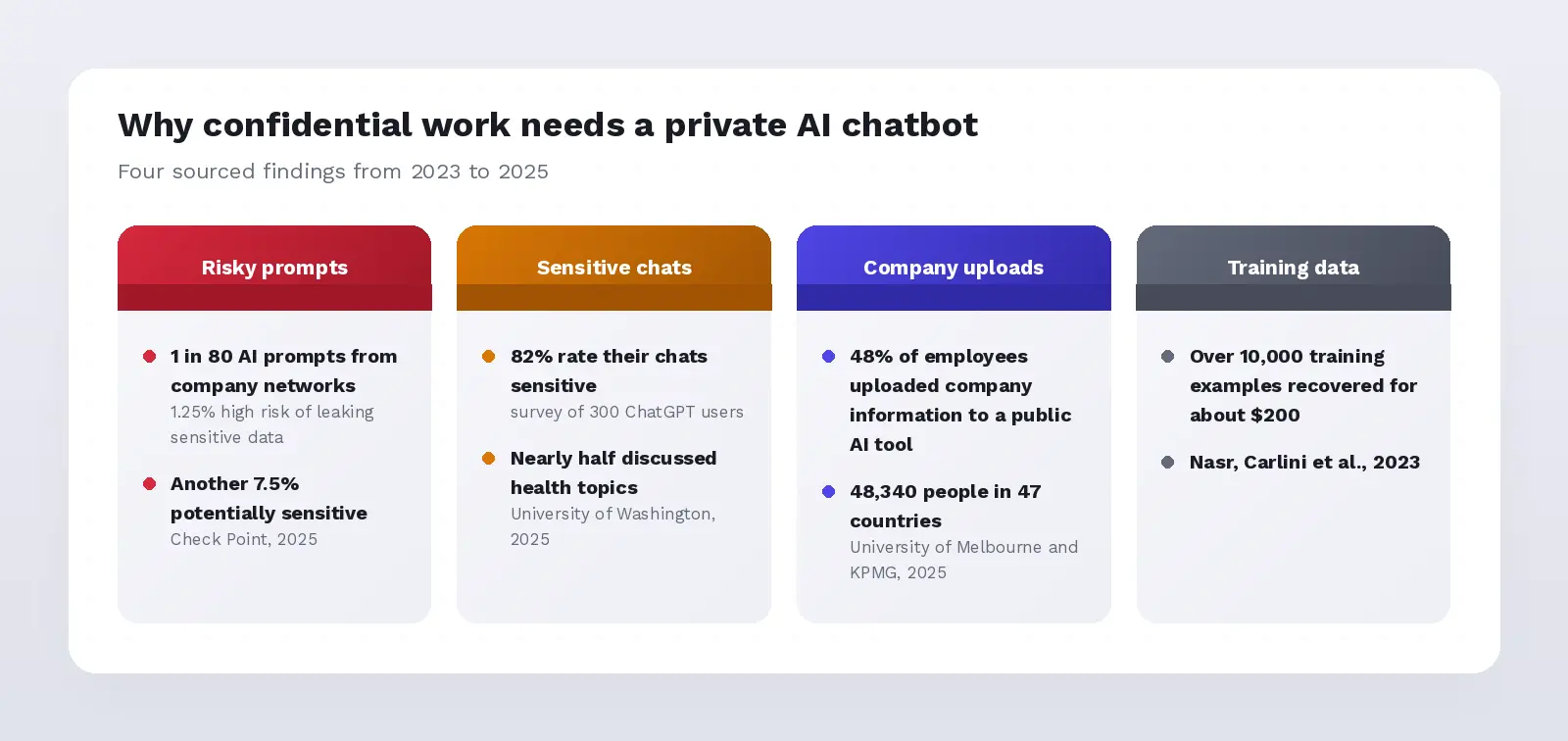
People know the risk and still do it. A 2025 University of Washington survey of 300 ChatGPT users found that 82% rated their chats as sensitive or highly sensitive, yet nearly half had discussed health topics and more than a third had discussed personal finances.
There is also a technical reason. Researchers led by Milad Nasr and Nicholas Carlini showed in 2023 that an attack on ChatGPT could recover over 10,000 training examples for about $200, including personal details. That does not mean your prompt will leak, but it shows why training on your data is a real concern.
A confidential AI tool fixes the problem at the source: either the prompt never leaves your device, or it leaves under terms you have read and accepted. The list above shows which tool does which.
What Makes a Private AI Chatbot Truly Private?
A private AI chatbot has to answer four separate questions well. The NIST Generative AI Profile lists 12 risk areas and over 200 suggested actions, and data privacy is one of them, so a single "privacy score" hides too much.
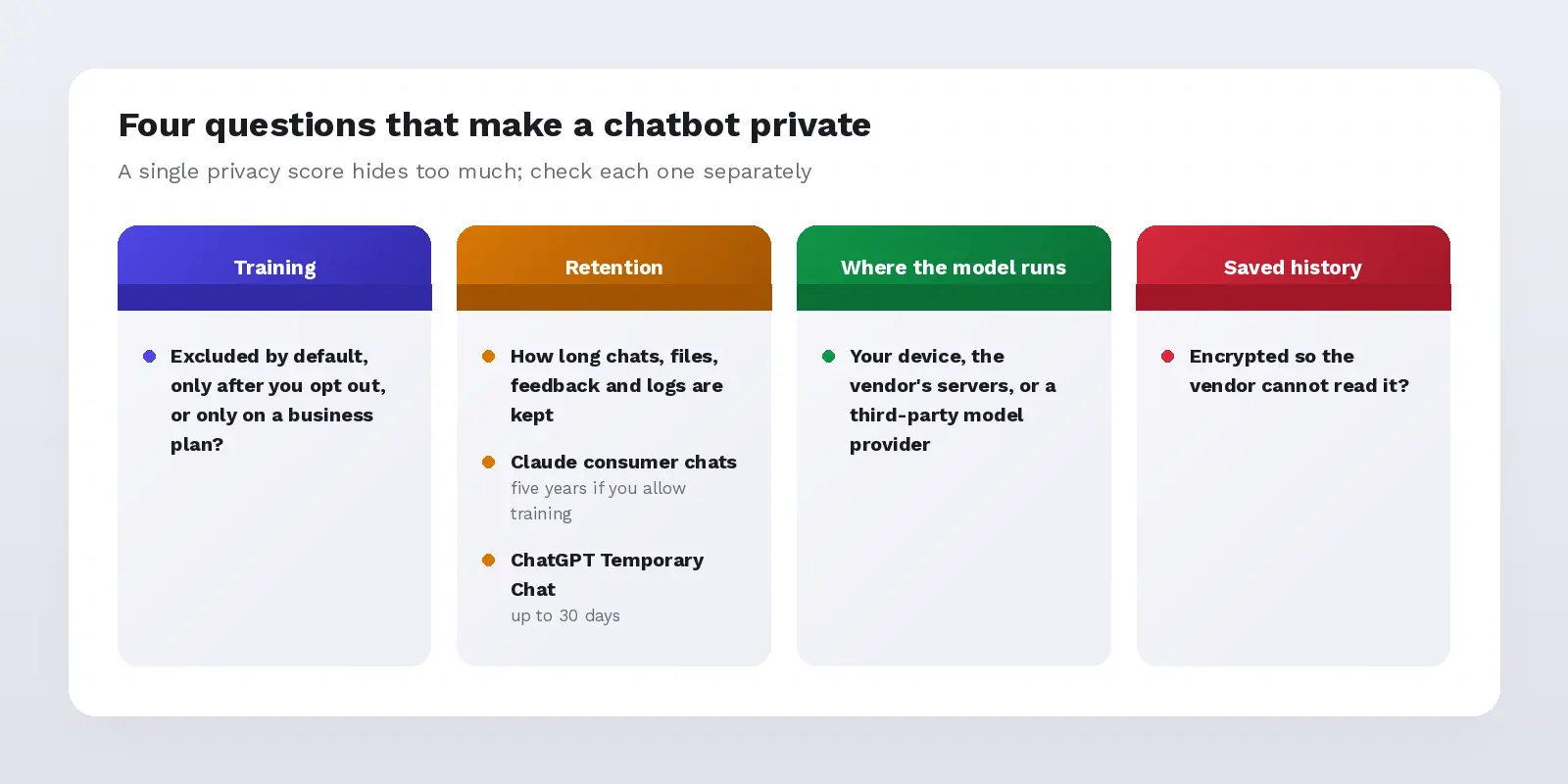
- Training: whether your chat is excluded from model training by default, only after you opt out, or only on a business plan.
- Retention: whether chats, files, feedback and logs are kept, and for how long. Anthropic keeps consumer Claude chats for five years if you allow training, and OpenAI may keep even a Temporary Chat for up to 30 days for safety.
- Where the model runs: on your device, on the vendor's servers, or on a third-party model provider.
- Saved history: whether saved chats are encrypted so the vendor cannot read them.
Features follow their own rules too, so an upload or a connected app can take a different path than a plain text chat. OWASP treats sensitive information disclosure as a top risk for AI apps for exactly this reason.
Which Private AI Chatbot Fits Your Situation?
The most private AI is a local model on hardware you control, but the right pick depends on what your work allows. Match the tool to the rule you must follow, not to a single ranking. Our private AI explainer covers the architectures in more depth.
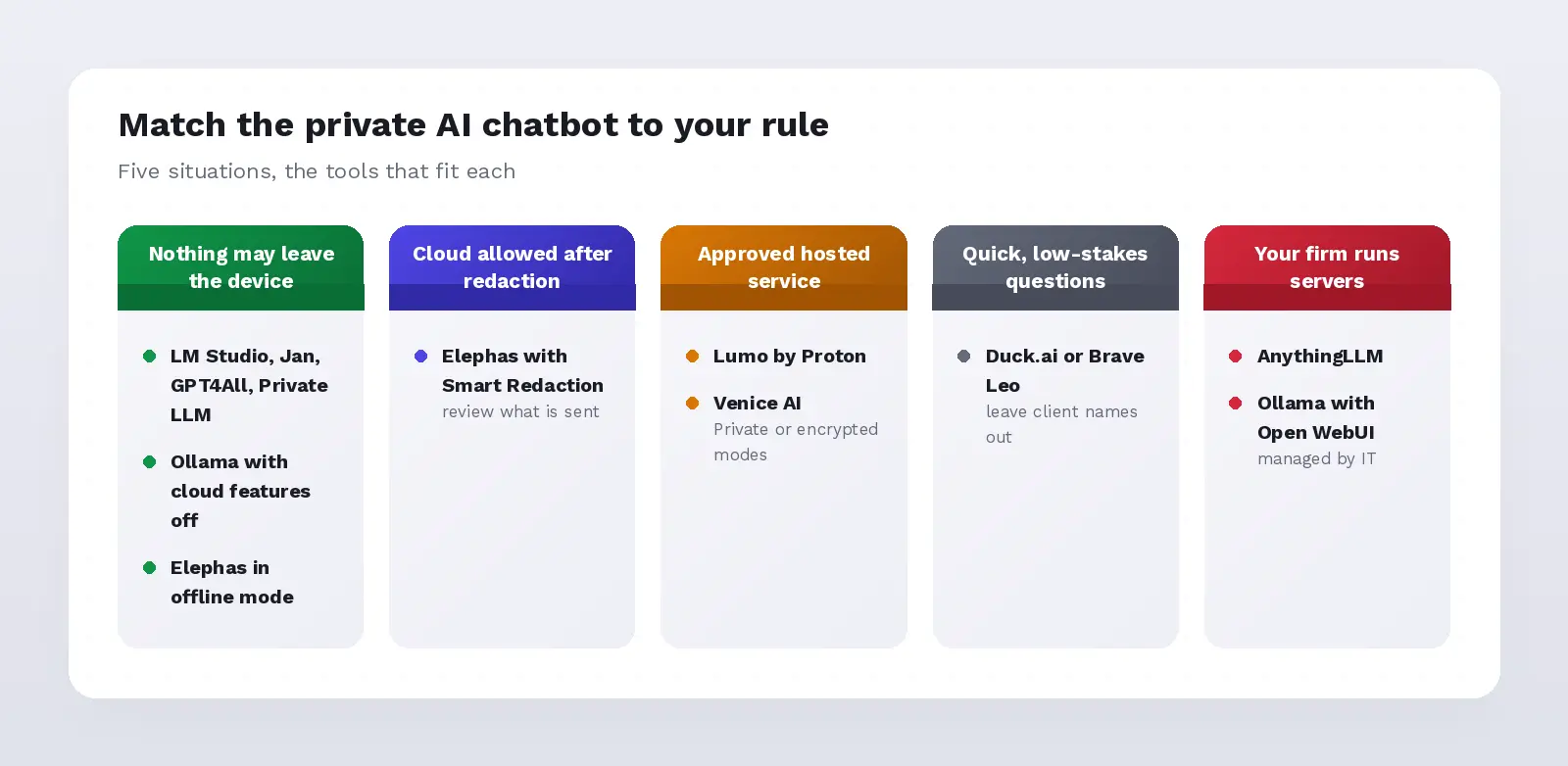
- Nothing may leave the device: LM Studio, Jan, GPT4All, Private LLM or Ollama with cloud features off, or Elephas in offline mode.
- A cloud model is allowed if identifiers are removed first: Elephas with Smart Redaction, reviewing what is sent.
- An approved hosted privacy service is fine: Lumo by Proton, or Venice AI in its Private or encrypted modes.
- Quick, low-stakes questions: Duck.ai or Brave Leo, with client names left out.
- Your firm runs its own servers: AnythingLLM or Ollama with Open WebUI, managed by IT.
A confidential AI tool is only as good as its settings. A local app with a cloud model switched on is not private, and a hosted service can be acceptable if its contract and settings match the document.
Are There More Options for Teams?
Yes, there are more options if your organization already pays for a business AI plan. Our other recommendations for teams start with the plan you already manage, because business tiers exclude your data from training by default. The catch is that each has its own retention and feature rules.
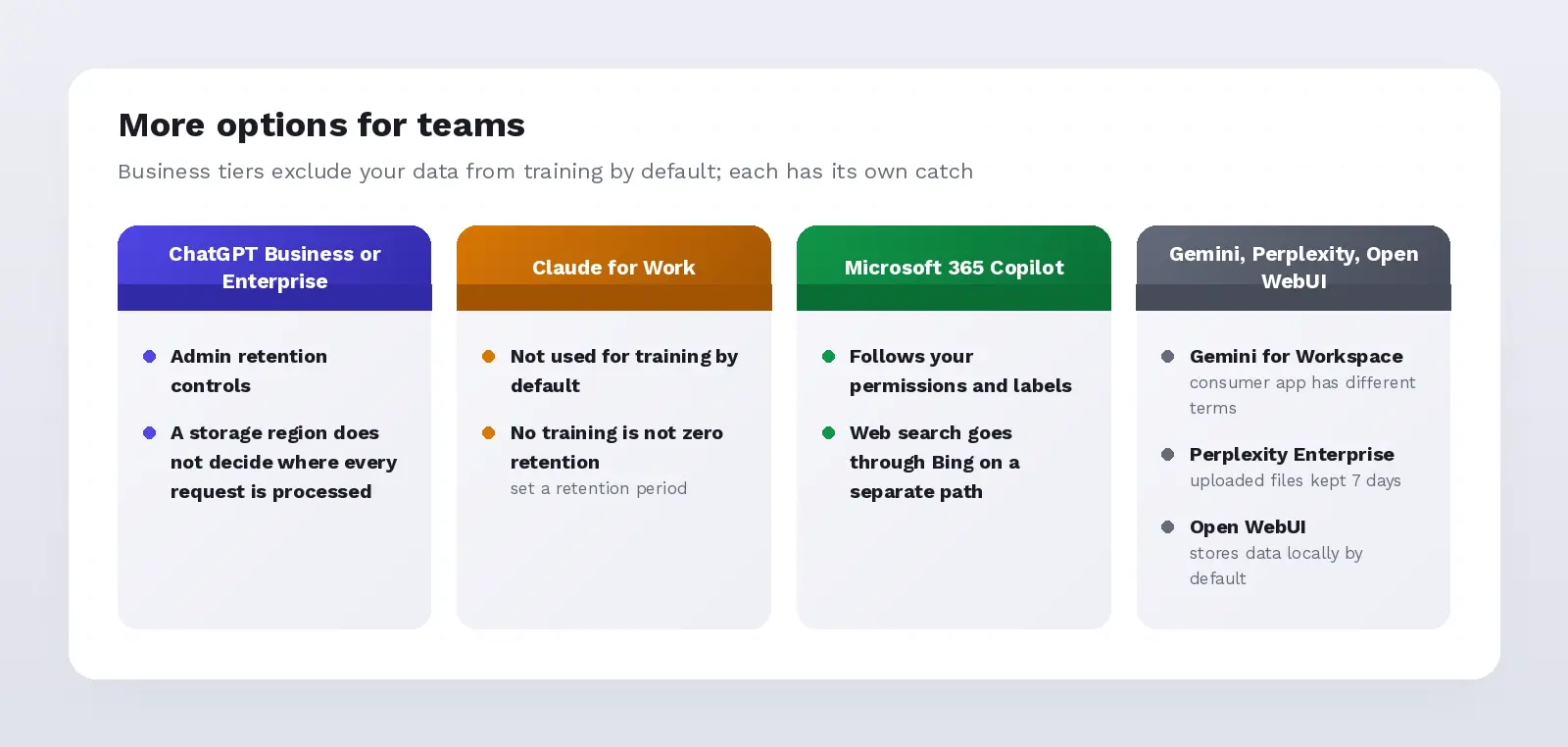
- ChatGPT Business or Enterprise: not used for training by default, with admin retention controls. Choosing a storage region does not decide where every request is processed, per OpenAI's residency guide.
- Claude for Work (Team and Enterprise): commercial chats are not used for training by default. No training is not zero retention, so set a retention period.
- Microsoft 365 Copilot: follows your Microsoft 365 permissions and labels, but web search queries go through Bing on a separate path.
- Gemini for Google Workspace: covered by Workspace data protections; the consumer Gemini app has different terms.
- Perplexity Enterprise: no training on your data, but uploaded files are kept for 7 days unless custom retention applies.
- Open WebUI: a self-hosted chat interface that stores data locally by default; prompts leave only if you connect an outside model.
These options suit managed teams. If you use a personal ChatGPT account, read the ChatGPT question in the FAQ below first.
What Should You Check Before Uploading a Confidential File?
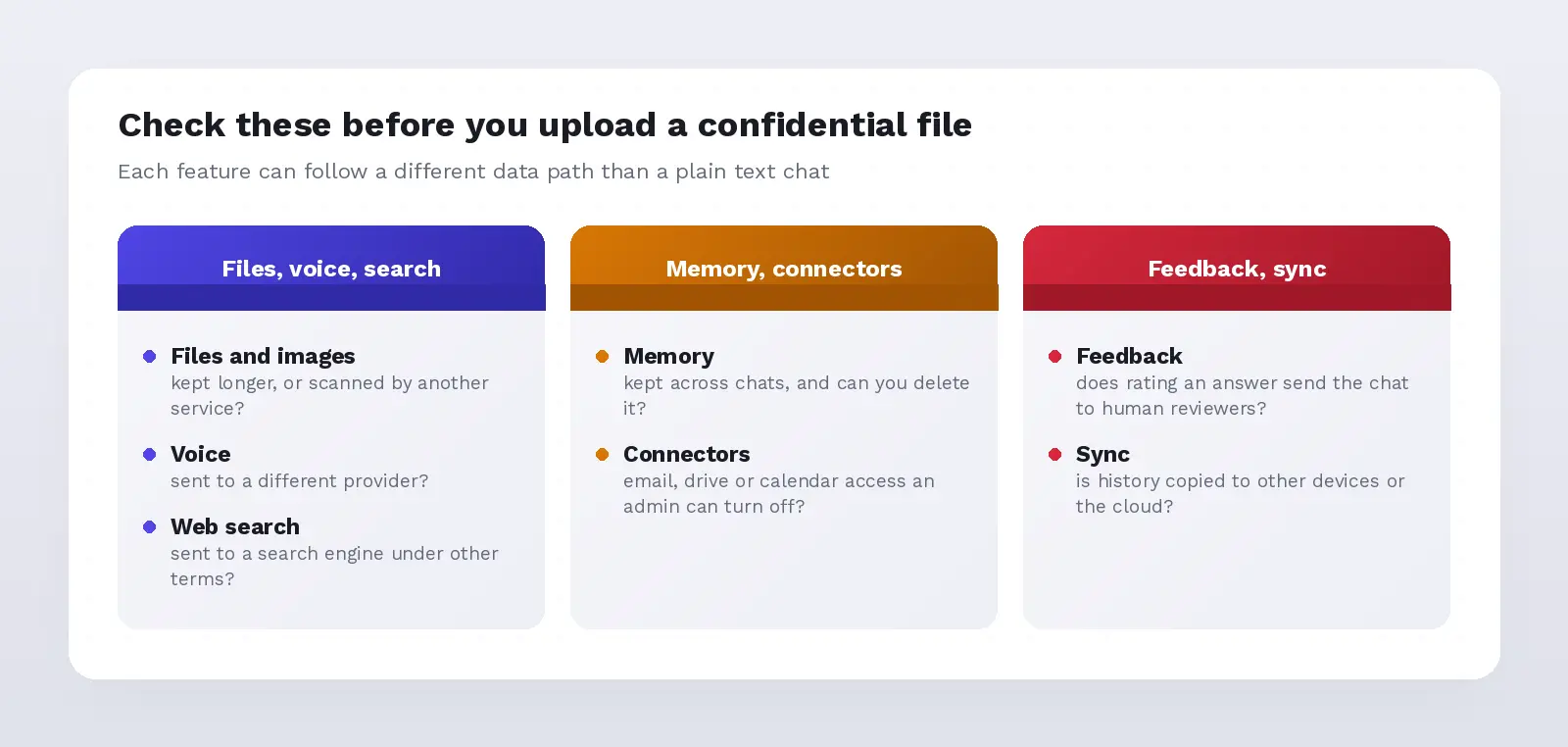
Check which parts of the product will see the file, not just the chat box. Files, voice notes, web search, memory and connected apps can each follow a different data path, and new features arrive monthly.
On September 24, 2026, OpenAI added admin controls for connected apps in ChatGPT Enterprise, a sign that connectors are now a separate risk.
- Files and images: check whether uploads are kept longer than chats or scanned by a separate service.
- Voice: check whether audio goes to a different provider.
- Web search: check whether your question goes to a search engine under different terms.
- Memory: check whether the chatbot remembers details across chats and how to delete them.
- Connectors: check whether it can read your email, drive or calendar, and whether an admin can turn that off.
- Feedback: check whether rating an answer sends the chat to human reviewers.
- Sync: check whether chat history is copied to other devices or the cloud.
If you cannot answer one of these from the vendor's own documentation, remove client details before you paste or use a local model.
Can a Private AI Chatbot Handle Regulated or Privileged Work?
Regulated and privileged work needs a signed agreement and the right controls, not a privacy label. No chatbot is "HIPAA-safe" or "privilege-safe" by brand name alone. The rules below apply to the person sending the data.
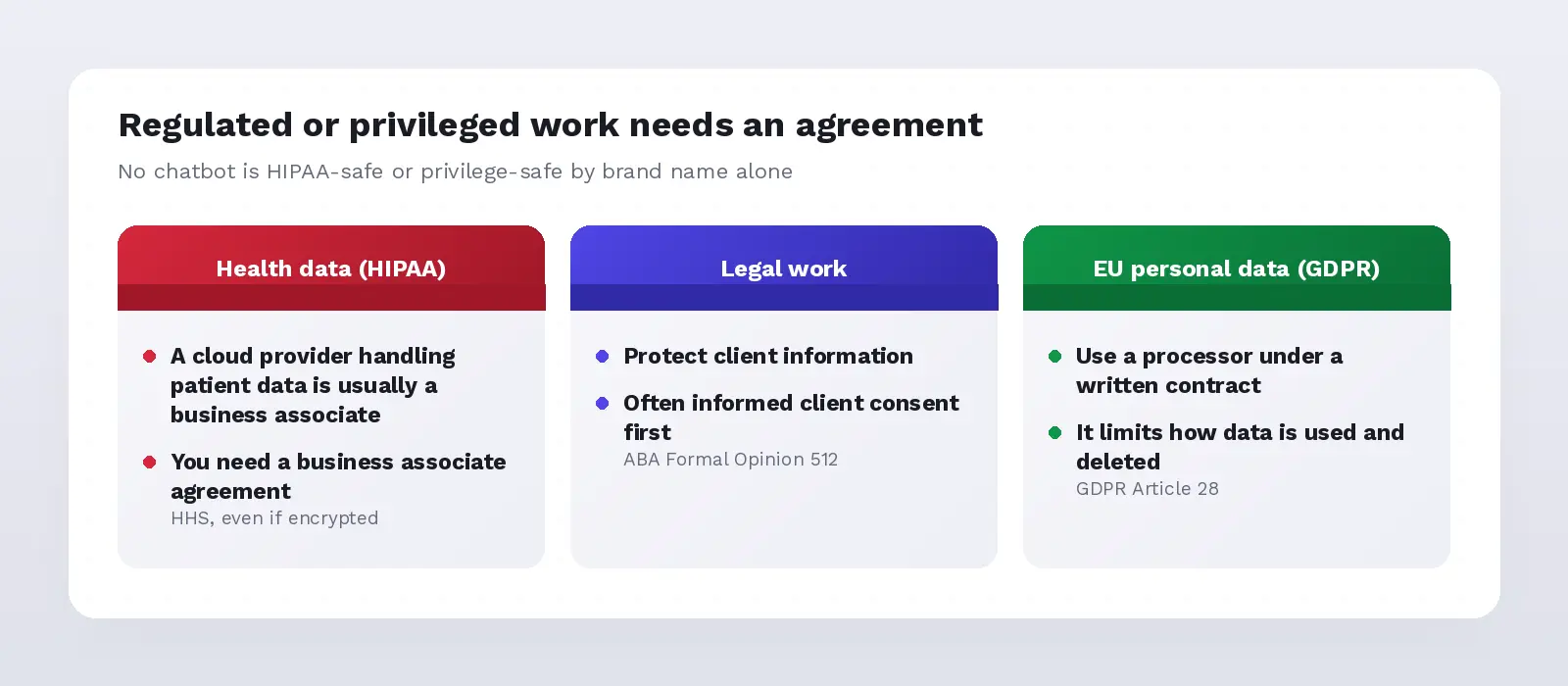
- Health data (HIPAA): HHS says a cloud provider that handles patient data for you is usually a business associate, so you need a business associate agreement, even if the data is encrypted.
- Legal work: ABA Formal Opinion 512 says lawyers must protect client information and often need informed client consent before using self-learning AI tools.
- EU personal data (GDPR): under GDPR Article 28, a controller must use a processor under a written contract that limits how the data is used and deleted.
When no agreement is in place, the safest route is a local model or redaction before any cloud call.
How Did We Choose and Check These Private AI Chatbots?
We chose these 12 chatbots by reading each vendor's current privacy policy, pricing page and documentation, not the marketing headline. Research was gathered on September 1, 2026, and prices and key policies were rechecked on September 28, 2026.
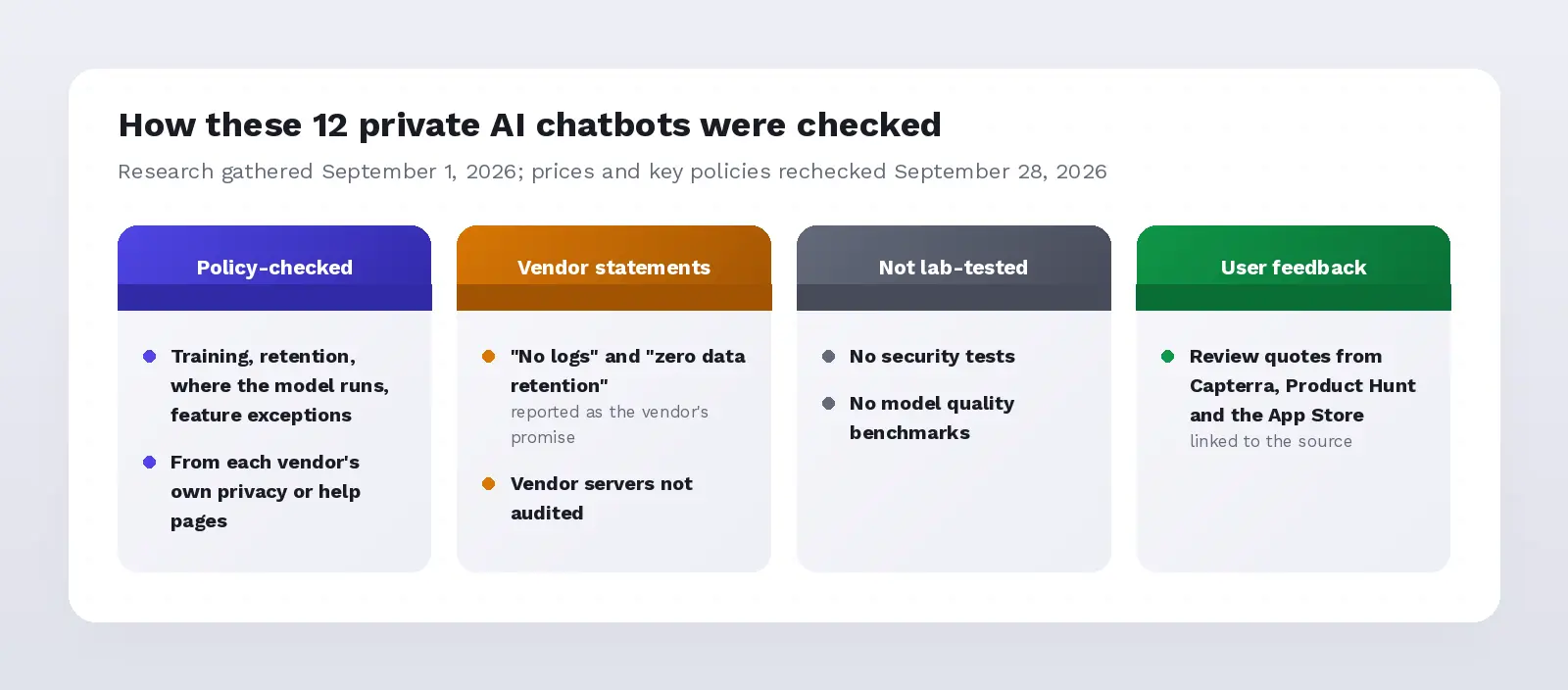
- Policy-checked: training, retention, where the model runs and feature exceptions, from each vendor's own privacy or help pages, linked in every entry.
- Vendor statements: claims such as "no logs" or "zero data retention" are reported as the vendor's promise. We did not audit vendor servers.
- Not tested in a lab: we did not run security tests or benchmark model quality for this list.
- User feedback: review quotes come from Capterra, Product Hunt and the App Store, linked to the source.
The order reflects how clearly each tool documents its privacy boundary and how well it fits confidential work. It is not a security certification.
So Which Private AI Chatbot Should You Pick?
Pick the tool that matches the strictest rule your work must follow. If nothing may leave your device, use a local app such as LM Studio, Jan or GPT4All.
If a hosted service is allowed, Lumo by Proton is a clear choice. If you want cloud model quality with identifiers removed first, Elephas does that on Mac.
For a deeper look at offline options, see our guide to the best private AI models and the local AI assistant roundup for Mac.
Frequently Asked Questions
What Is the Most Private AI Chatbot?
The most private AI chatbot is a local model running on your own device with cloud features off, such as LM Studio, Jan, GPT4All or Private LLM. No platform that sends prompts to a server can match that. If you need a hosted service, Lumo by Proton keeps no chat logs.
Which AI Is Confidential?
An AI is confidential when your data is not used for training, not kept longer than you allow, and processed only where your rules permit. Local apps meet all three by design. Hosted tools such as Lumo, and business plans from OpenAI or Anthropic, meet them through policy and contract.
Which AI Is the Most Secure and Private?
For most people, the most secure and private AI is a local model on an up-to-date, encrypted computer, because no prompt leaves the device. Security still depends on you: patch the app, lock the device, and keep cloud features and connectors off for sensitive files.
Is Running AI Locally Really More Private Than Using the Cloud?
Usually, yes, because a local model never sends your prompt anywhere. But local is not automatically safer than every cloud option. An unpatched home server can be riskier than a hosted service with a strong contract, and redaction tools let you use a cloud model without sending identifiers.
Which AI Chatbot Does Not Train on My Data?
Local apps never train on your data. Lumo, Duck.ai, Brave Leo, Venice AI in Private mode and Elephas all state that chats are not used for training. Business plans of ChatGPT, Claude and Gemini also exclude your data by default. Check the current policy, because terms change.
Is ChatGPT Private Enough for Confidential Work?
Not on a personal plan by default. ChatGPT for individuals can use your chats to improve its models unless you opt out in Data Controls. Temporary Chats are not used for training, but OpenAI may keep a copy for up to 30 days. Business plans exclude training by default. See is ChatGPT confidential for more.
Do These Private AI Chatbots Work on Windows?
Most do. GPT4All, LM Studio, Ollama, Jan, AnythingLLM and Msty run on Windows, Mac and Linux. Lumo, Duck.ai, Brave Leo and Venice AI work in any browser. Private LLM is Apple-only, and Elephas runs on Mac, with companion apps on iPhone and iPad.
What Is the Difference Between Local AI and Open-Source AI?
Local means the model runs on your own computer. Open source means the code, and often the model weights, are published so anyone can inspect them. GPT4All, Ollama and Jan are both local and open source, while Private LLM is local but not open source.

The Private AI Knowledge Assistant
Elephas keeps your files, notes, and confidential data on your own Mac, with automatic PII redaction and an offline mode. Your work never leaves your machine unprotected.
Try Elephas FreeFree plan available. Paid plans start at $19/month.
Related Resources
AI tools that keep client data private
A closer look at the workflows and settings that keep client work off vendor servers.
Is ChatGPT safe for confidential documents?
What actually happens to a document once you upload it, and where the real exposure sits.
What private AI actually means
The five real privacy architectures behind the marketing word, explained in plain terms.
ChatGPT vs private AI tools: the safer choice
How ChatGPT's default settings compare to purpose-built private AI options.
The best local AI assistant for Mac
A closer look at fully offline AI tools that never send a prompt off your device.
Best private AI tools for lawyers
The same five privacy architectures, scoped to attorney-client privilege and legal work.