Best AI Tools for Solo Practitioners & Small Law Firms in 2026
Enterprise legal AI is priced for Am Law 100 firms with six-figure tech budgets. Here's what actually works—and what you can actually afford—if you practice solo or in a firm under 20 attorneys.
The enterprise pricing problem
Harvey AI costs $1,000+/month. CoCounsel starts at $225+/month. Lexis+ AI requires an existing LexisNexis subscription plus AI add-on fees. Westlaw AI-Assisted Research requires Westlaw Edge at $194+/month. These tools are built for firms that bill $500/hour and have dedicated IT departments.
Meanwhile, 70% of lawyers practice solo or in firms with fewer than 20 attorneys. They handle everything from client intake to courtroom advocacy to invoicing. They need AI that helps—not a platform that costs more than their office rent.
This guide is for those lawyers. No enterprise sales pitches. No “contact us for pricing.” Just practical tools at prices that make sense for a solo practice.
What solo and small firm lawyers actually need from AI
Before comparing tools, it helps to be honest about what you actually need day-to-day. Enterprise AI vendors sell features designed for 200-lawyer firms. Solo practitioners have different priorities:
Affordable
$25/month or less. Your tech budget isn't unlimited — every dollar matters when you're running a business.
Privacy-preserving
Attorney-client privilege demands it. Cloud-only tools create third-party disclosure risk. Local processing eliminates it.
Works with existing workflow
You don't need another platform to learn. AI should work inside the apps you already use — Mail, Word, Pages, Notes.
Handles common tasks
Contract review, research summaries, client communication, document analysis — the work that eats your billable hours.
Offline capability
Courthouse WiFi is unreliable. Travel happens. Your AI should work without internet when you need it most.
Multiple file formats
You receive PDFs, Word docs, scanned images, emails, and spreadsheets. Your AI tool should handle all of them.
The key insight: Solo lawyers don't need “legal AI.” They need good AI that works for legal tasks. A well-designed general AI assistant that handles documents, drafts text, and respects privacy is more valuable (and far more affordable) than a narrow legal AI platform that locks you into one workflow.
Tool recommendations by use case
Rather than ranking tools in a generic list, here's what works best for the tasks solo practitioners actually do every day.
All-in-one AI assistant (your daily driver)
Elephas
from $19/month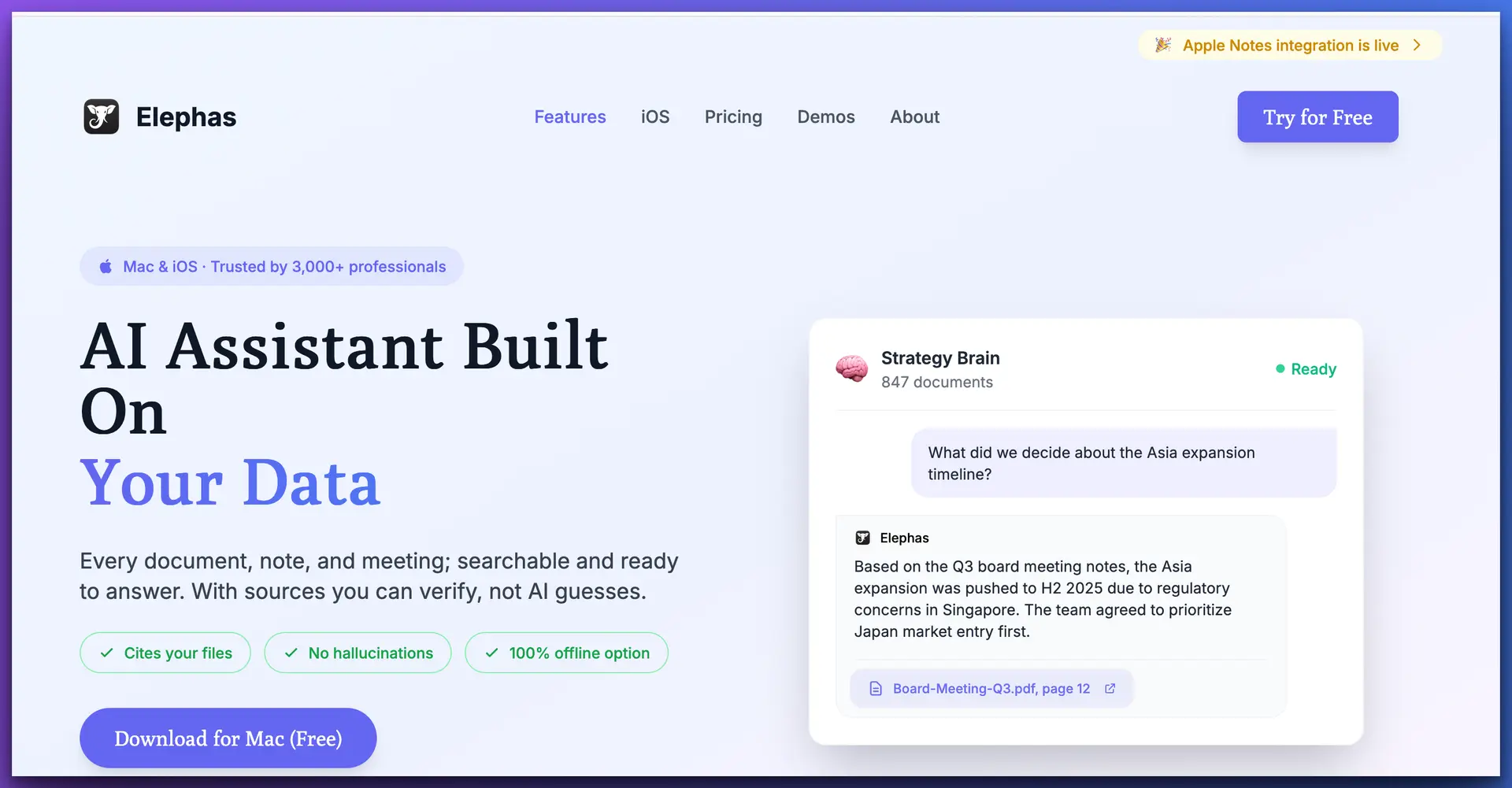
PRIVACY
AFFORDABILITY
SOLO FIT
OFFLINE
Elephas is a macOS menu bar app that puts AI in every application you use—Mail, Word, Pages, Safari, Notes, your practice management software. No new platform to learn. No browser tabs to manage. Select text, right-click, get AI assistance. That's the workflow.
For solo practitioners, the standout feature is Super Brain—knowledge bases you create per matter or per client. Upload contracts, pleadings, case files, correspondence, statutes, and research. Then ask questions that get answers grounded in your documents, not generic internet knowledge. When a client calls about their contract, you don't search through folders. You ask Elephas.
Privacy is built into the architecture: documents are processed locally on your Mac. When you use cloud AI models (GPT-4o, Claude), only your specific query goes to the API—not your entire document library. And for maximum privilege protection, switch to offline mode with local AI models. No internet required. No third-party disclosure. Period.
Why it works for solos
Honest limitations
Best for: Solo and small firm lawyers who want one affordable tool that handles drafting, document analysis, research summaries, and client communication—with real privacy protection.
Full disclosure: this is an Elephas resource site. But we recommend it because it genuinely fits the solo practitioner use case better than any enterprise tool we've tested. Read our detailed Elephas for legal professionals guide for a deeper look at legal-specific workflows.
Legal research
Legal research is where enterprise tools have the strongest advantage—they have proprietary databases. But solos have affordable options that cover most needs:
Paxton AI
$159/month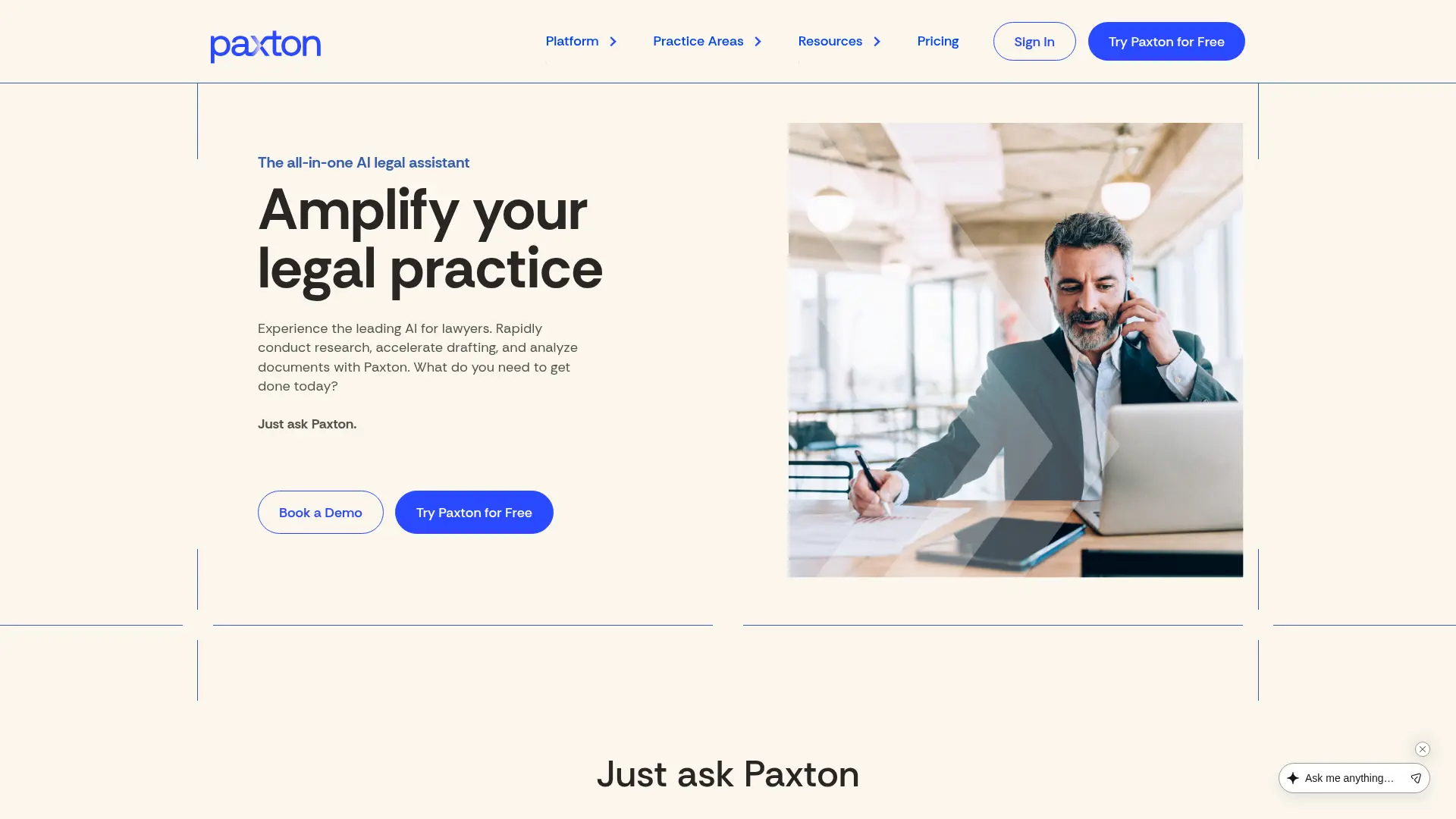
The most affordable dedicated legal AI research platform. SOC 2 and HIPAA compliant, with access to legal databases and case law. Good for solos who do litigation-heavy work and need cited case law. But at $159/month, it's a real line item for a new practice. Consider it once your revenue justifies the expense. See our full roundup of affordable legal research platforms for more options.
Fastcase
Free with bar membershipAvailable free through bar membership in 40+ states. Not as deep as Westlaw or LexisNexis, but surprisingly capable for common research needs. Covers federal and state case law, statutes, and regulations. For many solo practices—especially transactional, estate planning, and family law—Fastcase provides enough research coverage to get the job done.
Google Scholar + Elephas combo
Free research + $19/mo AIThe budget power move: use Google Scholar's free case law database for research, then load your findings into an Elephas Super Brain for AI-powered analysis, comparison, and summary. You get free case law access plus intelligent document analysis—all for $19/month. Not as comprehensive as Westlaw, but remarkably effective for most solo practice needs.
Contract drafting & review
Spellbook
$99/month (basic)Purpose-built for contract work. Integrates directly with Microsoft Word and offers clause suggestions, risk identification, and contract analysis. At $99/month, it's not cheap for a solo, but if contracts are your primary practice area (real estate closings, business formation, commercial transactions), the specialization may justify the cost.
Elephas Super Brain
Included ($19/mo)Not a dedicated contract tool, but surprisingly effective: load your clause library, standard agreements, and prior contracts into a Super Brain. Then ask Elephas to review new contracts against your standards, flag missing provisions, or suggest alternative language. It's your own AI-powered clause library that learns from your work product.
Document analysis
Elephas
from $19/monthUpload contracts, pleadings, case files, discovery documents, and correspondence into Super Brain. Ask questions across your entire matter—“What are the indemnification obligations in this contract?” “Summarize the plaintiff's claims across these three filings.” “What deadlines are mentioned in this correspondence?” Supports 20+ file formats including PDF, DOCX, XLSX, images (with OCR), and more.
GPT4All
Free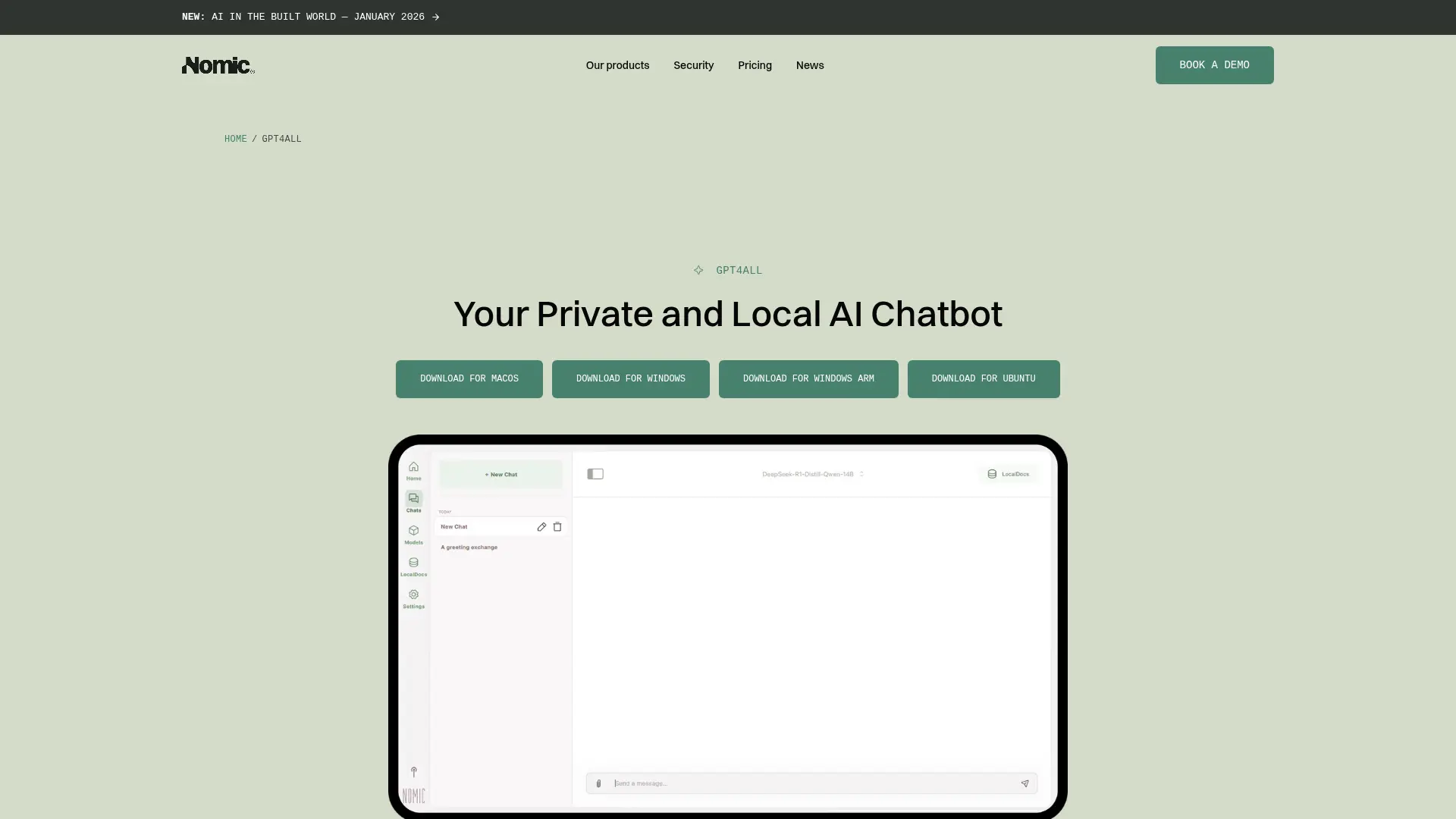
Open-source, fully local AI. Genuine privacy at zero cost. But it requires technical setup, has limited document management capabilities, and doesn't support the range of file formats that legal work demands. Best for technically comfortable lawyers who want a free option for basic document questions. Not a replacement for a proper knowledge base system.
Client communication
Elephas
Works in any appDraft emails, letters, and memos directly from Mail, Outlook, Gmail (in browser), or any text editor. Select a client's message, use Elephas to generate a professional response, edit to your voice, send. No copy-pasting between apps. No switching to a separate AI platform. The time savings on client communication alone can justify the subscription.
Claude (via Elephas API)
Included with Elephas ProFor complex client responses that require nuanced legal reasoning—demand letters, settlement proposals, detailed case status updates—Claude's reasoning capabilities shine. Access it through Elephas so your documents stay local while leveraging Claude's analysis strengths. The combination of local privacy + cloud AI reasoning is the best of both worlds.
Budget comparison: monthly cost for a solo practitioner
Here's what AI actually costs at each level. No hidden fees, no “contact sales” pricing.
The math: At the “Recommended” level, you pay $19/month for AI that handles drafting, document analysis, research summaries, and client communication. At the enterprise level, you pay 80x more. The enterprise tools have deeper legal databases, but for 90% of daily solo practice tasks, Elephas Pro covers what you need.
Real workflows for solo lawyers
Tools are only useful if they fit into how you actually work. Here are five workflows that solo practitioners use daily with Elephas:
Morning case review
Open your calendar, see today's matters. For each, open the matter's Super Brain in Elephas and ask: “What are the key deadlines and pending action items for this case?” Get an AI-generated summary grounded in your actual case files—correspondence, filings, notes. In 10 minutes, you have a clear picture of your entire day without re-reading stacks of documents.
Contract review workflow
Client sends a commercial lease for review. Load it into Elephas along with your standard lease checklist. Ask: “Compare this lease against my standard terms. Flag any provisions that deviate from my checklist or that are missing entirely.” Elephas analyzes the document locally, comparing it against your own standards—not generic internet advice. You get a redline-ready summary in minutes instead of hours.
Client intake and memo drafting
After a client consultation, type your raw notes into any text editor. Select the notes, use Elephas to generate a structured intake memo: facts, legal issues identified, potential claims or defenses, recommended next steps, and a conflict check summary. Clean it up, save it to the client file. What used to take 30–45 minutes of post-consultation admin now takes 10.
Courtroom preparation (offline mode)
Before a hearing, load all relevant filings, witness statements, and exhibits into a Super Brain. At the courthouse—where WiFi is unreliable or unavailable—switch Elephas to offline mode. Ask questions about the record in real time: “What did the deponent say about the timeline of events on page 47?” “What are the three strongest arguments for our motion?” Your AI assistant works without internet, entirely on your Mac.
Weekly research digest
Each week, save new articles, bar association updates, and CLE materials into a “Professional Development” Super Brain. On Friday, ask Elephas: “Summarize the key developments from this week's materials that affect my practice areas.” You get a personalized weekly digest that keeps you current without spending hours reading. Add relevant insights to your AI-powered legal research library.
Why enterprise tools don't work for solos
It's not just the price. Enterprise legal AI is architecturally wrong for solo practice. Here's why:
Pricing designed for per-seat enterprise deals
Harvey AI's pricing model assumes you're buying for 50+ attorneys. CoCounsel's $225/month/user makes sense when a firm is spending $50,000/month on legal tech anyway. For a solo billing $150–250/hour, $1,000/month in AI tools is 4–7 billable hours just to break even. That math doesn't work.
Features built for large firm workflows
Enterprise tools assume you have dedicated practice groups, document management systems (iManage, NetDocuments), intake teams, and IT support. Solo practitioners manage everything themselves. They need AI that works in their existing apps, not a platform that requires enterprise infrastructure to function properly.
Long-term contracts and minimum seats
Many enterprise tools require annual commitments and minimum seat purchases. Harvey AI's contracts are typically 12+ months. Lexis+ AI comes bundled with LexisNexis subscriptions that are notoriously difficult to cancel. For a solo, flexibility matters—you should be able to try a tool, cancel if it doesn't work, and not be locked into a year-long commitment.
Cloud-only means privilege risk without a dedicated security team
Enterprise firms have CISOs, BAAs, and legal tech committees that negotiate data handling agreements. A solo practitioner doesn't have that infrastructure. Cloud-only AI tools create third-party disclosure that can waive attorney-client privilege. Local-processing tools like Elephas eliminate this risk by design.
The takeaway: Enterprise legal AI isn't “better” AI. It's AI packaged for enterprises. The underlying language models (GPT-4o, Claude, Gemini) are available to everyone. What matters is how you access them—and whether that access respects your budget, workflow, and privacy obligations. See our comparison of private AI tools for lawyers for the detailed analysis.
Further reading for solo and small firm lawyers
Frequently asked questions
Can solo lawyers really use AI effectively?
Absolutely. Solo lawyers are often the biggest beneficiaries of AI because they wear every hat — researcher, drafter, communicator, administrator. AI tools like Elephas handle tasks that would otherwise require a paralegal or associate. The key is choosing tools designed for individual workflows rather than enterprise platforms built for large firm IT departments. A solo practitioner with Elephas can draft client emails, analyze contracts, summarize depositions, and prepare research memos from a single menu bar app.
Is $19/month enough for a real AI legal assistant?
Yes. Elephas at $19/month gives you access to multiple AI models (GPT-4o, Claude, Gemini, and local models), Super Brain knowledge bases for organizing case files, offline mode for courtroom use, and the ability to work from any Mac app. You get 90%+ of what enterprise tools offer for daily legal tasks — drafting, analysis, summarization, and research — at a fraction of the cost. The main thing you don't get is a proprietary legal research database, which you can supplement with Fastcase (free with bar membership) or Google Scholar.
Do I need Westlaw AND an AI tool?
It depends on your practice area. For litigation-heavy practices that require comprehensive case law research, a legal research database remains valuable. But many solo practitioners — especially those in transactional, estate planning, family law, or general practice — can work effectively with Fastcase (free with bar membership in 40+ states), Google Scholar for case law, and an AI tool like Elephas for analysis and drafting. The combination of Fastcase + Elephas costs $19/month total vs. $200+/month for Westlaw alone.
How do I protect client privilege when using AI?
The safest approach is local-processing AI that never transmits client data to third-party servers. Elephas processes documents locally on your Mac and offers fully offline AI models. When you use cloud AI models through Elephas, only your specific query goes to the API — not your entire document library. For maximum privilege protection, use Elephas in offline mode with local models. This eliminates any third-party disclosure argument entirely. See our detailed guide on AI and attorney-client privilege for the full legal framework.
Can I use AI tools in court?
You can use offline AI tools in court since they don't require internet connectivity. Elephas includes offline mode with local AI models that run entirely on your Mac — no WiFi needed. This is invaluable for reviewing documents, preparing examination questions, or analyzing opposing counsel's arguments in real time. Cloud-based tools (CoCounsel, Harvey AI, Paxton AI) require internet access and won't work in most courtrooms. Always check your jurisdiction's specific rules on technology use in court.
What's the minimum AI stack for a new solo practice?
Start with two tools: Elephas ($19/month) and Fastcase (free with bar membership). Elephas handles your daily AI needs — drafting emails, analyzing contracts, summarizing documents, building knowledge bases per matter, and working offline. Fastcase provides free legal research. Total cost: $19/month. As your practice grows, you can add Paxton AI ($159/month) for deeper legal research or Spellbook ($99/month) if you do heavy contract work. But most solos find that Elephas + Fastcase covers 90% of their needs.

Related Resources
Explore all AI for Lawyers resourcesSiri vs ChatGPT for Confidential Work
15 min readarticleCan You Upload Contracts to AI? Privacy Risks, Vendor Workflow, and Safer Alternatives for AI Contract Management
11 min readarticleAI for Sensitive Data: A Complete Guide to Using AI Tools Without Exposing Sensitive Company Information (2026 Edition)
10 min readarticleIs ChatGPT Attorney-Client Privilege Protected? The Heppner Ruling and Generative AI in Litigation
11 min readStart with Elephas for $19/month
Enterprise legal AI charges $1,000+/month for features most solos don't need. Elephas gives you AI-powered drafting, document analysis, per-matter knowledge bases, and true offline mode—all from your Mac menu bar.
Try Elephas Free
No credit card required. Cancel anytime. True offline AI included.