6 Best Affordable Legal Research Platforms for Solo Attorneys and Small Law Firms (2026)
Westlaw and LexisNexis charge $200–$1,000+ per month. For solo attorneys and small firms, that math doesn't work. These six platforms cover 90% of what you need—from free to $159/mo.
Why solo attorneys are moving away from Westlaw and Lexis
Prohibitive pricing. Westlaw Edge starts around $400/month for meaningful access. Lexis+ AI isn't much cheaper. For a solo practitioner, that's $5,000–$12,000/year on a single tool.
Long-term contracts. Both platforms push annual contracts with auto-renewal. Getting locked into a 12-month commitment before you know your caseload is a real risk for new solos.
No AI for your files. Westlaw AI Assistant and Lexis+ AI search their databases. They can't analyze your case files, contracts, or client documents.
Cloud-only processing. Every document you upload leaves your machine. For attorneys handling privileged client information, that creates a third-party disclosure risk under ABA Formal Opinion 512.
Overkill for most solo work. Solo attorneys handling family law, criminal defense, personal injury, or estate planning rarely need the full depth of Westlaw's treatise library.
Quick comparison table
| Platform | Best For | AI-Powered | Offline | Price |
|---|---|---|---|---|
| Elephas | Private AI legal research on Mac | From $19/mo | ||
| Fastcase | Free research with bar membership | Free with bar | ||
| Google Scholar | Quick, no-cost case law lookups | Free | ||
| Midpage AI | AI-native case law research | $99/mo | ||
| Paxton AI | All-in-one AI legal assistant | Free–$159/mo | ||
| CourtListener | Free open-source legal database | Free |
1. Elephas — Best for Private, AI-Powered Legal Research on Mac
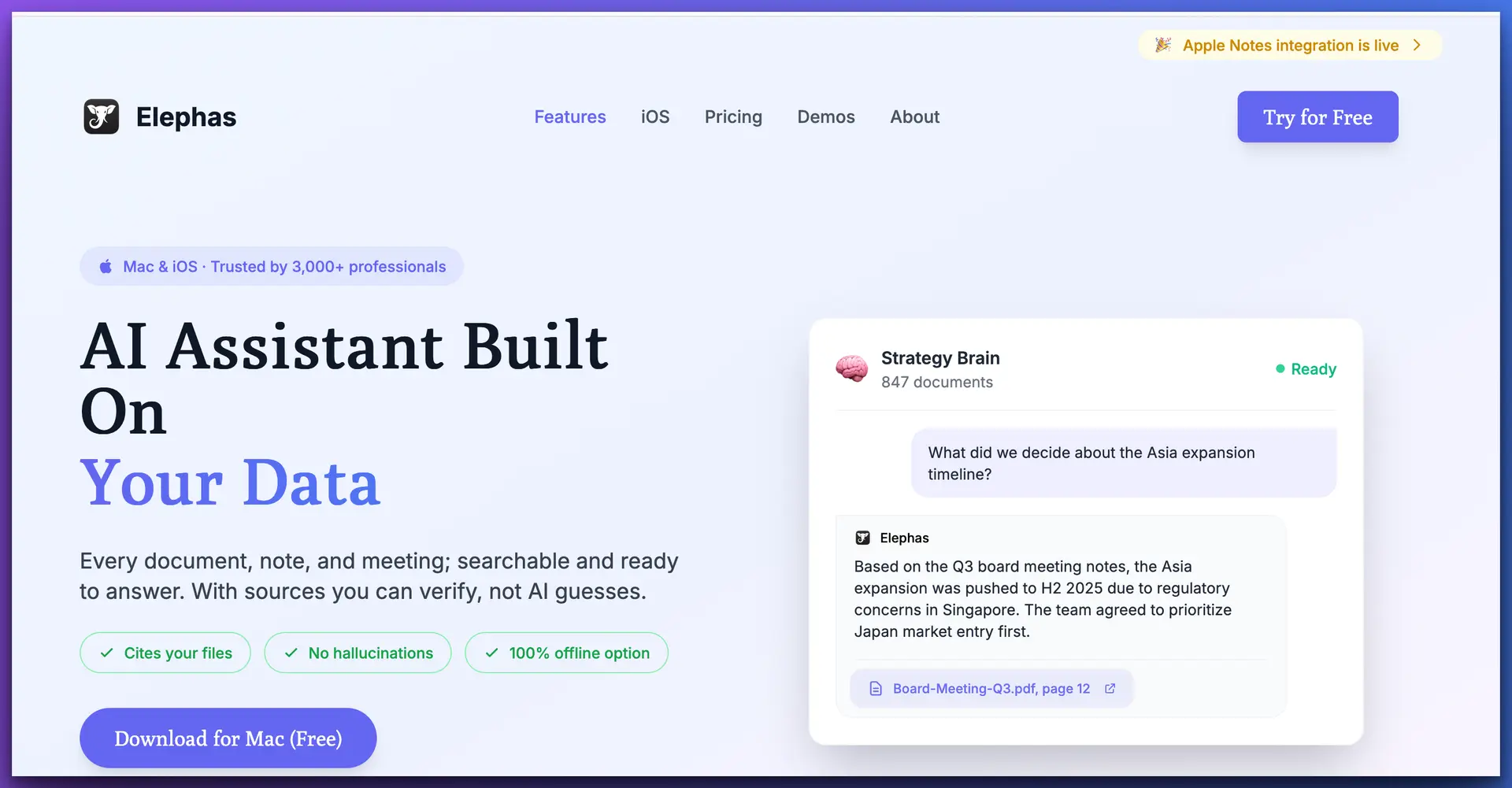
If your biggest concern is keeping client documents private while still getting AI-powered research capabilities, Elephas is the only affordable platform that solves both problems at once.
Elephas is a personal AI knowledge assistant built for the Apple ecosystem. For solo attorneys, the key differentiator is its Super Brain feature—a persistent, searchable knowledge base you build from your own case files, contracts, legal memos, and research notes. Upload your documents once, and Elephas becomes an AI research assistant that actually knows your cases.
Unlike every cloud-based legal AI tool, Elephas offers a fully offline mode using local AI models. Your privileged documents never leave your device—not one byte touches an external server. This isn't a privacy policy promise. It's an architectural guarantee that aligns with ABA Formal Opinion 512's guidance on maintaining attorney-client privilege when using AI tools.
Scores
Key features for solo attorneys
- Super Brain knowledge base. Create separate Brains per client or case. Import PDFs, Word docs, Apple Notes, web clippings, and 20+ formats. Every answer includes source citations.
- True offline mode. Run local AI models through Ollama for complete data isolation. Handle privileged documents without any cloud exposure.
- System-wide Mac access. Press ⌘+Space and get AI assistance in any app—Word, Mail, Safari, Pages, Slack. No switching to a separate tool.
- Multiple AI providers. Use Claude, GPT-4, Gemini, or local models. Cloud for general research, local for privileged work.
- Cross-device sync. Mac, iPhone, and iPad via iCloud. Review case notes on your phone before a hearing.
- Source citations on every answer. No hallucinated case law. Every response cites the specific document and passage.
Strengths
- Only affordable AI tool with true offline/local processing
- Persistent knowledge base that grows with your practice
- Works system-wide across every Mac app
- $19/mo vs $400+/mo for Westlaw
Limitations
- No built-in case law database (pair with Fastcase)
- Mac/iOS only—no Windows or web
- You supply the documents
2. Fastcase — Best Free Legal Research With Bar Membership
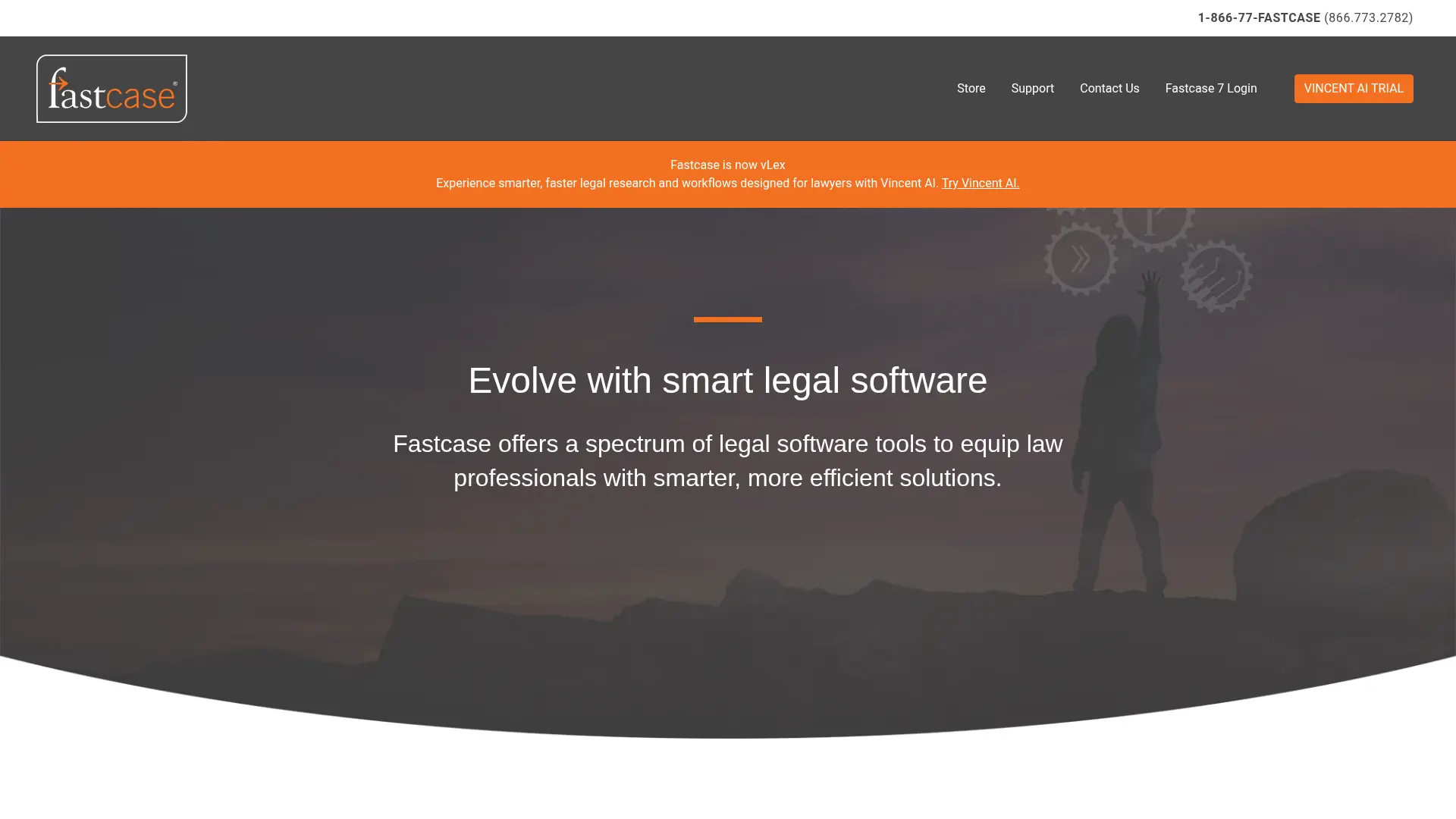
If you're a solo attorney and you're not using Fastcase yet, you're leaving money on the table. It's free with bar membership in over 40 states, and it covers the primary law research most solo practitioners need daily.
Fastcase provides access to federal and state case law, statutes, regulations, and court rules. Its Bad Law Bot flags potentially overruled or negatively treated cases, and the Interactive Timeline lets you visualize how case law on a topic has evolved. It's not as deep as Westlaw's secondary source library, but for daily primary law research it handles the job competently.
Scores
Strengths
- Free with bar membership in 40+ states
- Bad Law Bot flags overruled cases
- Interactive Timeline for case law trends
- No contracts or surprise pricing
Limitations
- Limited secondary sources
- No AI research assistant
- Search less precise than Westlaw
3. Google Scholar — Best for Quick, No-Cost Case Law Lookups
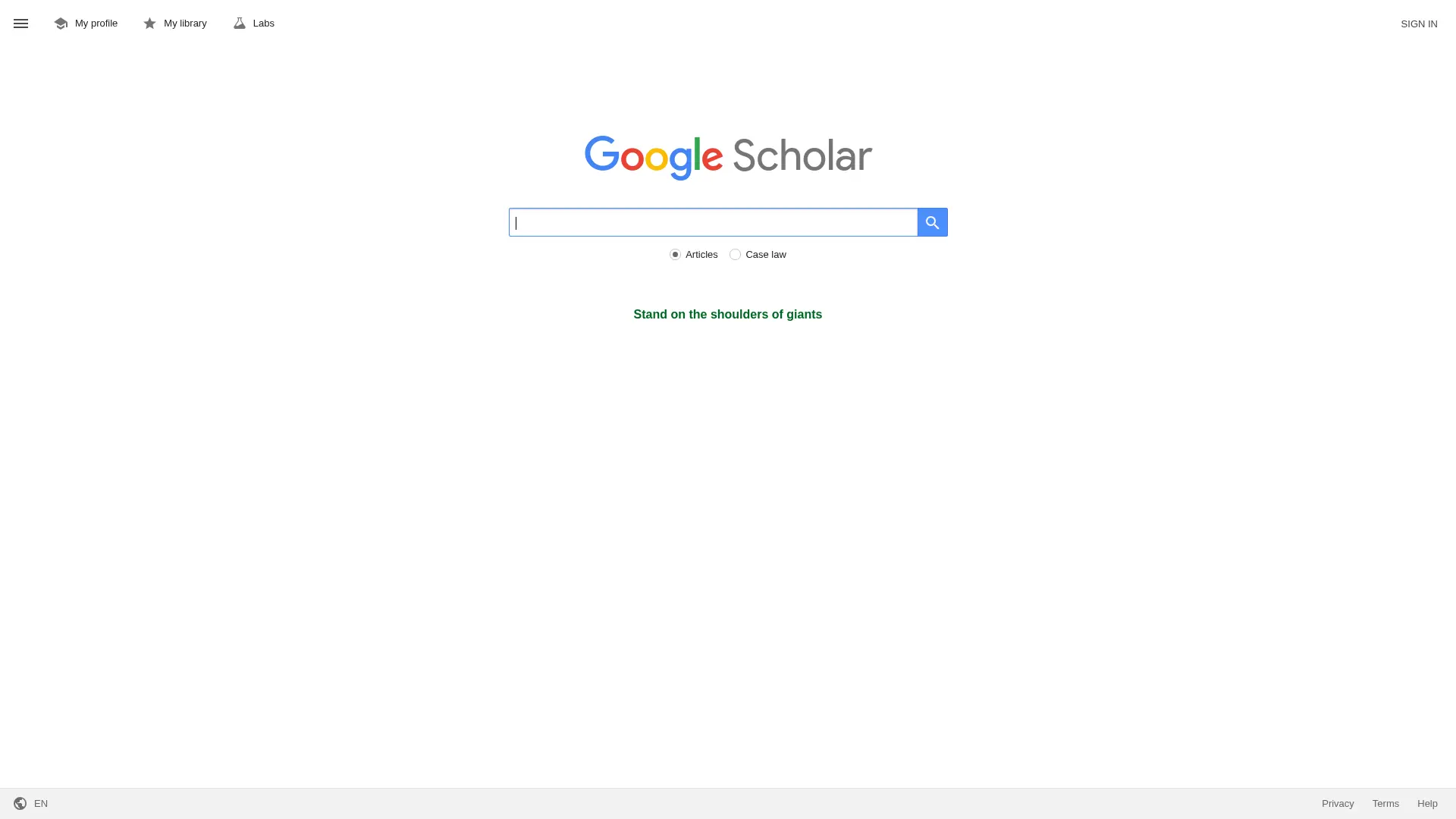
Google Scholar doesn't get enough credit in the legal community. It's free, requires no account, and its case law database is surprisingly comprehensive. The “Cited by” feature shows which later cases cited a given opinion, and “How cited” shows the specific context. It's not Shepard's, but it's immediate and free.
Natural language search makes it accessible—no Boolean operators required. Filter by specific federal circuits or state courts. Best used for quick preliminary research, sanity-checking citations, and finding case law when you need a fast answer.
Strengths
- Completely free, no account needed
- Broad case law coverage
- “Cited by” provides basic citation analysis
- Natural language search
Limitations
- No citator—can't Shepardize
- No AI analysis or research assistance
- No statutes or regulations database
- Can't flag bad law or overruled decisions
4. Midpage AI — Best AI-Native Legal Research Platform
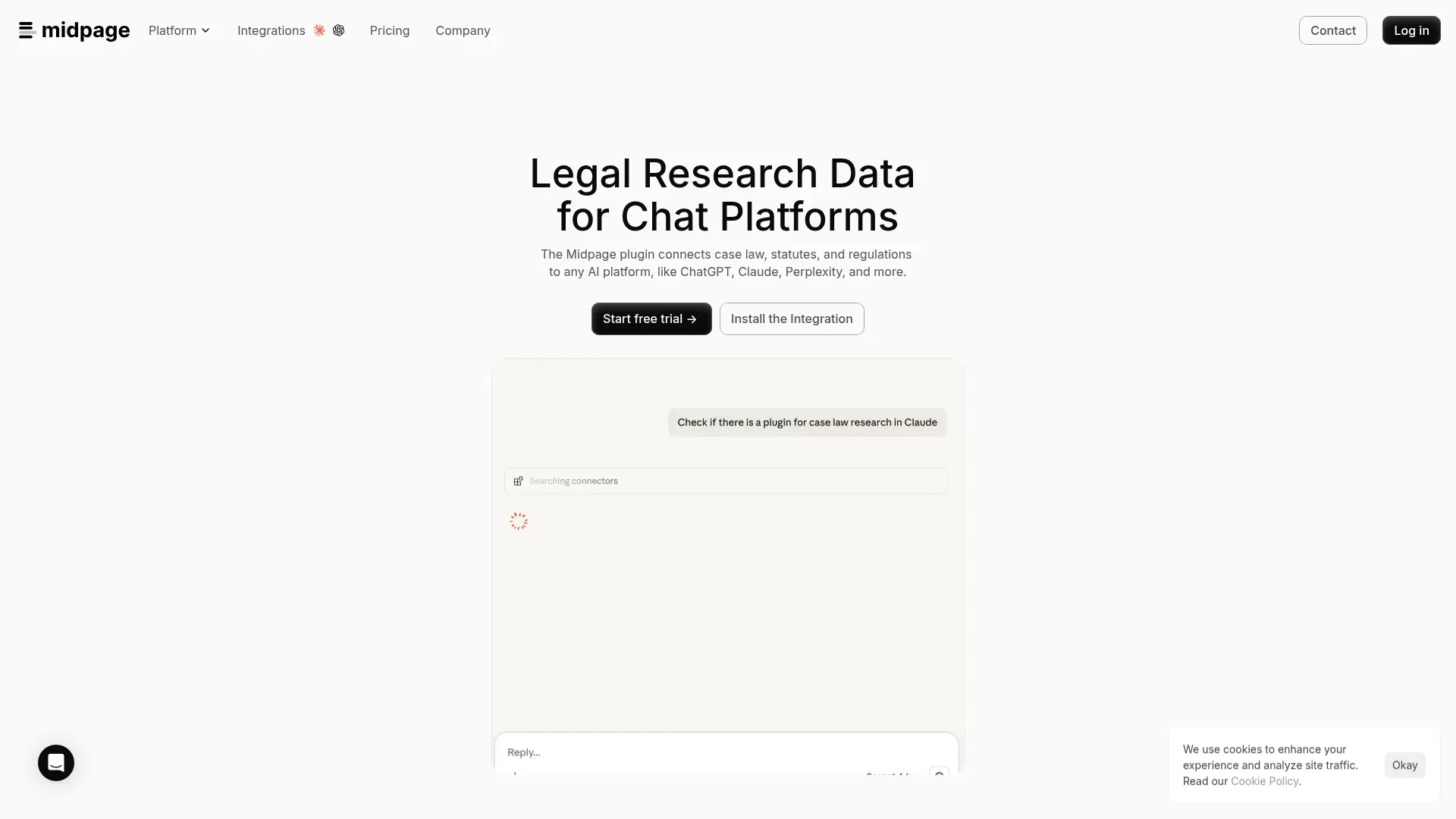
Midpage is built from the ground up as an AI-first legal research tool. The Research Agent lets you ask legal questions in natural language—the way you'd ask a colleague—and returns synthesized answers with case citations. Its grid-based search lets you create customized result columns where each column represents a specific question about the cases, helping you compare holdings and reasoning across multiple opinions at once.
Midpage also includes an AI-powered citator that categorizes citing references as Negative, Caution, or Neutral with plain-language explanations. Coverage includes 99% of binding federal and state appellate decisions, plus substantial district court coverage.
Scores
Strengths
- AI Research Agent delivers cited answers
- Grid-based search for comparing cases
- AI citator with plain-language explanations
- Modern interface designed for lawyers
Limitations
- $99/mo is still meaningful for solos
- Cloud-based only—no offline mode
- No document analysis for your own files
- Newer platform with limited secondary sources
5. Paxton AI — Best All-in-One AI Legal Assistant
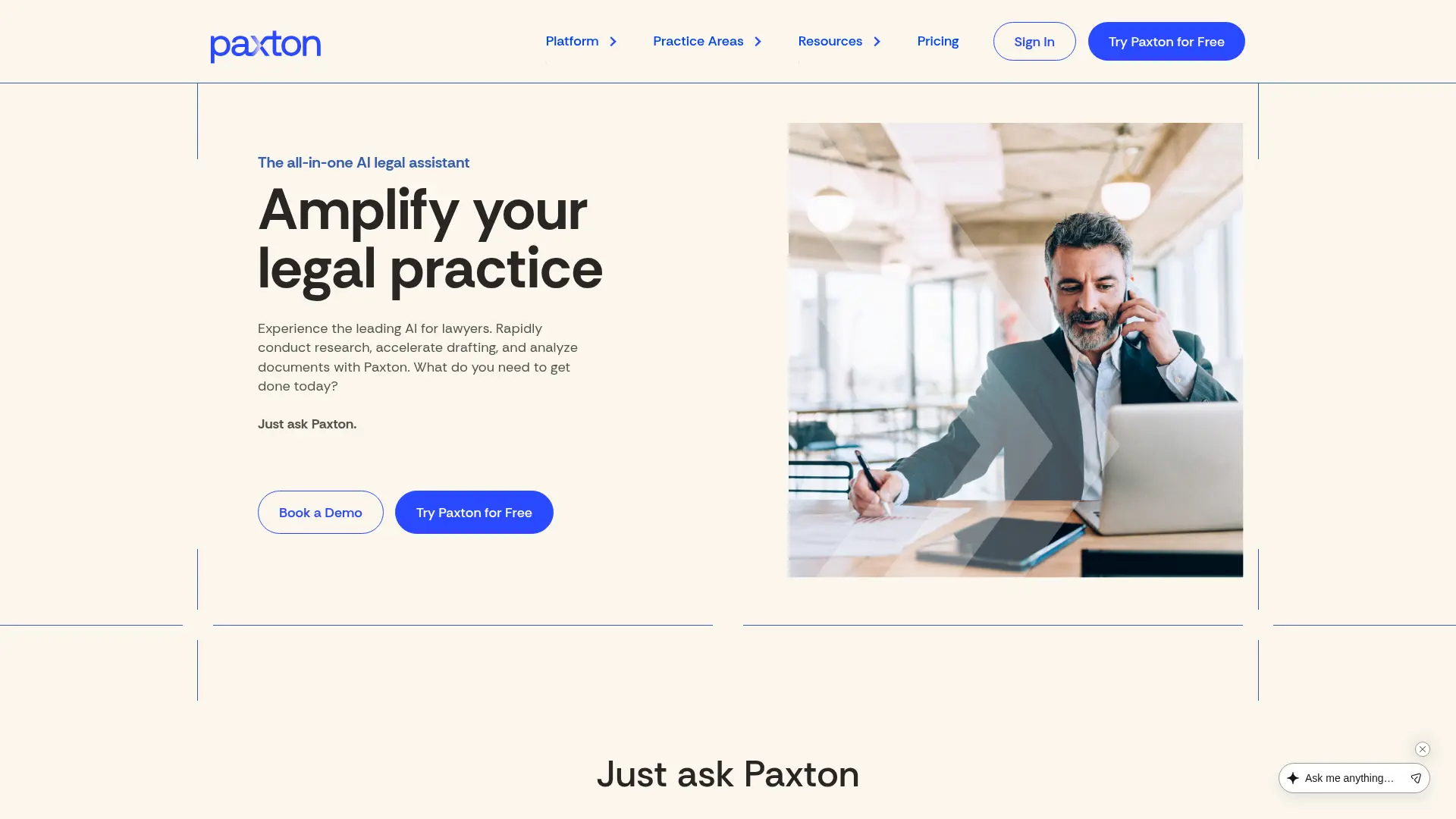
Paxton combines legal research with document drafting and contract review in a single platform. The research function provides AI-driven access to U.S. state, federal, and appellate case law. Beyond research, Paxton can draft legal documents, review contracts, and analyze uploaded files—making it more of a full-stack legal AI tool.
The free basic plan gives access to statutes and regulations. The professional tier at $99–$159/month adds case law research, document analysis, and contract review. Enterprise-grade security (SOC 2, ISO 27001, HIPAA) and data never used for model training.
Strengths
- Research, drafting, and review in one tool
- Free basic tier for statutes/regulations
- Strong security certifications
- Document upload and analysis
Limitations
- $159/mo full tier is priciest on this list
- Cloud-based only—documents leave your machine
- Newer platform—verify accuracy
- No offline mode for privileged work
6. CourtListener / RECAP — Best Free Open-Source Legal Database
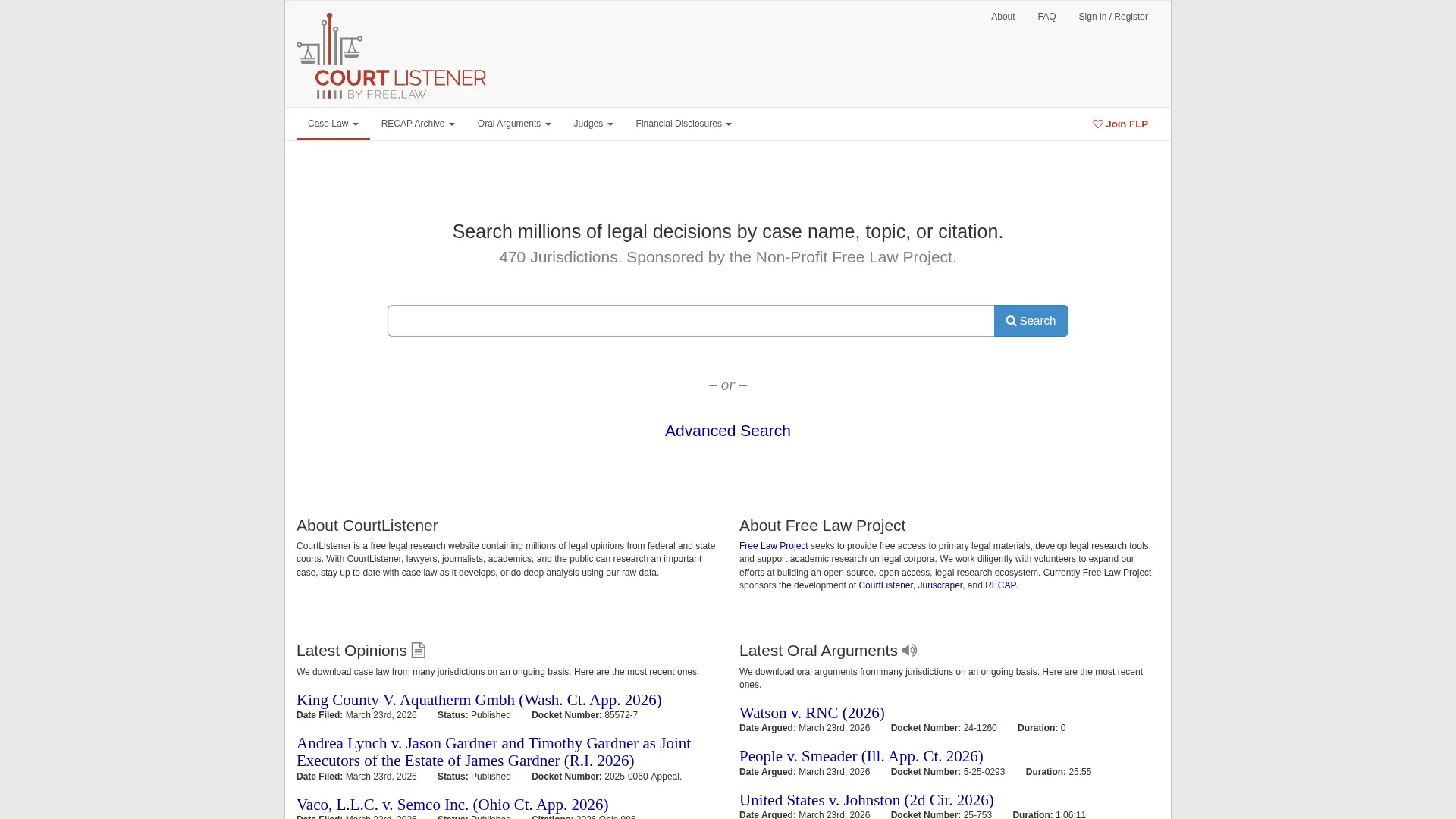
CourtListener is the legal profession's best-kept secret for free research. Run by the nonprofit Free Law Project, it provides open access to millions of court opinions, oral arguments, and federal court filings. The companion RECAP extension captures PACER documents and makes them freely available, reducing your PACER costs.
It's not a polished commercial product—it's an open-source project built by people who believe legal information should be free. For solo attorneys watching every dollar, that philosophy translates to real savings. Set up alerts for new opinions matching your search criteria or tracking specific cases.
Strengths
- Completely free and open-source
- RECAP extension saves on PACER fees
- Largest oral arguments archive
- Case alerts and RSS feeds
Limitations
- No AI capabilities
- Functional but unpolished interface
- No citator or bad law checking
- Coverage not as comprehensive as Westlaw
How to choose the right platform for your practice
Budget-first
Start with Fastcase (free with bar), Google Scholar (free), and CourtListener (free). These cover basic primary law research at zero cost.
Privacy-first
If you handle privileged client information, Elephas is the only affordable option with true offline processing. Cloud tools process your docs on external servers.
Research-heavy
If legal research is a major daily workflow (litigation, appellate, regulatory), Midpage AI's Research Agent and citator justify the $99/month.
All-in-one
If you want one tool for research, drafting, and review, Paxton AI covers the most ground. General practice solos benefit most from this approach.
The combination most solo attorneys should consider: Fastcase (free primary law) + Elephas (private AI for document analysis) + Google Scholar (quick lookups). Total cost: $19/month. That's less than 5% of what Westlaw charges.
What about Westlaw Edge and Lexis+ AI?
Westlaw and LexisNexis aren't on this list intentionally—this article focuses on affordable platforms for solo attorneys and small firms. Their databases are unmatched in depth, and their AI features are genuinely useful. But at $200–$1,000+ per month with annual contracts, they serve a different market.
If your firm has the budget, Westlaw remains the gold standard. For solo attorneys who need smart research without the overhead, the six platforms above cover the ground at a price point that makes sense. See our full legal AI pricing comparison for a detailed cost breakdown.
Further reading
If you're evaluating legal research tools for your practice, these guides go deeper on specific topics:
5 Best Casetext Alternatives for Small Firms
After Casetext's retirement, compare affordable AI alternatives
Solo Practitioner's Guide to AI Legal Work
Enterprise AI costs vs affordable solo options
Can AI Waive Attorney-Client Privilege?
The legal framework every lawyer must understand
Build an AI Legal Research Library on Mac
Step-by-step tutorial for private legal knowledge bases
Frequently asked questions
Can I practice law effectively without Westlaw or LexisNexis?
Yes. The combination of free tools (Fastcase, Google Scholar, CourtListener) with affordable AI platforms like Elephas covers the research needs of most solo practitioners. Westlaw and Lexis have the deepest databases, but solo attorneys rarely need treatise-level secondary sources for their daily work. Primary law research — cases, statutes, regulations — is well-served by affordable alternatives.
Is it safe to use AI tools for legal research?
AI tools are safe when used responsibly. The key risks are hallucinated citations (AI inventing fake case law) and privilege exposure (uploading client documents to cloud-based AI). To mitigate both: always verify AI-generated citations against primary sources, and use offline/local AI tools like Elephas for privileged document work. ABA Formal Opinion 512 provides guidance on competent and confidential use of AI in legal practice.
What's the cheapest way to do legal research as a solo attorney?
Fastcase (free with bar membership) + Google Scholar (free) + CourtListener (free) gives you solid coverage at zero cost. Add Elephas ($19/month) for AI-powered document analysis with privacy, and your total research budget is under $20/month.
Do AI legal research tools hallucinate case citations?
They can. This is why source citations matter. Tools like Elephas (which cites your uploaded documents) and Midpage (which cites its verified case law database) are safer than general-purpose AI chatbots. Never cite a case in a filing without verifying it exists in a primary source — the consequences of citing fabricated case law are severe, as demonstrated in the Mata v. Avianca case.
Can I use AI tools without risking attorney-client privilege?
Yes, but tool choice matters. Cloud-based AI tools process your documents on external servers, which may constitute third-party disclosure under ABA Formal Opinion 512. Elephas solves this with a fully offline mode — documents are processed locally on your Mac using local AI models, so privileged information never leaves your device. For non-privileged research queries, cloud-based tools are generally fine.
Which affordable legal research tool has the best citator?
Among affordable options, Midpage AI has the most capable AI-powered citator, categorizing treatment as Negative, Caution, or Neutral with plain-language explanations. Fastcase's Bad Law Bot provides basic citation checking. None fully replace Shepard's Citations (Lexis) or KeyCite (Westlaw), but for most solo attorney needs, they catch the critical issues.
Try Elephas free
Build a private, AI-powered legal research library from your case files. No cloud exposure, no Westlaw pricing, no annual contracts.
Start Free Trial