11 Best ChatGPT Alternatives for Lawyers in 2026
ChatGPT hallucinates case law, creates privilege waiver risk, and retains your data on third-party servers. We compared 11 alternatives across three categories—privacy-first local tools, legal-specific cloud platforms, and general-purpose AI—so you can find the right fit for your practice.
Why lawyers need to move beyond ChatGPT
In Mata v. Avianca (2023), a lawyer was sanctioned for submitting ChatGPT-fabricated case citations. In U.S. v. Heppner (2026), the court ruled consumer AI chats are not privileged. OpenAI's own terms confirm data retention on their servers. Every one of these risks can be eliminated by choosing the right alternative.
ChatGPT is the most popular AI tool in the world—but for lawyers, it has three fundamental problems: it hallucinates case law with absolute confidence, it creates a third-party disclosure that can waive attorney-client privilege, and it stores your inputs on servers subject to court-ordered discovery.
This guide evaluates 11 alternatives organized into three categories: privacy-first local tools that keep your data on your device, legal-specific cloud platforms with verified databases and legal training, and general-purpose AI tools that offer strong reasoning for legal work. We scored each tool on privacy, citations, case knowledge, and offline capability.
Our evaluation criteria: Privacy/privilege preservation (30%), citation accuracy (20%), persistent knowledge (15%), pricing/affordability (15%), offline capability (10%), legal-specific features (10%).
Quick Comparison: 11 ChatGPT Alternatives for Lawyers
Category 1: Privacy-First & Local AI Tools
These tools process everything on your device. Your data never leaves your computer, preserving attorney-client privilege by architecture—not by policy.
Elephas — Best Overall ChatGPT Alternative for Lawyers
PRIVACY
CITATIONS
CASE KB
OFFLINE
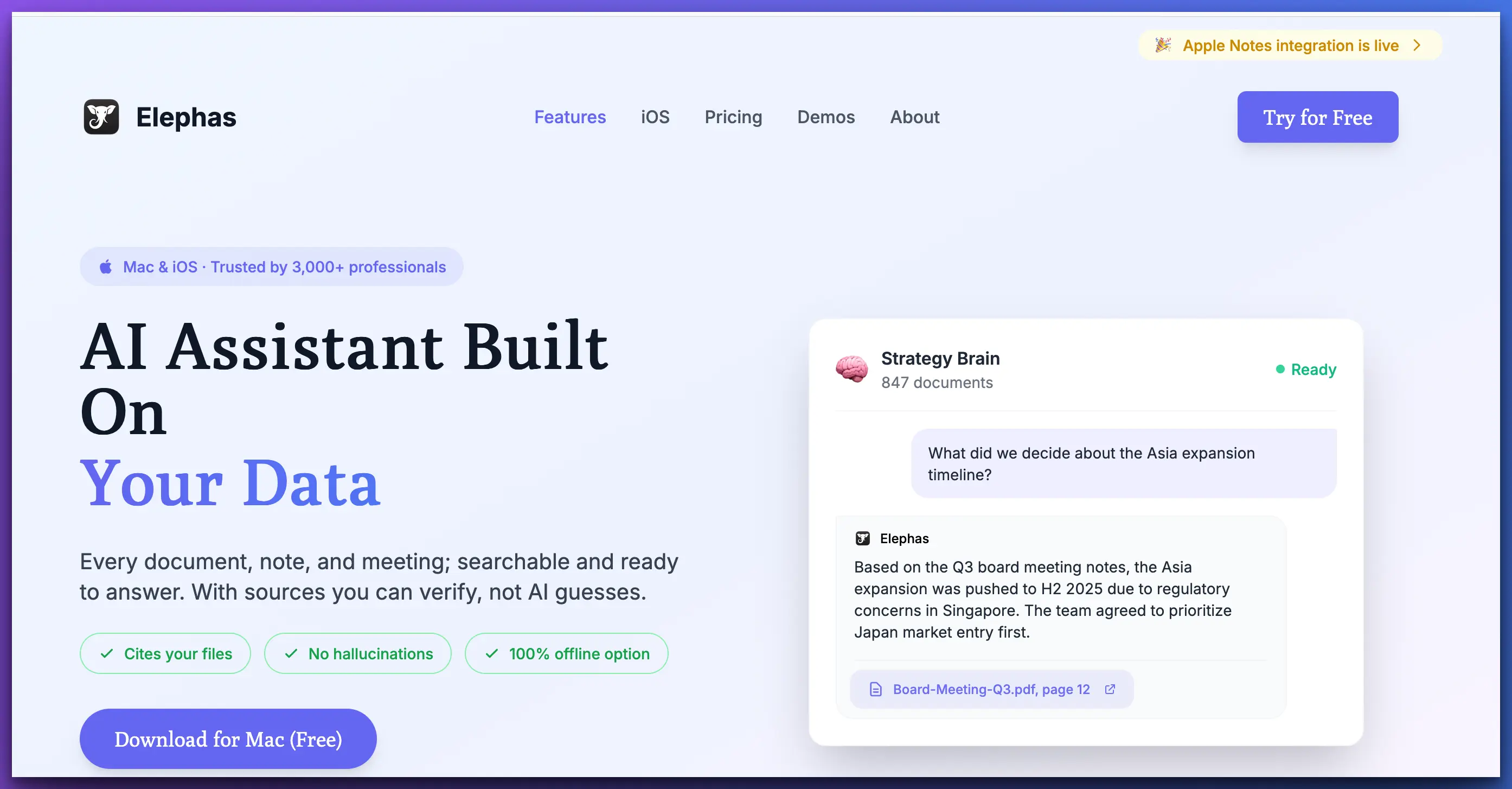
Elephas solves every problem that makes ChatGPT dangerous for lawyers. It processes documents locally on your Mac (no third-party disclosure), builds persistent knowledge bases per case via Super Brain, returns answers with citations from your actual documents (no hallucinated case law), and works fully offline for courtroom and travel use.
Where ChatGPT starts every conversation from scratch with generic internet knowledge, Elephas lets you upload contracts, depositions, statutes, and correspondence into matter-specific knowledge bases. Ask a question and get answers grounded in your verified source material—with page and paragraph citations. This is architectural privacy vs policy privacy: privilege preserved by design, not by promise.
Strengths
Limitations
Best for: Solo attorneys, small firms, criminal defense, and any lawyer who handles privileged documents and needs affordable, private AI with persistent case knowledge.
GPT4All — Best Free Local AI Option
PRIVACY
CITATIONS
CASE KB
OFFLINE
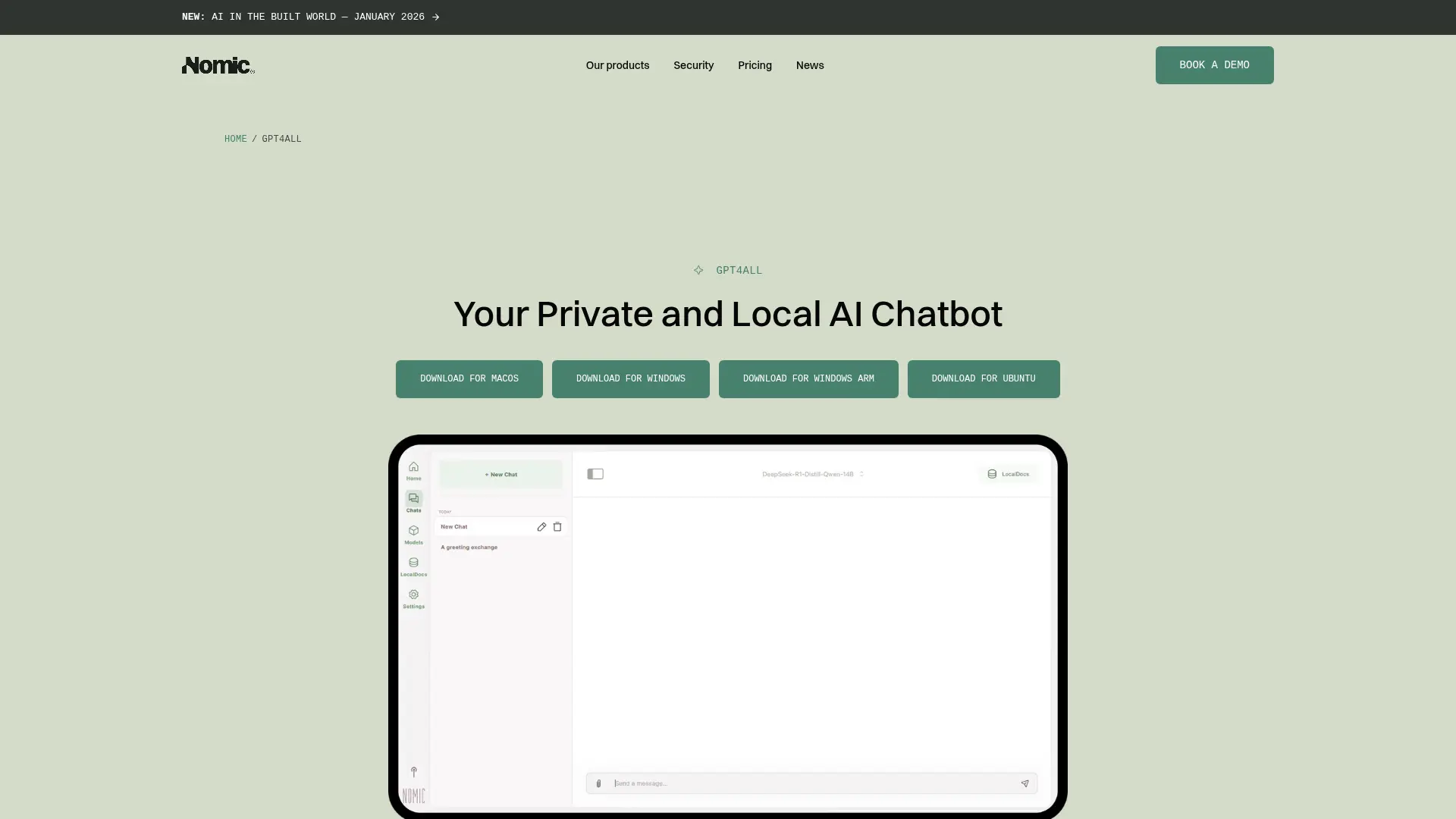
GPT4All is a free, open-source tool that runs AI models entirely on your computer. For privacy, it's excellent—your data never leaves your device, period. It supports multiple open-source models (Llama, Mistral, Falcon) and works completely offline on Windows, Mac, and Linux.
The tradeoffs are significant for legal work. There's no document management or knowledge base system, limited file format support, no source citations, and local models produce lower-quality output than GPT-4 or Claude for complex legal reasoning. It's best suited for basic drafting tasks where budget is the primary constraint.
Strengths
Limitations
Best for: Technically comfortable lawyers who need free, local AI for basic tasks and don't need document management.
PrivateGPT — Best for Self-Hosted Document Q&A
PRIVACY
CITATIONS
CASE KB
OFFLINE
PrivateGPT is an open-source project that lets you ingest documents and ask questions about them using local AI models with RAG (retrieval-augmented generation). It's fully self-hosted—your data stays on your infrastructure. For firms with IT resources, it offers a way to build a private document Q&A system.
The catch: it requires significant technical setup (Python, Docker, GPU configuration). There's no polished interface—it's a developer tool, not a user-friendly application. Citation quality depends on your chunking and embedding configuration. For non-technical lawyers, Elephas provides a similar local-first approach with a polished UI.
Strengths
Limitations
Best for: Firms with in-house IT/dev resources that want a fully private, customizable document Q&A system.
Category 2: Legal-Specific Cloud AI Tools
These platforms are purpose-built for legal work with verified databases, legal training, and compliance certifications. Data is processed in the cloud, so evaluate their security agreements carefully.
CoCounsel (Thomson Reuters) — Best Enterprise Legal AI
PRIVACY
CITATIONS
CASE KB
OFFLINE
CoCounsel is Thomson Reuters' flagship AI assistant, deeply integrated with Westlaw and backed by verified legal databases. It has surpassed 1 million users and offers CoCounsel Core starting at $225/user/month. Citations come from real, verified case law—not AI hallucinations. After acquiring Casetext in 2023 (and retiring it in April 2025), Thomson Reuters consolidated all legal AI capabilities into CoCounsel.
The tradeoff: all processing happens on Thomson Reuters' cloud infrastructure. Your documents and queries are transmitted to their servers. For firms already in the Westlaw ecosystem, it's the natural choice—but solo practitioners and small firms may find the pricing prohibitive.
Strengths
Limitations
Best for: Large firms with existing Thomson Reuters/Westlaw subscriptions who prioritize legal research accuracy over data privacy.
Harvey AI — Best for Am Law 100 Firms
PRIVACY
CITATIONS
CASE KB
OFFLINE
Harvey AI is trained specifically on legal data and is now used by 42% of Am Law 100 firms. It offers strong drafting, research, and analysis capabilities with legal-specific fine-tuned models. Harvey understands legal context in ways that generic tools like ChatGPT simply can't match, with all-in costs around $1,000–1,200 per lawyer per month.
Like CoCounsel, the core limitation is cloud processing—your data is processed on Harvey's infrastructure. Enterprise pricing puts it out of reach for most solo practitioners and small firms. There's no self-service signup; you need to go through their sales process.
Strengths
Limitations
Best for: Am Law 100 and large firms with dedicated AI budgets seeking a full-service legal AI platform.
Lexis+ AI with Protege — Best for Legal Research Accuracy
PRIVACY
CITATIONS
CASE KB
OFFLINE
LexisNexis rebranded its AI offering to Lexis+ AI with Protege in February 2026, introducing a next-generation legal search engine that understands natural language legal queries. Backed by the massive LexisNexis database, it delivers verified citations with Shepard's validation. Pricing starts around $171/month, making it more accessible than CoCounsel.
Like all LexisNexis products, it's cloud-based with data processed on their servers. The AI is tightly integrated with the Lexis+ platform, so you'll benefit most if you're already in the LexisNexis ecosystem. For firms choosing between Westlaw/CoCounsel and Lexis+, the decision often comes down to which database your attorneys prefer.
Strengths
Limitations
Best for: Firms in the LexisNexis ecosystem who want AI-powered research with Shepard's validation at a moderate price point.
vLex Vincent AI — Best for International & Cross-Border Law
PRIVACY
CITATIONS
CASE KB
OFFLINE
vLex Vincent AI stands out for international legal research, covering 100+ countries with jurisdictional awareness. Independent testing shows it's 3.67x more reliable than leading general-purpose LLMs for legal citations. At $399/month, it's positioned between the budget tools and enterprise platforms.
If your practice involves cross-border transactions, international arbitration, or comparative law, Vincent is uniquely suited—no other tool covers this breadth of jurisdictions. Cloud-based processing is the standard tradeoff, and the $399/month pricing may be steep for solo practitioners focused on domestic law only.
Strengths
Limitations
Best for: Firms handling international transactions, cross-border disputes, or comparative law research across multiple jurisdictions.
Spellbook — Best for Contract Drafting & Review
PRIVACY
CITATIONS
CASE KB
OFFLINE
Spellbook is a contract-focused AI tool that integrates directly into Microsoft Word. It's built specifically for drafting and reviewing contracts—suggesting clauses, flagging risks, and generating redlines. It's SOC 2 Type II certified with zero data retention, meaning your contract data isn't stored after processing. Under the hood, it uses GPT-5 and Claude Opus models.
The narrow focus is both a strength and limitation—it excels at contract work but isn't designed for legal research, case analysis, or general legal writing. Processing happens in the cloud (despite the zero-retention policy), so it's not truly local. Pricing is custom/enterprise, requiring a demo call.
Strengths
Limitations
Best for: Transactional lawyers and corporate counsel who spend most of their time drafting and reviewing contracts in Microsoft Word.
Paxton AI — Best Budget Legal Research AI
PRIVACY
CITATIONS
CASE KB
OFFLINE
Paxton AI is a legal-focused AI assistant that provides access to legal databases, statutes, and case law at $159/user/month—significantly less than CoCounsel or Harvey AI. It's SOC 2, ISO, and HIPAA compliant, with the AI trained to cite actual legal sources, reducing hallucination risk.
It's cloud-based, so the same privilege concerns apply. The legal database coverage isn't as deep as Westlaw or LexisNexis. But for solo practitioners and small firms who need legal-specific AI with compliance certifications at a reasonable price, Paxton fills an important gap in the market.
Strengths
Limitations
Best for: Solo and small firm lawyers who want compliant, legal-specific AI with database access at the most affordable price point.
Category 3: General-Purpose AI Tools
These aren't built specifically for law, but their reasoning capabilities make them valuable for legal analysis, drafting, and research—especially when paired with privacy-first tools like Elephas.
Claude (Anthropic) — Best General-Purpose LLM for Legal Reasoning
PRIVACY
CITATIONS
CASE KB
OFFLINE
Claude is arguably the best large language model for legal reasoning. It excels at nuanced analysis, lengthy document processing (200K token context window), and careful, hedged responses that align with how lawyers think. Anthropic launched a legal plugin in February 2026, adding structured legal analysis capabilities. At $20/month for Pro, it's the most affordable high-quality AI option.
The critical privacy limitation: in U.S. v. Heppner (2026), the court ruled that communications with consumer Claude are not protected by attorney-client privilege because Anthropic is a third party with potential access. Using Claude directly means your data is processed on Anthropic's cloud servers (hosted on AWS).
The best-of-both-worlds option: use Claude's model through Elephas. Your documents stay local in Super Brain, and only your specific query is sent to Claude's API—not your entire document library. Or use Elephas with fully local models for zero cloud transmission.
Strengths
Limitations
Best for: Lawyers who need the best AI reasoning for complex analysis—or pair it with Elephas to get Claude's intelligence with local document privacy.
Perplexity AI — Best for Legal Research with Source Citations
PRIVACY
CITATIONS
CASE KB
OFFLINE
Perplexity AI combines AI reasoning with real-time web search, providing answers with inline source citations. For legal research tasks like finding recent case developments, regulatory changes, or statutory updates, it's more useful than ChatGPT because every claim links to a verifiable source. The free tier is generous, with Pro at $20/month.
It's not a legal tool—citations come from web sources, not verified legal databases. It won't replace Westlaw or Lexis for authoritative case research. Privacy is minimal: queries and context are processed on Perplexity's servers. Best used as a research starting point for non-privileged queries, not for working with client documents.
Strengths
Limitations
Best for: Lawyers who need a quick research starting point with cited sources for non-privileged, non-confidential queries.
The Verdict: Which ChatGPT Alternative Should Lawyers Choose?
The right choice depends on your firm size, budget, privacy requirements, and the type of legal work you do. Here's our recommendation framework:
You handle privileged documents and need affordable AI
→ Elephas
Only tool combining local processing, Super Brain knowledge bases, source citations, and offline mode from $19/month.
You're at a large firm with an enterprise AI budget
CoCounsel or Harvey AI
Deep legal features and verified databases justify the cost when the firm has cloud security agreements in place.
You need the best AI reasoning for complex legal analysis
Claude via Elephas
Get Claude's superior legal reasoning while keeping your documents local through Elephas's Super Brain.
You do international or cross-border legal work
vLex Vincent AI
The only tool covering 100+ jurisdictions with 3.67x more reliable citations than general LLMs.
You primarily draft and review contracts
Spellbook
Purpose-built for contract work with SOC 2 certification, zero data retention, and Microsoft Word integration.
You need budget legal AI with compliance certifications
Paxton AI
SOC 2/ISO/HIPAA compliant legal AI at $159/month — the most affordable legal-specific option.
You're technically savvy and need free, private AI
GPT4All or PrivateGPT
100% free and local, but require technical setup and lack legal-specific features.
For a deeper dive into privacy-focused options, see our Best Private AI Tools for Lawyers comparison. For detailed head-to-head comparisons, read Elephas vs ChatGPT, Elephas vs Claude, or Elephas vs NotebookLM.
Frequently Asked Questions
Can I use ChatGPT for legal work if I don't paste client information?
General legal research questions that don't involve client-specific information carry less privilege risk. However, ChatGPT can still generate hallucinated case citations (as seen in Mata v. Avianca), creating professional responsibility risk. Local-processing alternatives like Elephas let you build knowledge bases from your own verified documents, eliminating both risks.
What's the difference between local AI and cloud-based legal AI?
Local AI tools (like Elephas, GPT4All, PrivateGPT) process everything on your device — your data never leaves your computer, preserving privilege by architecture. Cloud-based legal AI (like CoCounsel, Harvey AI, Lexis+ AI) processes data on remote servers but offers verified legal databases and deeper legal-specific features. The choice depends on whether privacy or legal database access is your higher priority.
What happened to Casetext?
Casetext was retired on April 1, 2025, after being acquired by Thomson Reuters. Its AI capabilities were absorbed into CoCounsel. Existing Casetext users were migrated to CoCounsel Core, which starts at $225/user/month.
What makes Elephas better than ChatGPT for lawyers?
Three key differences: (1) Local processing — your data never leaves your Mac, preserving privilege by architecture. (2) Super Brain — build persistent knowledge bases from your actual case files, statutes, and contracts rather than relying on generic internet knowledge. (3) Source citations — answers reference your own documents, not hallucinated case law.
Is Claude (Anthropic) privileged for legal work?
No. In U.S. v. Heppner (2026), the court ruled that communications with consumer Claude are not protected by attorney-client privilege because Anthropic is a third party with potential access to the data. However, you can use Claude's model through Elephas, where your documents stay local and only your specific query goes to the API.
How much do legal AI tools cost compared to ChatGPT?
ChatGPT Plus costs $20/month. Privacy-first alternatives range from free (GPT4All) to $19/month (Elephas). Legal-specific cloud tools are significantly more expensive: Paxton AI at $159/month, CoCounsel Core at $225/month, vLex Vincent at $399/month, and Harvey AI at $1,000+/month. The premium pricing reflects verified legal databases and specialized features.
Can I use legal AI tools offline in court?
Only local AI tools work offline. Elephas includes true offline mode with local AI models on your Mac. GPT4All and PrivateGPT also work offline. All cloud-based tools (CoCounsel, Harvey AI, Lexis+ AI, Spellbook, Paxton AI, Claude, Perplexity) require an internet connection.

Related Resources
Explore all AI for Lawyers resourcesSiri vs ChatGPT for Confidential Work
15 min readarticleCan You Upload Contracts to AI? Privacy Risks, Vendor Workflow, and Safer Alternatives for AI Contract Management
11 min readarticleAI for Sensitive Data: A Complete Guide to Using AI Tools Without Exposing Sensitive Company Information (2026 Edition)
10 min readarticleIs ChatGPT Attorney-Client Privilege Protected? The Heppner Ruling and Generative AI in Litigation
11 min readSwitch from ChatGPT to Privacy-First AI
Stop risking privilege waivers and hallucinated case law. Elephas gives you AI-powered legal research with local processing, source citations, and offline mode—starting at $19/month.
Try Elephas Free
No credit card required. True offline AI included.