Elicit Alternatives: Private AI for Academic Research
Most researchers reach for Elicit AI for research because it makes paper discovery and data extraction fast. Then a quieter worry shows up: where does my work actually go? Wiley's 2025 ExplanAItions study, a survey of more than 2,400 researchers, found AI tool usage among researchers jumped to 84%, while privacy and security concerns climbed from 47% to 58% in a single year.
12
AI research tools compared
84%
Researchers used AI tools in 2025
58%
Cite AI privacy and security concerns
On-device
Where Elephas keeps your papers
Executive Summary
- Twelve Elicit alternatives compared on features, pricing, and how each one handles your research data.
- Elicit is strong for paper discovery and data extraction, but it stores uploaded papers on its servers and offers no writing support.
- Most alternatives are cloud services. Only Elephas and Iris.ai offer a local or offline mode for confidential work.
- Elephas ranks first for private research: built-in local LLM models, a 100% offline mode, and files that stay on your Mac.
- Pricing ranges from free, including Semantic Scholar and the free tiers of others, up to $49 per month for Elicit Pro.
- If privacy is part of your workflow, Elephas is the privacy-friendly AI knowledge assistant we recommend for researchers, with built-in local LLM models so your papers never leave your machine.
Why Researchers Look for an Elicit Alternative
Elicit is a research assistant built on an index of more than 125 million academic papers. It is genuinely strong at three jobs: natural-language paper search, structured data extraction, and systematic review screening. Plenty of people use Elicit to conduct title and abstract screening at a speed manual review cannot match.
The reasons researchers shop for an alternative are consistent across reviews:
No writing support. Elicit finds and extracts, but it does not help you write the review or the manuscript.
Searches are not reproducible. A 2025 peer-reviewed evaluation found Elicit searches vary across runs, which fails systematic review transparency standards.
Accuracy limits. Elicit's own limitations page admits the model can miss nuance or misread what a number refers to.
Abstract-only fallback. When the full-text PDF is unavailable, extraction falls back to the abstract only.
It is still a cloud tool. Uploaded PDFs are encrypted but stored on Elicit’s servers. For confidential or unpublished work, that residual exposure is the gap a local-first tool closes.
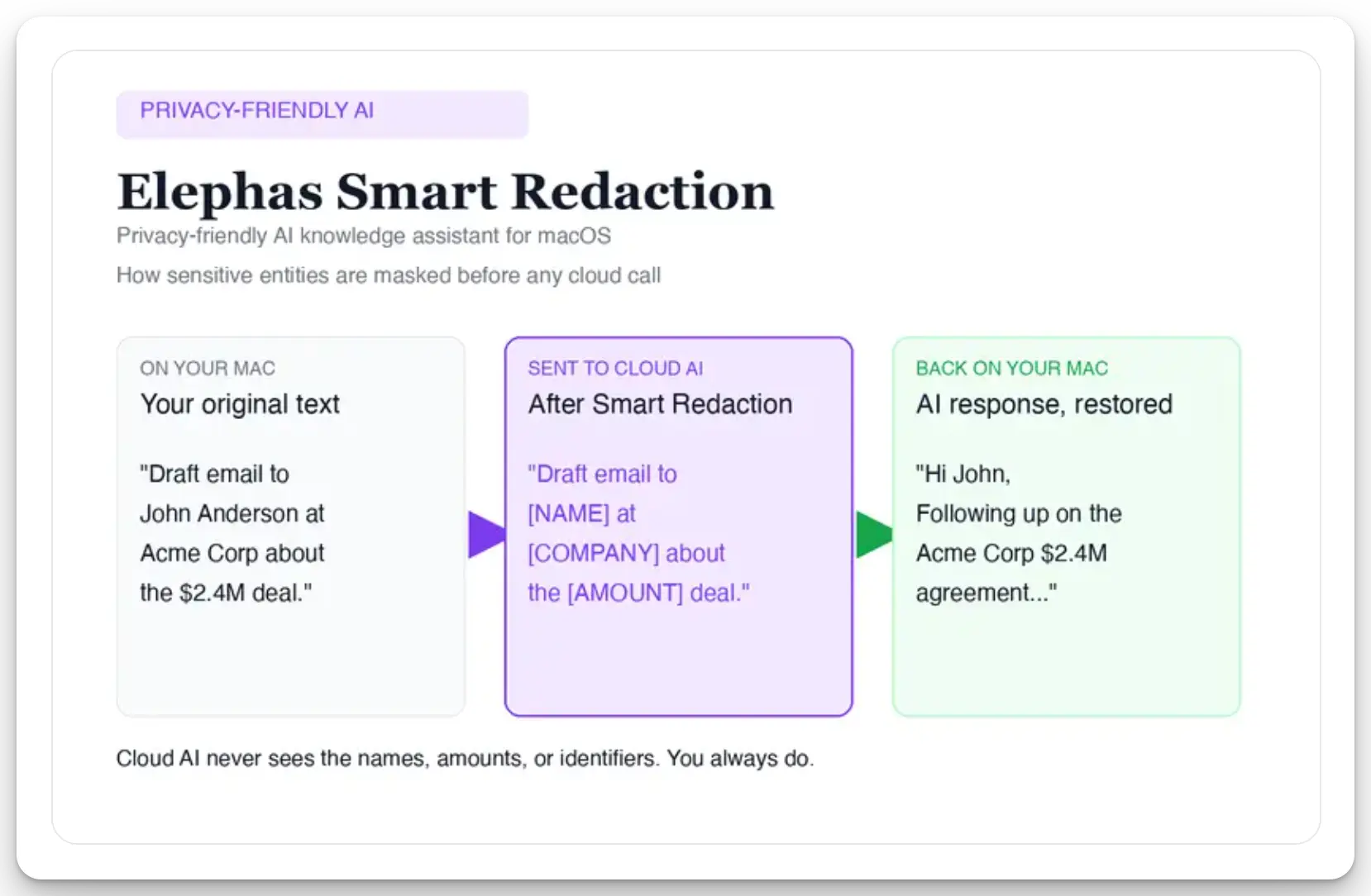
That gap is the one Elephas’s automatic PII redaction (beta) is built to close, even for researchers who still want a leading cloud model. Before a prompt goes to ChatGPT 5.5, Claude Opus 4.7, Gemini, Grok, Perplexity, or any other cloud model, Elephas strips sensitive names, emails, phone numbers, and identifiers on your Mac. The cloud model only ever sees the redacted text, and when the answer comes back, the sensitive fields are reassembled locally on your machine.
Elephas pairs this with zero data retention: content never trains AI models, never sits on a vendor’s server, and never passes through a third-party reviewer’s screen.
To understand why researchers go looking past Elicit, it helps to read what they say themselves. One evidence-synthesis researcher put it plainly in this r/PhD thread.
“I work in the field of evidence synthesis and tested out Elicit. It is an interesting research aid but does not seem reliable enough for any type of formal meta-research.”
The same worry shows up across r/PhD and r/AskAcademia threads, and it runs two ways. On reliability, researchers call Elicit handy for a first pass but short of formal systematic-review standards, and some want more transparency into how it picks results. On privacy, the warnings get more pointed. Researchers describe being told never to put unpublished or proprietary work into cloud AI tools, since user input can be retained, used for training, or claimed under a vendor’s terms. For confidential research, that is the gap a local-first tool closes.
Quick Comparison of Elicit Alternatives
All pricing verified as of May 2026. Confirm current plans on each tool's official site.
Elephas: A Private AI Research Tool for Your Mac
Best for researchers who need a private AI knowledge assistant that keeps confidential papers and unpublished data on their own Mac.
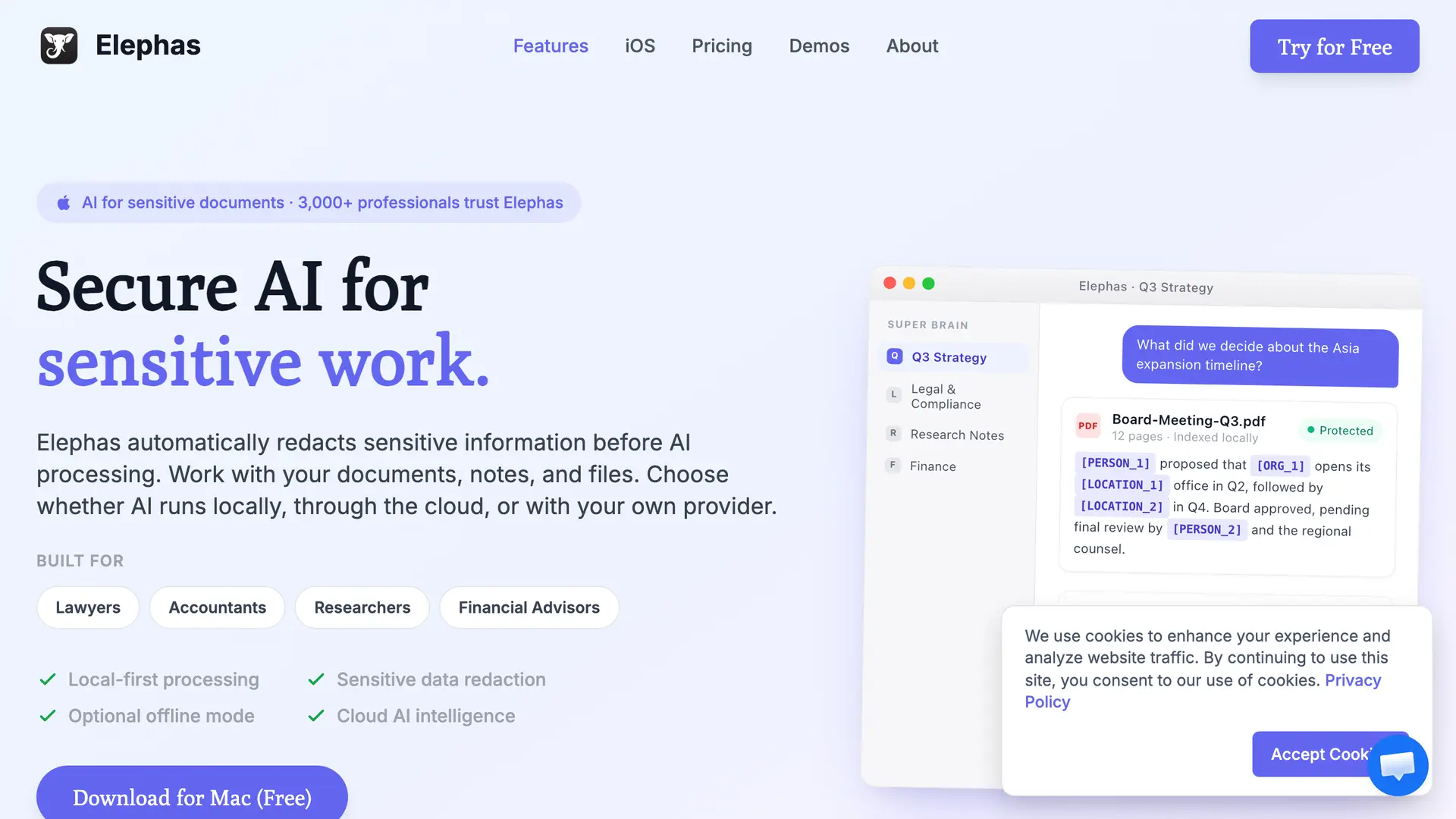
Elephas is a Mac-native AI knowledge assistant that turns your PDFs, notes, and documents into a searchable brain you can talk to. For academic research, that means you can upload hundreds of papers, ask questions in plain English, and get answers with citations drawn only from the documents you provided.
What sets Elephas apart from every other pick in this guide is where the work happens. Elephas provides built-in local LLM models, so research material can be processed on your own machine, with a 100% offline mode available. Files stay on your Mac by default. For a researcher sitting on embargoed findings or IRB-restricted data, that is the difference between trusting a vendor’s policy and not having to.
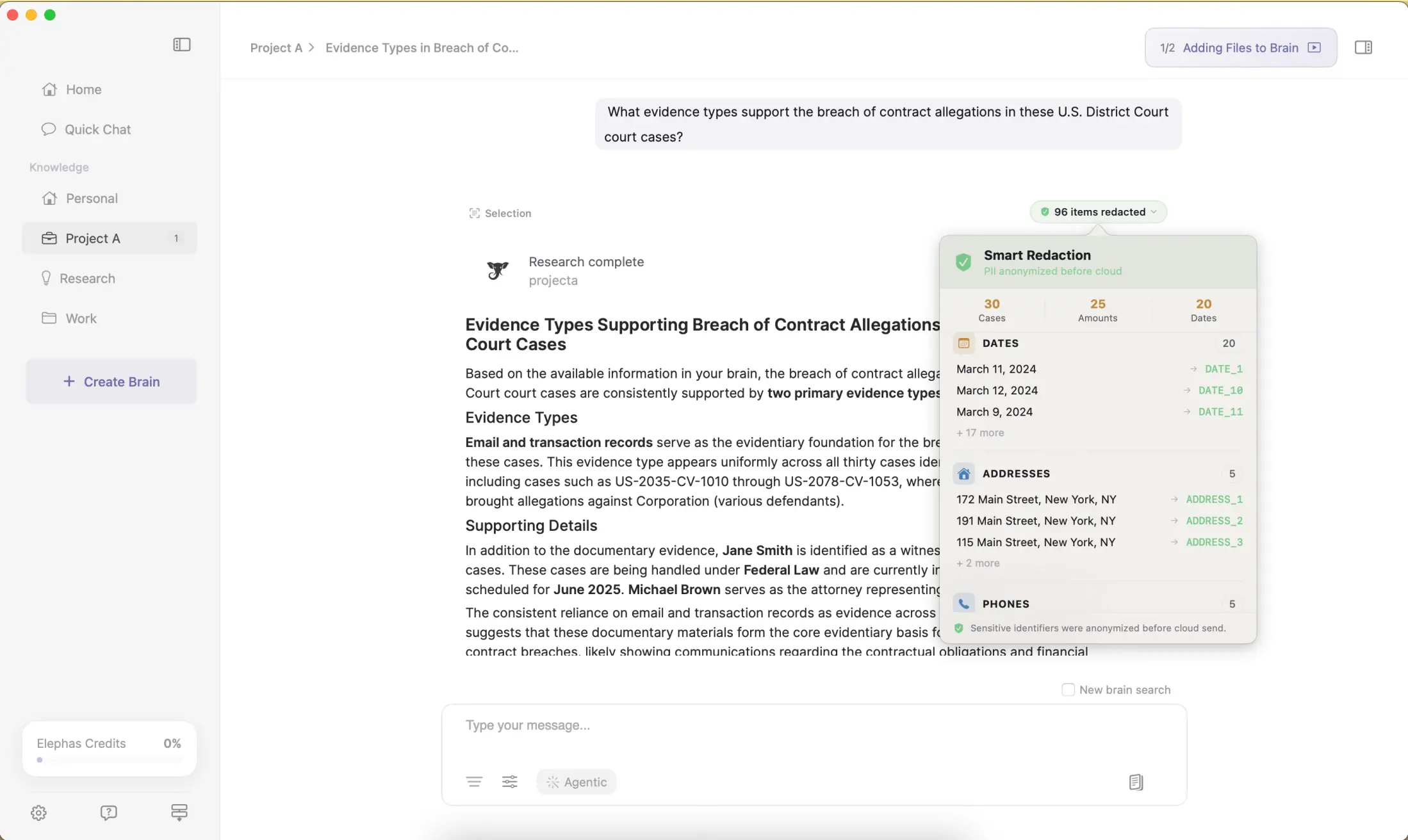
For researchers who still want a leading cloud model, Elephas adds a second layer through automatic PII redaction (beta). Before a prompt is sent to ChatGPT 5.5, Claude Opus 4.7, Gemini, Grok, Perplexity, or any other cloud model, Elephas strips sensitive names, emails, phone numbers, and identifiers on your Mac. The cloud model only ever sees the sanitized text. When the answer comes back, the redacted fields are reassembled locally on your machine, so identifiable information never leaves the device.
Elephas pairs this with zero data retention: content never trains AI models, never sits on a vendor's server, and never passes through a third-party reviewer's screen.
Key Capabilities
Pricing. Free plan available; paid plans start at $19/month. See elephas.app/pricing for the full plan list.
“You are barely safe, if you would use one LLM to help in your writing process, do it locally. There are small models that can run even in a toast nowadays”
u/Turbulent_Pin7635 makes the case for keeping an LLM on your own machine when the work is unpublished. That is how Elephas runs, with built-in local LLM models and an offline mode, so confidential papers never leave your Mac.
Why we picked Elephas
For researchers, the real risk is not a clumsy interface, it is confidential work sitting on a server you do not control. Elephas closes that gap. Sensitive data is automatically detected and redacted before anything reaches a cloud AI model, your content is never used to train AI models, and nothing passes through a third-party reviewer's screen. That is why it ranks first here.
Positive feedback. “This is the best computer program I have ever purchased for my business. The value it provides is exceptional and continues to improve over time.” John S., Capterra, October 2025
Positive feedback. “It just works and works everywhere without getting in my way.” Stance H., Capterra, December 2023
Consensus: An AI Research Tool for Evidence-Based Answers
Best for answering evidence-based yes/no research questions across many papers at once.
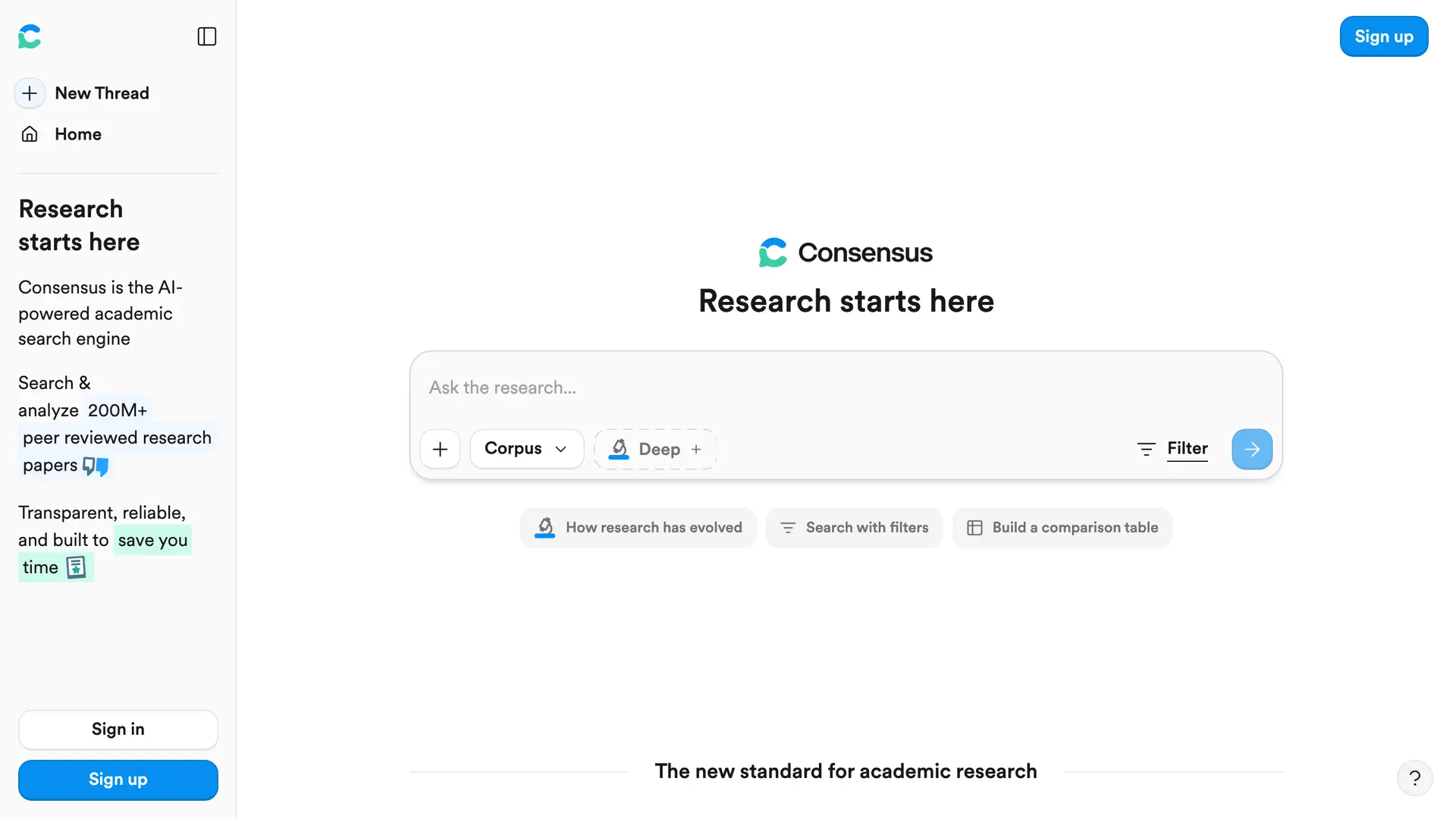
Consensus is a research search engine that answers questions using real peer-reviewed papers. Instead of returning a list of links, it synthesizes findings and tells you what the evidence says. It is built for the moment when you need a direct, grounded answer rather than a reading list.
For a researcher checking a claim or brainstorming a research question, Consensus saves significant time. Its signature Consensus Meter shows at a glance whether studies support, oppose, or are split on a question, which helps with evidence synthesis and evidence-based practice.
Key Capabilities
Pricing. Consensus offers a free plan, with a Pro plan at $10/month and a Deep research tier at $45/month.
“I've found it much better than ChatGPT as you can upload say 2 research papers and then query them and it literally will not query outside of them; the response you get will be only in the context of those two papers, and directly from them. Avoids the trust issues w/ ChatGPT.”
u/truffle4ever wanted answers grounded only in real papers, not a chatbot's free guesses. Consensus works that way, synthesizing findings straight from peer-reviewed studies.
Why we picked Consensus
When your research question is genuinely a yes/no question, Consensus is faster than reading abstracts one by one. It gives a researcher an immediate read on where the field stands, which is exactly the overview you want before committing weeks to a topic.
Positive feedback. “But with Consensus plugged in, you can get a list of only valid answers, including clickable links to the actual studies. Efficient and trustworthy.” Chris Guest, Product Hunt
Negative feedback. “I was charged €104 after signing up for a free trial with Consensus, without receiving any clear notification that the trial was ending or that I would be billed.” El Yazid Sajid, Trustpilot, May 2026
Scite: A Research Tool for Citation Context
Best for checking whether a paper's findings were supported or contradicted before you cite it.
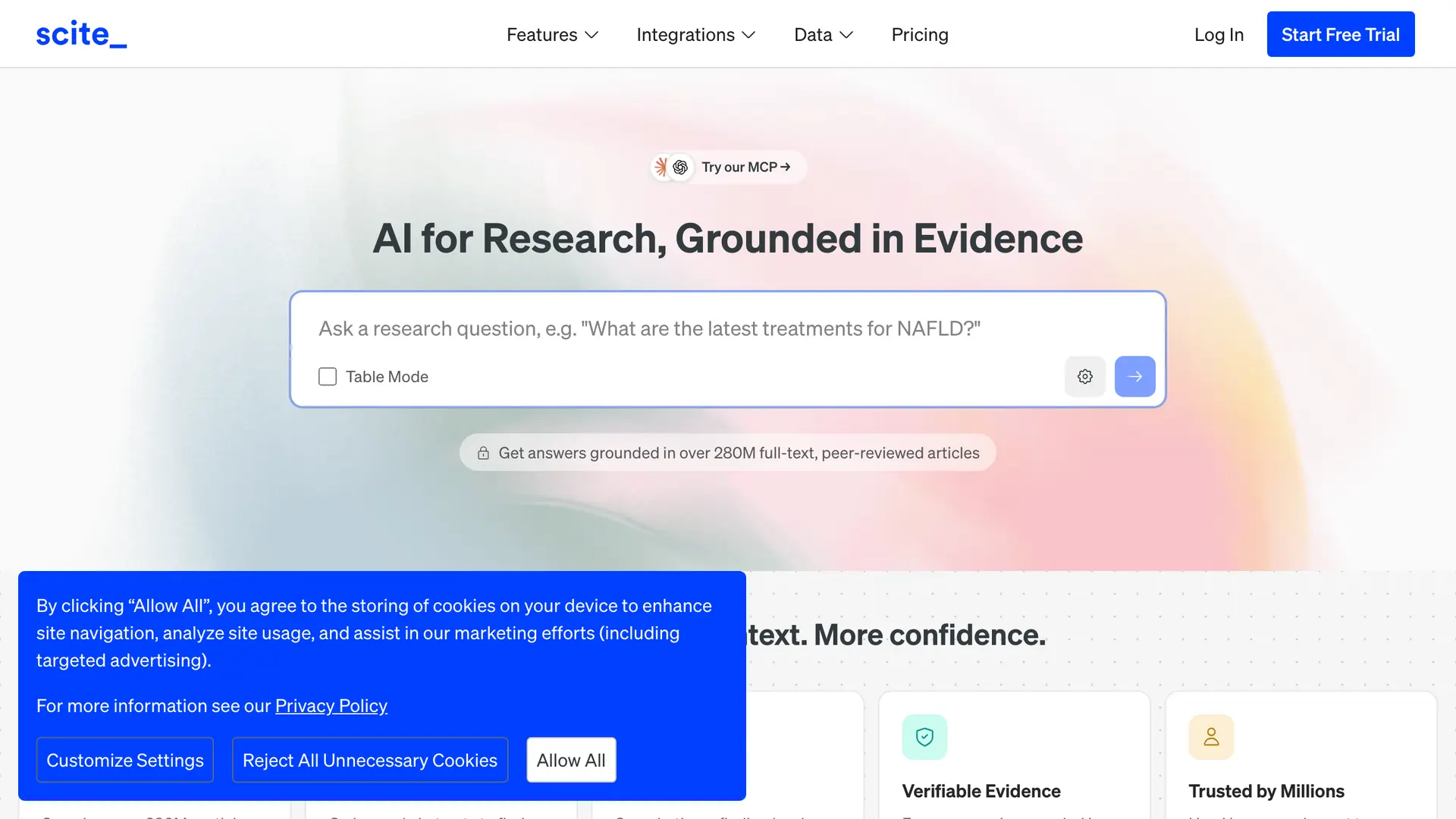
Scite solves a problem most search tools ignore: a paper can be cited hundreds of times and still have been disproven. Scite reads the context around each citation and tells you whether later research supported, contrasted, or simply mentioned a study.
For a researcher building a reliable reference list, this is a meaningful safeguard. Citing a finding that newer science has overturned is a real way to undermine an argument, and Scite is designed to catch it before it happens.
Key Capabilities
Pricing. $12/month for the Basic plan, billed monthly, with a 7-day free trial. The Pro plan is $40/month.
“Scite is probably more valuable long term though. Seeing whether papers are supporting vs contrasting citations saves a ton of rabbit hole time.”
u/SOHINI8607 points to the cost of citing blind. Scite shows whether later papers supported or contrasted a study, so you catch a weak source before it reaches your reference list.
Why we picked Scite
Scite earns its place because it assesses citation reliability, not just relevance. A researcher who runs a draft bibliography through Reference Check gets a clear, reliable signal about which sources are safe to keep, which is hard to get any other way.
Positive feedback. “It simplifies the process of literature review, things that we only dreamt a decade ago!!” Faisal Sundani, Trustpilot, December 2024
Negative feedback. “The amount of delusional and completely innacurate academic references is astonishing. I tried this for a day after reading good reviews about it, but I suspect all its users don't review the output Scite generates, as its completely innacurate.” Bruno Paskulin, Trustpilot, July 2025
SciSpace: An AI Tool for Reading Dense Research Papers
Best for reading and understanding dense papers fast through plain-language explanations.
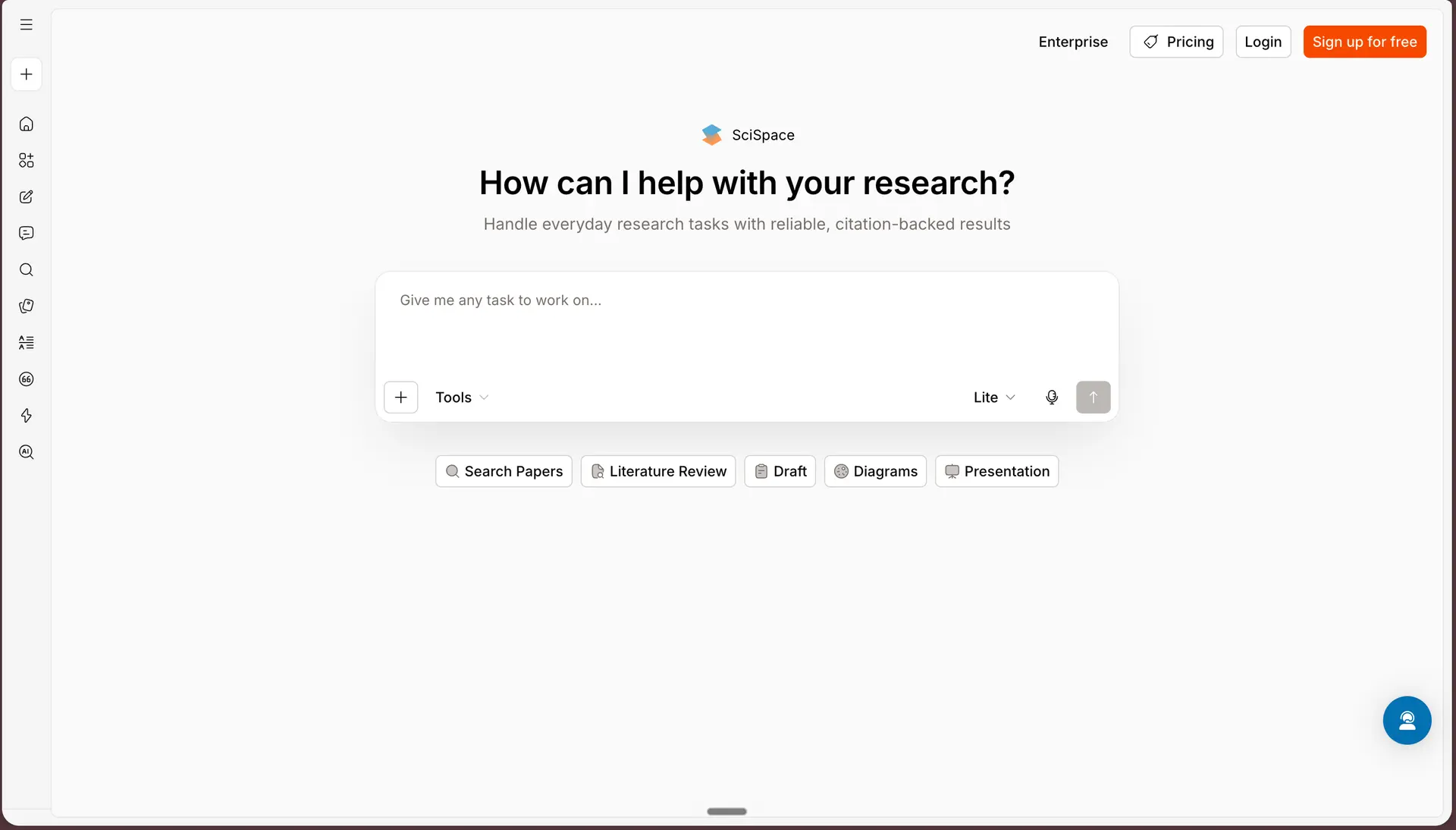
SciSpace is a copilot for reading academic papers. Its core feature, Chat with PDF, lets you upload a paper and ask for an explanation of a confusing equation, table, or paragraph in plain English. It turns a four-hour read into a guided one.
For graduate students moving into a new subfield, SciSpace lowers the barrier to dense literature. It also extracts structured data across many papers into a comparison table, which speeds up the screening stage of a literature review.
Key Capabilities
Pricing. $20/month (Premium plan, billed monthly), with a free plan with limited credits.
“Literature reviews can be such a headache. I get lost in dozens of dense papers, and half the time I’m rereading the same section just to understand the jargon or figure out how one study connects to another.”
u/freako345 describes getting stuck on dense papers and jargon. SciSpace is built for that, with plain-language explanations of confusing sections, equations, and tables.
Why we picked SciSpace
SciSpace is the one to reach for when comprehension, not discovery, is the bottleneck. Being able to interrogate a paper until it makes sense is a genuine productivity gain. Note that SciSpace advises users to redact sensitive information before uploading, a reminder that it is a cloud service.
Positive feedback. “Scispace made my research process easy. I can easily find a journal article on my research topic. It really helps me in completing my LR without stress.” Firdaus Mohd Shariff, Trustpilot, April 2026
Negative feedback. “This product looks good at first glance, but you need to be very aware that it can produce FAKE references in literature reviews.” MrBrillo, Trustpilot, March 2026
Semantic Scholar: A Free Research Tool for Literature Discovery
Best for free, broad literature discovery with semantic search.
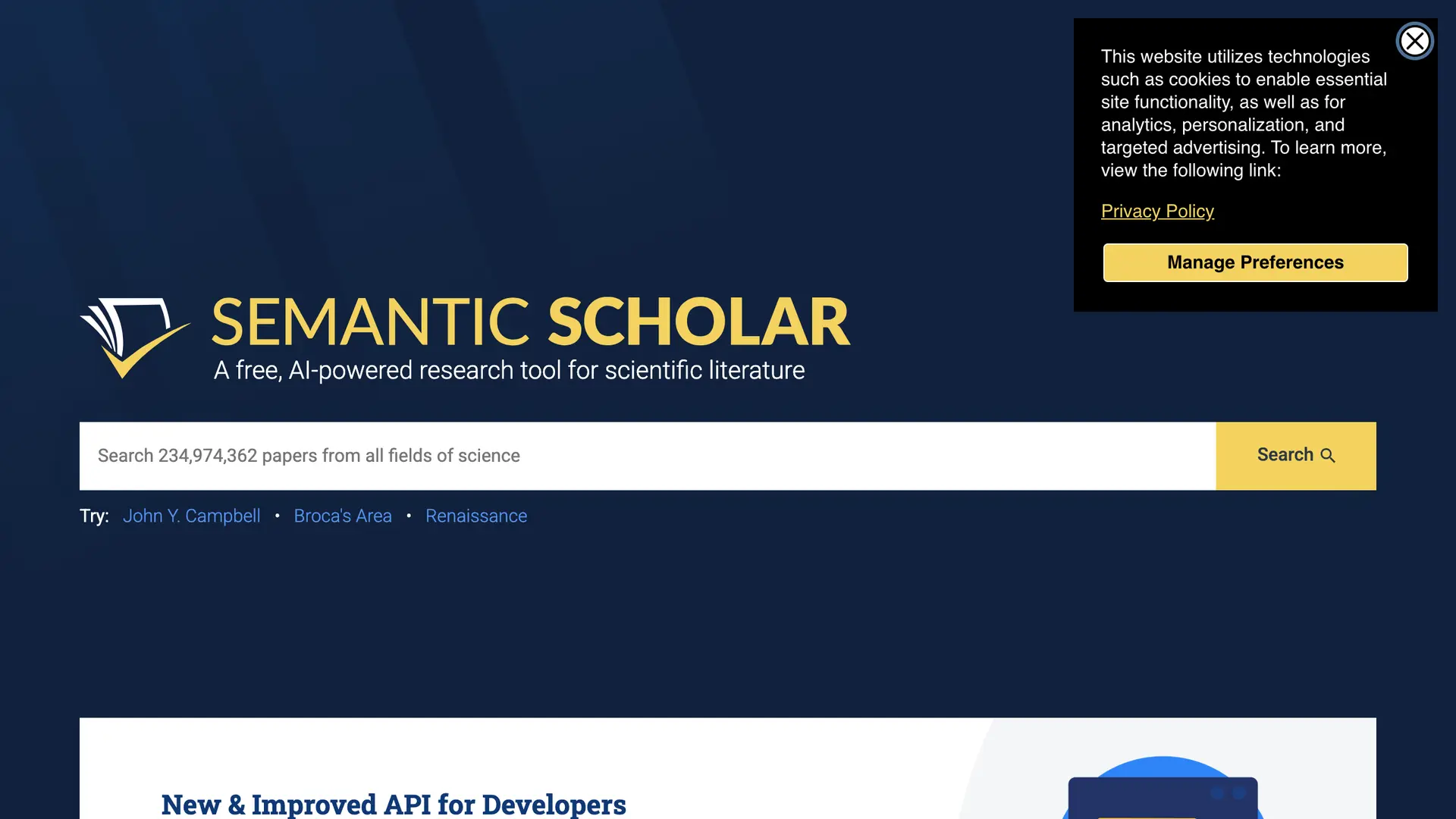
Semantic Scholar is a free academic search engine run by the non-profit Allen Institute for AI. It indexes more than 200 million academic papers and understands the relationships between them, so it surfaces conceptually related work rather than only keyword matches.
For any researcher on a budget, Semantic Scholar is a strong baseline. It will not extract data or write for you, but for discovery it is reliable, fast, and genuinely free, with no paid tier to nudge you toward.
Key Capabilities
Pricing. Free. The platform, search, and API are entirely free with no subscription tiers.
“The ones I keep coming back to are Elicit for finding papers and Semantic Scholar for actually exploring a research area without getting lost.”
u/9ObsidianFlute keeps coming back to Semantic Scholar for exploring a field without losing the thread. It is free, and its semantic search surfaces related work rather than only keyword matches.
Why we picked Semantic Scholar
Semantic Scholar is the best choice for researchers who want capable discovery without a subscription. Because it is run by a non-profit and works with published metadata rather than your private uploads, its data-monetization exposure is lower than a typical commercial product.
Positive feedback. “Terrific work aggregating open access content and making it easily accessible.” Joshua Ramette, Product Hunt
ResearchRabbit: A Research Tool for Visual Literature Maps
Best for mapping a new field through visual citation networks and AI recommendations.
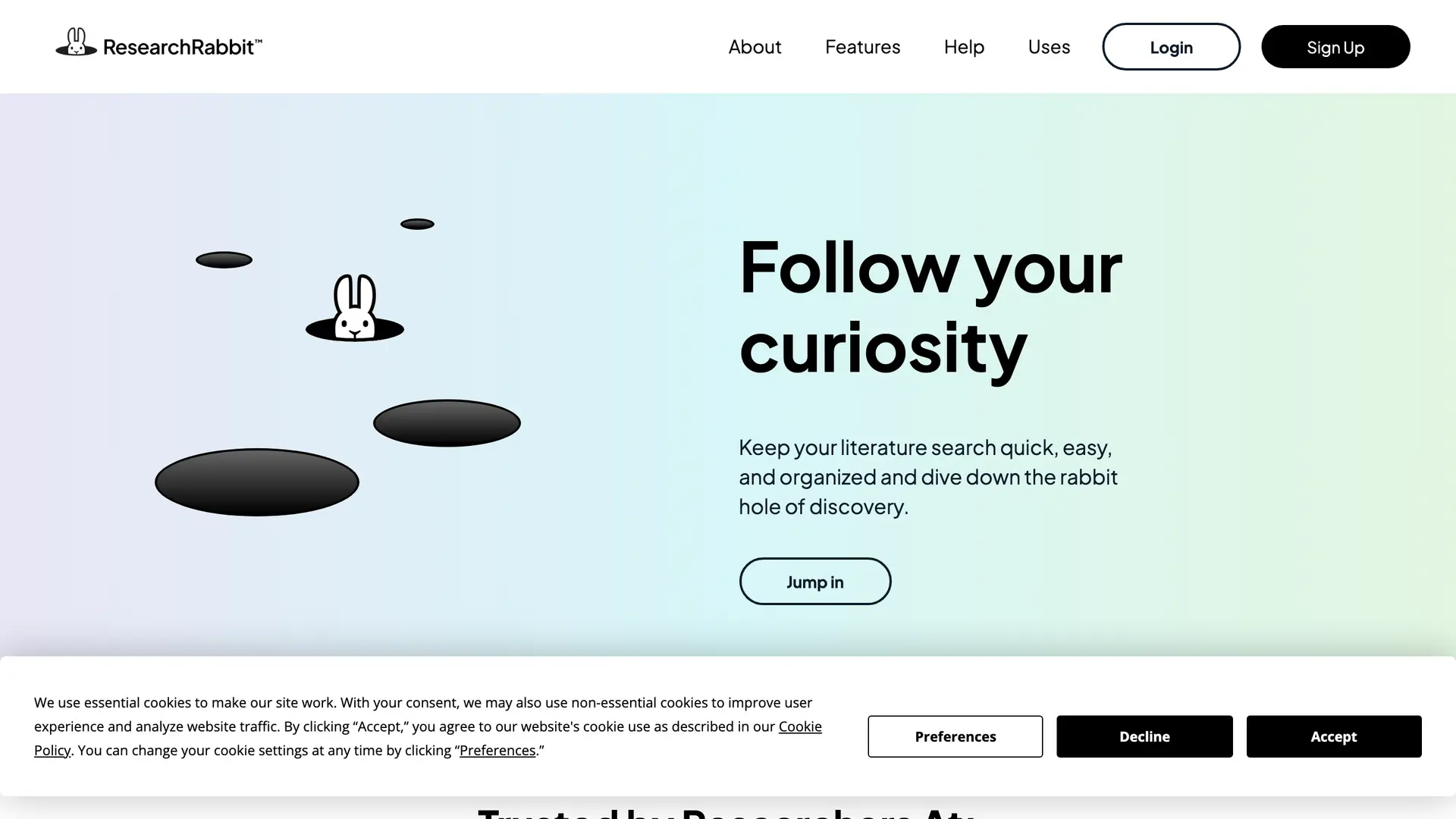
ResearchRabbit is a discovery tool often called the Spotify for research papers. You give it a few seed papers, and it builds a visual citation network showing how the literature connects, then recommends similar work you would otherwise miss.
For a PhD student entering a new field, this changes how a literature review begins. Instead of guessing search terms, you see how the field is shaped and follow the connections, which makes the early scoping stage far less blind.
Key Capabilities
Pricing. Free forever plan, or ResearchRabbit+ at $12.50/month billed monthly.
“…the gap none of these tools fill is the one that matters most at capstone level connecting concepts across papers rather than just finding or summarizing them. ResearchRabbit gets close on citation graphs…”
u/Benjmttt names the real hard part, seeing how papers connect rather than just finding them. ResearchRabbit is built around that, with visual citation maps that show how a field links together.
Why we picked ResearchRabbit
ResearchRabbit is the best choice for the first week of a literature review, when you do not yet know the shape of the field. Its free forever plan and Zotero sync make it easy to adopt alongside whatever reference manager you already use.
Positive feedback. “My favorite so far. I have already found many helpful articles and synced it up with Zotero.” Taylor Thompson, Longevity Researcher
Negative feedback. “I really loved the free version, the UI was smooth, simple, and intuitive. Now it feels cluttered and overly complicated.” Tools for Humans, 2026
Connected Papers: A Research Tool for Citation Graphs
Best for building a fast visual map of the literature around a single key paper.
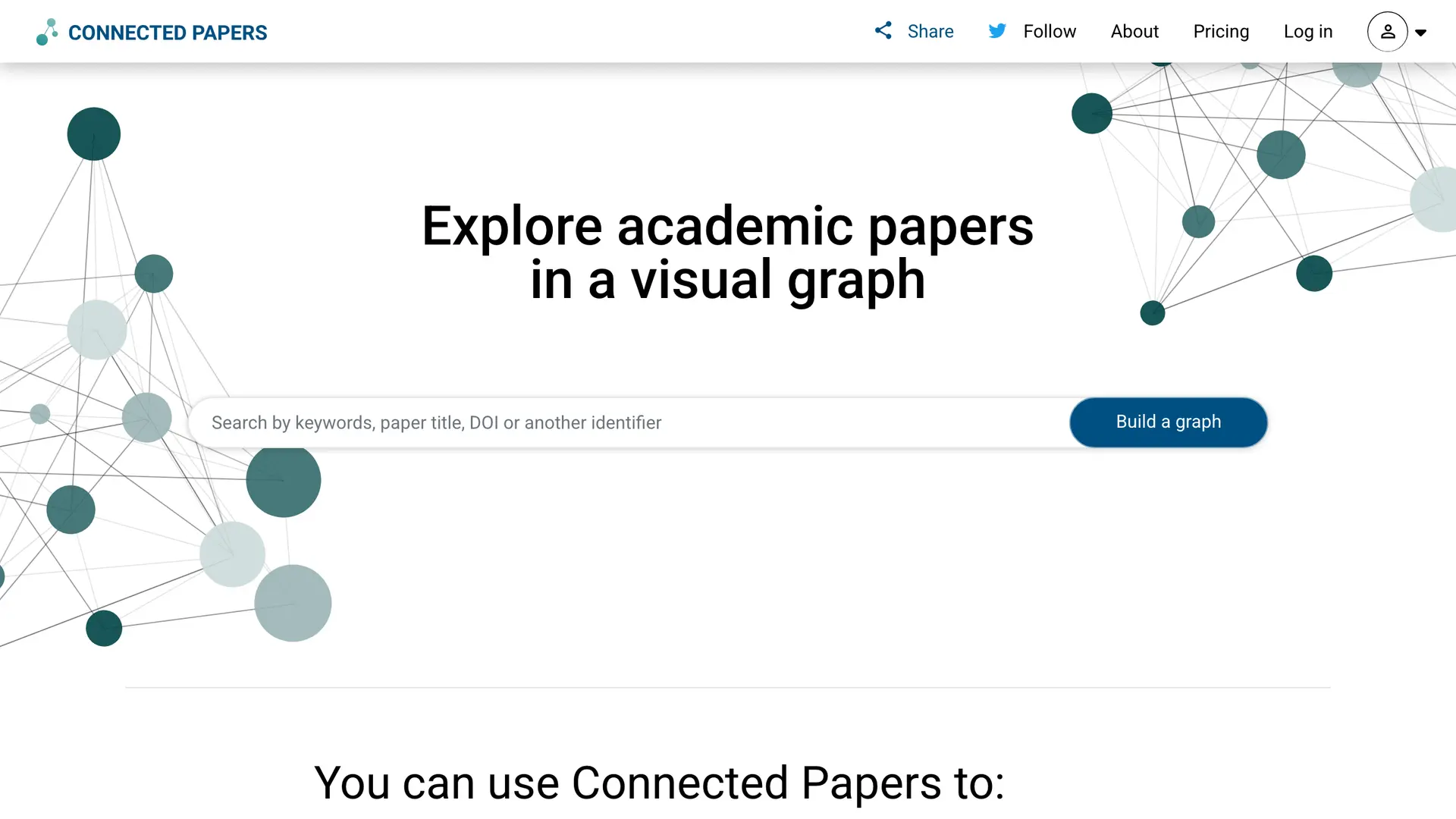
Connected Papers does one thing and does it cleanly: you give it a seed paper, and it generates a visual similarity graph of related work. Papers cluster by how strongly they connect, with larger nodes for influential work and darker nodes for recent work.
For a researcher orienting in an unfamiliar topic, this graph is a fast way to find the foundational papers and the newest developments without endless keyword searching. It pairs well with a deeper discovery tool once you know where to dig.
Key Capabilities
Pricing. Free for 5 graphs per month, or $3/month for the Academic plan billed annually ($36/year).
“I use a combination of a website called “connectedpapers.com” to find related citations from a good source paper or relevant modern publishings.”
u/if0rg0t48 starts a literature search from one good seed paper. Connected Papers does precisely this, generating a visual graph of related work around a single paper.
Why we picked Connected Papers
Connected Papers is the best choice for the very first orientation step in a new topic. It analyzes published-paper metadata rather than your own uploads, so the risk of exposing a confidential manuscript through this tool is low.
Positive feedback. “Free tier offers 5 graphs/month with full visualization quality, making it genuinely usable for occasional researchers without paywall friction.” AI Tools Atlas, 2026
Negative feedback. “Papers under 6 months old or with fewer than 10 citations produce sparse, low-utility visualizations.” AI Tools Atlas, 2026
Scholarcy: An AI Tool for Summarizing Research Papers
Best for triaging and summarizing a large volume of papers quickly.
Scholarcy is built for the screening pile. It takes a dense PDF and breaks it into a structured summary flashcard, pulling out key terms, claims, findings, and limitations so you can decide in a minute whether a paper is worth a full read.
For a researcher facing 200 papers for one literature review, that triage speed is the point. Scholarcy can also import up to 64 papers at once and summarize them in a single pass, which turns a week of screening into an afternoon.
Key Capabilities
Pricing. $4.99/month for the paid plan, with a free tier limited to about 10 summaries.
Why we picked Scholarcy
Scholarcy is the best choice when the bottleneck is volume. It also has a strong privacy posture for a cloud product, since imported documents are deleted once processed rather than stored long-term, which matters when the papers are not yours to keep on a server.
Positive feedback. “I am a graduate student with goo-goobs of reading material. Oftentimes I do not have the time or the energy to read line for line, that's where Scholarcy is a life saver. I can download a document and wahlah, Scholarcy pulls out what I need to know to respond intelligently to the assignment.” Greenidfaye, Trustpilot, September 2024
Negative feedback. “This service basically copies and pastes certain sections of articles/chapter and claims that this is "AI summarizing." The quality dropped significantly, interestingly enough, a few weeks after my free subscription expired. The interface is also glitchy.” Jérémie Langlois, Trustpilot, February 2023
Iris.ai: A Research Tool for Systematic Review
Best for large interdisciplinary literature reviews with context-aware search.
Iris.ai is built for scale. Its Researcher Workspace uses context-aware search that understands the meaning of a query rather than matching keywords, then maps concepts across thousands of papers. For an interdisciplinary review that crosses fields, that semantic depth is hard to match.
It also offers something rare in this list: a local mode. Run Iris.ai locally and processing happens on your own machine with unlimited usage, so source documents never leave the device. For sensitive projects, that option alone makes it worth evaluating.
Key Capabilities
Pricing. Iris.ai has a free plan. The Standard plan is $25/month ($270/year) and the Pro plan is $99/month ($999/year).
Why we picked Iris.ai
Iris.ai is the best choice for a large, messy, interdisciplinary review where keyword search keeps failing you. Its local mode is the privacy feature that sets it apart from the other cloud-first tools here, keeping documents on your own machine when you need that.
Positive feedback. “The AI's ability to understand context and draw connections between different papers significantly reduced our literature review time.” Ikana Business Review, May 2025
Anara: An AI Research Tool for Reading and Writing
Best for an all-in-one workspace to read, chat, annotate, and draft from your papers.
Anara, formerly Unriddle, is a single workspace that covers more of the research workflow than most tools here. You can upload papers, chat with them, annotate as you read, and draft a manuscript that pulls from your reviewed literature, all in one place.
Its standout feature for academic work is the Library-only context mode, which confines the model strictly to your uploaded materials and away from open web data. That keeps answers grounded in your sources and cuts the hallucination risk that makes a general chatbot unreliable for research.
Key Capabilities
Pricing. Free plan, Plus $10/month, or Pro $20/month.
“Anara specifically pulls info from the papers you upload, and uses citation links that take you directly to the highlighted lines of said paper to show you where they’re pulling their info from. You evaluate it yourself. But you’re able to use the AI to search 40 documents (for example) at once, that you’ve already found and vetted with your own eyeballs, to find your strongest sources for a specific claim.”
u/aphrodite289 wants to query many vetted papers at once with citations linked back to the exact lines. That is Anara's core workflow, with every answer traceable to its source passage.
Why we picked Anara
Anara is the best choice for a researcher who wants one tool instead of five. The Library-only mode and accurate citations make it dependable for academic work. One caution: reviewers have flagged billing friction, so check the plan terms before subscribing.
Positive feedback. “i've been using anara for over 6 months now and it's been one of the best ai apps. not only it found a lot of papers for my thesis, but also explained them to me, and provided citations. i think it saved me over 50% of the time that i would do this manual research myself.” Mihai Costel, Trustpilot, October 2025
Negative feedback. “The models can’t seem to read uploaded documents properly, and can’t seem to follow basic instructions while writing as well. The chats have extremely poor memory, keep needing to repeat basic instructions again and again.” Shubhankar Sinha, Trustpilot, October 2025
Paperpal: A Research Tool for Academic Writing
Best for polishing and preparing a manuscript for journal submission.
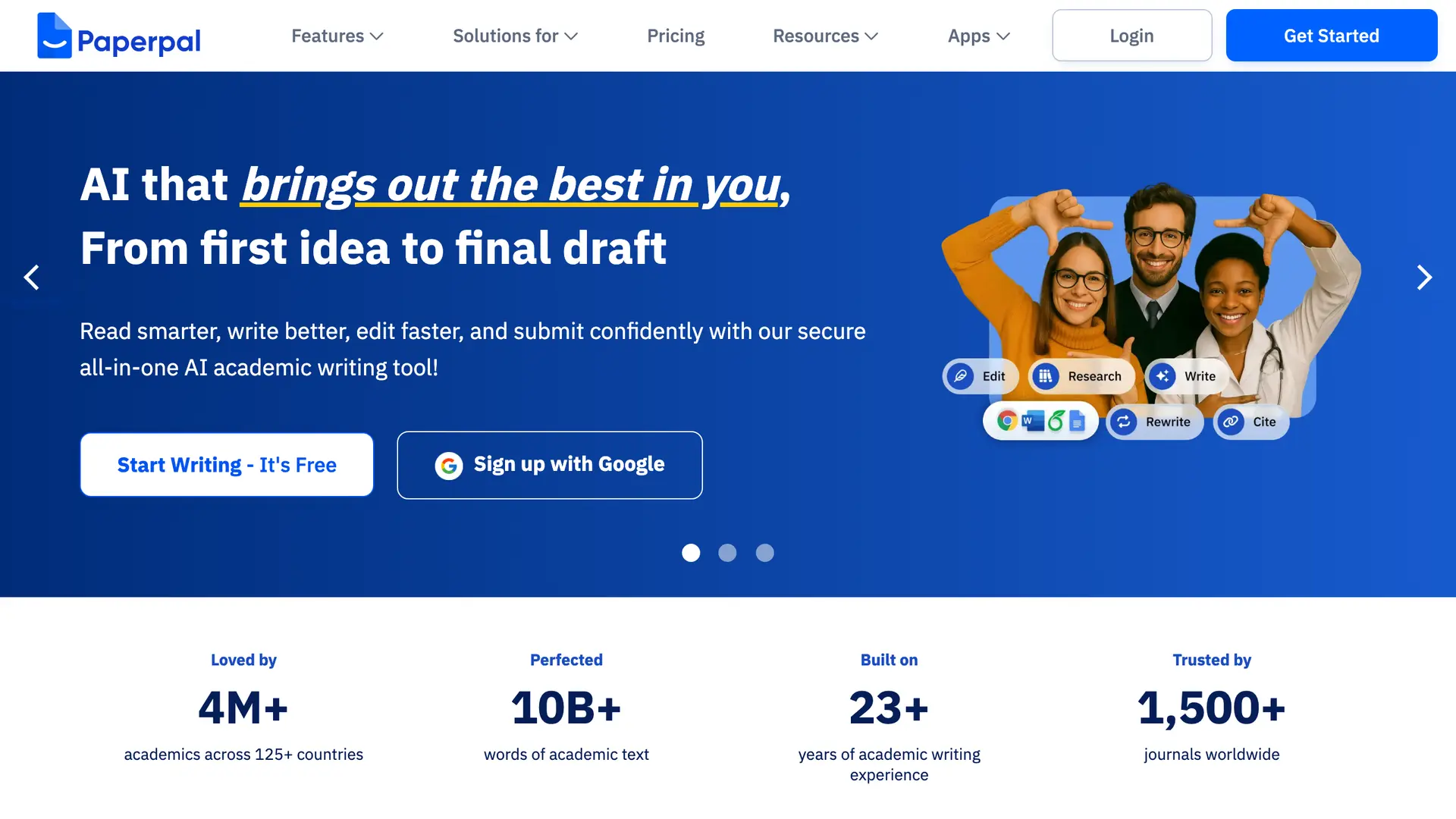
Paperpal handles the stage that pure discovery tools ignore: getting the paper ready to submit. It is an academic writing assistant that checks grammar without touching your references or equations, paraphrases for clarity, and runs a submission-readiness report with more than 30 checks.
For a researcher staring at a journal's word limit and formatting rules, Paperpal does the unglamorous work. Its plagiarism checker scans against billions of webpages and millions of open-access articles, which is useful before any submission.
Key Capabilities
Pricing. Free plan, or $25/month for Paperpal Prime.
“I used paperpal once. I thought it was really good especially correcting grammar. However even though it's advertised as free it's not. It has a limit on the number of corrections you can make.”
u/KM130 found Paperpal genuinely good at correcting academic grammar. That is the stage it is built for, polishing a manuscript toward submission, though the free tier caps how many corrections you get.
Why we picked Paperpal
Paperpal is the best choice for the writing-to-submission stage of a project. It also has the most explicit privacy commitments of the writing tools here: it states user data is never used to train its models, and it is ISO 27001 certified with journal submission files auto-deleted after 90 days.
Positive feedback. “Citation function is really great, helps me a lot, saves massive amount of time.” Samet Yiğin, Trustpilot, May 2026
Negative feedback. “Not worth the money! The language quality of corrections/suggestions and especially the rewrite feature are not what I would expect from an AI trained on scientific papers.” Elisabeth Strässler, Trustpilot, August 2025
Undermind: A Research Tool for Systematic Search
Best for near-exhaustive systematic searches that surface every relevant paper.
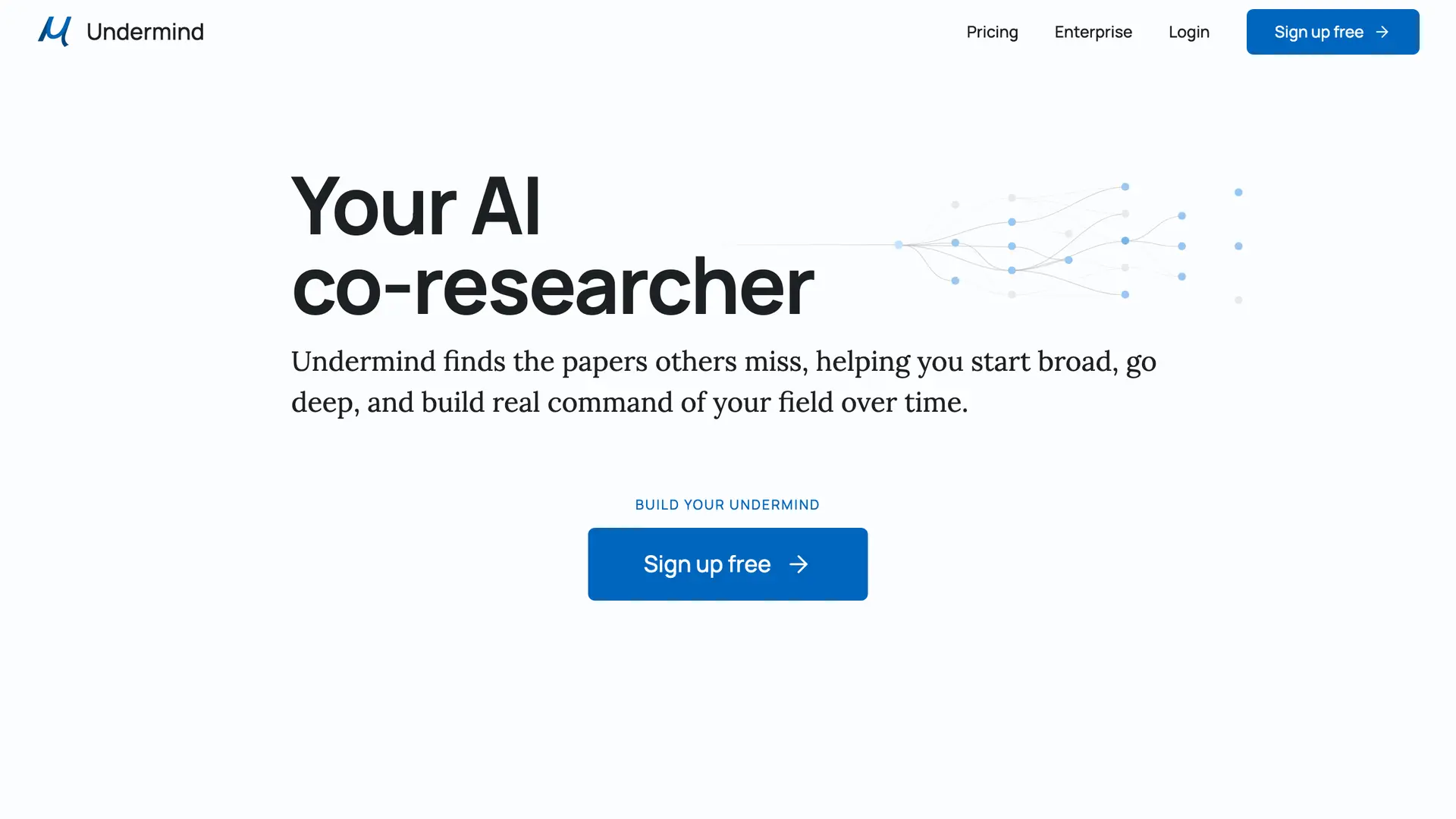
Undermind takes a different approach to search. Instead of one query, it runs an agent-style iterative search: successive rounds that read abstracts, search across citation chains, and refine the results as the system learns what you are looking for.
For a researcher running a systematic review where missing a paper is a real failure, that thoroughness is the selling point. Undermind trades speed for completeness, and on complex, multi-layered research questions, that trade is often worth it.
Key Capabilities
Pricing. Free plan, or $20/month for Pro billed month to month ($16/month billed annually).
“As an academic librarian that got undermind for my institution , I fully agree Undermind class tools (there are a couple around the same level) are really useful and we have seen sustained heavy usage by researchers of all levels in my institution. It's one of our most heavily used subscriptions by researchers”
u/Note4forever is an academic librarian who sees researchers lean on Undermind-class tools for thorough searching. Undermind's agent-style iterative search is built for that completeness.
Why we picked Undermind
Undermind is the best choice when completeness matters more than speed, which is exactly the case for a formal systematic review. The exposed selection reasoning also makes its search queries auditable, which helps when you need to document your method.
Positive feedback. “A step change in quality from the old fashioned way of finding papers (google, google scholar). First experiences have been great; this is just what i needed.” Ben Gras, Product Hunt
What Each AI Research Tool Is Best For
How We Selected These Tools
We evaluated more than a dozen research tools and narrowed the list to 12 that genuinely serve academic work. Because the central concern of this guide is privacy, data handling carried as much weight as features.
The factors we weighed
- Privacy and data handling: whether a tool trains models on user data, where documents are stored, and whether any offline or local mode exists.
- Research fit: how well it serves literature review, systematic review screening, evidence synthesis, and writing.
- Accuracy and citations: whether answers are traceable to real sources.
- Pricing transparency: clear, individual monthly pricing rather than hidden charges.
- Verified user feedback: real reviews from researchers, positive and negative, across independent platforms.
For each tool, we checked official pricing pages, reviewed product documentation, and read user feedback aggregated from Trustpilot, Capterra, and independent review sites. We prioritized tools that keep researchers in control of their material, because the value of a research assistant collapses if you cannot trust it with confidential work.
Choosing the Right Elicit Alternative
Elicit AI for research is a capable choice for discovery and data extraction, but it is one cloud service among many, and every tool in this guide handles your work a little differently. Consensus, Scite, and Undermind are strong for evidence and search. SciSpace, Scholarcy, ResearchRabbit, and Connected Papers each own a stage of the literature review. Paperpal and Anara carry you toward a finished manuscript.
What none of the cloud tools fully solve is the privacy question. For confidential, embargoed, or unpublished research, the safest place for your work is your own machine. Elephas is the pick when that matters, with built-in local LLM models, an offline mode, and automatic PII redaction (beta) that keeps sensitive material off third-party servers.
Frequently Asked Questions
What are the best alternatives to Elicit for academic research?
The strongest Elicit alternatives include Elephas for private on-device research, Consensus for evidence-based answers, Scite for citation context, SciSpace for paper comprehension, and Semantic Scholar for free discovery. The best choice depends on which research task you need to speed up.
Does Elicit train AI on or store the papers you upload?
Elicit stores uploaded PDFs encrypted and scoped to your account, and states it does not train models on uploaded content. The papers still sit on Elicit's cloud servers until you delete them, so the data leaves your machine.
Which research tool is best for privacy and confidential work?
Elephas is the best choice for confidential research because it runs on your Mac with built-in local LLM models and an offline mode, so documents stay on-device. Iris.ai also offers a local mode for sensitive material.
Is it safe to upload unpublished manuscripts to research tools?
It depends on the tool. Most research tools are cloud services that store your uploads on their servers. For unpublished or embargoed work, use a local-first tool like Elephas or redact sensitive details before uploading to any cloud service.
Is Elicit free, or do you need a paid plan?
Elicit has a free Basic tier with capped extractions and credits. Paid plans are Plus at $12/month and Pro at $49/month for individuals. Heavy users typically upgrade because the free tier limits run out quickly.

The Private AI Research Assistant
Elephas keeps your papers, notes, and unpublished data on your own Mac, with built-in local LLM models and an offline mode. Your research never leaves your machine.
Try Elephas FreeBuilt-in local LLM models. Offline mode included.
Related Resources
Elephas for academic research
Turn your PDFs, notes, and documents into a searchable AI knowledge base on your Mac.
Elephas plans and pricing
Compare the free plan and paid options for researchers who want private, on-device AI.
The Elephas blog
Workflow guides on using AI for research, writing, and knowledge management without giving up privacy.
Research Methodology and Sources
This guide was built from web research, verification against official pricing pages and documentation, and analysis of user reviews across independent platforms. All pricing was verified as of May 2026.
- Wiley: AI Adoption Jumps to 84% Among Researchers (ExplanAItions study)
- Elicit: Privacy for uploaded papers
- PMC: Using artificial intelligence for systematic review, the example of Elicit
- Trustpilot and Capterra verified user reviews
- Independent review sites: The Effortless Academic, Tools for Humans, Research.com, Sider AI