Best Privacy Browsers in 2026: 10 FOSS Browsers Ranked
Most people use Chrome. It is fast, it syncs everywhere, and it came pre-installed. Yet Chrome is one of the worst choices you can make if privacy actually matters to you.
The reason is not just ads. Modern tracking does not need your cookies anymore. A site can recognize you from your screen size, your fonts, your GPU, your time zone, and around fifty other small signals that together form a “fingerprint.” That fingerprint follows you even in incognito mode, even after you clear your cookies. These are real privacy concerns, and they are why people switch to a web browser built for online privacy as they browse the web, instead of trusting most modern browsers to behave.
10
Privacy browsers ranked
Open
Every pick is open or source-available
~50
Signals used to fingerprint you
94
Comments in the Reddit thread we used
Executive Summary
- Ten privacy-focused browsers ranked from strongest anonymity to most practical daily driver. Every pick is free and open source.
- Tor leads for raw anonymity; Mullvad Browser gives you most of that protection at normal speed.
- LibreWolf is the hardened Firefox you do not have to configure, and Brave is the easiest switch from Chrome.
- A dedicated section covers what Reddit actually says, with verbatim comments linked to the real threads.
- The browser is only the first layer. Your search engine, extensions, and habits decide how private you really are.
- A browser cannot protect what you paste into AI tools. For that, Elephas is the privacy-friendly AI knowledge assistant we recommend, with built-in local LLM models so your data never leaves your Mac.
Quick Comparison: Privacy Browsers at a Glance
Ranked from strongest anonymity to most practical daily driver. All browsers listed are free and open source.
Tor Browser: The Gold Standard for Anonymity
Best for journalists, activists, researchers, and anyone who needs the strongest anonymity available.
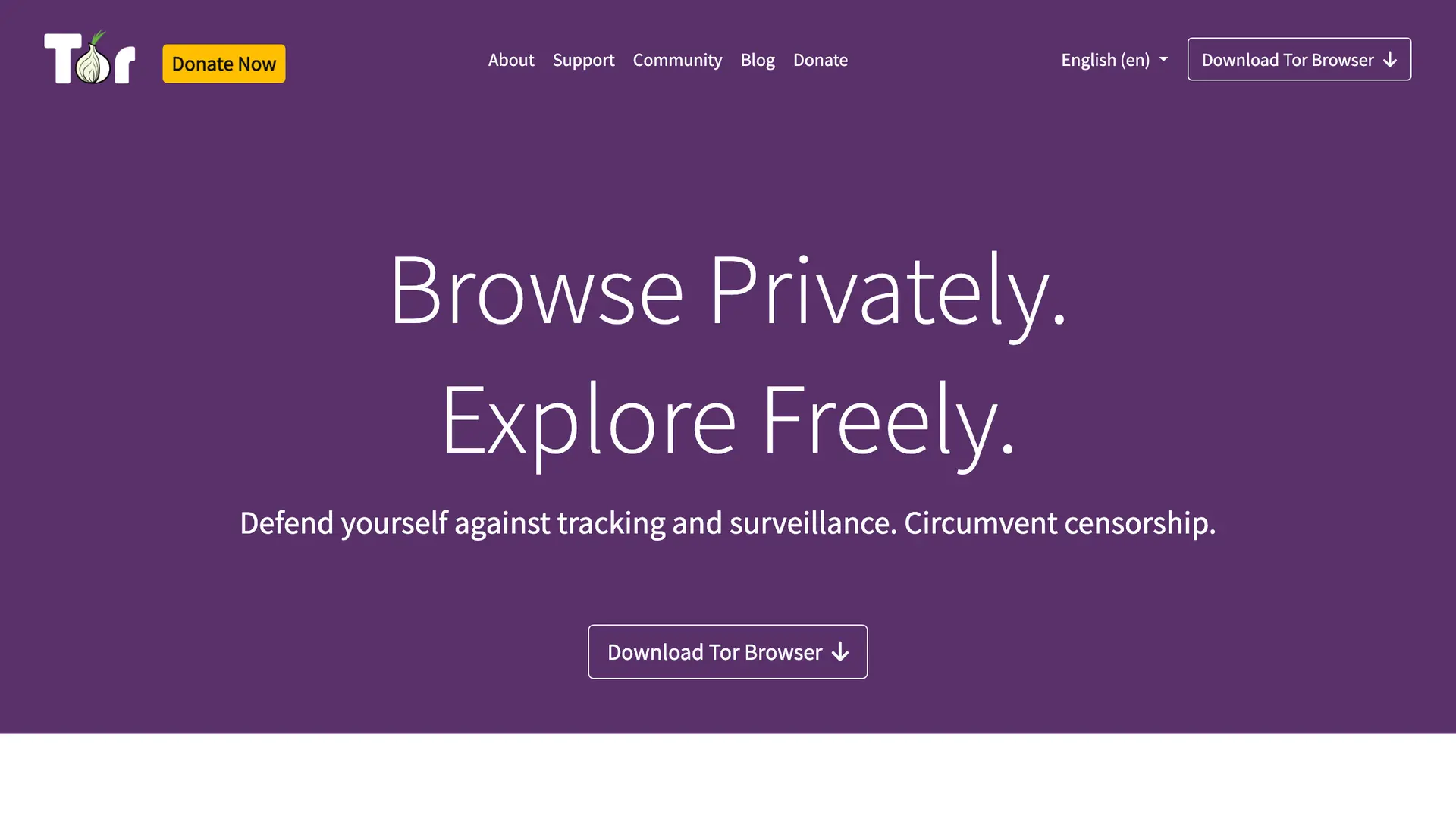
Tor Browser is the gold standard for anonymity, and it has held that title for years. It is a modified version of Firefox ESR that routes your traffic through several encrypted relays around the world before it reaches any website. Because your connection bounces through volunteer-run nodes, the site you visit cannot easily trace your real location or IP address.
Privacy creators on YouTube tend to describe the trade-off the same way: a normal browser is like a sports car speeding down a highway while broadcasting your entire identity, while Tor is more like taking the back alleys and changing disguises along the way. That captures it. You get serious anonymity, but you give up speed.
What makes it private
What users complain about
Pricing. Free and open source. No account, no paid tier.
Why it ranks here
Nothing else matches Tor for raw anonymity. If your threat model includes being identified at all, this is where you start. The cost is speed, and some mainstream sites break or throw constant CAPTCHAs, so it is not built for streaming or for logging into everyday accounts.
Mullvad Browser: Tor-Grade Protection at Normal Speed
Best for high-privacy daily browsing where fingerprinting is your main worry.
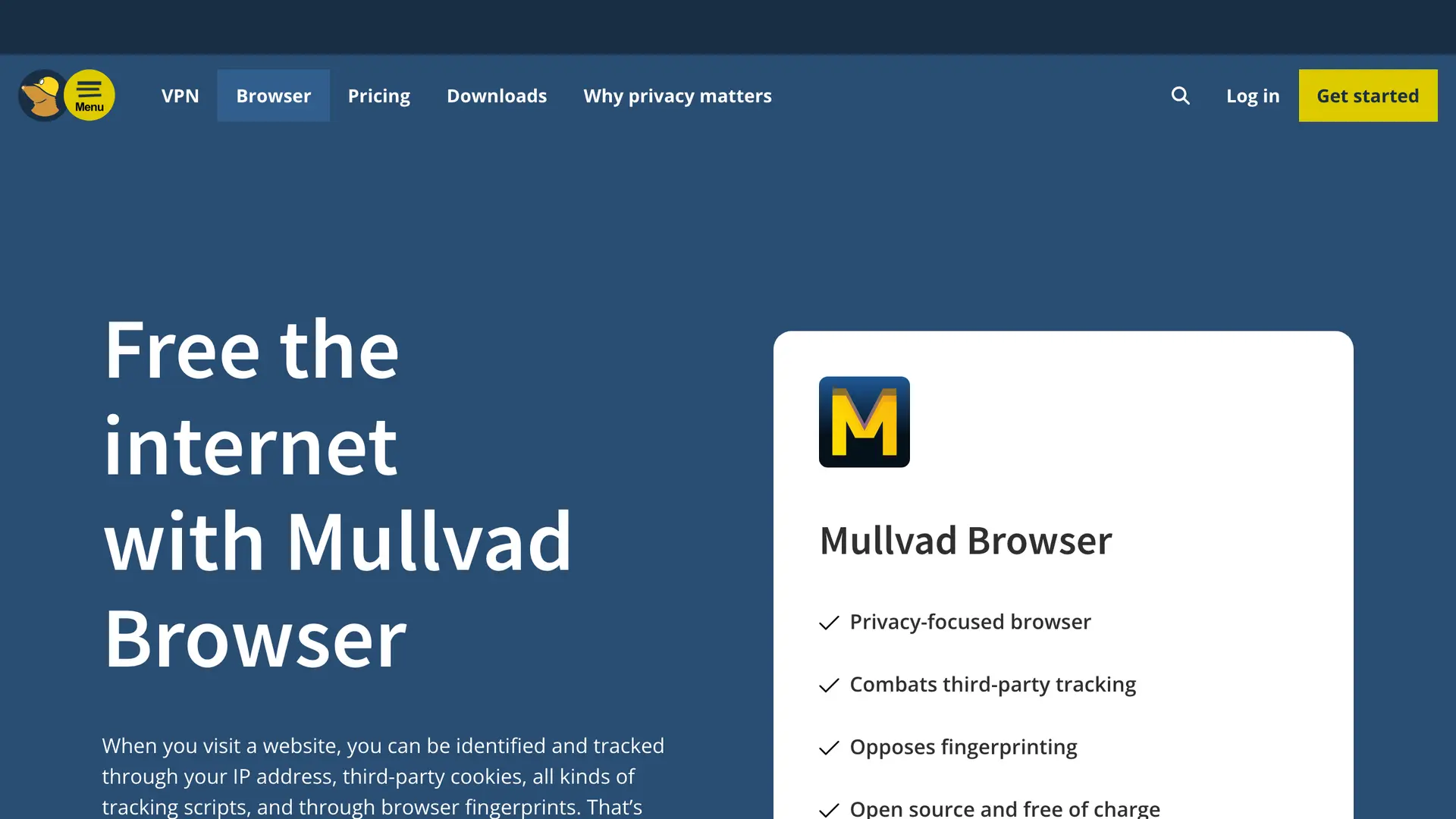
Mullvad Browser is what you get when the Tor Project and Mullvad VPN build a browser together. The idea is clever. It carries almost all of Tor Browser's anti-fingerprinting protections, but it does not route through the slow Tor network. You browse the normal web at normal speed, while still looking nearly identical to every other Mullvad Browser user.
Fingerprinting is the part most people underestimate. Mullvad's whole job is to make you blend into a crowd, so trackers cannot single you out. The browser ships with uBlock Origin and strips telemetry, and you do not need a Mullvad VPN subscription to use it.
What makes it private
What users complain about
Pricing. Free and open source. No Mullvad VPN subscription required.
Why it ranks here
It gives you most of Tor's anti-fingerprinting protection at normal browsing speed, which is the trade most privacy users actually want. Customization is deliberately limited, because every change you make can make you more unique, and you will hit the occasional “confirm you are human” prompt.
LibreWolf: Hardened Firefox With Nothing to Configure
Best for firefox fans who want a private browser that just works without manual tuning.
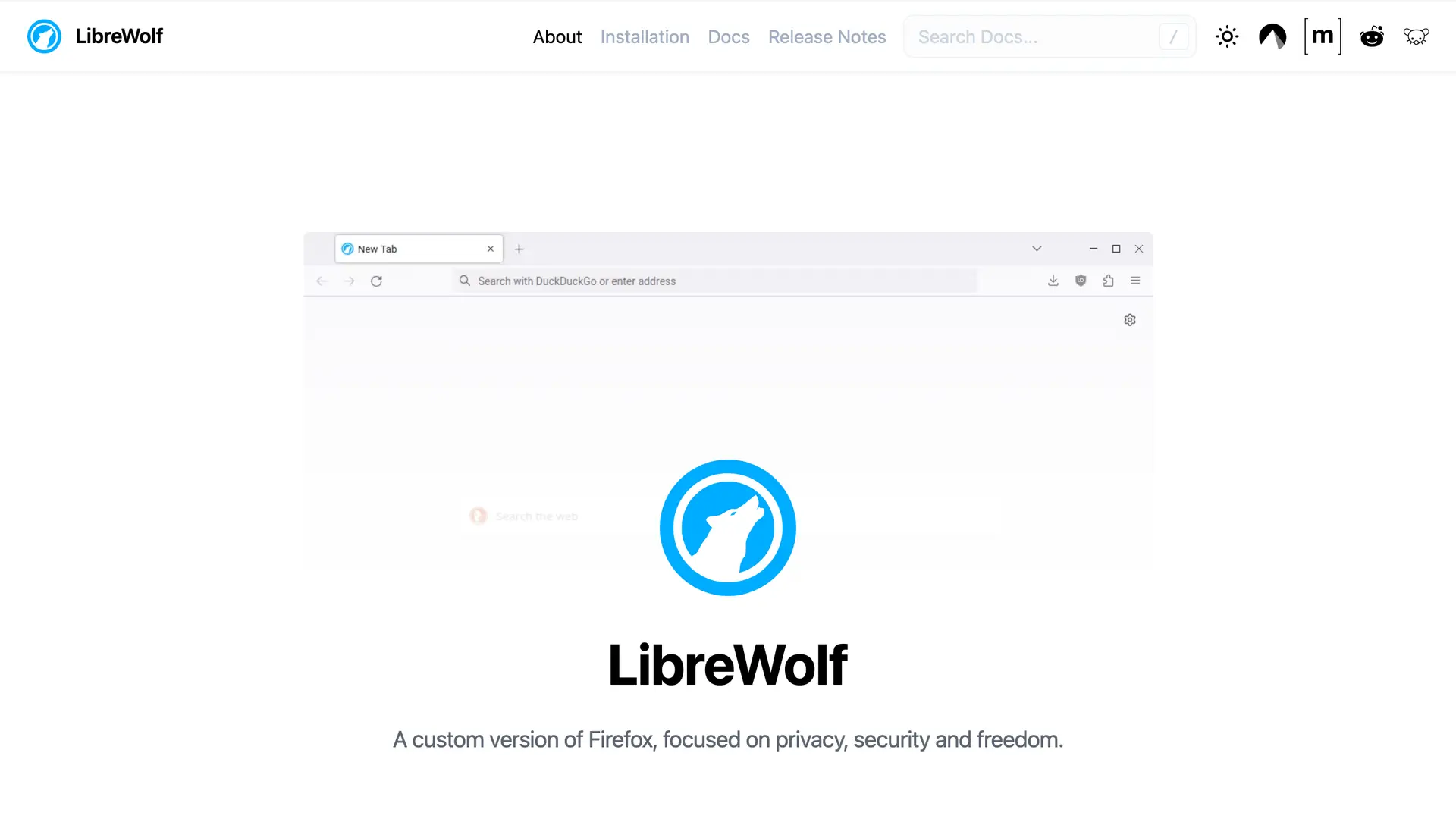
LibreWolf is Firefox with the privacy dial turned all the way up before you change a thing. It strips every piece of telemetry, disables data collection, hardens hundreds of settings, and bundles uBlock Origin so tracker blocking works the moment you install it. There is no setup ritual and no need to install fourteen extensions to feel safe.
Reddit users reach for it constantly. As one commenter summed up the whole debate, “Librewolf on desktop, Fennec on mobile, end of the discussion” (u/ivster666 on r/degoogle). Another described it as the pick “for maximum security and privacy” where “the only thing better at it is Tor.”
What makes it private
What users complain about
Pricing. Free and open source. No paid tier.
Why it ranks here
It is the hardened Firefox you do not have to configure: telemetry gone, uBlock built in, private out of the box. The strict defaults occasionally break a login or a video player, so you may need to loosen a setting per site, but for most people that is a minor cost.
Brave: The Best All-Round Daily Driver
Best for people who want strong privacy and full site compatibility with zero learning curve.
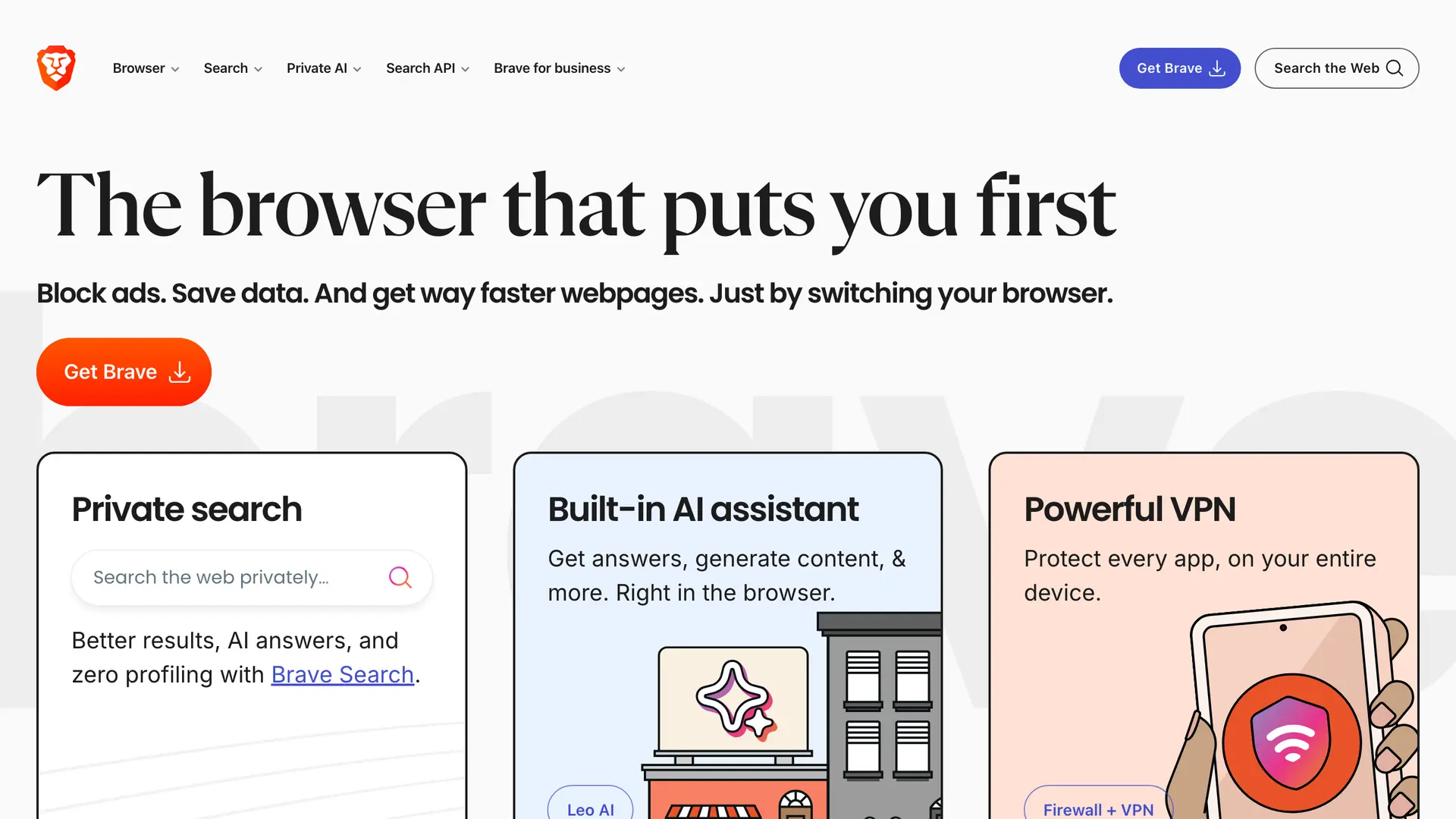
Brave is the most practical privacy browser for everyday use, and it is the one most people can switch to without changing their habits. It is built on Chromium, so every site that works in Chrome works here, but it blocks ads and trackers aggressively by default. It also offers private windows with Tor routing for the moments you want extra cover.
There is a common myth that Brave is closed source. A Reddit user corrected exactly that in a browser thread: “Small correction: Brave is in fact open source” with a link to the official GitHub repository (u/Greenlit_Hightower on r/degoogle). Another security-minded commenter went further: “The most private and secure browser is probably Brave, both on desktop and mobile, as it checks most of the boxes” (u/wixlogo on r/degoogle).
What makes it private
What users complain about
Pricing. Free and open source. Optional paid add-ons exist but are not required.
Why it ranks here
It is the one browser most people can switch to today without changing a single habit, while still blocking trackers hard. Brave bundles crypto rewards and a wallet that purists see as clutter, but you can disable both on desktop in a couple of clicks.
Waterfox: An Independent, Telemetry-Free Firefox Fork
Best for users who want a private, independent Firefox-based browser with broad add-on support.
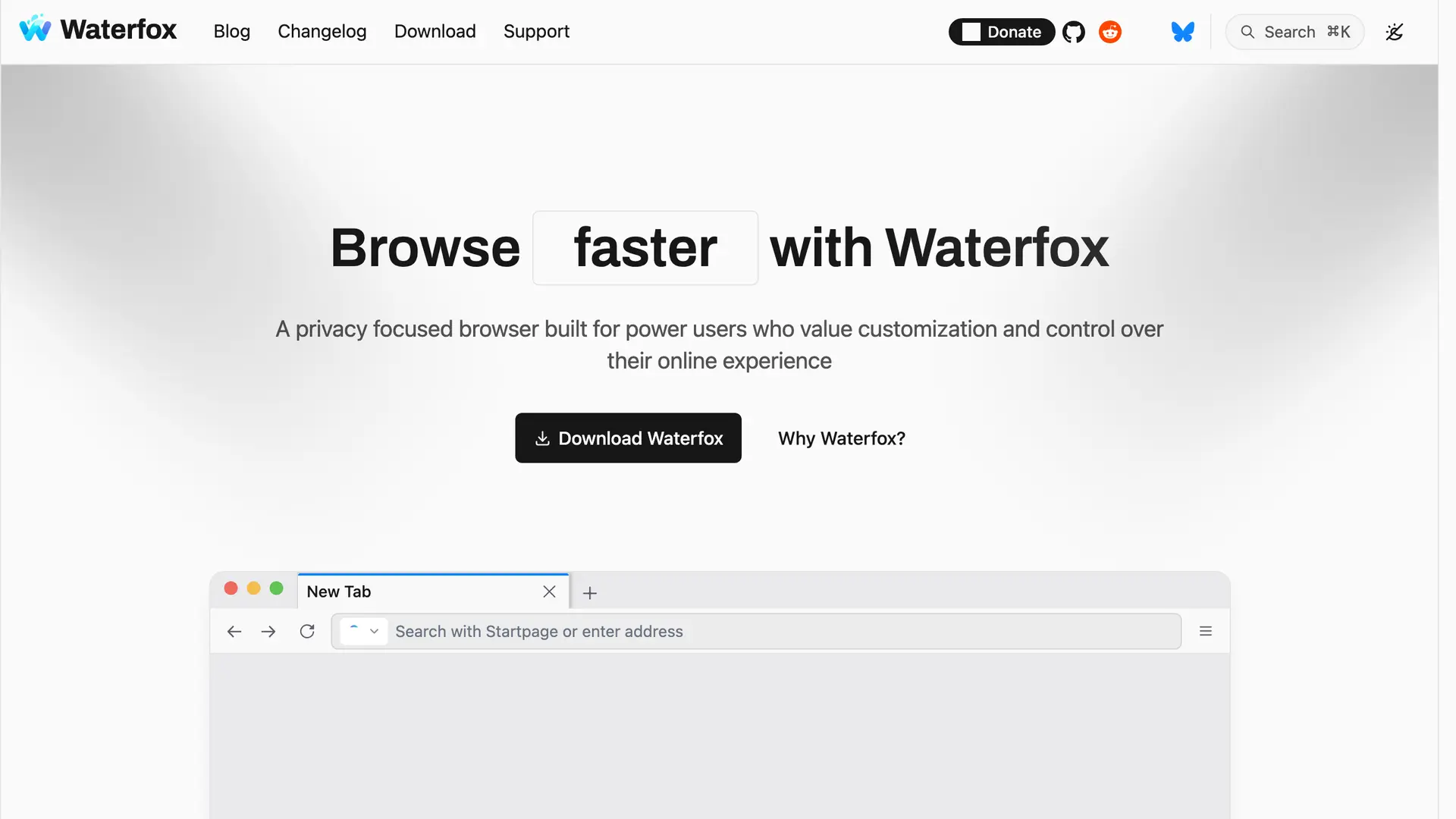
Waterfox is one of the older names in privacy browsing, and it has quietly stayed relevant. It is an independent Firefox fork that removes Mozilla telemetry while supporting a wide range of add-ons, including both Firefox and Chrome extensions. That breadth matters, because many privacy browsers get so strict they break half the internet.
The appeal is independence. After a spell under the ad company System1, Waterfox returned to independent development in 2023, and it is not trying to grow into a giant data-collection ecosystem. For a lot of long-time users that is the entire point.
What makes it private
What users complain about
Pricing. Free and open source. No paid tier.
Why it ranks here
It pairs privacy with broad add-on compatibility, which keeps long-time Firefox users from having to give anything up. It is maintained by a smaller team and tracks Firefox ESR, so it can trail the mainline on the newest patches, which means you should stay on top of updates.
Ungoogled-Chromium: Chromium With Zero Google
Best for technical users who want Chromium speed with none of Google's data collection.
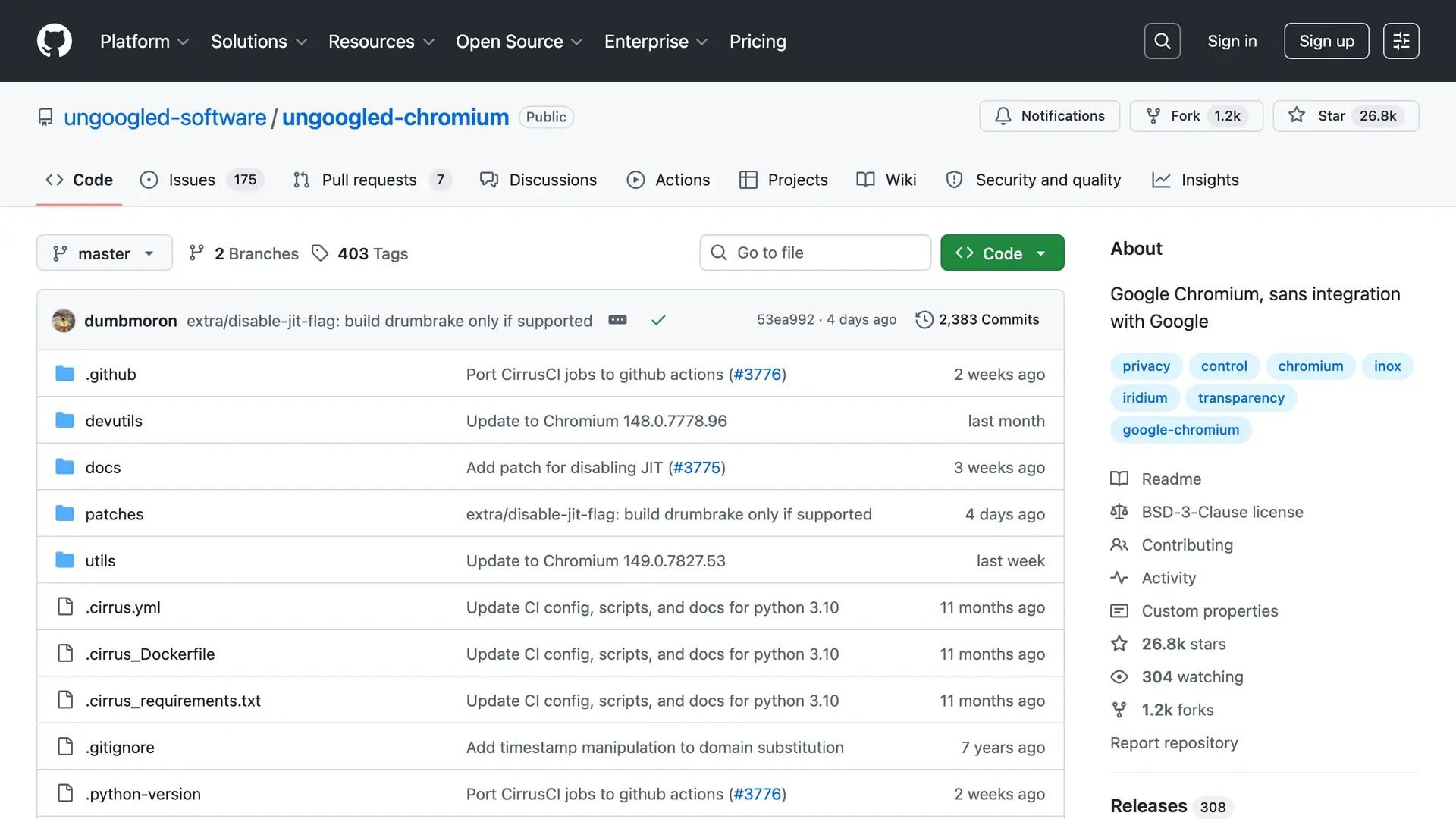
The name tells you exactly what it does. Ungoogled-Chromium takes the Chromium engine that powers Chrome and removes every piece of Google integration and background communication. No sync calls, no hidden services, no telemetry quietly reporting back. You get raw Chromium without Google watching over your shoulder.
This is more advanced territory. Convenience features disappear along with the Google hooks, so you trade some comfort for a much smaller tracking surface. It is often described as the Linux user of browsers: minimal, powerful, and slightly intimidating.
What makes it private
What users complain about
Pricing. Free and open source. No paid tier.
Why it ranks here
If you like Chromium but not Google, this strips every Google hook while keeping the speed. There is no built-in auto-update on most builds, so you have to update manually, and the setup assumes you know what you are doing.
Cromite: The Best Private Browser on Android
Best for android users who want a private, blocker-equipped Chromium browser.
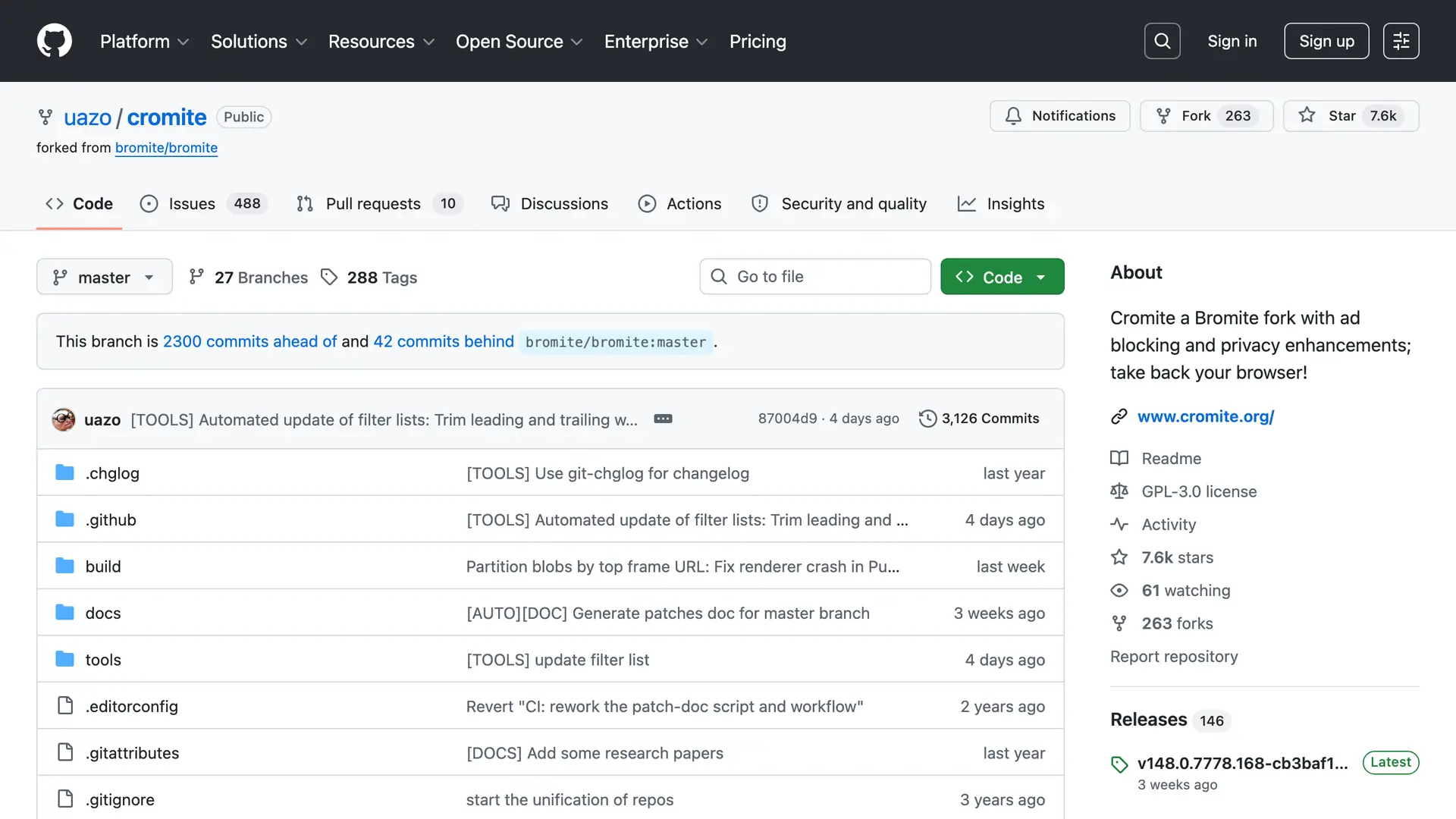
Cromite is the spiritual successor to the much-loved Bromite project, and it shines on Android where private browsing options are thin. It is a Chromium fork with ad blocking and anti-fingerprinting baked in, built for people who want a hardened browser without rooting their phone. Official Windows and Linux desktop builds are offered too.
On a platform where most browsers leak data freely, Cromite gives Android users a genuine open-source option with strong defaults.
What makes it private
What users complain about
Pricing. Free and open source. No paid tier.
Why it ranks here
On Android, genuine open-source privacy browsers are rare, and Cromite fills that gap with blocking built in. Android is where it stands out most, though official Windows and Linux desktop builds are also available. The ecosystem is smaller than mainstream browsers.
GNU IceCat: The Free Software Foundation's Firefox
Best for free-software purists who want a browser that meets strict FOSS standards.
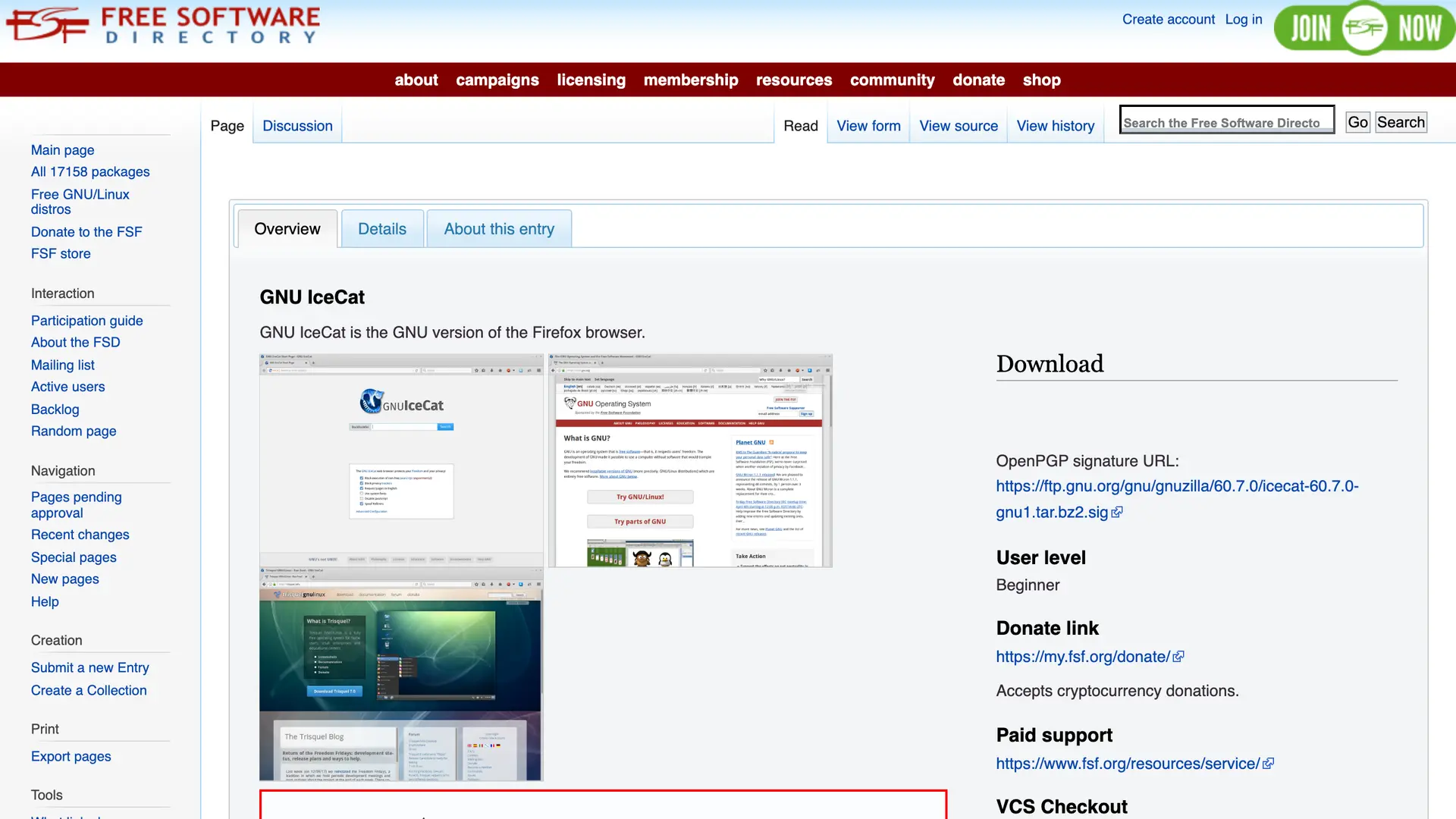
GNU IceCat is the Free Software Foundation's take on Firefox, and it is the strictest about software freedom on this list. It removes anything that is not fully free software and adds LibreJS, which blocks non-free JavaScript that runs on many sites. It is less about hiding your IP and more about guaranteeing that every line of code you run respects your freedom.
What makes it private
What users complain about
Pricing. Free and open source. No paid tier.
Why it ranks here
No other browser here is this strict about software freedom, and for FOSS purists that guarantee is the whole point. IceCat tends to lag behind mainstream Firefox releases, because it tracks Firefox's Extended Support Release rather than the rapid-release channel, so you may not get the newest features right away.
Floorp: Customization Plus Privacy by Default
Best for power users who want a customizable browser that is still private.
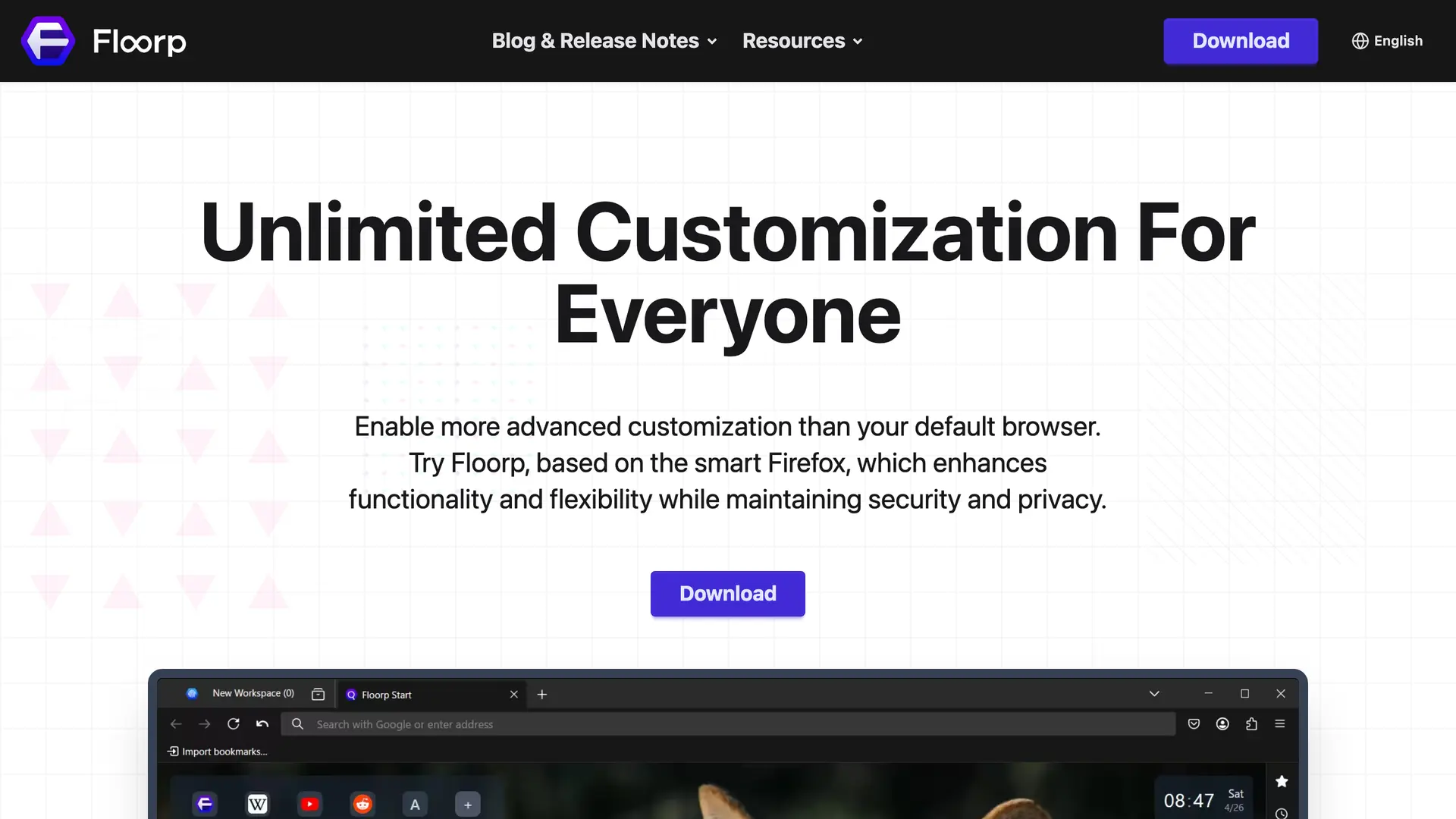
Floorp is a Firefox-based browser that mixes deep customization with privacy by default. It gives you workspaces, advanced tab management, profile separation, and tab isolation, while keeping anti-tracking protections turned on. For people who want control over how their browser looks and behaves, it is a strong middle ground between privacy and productivity.
Floorp shows up often when Reddit users list their current picks. One simply named “Vivaldi, Floorp, Zen, Brave” as the options worth trying (u/TuhinVII on r/degoogle).
What makes it private
What users complain about
Pricing. Free and open source. No paid tier.
Why it ranks here
It is the rare browser that gives power users heavy customization without quietly trading away privacy. It is newer and has a smaller community, so you will find fewer guides and less support than with the big names.
Pale Moon: A Classic, Independent Engine
Best for users who want a stable, independent browser with a traditional feel.
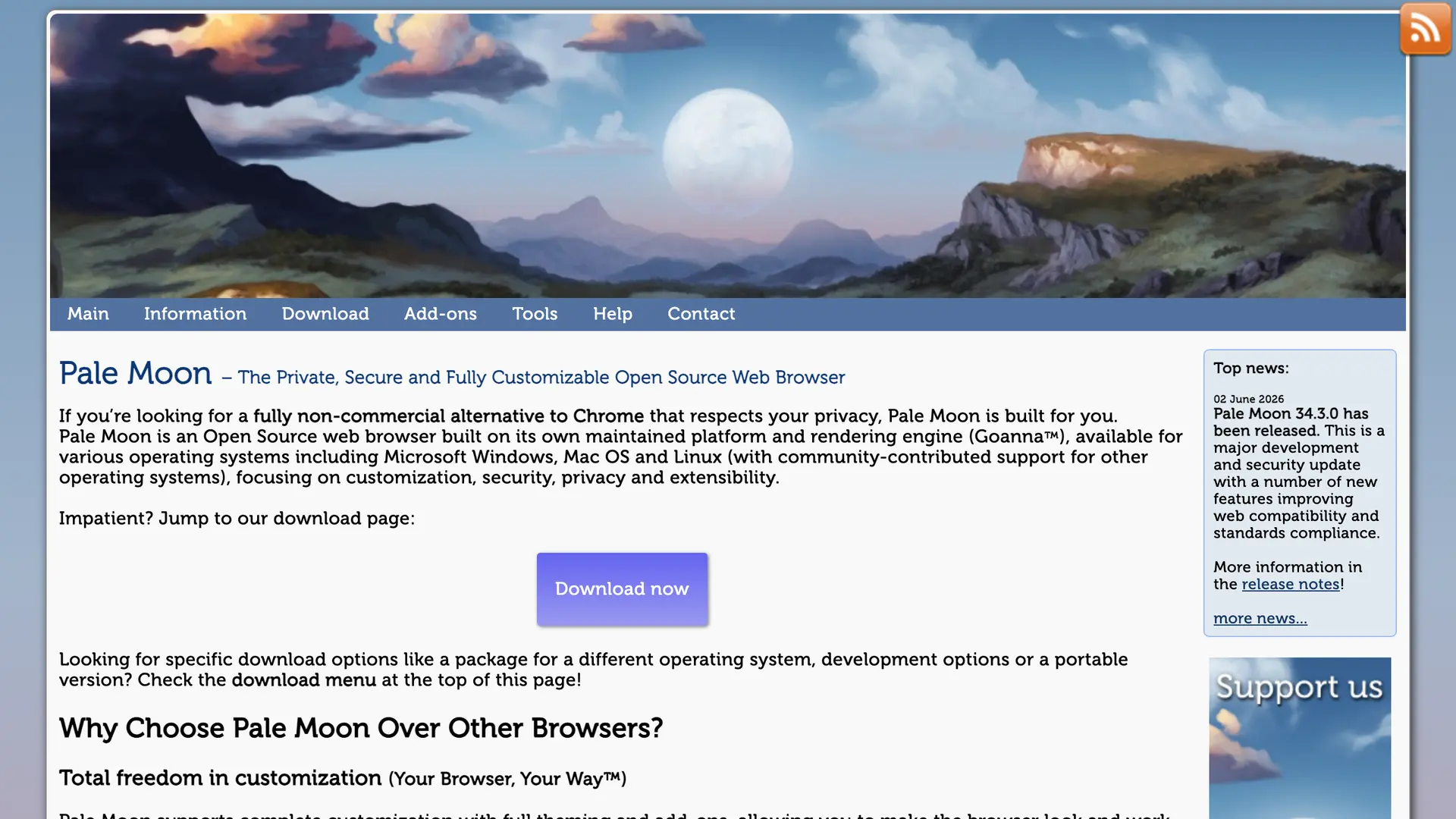
Pale Moon rounds out the list as the most independent option here. It runs on its own Goanna engine, a fork of an older Firefox codebase, rather than tracking modern Firefox or Chromium. It removes telemetry, keeps a classic interface, and appeals to users who want a browser that does not chase every new web trend.
What makes it private
What users complain about
Pricing. Free and open source. No paid tier.
Why it ranks here
Its independent engine means it does not inherit Chromium or modern-Firefox decisions, which is exactly why a niche of users trust it. Be clear about its strength: it is the lack of telemetry and the independence, not anti-tracking. Built-in fingerprinting protection is weak, so add an extension like CanvasBlocker if that matters to you. Some modern websites also do not render correctly, so it works best as a secondary browser.
What Redditors Think About the Best Privacy Browsers
Lists like this one are useful, but the most honest opinions live in the comments of real threads. When r/PrivacyGuides ranked Mullvad Browser its number-one pick, the thread “Privacyguide makes Mullvad Browser number 1 in recommendation, what are your thoughts?” pulled in over 100 comments debating it. Here is what actual users said, in their own words, with a link to each comment.
“A hardened Firefox on par with Arkenfox mods without any of the hassle and manual updates. A hardened Firefox from a more reputable and reliable source than LibreWolf. It's not Brave which everyone seems to irrationally hate.”
“it's similar to the tor browser in fingerprint resistance, but can be used without tor and actually helps the anonymity of vpn users.”
“Mullvad is my new go to browser for casual browsing, going to news websites, YouTube, etc. But any time I have to log in to a website, I use Brave. The most obvious reason for this is because Mullvad doesn't save any cookies.”
“This is essentially Tor without the Tor part. It's pretty well evaluated already. It's not like Brave which had lots of new unknowns.”
“Librewolf needs more credit here for leading the charge. While not recommended because it doesn't update and isn't backed by a dedicated team of devs; it has been the OG.”
The takeaway across these threads is consistent. The browser is the foundation, but your search engine, your extensions, and your habits decide how private you really are.
Privacy Does Not Stop at Your Browser: Try Elephas
If you have read this far, you clearly care about who gets to see your data. That makes the next gap worth naming. You hardened your browser, but the AI tools you use every day are still wide open.
Every time you paste a document, an email, or a client note into ChatGPT or another cloud assistant, that text leaves your machine. A private browser does nothing to protect it. This is the gap Elephas was built to close, and it is why it belongs at the end of a privacy guide like this one.
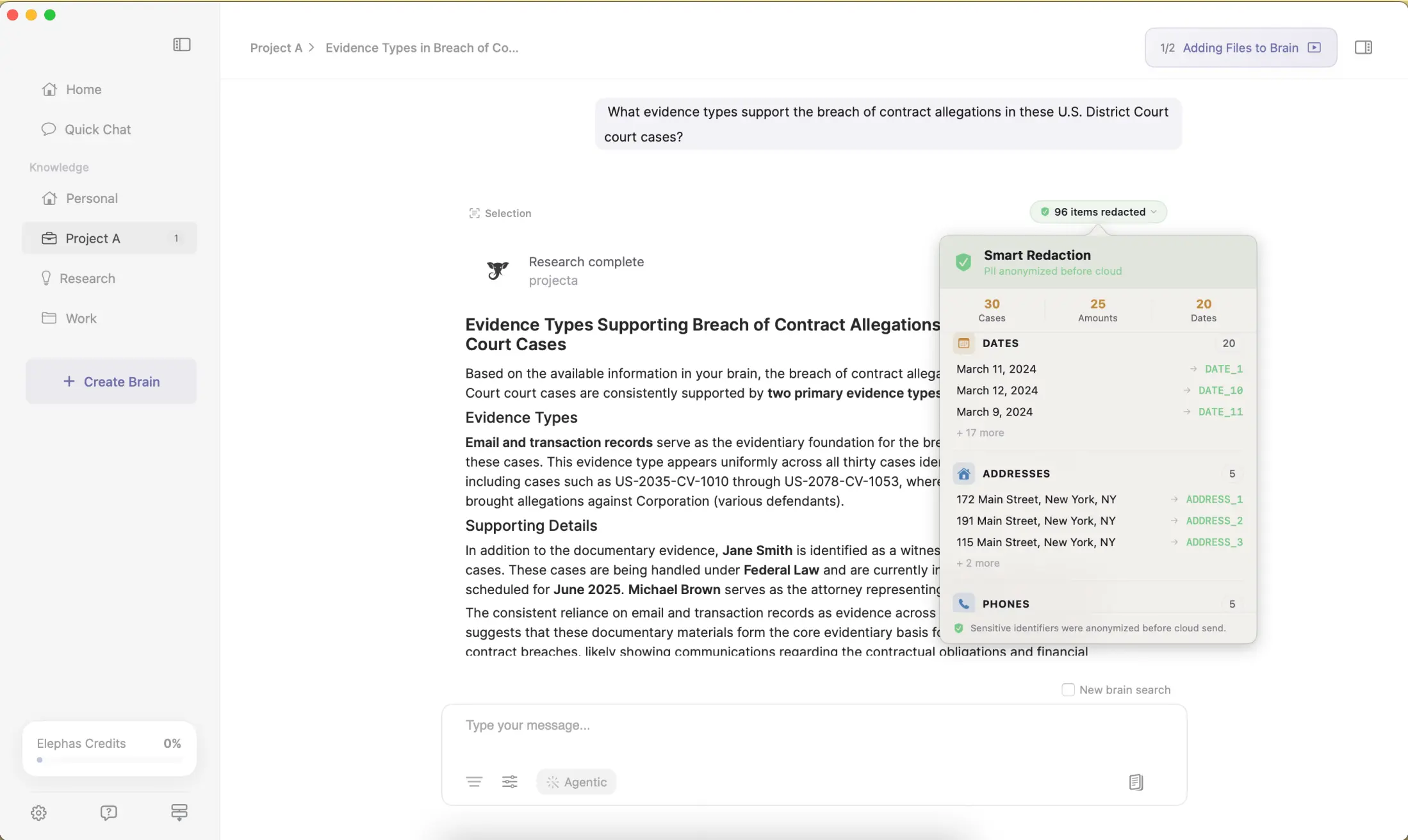
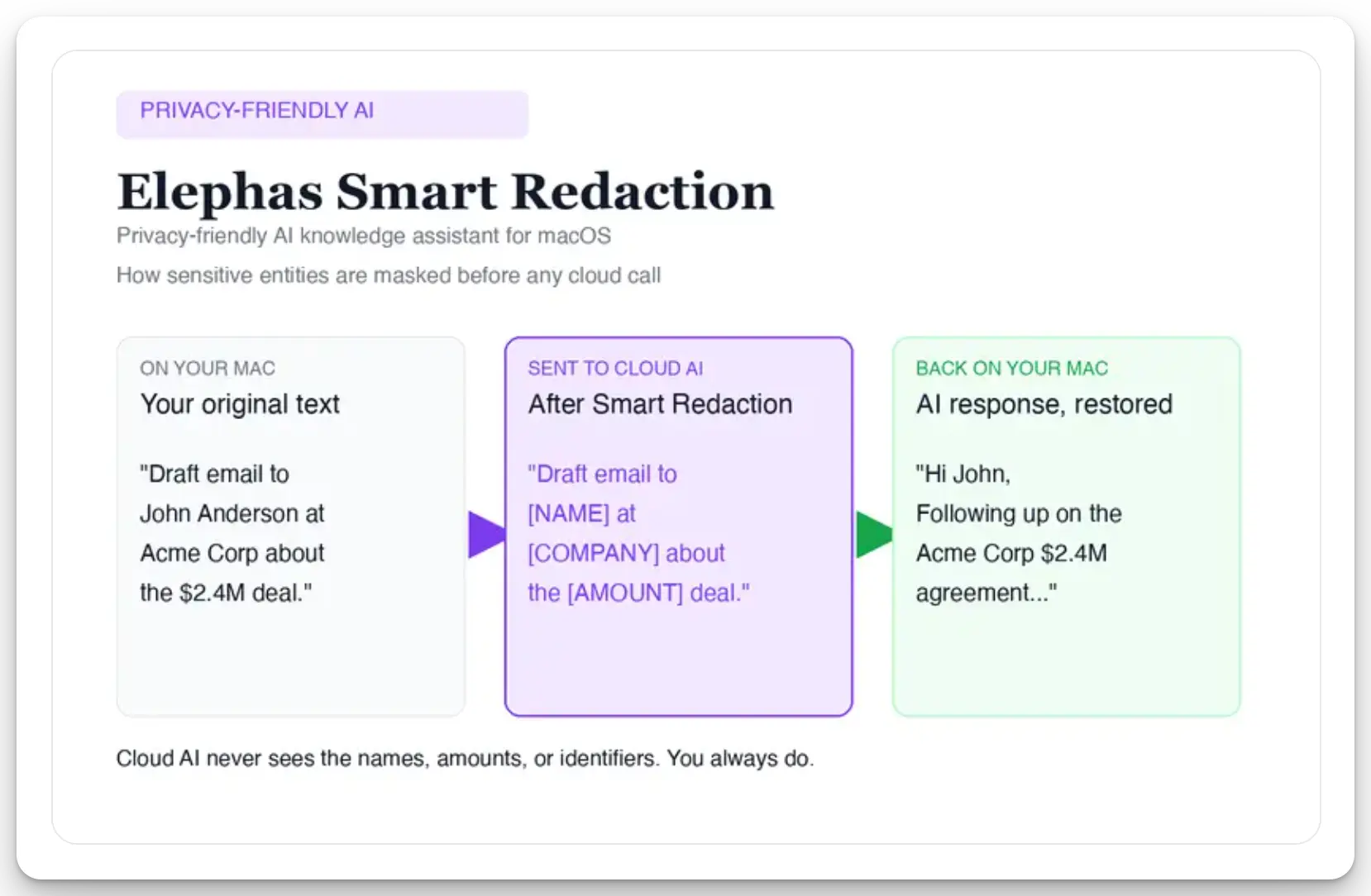
Elephas is a privacy-friendly AI knowledge assistant for Mac. It gives you two ways to stay private. First, it provides built-in local LLM models that run entirely on your Mac, so your prompts and documents never touch the internet at all. Second, when you do want a leading cloud model, it protects you with automatic PII redaction.
Before a prompt is sent to ChatGPT 5.5, Claude Opus 4.7, Gemini, Grok, Perplexity, or any other cloud model, Elephas strips sensitive names, emails, phone numbers, and identifiers on your Mac. The cloud model only ever sees the sanitized text. When the answer comes back, the redacted fields are reassembled locally on your machine, so identifiable information never leaves the device.
Elephas pairs this with zero data retention: content never trains AI models, never sits on a vendor’s server, and never passes through a third-party reviewer’s screen.
You can chat with thousands of your own documents through its Super Brain feature, all with the same privacy posture. Elephas has a free plan and starts at $19/month. See elephas.app/pricing for the live plan list. If a private browser is your first layer of defense, a private AI assistant is the second.
Choosing the Right Privacy Browser
There is no single “best” privacy browser, only the best one for your threat level. If you need real anonymity, start with Tor. If you want that protection at normal speed, Mullvad Browser is the answer. If you live in Firefox, LibreWolf gives you a hardened build with nothing to configure. And if you just want strong privacy without changing how you browse, Brave is the easiest switch from Chrome.
Whatever you pick, remember the lesson from every Reddit thread on the topic. The browser is only the starting point. Pair it with a private search engine, a short list of trusted extensions, and careful habits. Then extend that same care to your AI tools with a local-first assistant like Elephas, and your privacy setup is finally complete.
Frequently Asked Questions
What is the most private browser in 2026?
Tor Browser offers the strongest anonymity because it routes your traffic through multiple encrypted relays and leads the field in anti-fingerprinting. For everyday use at normal speed, Mullvad Browser and LibreWolf are the top picks.
Is Brave actually open source?
Yes. Brave is open source, and its code is public on GitHub. This is a common point of confusion, and Reddit users regularly correct it in browser threads.
Is Tor Browser legal to use?
Yes. Tor is legal in most countries and is used every day by journalists, researchers, activists, and privacy advocates. Using anonymity tools is not the same as using them for illegal activity.
Why is Chrome considered bad for privacy?
Chrome is built by Google, whose business depends on data and advertising. It allows extensive tracking and fingerprinting by default, which is why privacy-focused users move to browsers that block these signals by default.
Does a private browser make me completely anonymous?
No. Privacy works in layers. Your browser matters, but so do your search engine, your DNS, your extensions, your logins, and your behavior. The strongest browser cannot protect you if you sign into a personal account that identifies you.
What about privacy for AI tools, not just browsing?
A browser only protects your web activity. When you paste text into a cloud AI tool, that data leaves your device. Elephas closes this gap with built-in local LLM models that run on your Mac and automatic PII redaction before anything reaches a cloud model.
Do private browsers stop browser fingerprinting?
Some do. Anti-fingerprinting is the strongest privacy feature in Tor, Mullvad, and LibreWolf, which make your browser fingerprint look like everyone else's. A chromium-based browser like the Brave browser adds its own fingerprint randomization. No web browser blocks every signal, so pair it with secure DNS and careful habits to protect your privacy.
What is the best private browser for mobile?
On Android, the Brave browser and Cromite are the best private browsers, with a built-in ad blocker and tracker blocking on the mobile web. On iPhone, Firefox Focus and Brave offer a private browsing mode. Do not rely on the default browser's private mode alone, since a private session does not stop tracking by itself.
Are open-source browsers better for privacy than Google Chrome?
Usually yes. An open-source browser lets anyone audit the code and the privacy policy, so claims about user privacy can be checked. Google Chrome is a web browser built by an ad company, and it allows extensive tracking by default. Privacy-respecting web browsers like the ones above offer stronger privacy and security, which is why they are better for privacy than Google's default.
Can I sync bookmarks and use extensions on a privacy browser?
It depends on the browser you choose. Browser sync and browser extensions work well on the Brave browser and Firefox-based browsers, but hardened picks like Mullvad and Tor skip sync for privacy reasons. If extensions and sync matter, a chromium-based browser or a hardened Firefox is a better fit than a locked-down option.
What should I look for in a private browser in 2026?
Look for privacy protections that are on by default: tracker and ad blocking, anti-fingerprinting, secure DNS, and a clear privacy policy with no data selling. The best browsers for 2026 also support safe browsing and modern privacy features without sending your activity to a third party. Real privacy and anonymity come from the browser you choose plus your own habits as you browse the web.

The Private AI Assistant for Mac
A private browser protects your web activity. Elephas protects what you feed your AI, with built-in local LLM models and automatic PII redaction, so your data never leaves your Mac.
Try Elephas FreeBuilt-in local LLM models. Free plan available.
Related Resources
Local AI vs cloud AI: which is safer for your data
Where your data actually goes when you use a local model versus a cloud assistant.
Elephas plans and pricing
Compare the free plan and paid options for a private, on-device AI knowledge assistant.
The Elephas blog
Workflow guides on using AI for writing and knowledge management without giving up privacy.
Research Methodology and Sources
This guide was built from web research, browser documentation, creator breakdowns, and verbatim Reddit comments pulled from public archive data. Every Reddit quote links to the real comment. The browser ranking follows the FOSS framing popularized in a June 2026 thread by Techjunkie Aman on X.
- r/PrivacyGuides: “Privacyguide makes Mullvad Browser number 1” (100+ comment thread)
- r/degoogle, r/browsers, r/privacy, r/firefox: per-browser user complaint threads (cited inline)
- LibreWolf, Mullvad Browser, Tor Project, Brave, Waterfox official documentation
- NordVPN, PrivacyTools.io, Cybernews: 2026 privacy browser comparisons
- YouTube: multiple creator breakdowns of 2026 private browsers