6 Best ChatGPT Anonymizer Tools to Hide Personal Details in 2026
A 2026 preprint study by Zaman and Garimella found personal information in 34.5% of messages in donated ChatGPT histories from more than 1,000 users (arXiv). A ChatGPT anonymizer is a data masking tool that finds names, emails, phone numbers and other personally identifiable information and swaps them for placeholders before the AI sees it.
To mask a prompt inside chatgpt.com, pick PII Shield, which restores real values in the reply. For asking AI about your own documents, pick Elephas: it hides personal details on your computer before the question leaves it, then puts them back in the answer, on Mac and Windows. For free with no install, use Priversi.
Below are quick picks, one table of all 6 tools, a short review of each, and the results of our own masking test.
Quick answer
- Mask a prompt inside ChatGPT: PII Shield, $19 a month, a Chrome, Edge and Brave extension that restores the reply.
- Your own documents, every question: Elephas, from $19 a month with a 7-day free trial, on Mac and Windows. It hides details on your computer and puts them back in the answer.
- Lowest paid price: Caviard, a $9 one-time lifetime price (an early discount from $15.30), a Chrome extension.
- Free, no install: Priversi, a free web tool that masks text in your browser.
- EU-based API and extension: ANOXY, free tier; 29 euros a month for one user, 79 euros for up to 5.
- Developers: Presidio, free and open source.
Which ChatGPT Anonymizer Should You Use?
The right ChatGPT anonymizer is the one that hides details where you already work. To mask prompts inside chatgpt.com, use an extension like PII Shield or Caviard. For a quick, one-off job, Priversi is a free prompt anonymizer that runs in your browser. Elephas fits when you ask AI about your own documents.
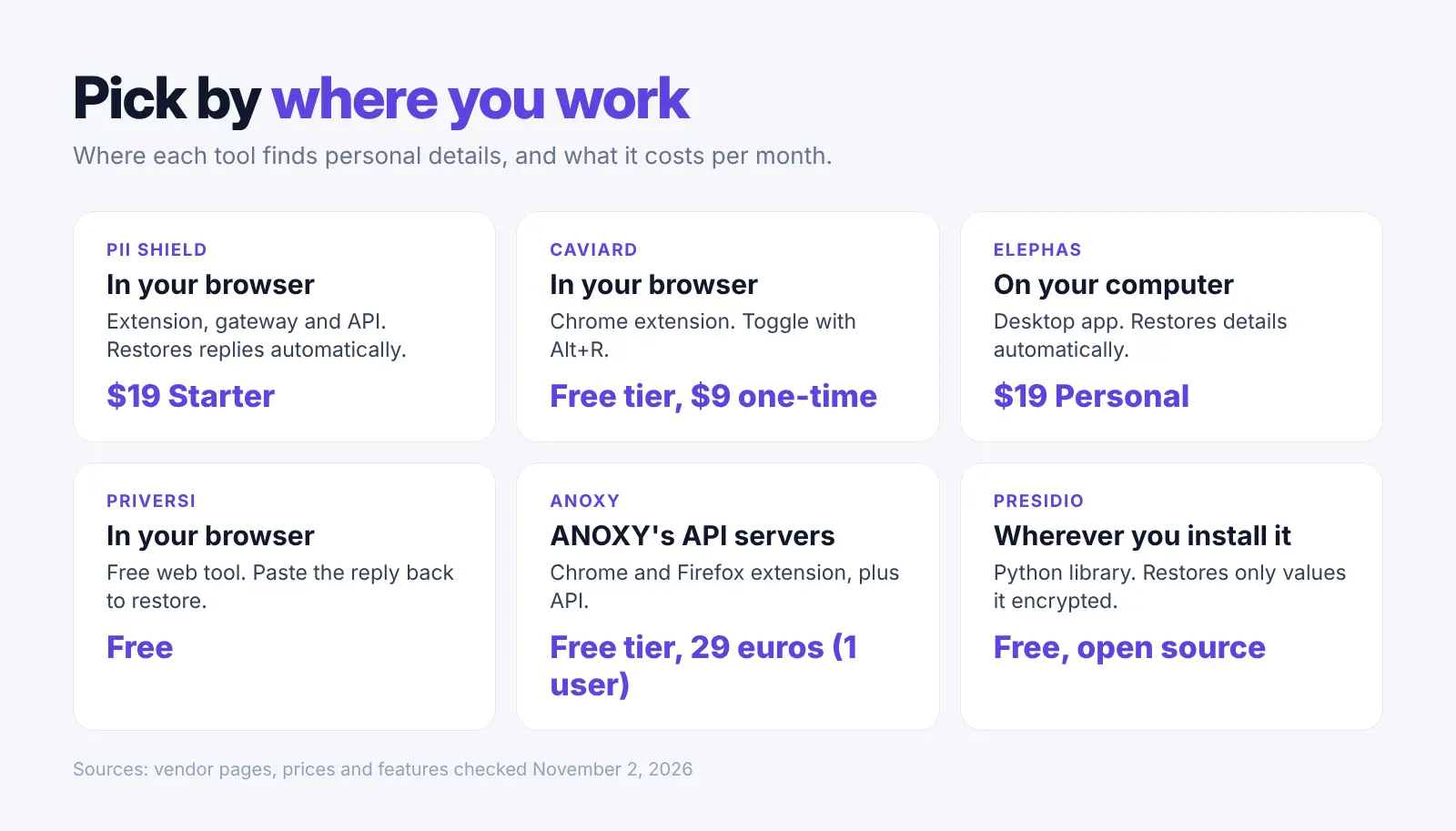
| Tool | Type | Where it finds details | Puts details back in the reply | Works with | Price (monthly) |
|---|---|---|---|---|---|
| PII Shield | Browser extension, gateway, API | In your browser (extension) | Yes, automatically | ChatGPT, Claude, Gemini, Copilot and more | $19 (Starter) |
| Caviard | Chrome extension | In your browser | Toggle with Alt+R; no automatic restore stated | ChatGPT, Claude, Gemini, DeepSeek | Free tier; $9 one-time |
| Elephas | Desktop app | On your computer | Yes, automatically | Elephas AI, your own API key or an on-computer model | $19 (Personal) |
| Priversi | Free web tool | In your browser | Yes, when you paste the reply back | ChatGPT, Claude, Gemini, by copy and paste | Free |
| ANOXY | Chrome and Firefox extension, API | ANOXY's API servers | Yes, in proxy mode | ChatGPT, Claude | Free tier; 29 euros (1 user) |
| Presidio | Python library | Wherever you install it | Only for values it encrypted | Your own code | Free, open source |
1. PII Shield: Best Extension That Restores ChatGPT Replies
Best for: people who type into chatgpt.com and want the real names back in the answer.
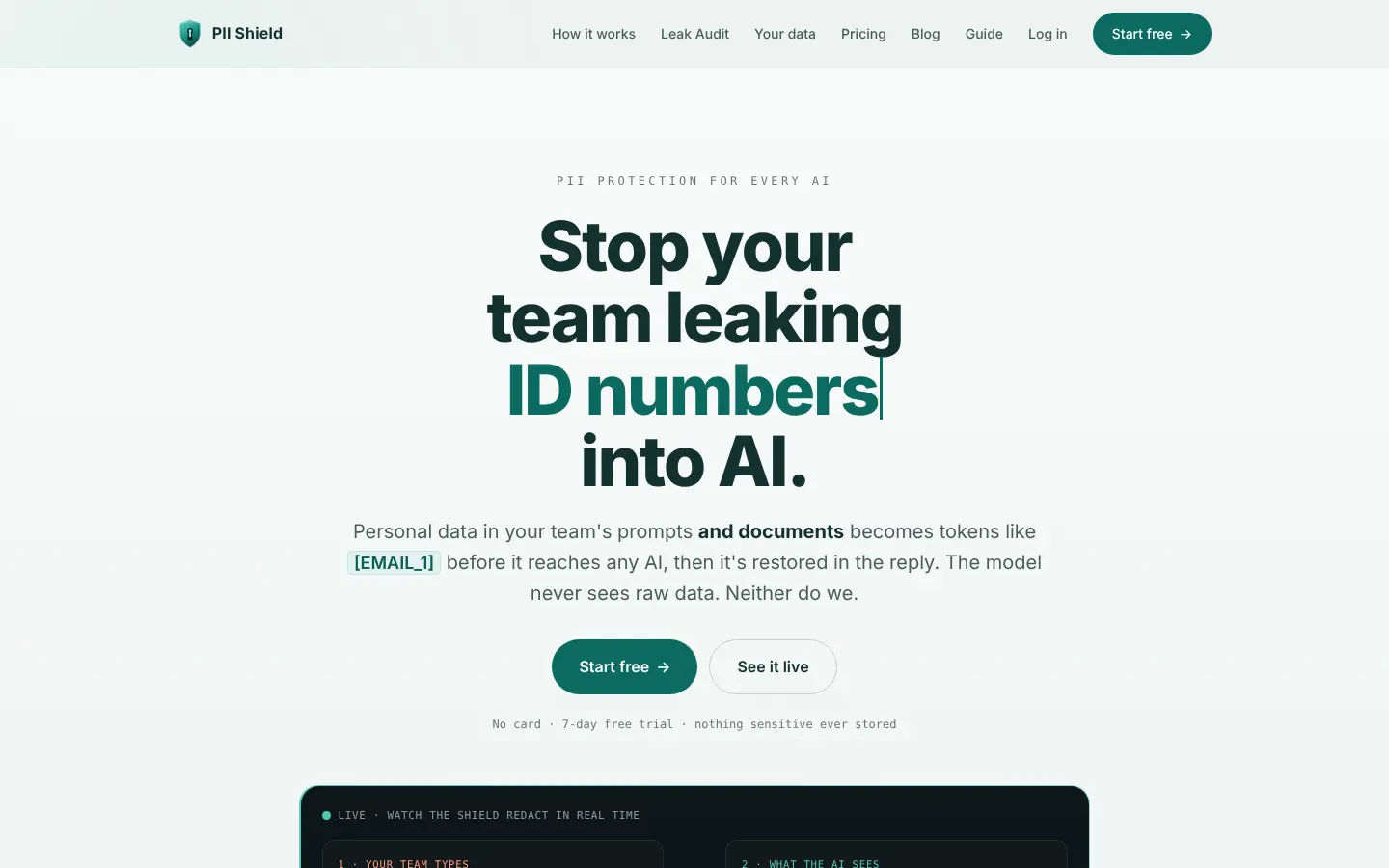
PII Shield is a browser extension for Chrome, Edge and Brave, plus a gateway and an API for teams.
Its site says personal data "becomes tokens like [EMAIL_1] before it reaches any AI" and that "The reply comes back with the real values restored automatically" (PII Shield). For the extension, it says "Redaction runs 100% locally" (extension page).
Key Capabilities:
- Finds emails, cards, phone numbers, national IDs, IBANs, addresses and names, plus custom terms
- Works on ChatGPT, Claude, Gemini, Perplexity, Grok, DeepSeek, Mistral, Kimi and Copilot
- Redacts whole documents before you upload them
Pricing: Starter $19 a month for 100,000 requests; Team $50 a month for 5 seats, $10 per seat (pricing). Free trial of 250 requests or 7 days, whichever ends first.
Main catch: You need a valid workspace key. The vendor says that without one, "messages containing personal data are blocked, never leaked." The extension also sends the values it hid, encrypted, to PII Shield for its Leak Audit; your chat text is not sent.
Why We Picked PII Shield: It combines local masking and automatic restore in the same chat window. We would turn on the extension and add our own custom terms for project names.
User Feedback: We found no public user reviews as of November 3, 2026. The Chrome Web Store page shows only 10 users. Trustpilot and Product Hunt would not load for us.
2. Caviard: Best One-Time Price for a Chrome Extension
Best for: Chrome users who want a cheap tool and no monthly bill.
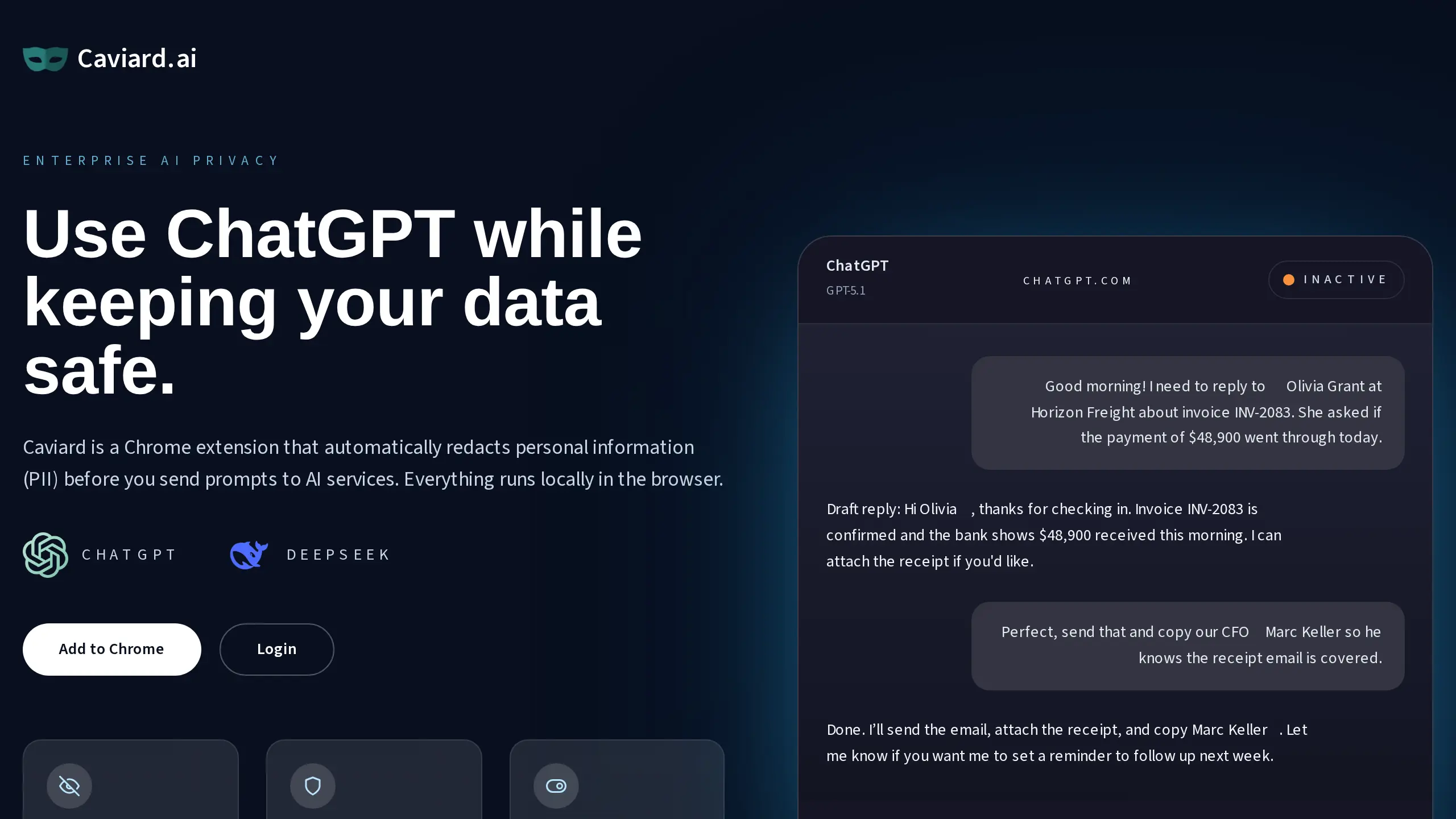
Caviard is a Chrome extension that masks personal details before you send a prompt. Its site says "Everything runs locally in the browser" and lists names, IDs and payment details among what it spots (Caviard). Its store listing names ChatGPT, Claude, Gemini and DeepSeek; its own site names ChatGPT and DeepSeek.
Key Capabilities:
- Real-time detection as you type or paste; Caviard claims over 100 types of personal information
- Alt+R (Option+R on Mac) switches between the original and the masked text
- The same value always gets the same placeholder during a session
Pricing: Free for up to 10 protected values per document; Lifetime $9 (an early discount from $15.30), a one-time payment with no renewal; the page says the license is priced per device (pricing). No monthly plan.
Main catch: Caviard says it masks your prompts and the AI's replies, and Alt+R switches between masked and original text. No page says it puts the real details back into the reply automatically. Chrome is the only browser named.
Why We Picked Caviard: A $9 one-time price is the lowest paid option here, and detection stays in your browser. We would use Alt+R before each send to check the masked text.
User Feedback:
The store shows 335 users and one review, while Caviard's site claims "50K+" people rely on it.
Positive: "This extension is really useful. I use it every day to find and replace sensitive data I paste into ChatGPT. It’s quick and easy - love it!" (Jone Kairiukstyte, Chrome Web Store, Mar 2025, source)
3. Elephas: Best for Asking AI About Your Own Documents Privately
Best for: people who ask AI about their own documents and want details hidden every time, with no copy and paste.
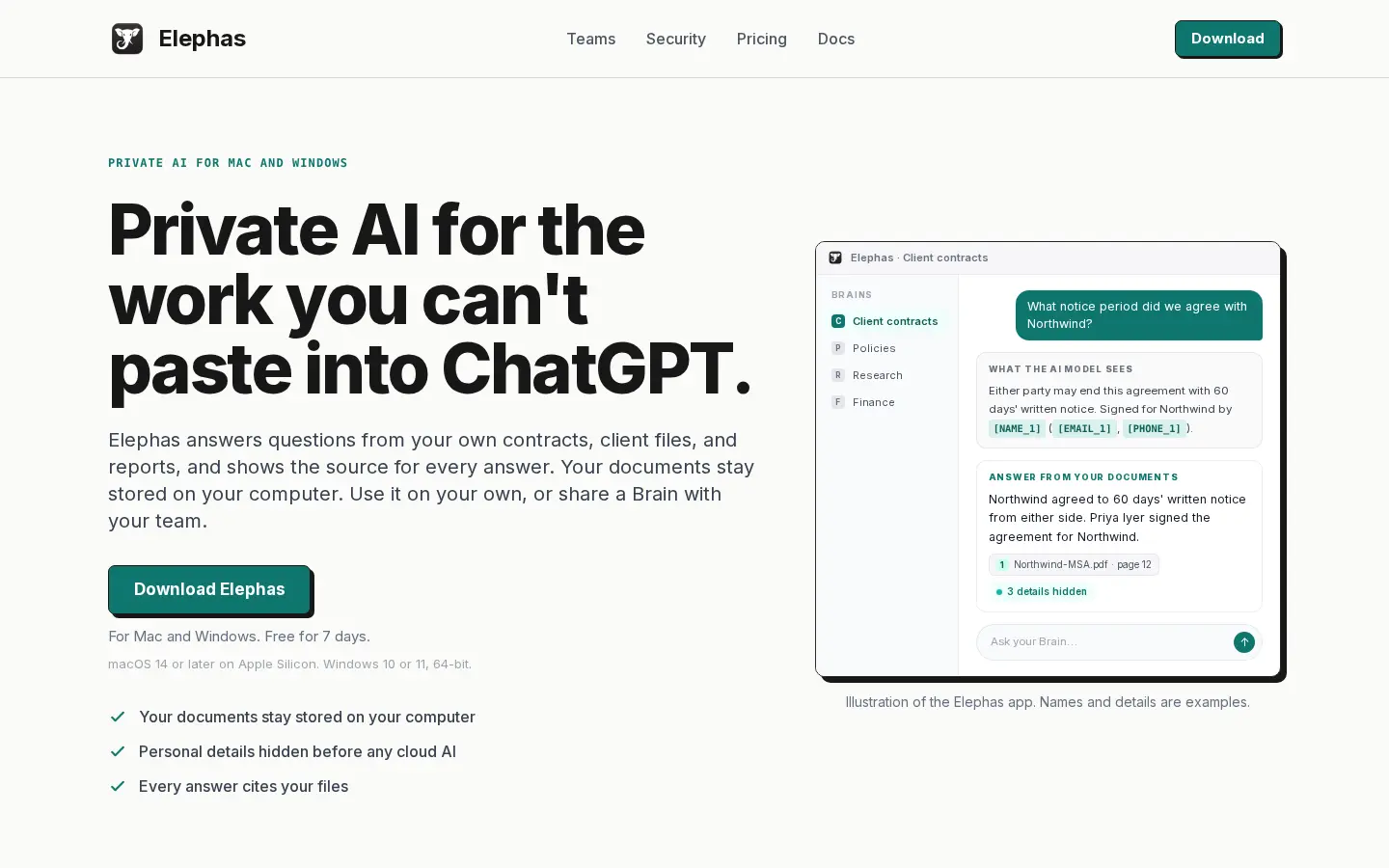
Elephas is a private AI app for your documents. It answers questions from your own files and cites the source, and your files stay stored on your computer. Before a question leaves your computer, it hides personal details such as names, email addresses and phone numbers, then puts them back in the answer (Elephas).
Detection runs on your computer, and under every answer you can see what was hidden. With cloud AI, your question, up to 4 recent messages, the needed passages, and file names and headings of documents in scope are sent, with details hidden (what is sent). Elephas calls its hiding "detection, not a guarantee" (security page).
Key Capabilities:
- Elephas AI is the default cloud route; prompts are not stored and not used for training
- Or use your own API key (OpenAI, Claude, Gemini and others; not on the Team plan), or an on-computer model that sends nothing
- Protected Names cover names the detector will not know; ordinary dates and money amounts are not hidden, only dates of birth
Pricing: Personal $19 a month, Professional $29 a month, Team $29 per person a month. 7-day free trial, no card.
Try it free first: our free anonymize text tool on elephas.app finds names, emails, phone numbers, addresses and ID numbers in text you paste, and swaps them for placeholders. It runs in your browser, free with no sign-up, and can miss details. The app hides details on every question, with no copy and paste.
Main catch: You ask your questions inside the Elephas app, not on chatgpt.com. It runs on macOS 14 or later on Apple Silicon and on Windows 10 or 11, 64-bit.
Why We Picked Elephas: It is the only pick here that hides details on every question inside a private AI for your own documents, with detection on your own computer and no extension or copy and paste step. We would add our own Protected Names on day one. Elephas is our product.
User Feedback:
Positive: from a review of the earlier Elephas app, "This is the best computer program I have ever purchased for my business. The value it provides is exceptional and continues to improve over time." (Senior Wetland Scientist, Capterra, Oct 2025, source)
Positive: from a review of the earlier Elephas app, "The biggest advantage of Elephas is that my files remain stored locally..." (Ahmed F, Capterra, Jan 2026, source)
4. Priversi: Best Free Web Tool With Optional Saved Chats
Best for: people who want a free browser tool and like to keep a record of masked work.
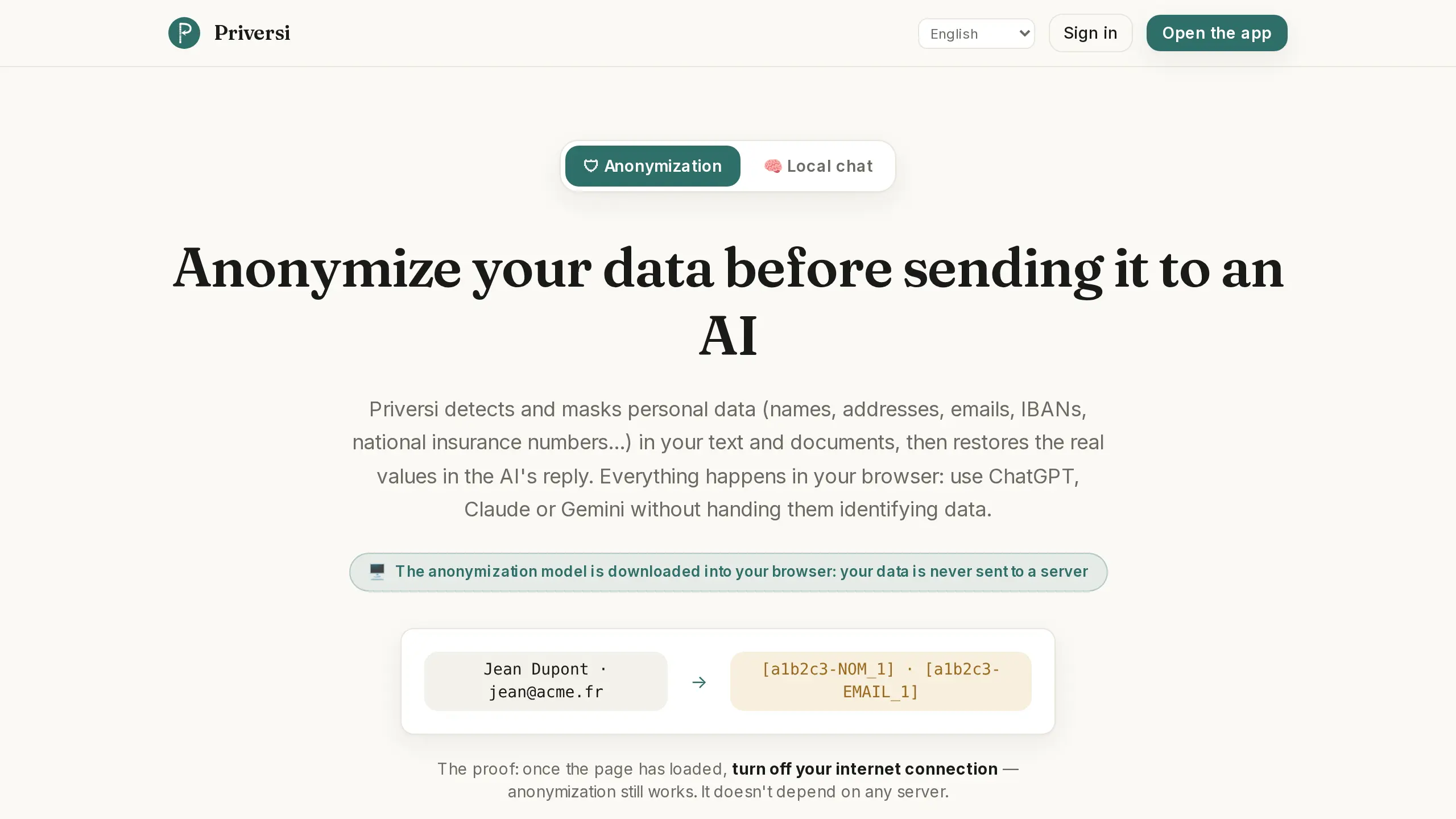
Priversi is a free browser tool for text and documents. Its site says "Detection and masking of sensitive data run locally, right in your browser," and you paste the AI's reply back to restore the real values (Priversi). It is honest about the wording: it calls its method "pseudonymisation, not irreversible anonymisation."
Key Capabilities:
- Finds names, addresses, emails, IBANs and national insurance numbers
- Keeps working with your internet turned off once the page has loaded
- An optional account saves conversations "anonymized and encrypted"
- Also masks DOCX, PPTX, XLSX and PDF files
Pricing: Free, unlimited anonymization. We found no paid plan.
Main catch: Every prompt is a copy and paste step, and the model download is about 140 MB the first time.
Why We Picked Priversi: It is free with no limit and you can prove it works offline. We would skip the account unless we needed saved history.
User Feedback: We found no public user reviews for Priversi as of November 2, 2026. Trustpilot would not load for us, and it has no Chrome extension.
5. ANOXY: Best API and Extension for EU Teams
Best for: teams that want an API plus a browser extension with plans priced in euros.
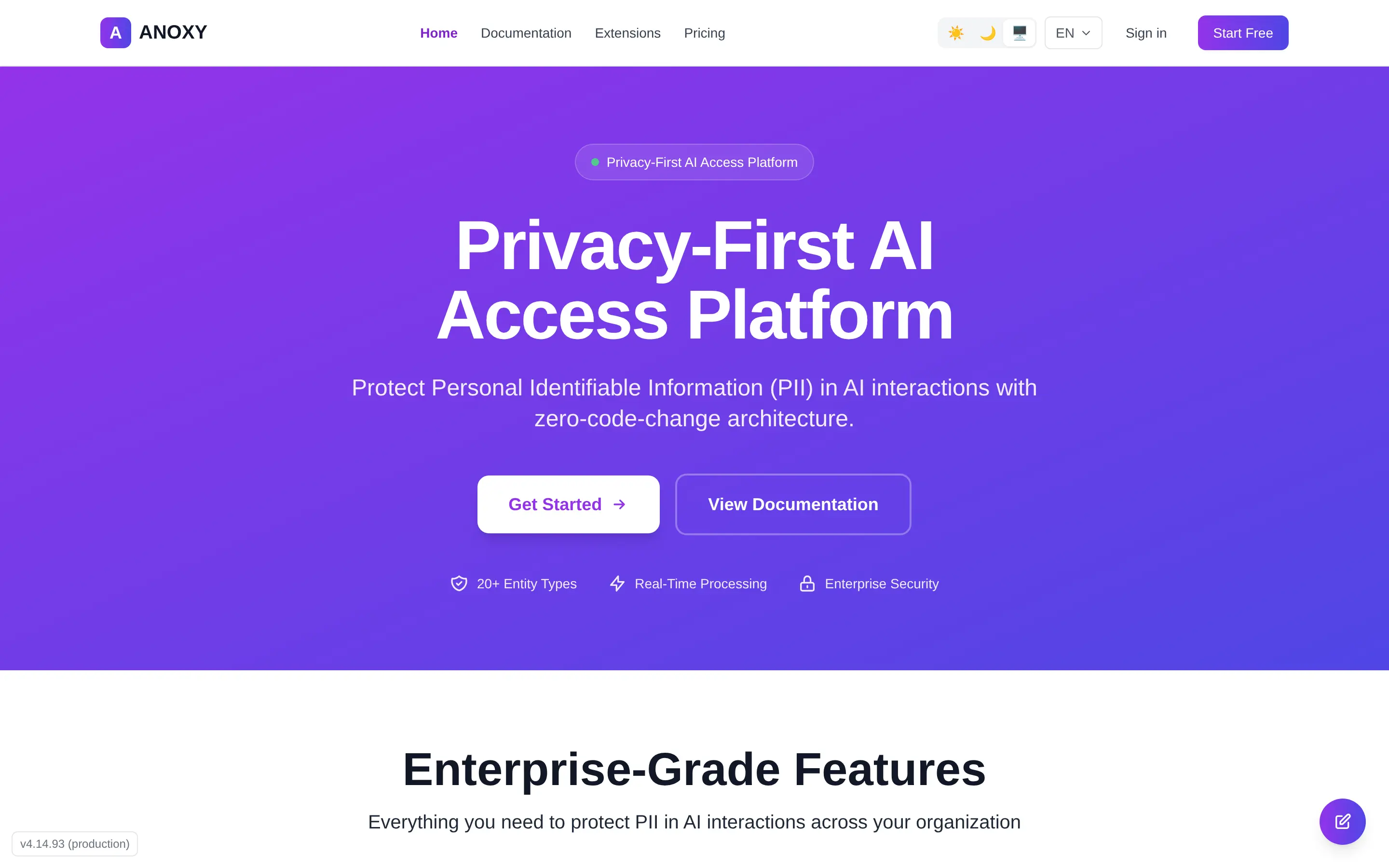
ANOXY is an anonymization API with Chrome and Firefox extensions. In proxy mode it masks ChatGPT and Claude prompts and offers "Automatic deanonymization of AI responses" (ANOXY). It lists "20+ entity types including names, emails, SSN, credit cards, and more."
Key Capabilities:
- Transparent proxy mode for ChatGPT and Claude
- An API for OpenAI, Anthropic, Google AI and other model makers
- Session retention of 1 hour on Community and 24 hours on Starter
Pricing: Community free (100 documents a month on its plan card, 50 in its comparison table), Starter 29 euros a month for 500 documents, Professional 79 euros a month for up to 5 users (pricing).
Main catch: The extension "communicates with ANOXY API" (extensions page), so your text goes to ANOXY to be masked, not masked in your browser. ANOXY says it processes data within the EU.
ANOXY also warns that "Anonymization results may contain errors." The extension installs from a .zip file in developer mode, not from the browser stores. On Firefox it loads as a temporary add-on. The default API address shown is test.anoxy.ai.
Why We Picked ANOXY: It is the only pick priced in euros, with both an API and browser extensions. We would start on its Community tier with test text only.
User Feedback: We found no public user reviews on Trustpilot or the ANOXY site as of November 2, 2026.
6. Presidio: Best Free Open-Source Option for Developers
Best for: developers who want to build PII masking into their own app.
Presidio is a free Python library for finding and masking personal data. It began at Microsoft, and its site now says "Presidio has transitioned to a community-owned project." It has an MIT license and 11.6k stars on GitHub.
Key Capabilities:
- Finds card numbers, names, locations, social security numbers and US phone numbers
- Runs in Python, PySpark, Docker, Kubernetes or as an HTTP service
- Can encrypt values and later decrypt them with its deanonymize engine
Pricing: Free, open source.
Main catch: It is a developer kit with no chat extension. Its docs say "there is no guarantee that Presidio will find all sensitive information," and in our test it hid 7 of 11 details.
Why We Picked Presidio: It is free, open and runs wherever you deploy it, so the text never has to leave your servers. We would add custom recognizers for addresses before using it on real text.
User Feedback: We found no public user reviews on PeerSpot or Capterra as of November 2, 2026. TrustRadius and Gartner Peer Insights would not load for us.
What Did We Find When We Tested Presidio?
We wrote one made-up sample with 11 planted personal details: 2 names, a street, a city, a state, a ZIP code, an email, a phone number, an IBAN, a date of birth and a company.
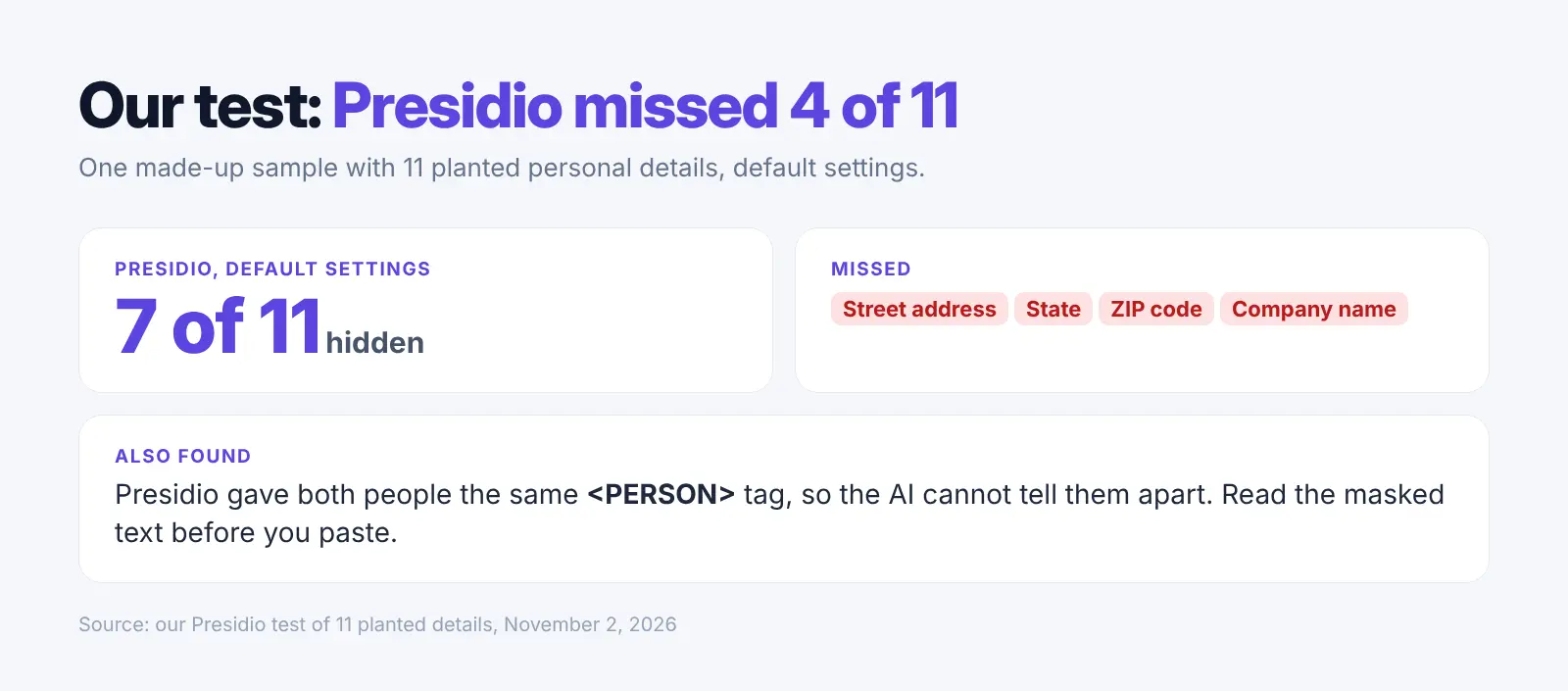
Presidio with default settings hid 7 of 11 and missed the street address, state, ZIP code and company name. It was the one listed tool we could run in our test setup.
Presidio also gave both people the same <PERSON> tag, so the AI cannot tell them apart. Any masking tool can miss details, so read the masked text before you paste.
Three more findings from the vendor pages:
- On your device: 4 of the 6 tools find details on your own computer or in your browser (PII Shield, Caviard, Elephas and Priversi). Presidio runs wherever you install it.
- Vendor servers: Among the browser extensions, only ANOXY's sends your text to its own API for masking. PII Shield's gateway also runs on its servers unless you host it yourself.
- No copy and paste: PII Shield and Caviard mask inside the chat box in your browser. Elephas hides details on every question inside its own app. Its detection runs on your computer. PII Shield's gateway does this for teams that send their AI traffic through it. ANOXY's extension does it in proxy mode.
What Does a ChatGPT Anonymizer Not Protect?
Placeholders you can swap back are pseudonymization, not true data anonymization. Under GDPR Article 4(5) and Recital 26, replaced names that can be linked back with extra information are still personal data (GDPR text).
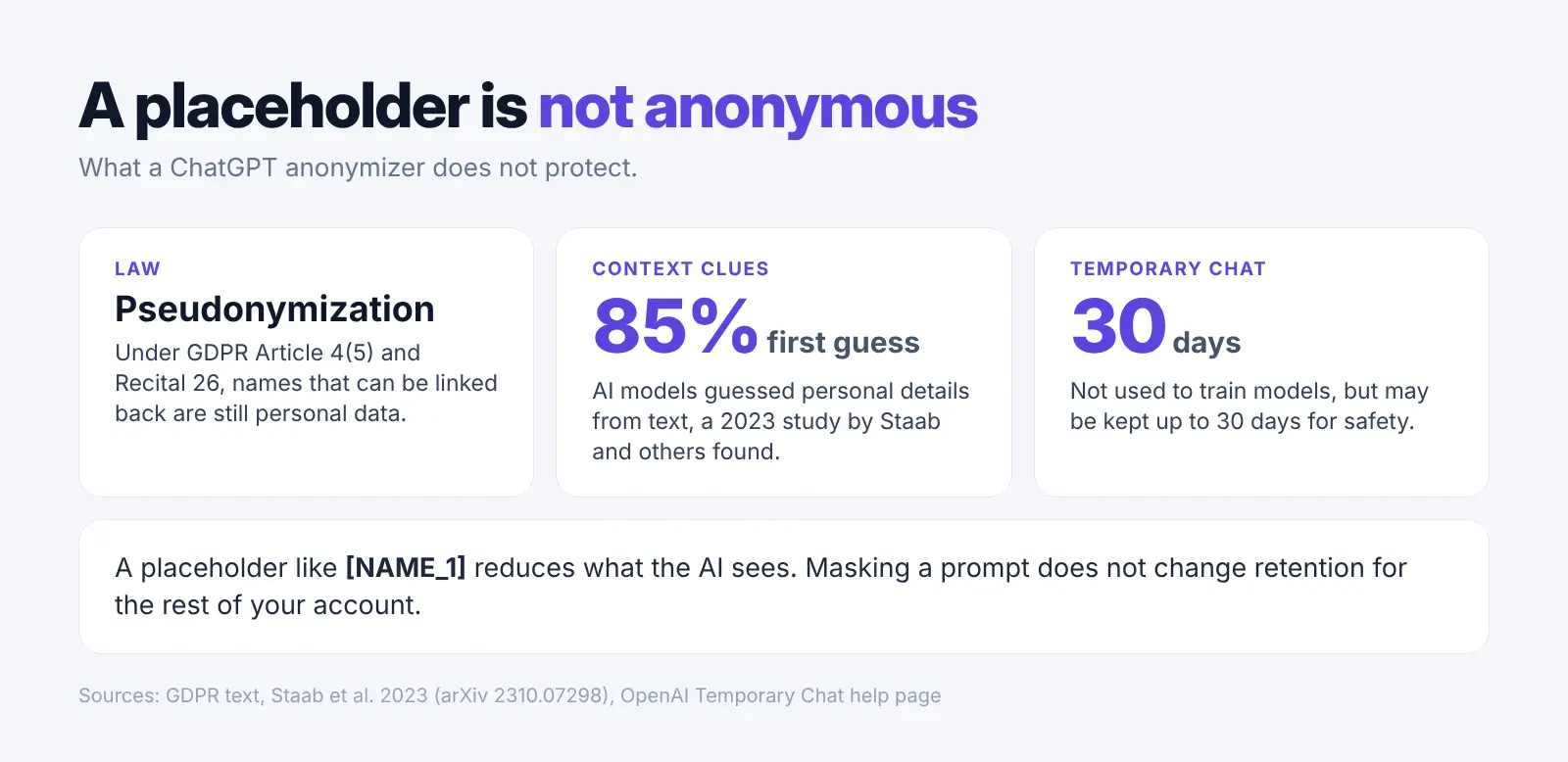
A masking tool cannot fix three things:
- Hidden names that can be linked back are still personal data.
- Small clues left in the text can still point to one person.
- Your ChatGPT account settings still decide how long chats are kept.
Context can still give a person away. A 2023 study by Staab and others found AI models guessed personal details from text with up to 85% accuracy on their first guess (arXiv).
Your OpenAI privacy settings still matter too. A Temporary Chat is not used to train models but may be kept for up to 30 days for safety (OpenAI). If you save a Temporary Chat, it follows the normal chat rules.
How to Anonymize Data for ChatGPT the Safe Way
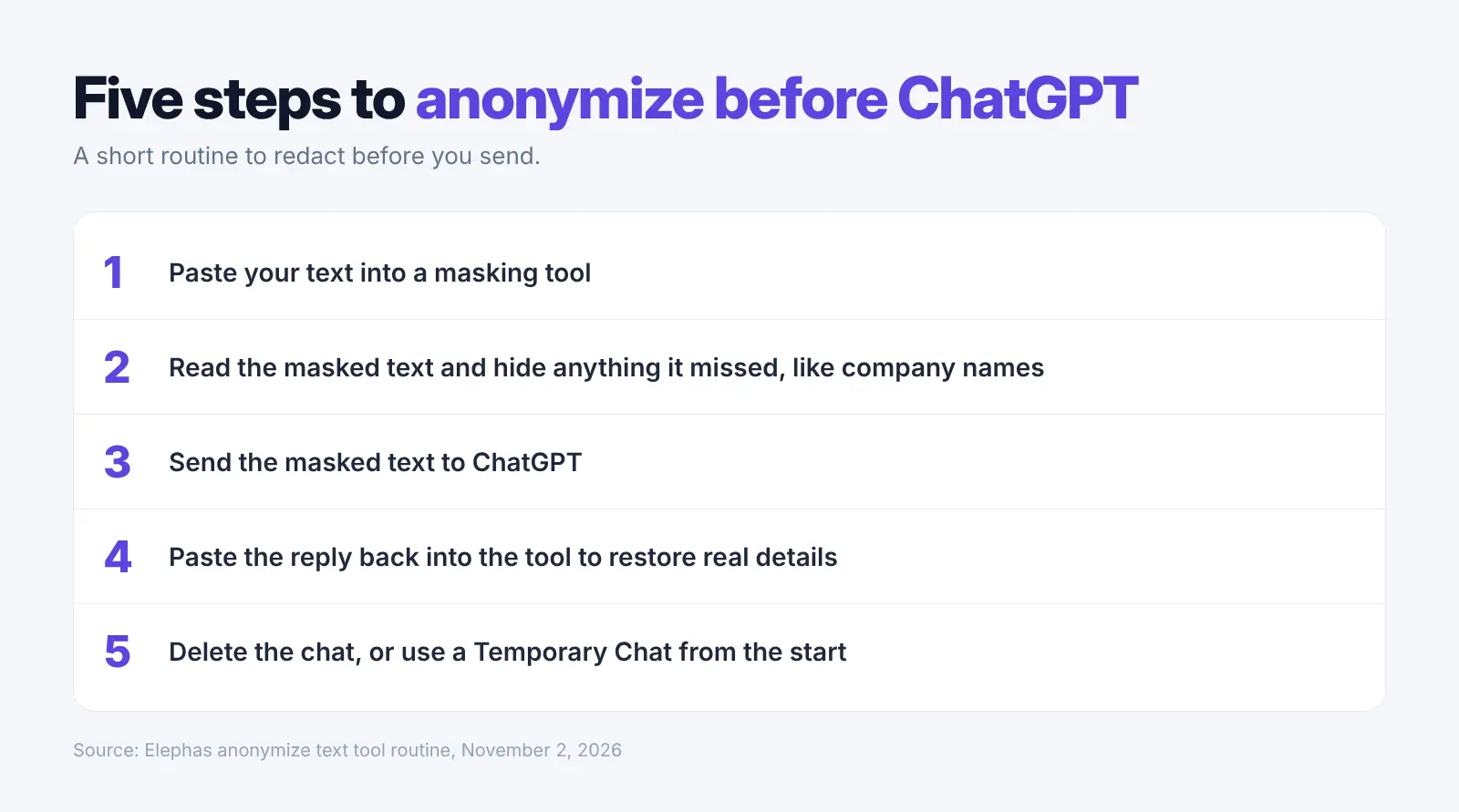
According to a Harmonic Security report, 4.37% of prompts and 21.86% of uploaded files held sensitive data in Q2 2025 (Harmonic Security). Here is a short routine to follow when you redact before ChatGPT:
- Paste your text into a masking tool, such as our free anonymize text tool, which runs in your browser with no sign-up.
- Read the masked text and hide anything it missed, like company or project names.
- Send the masked text to ChatGPT.
- Paste the reply back into the tool to restore the real details.
- Delete the chat, or use a Temporary Chat from the start.
A masked prompt reads like this: "Write a short note to [NAME_1] at [EMAIL_1] about order [ID_1]." The real values stay on your side until you restore them.
Elephas does steps 1 to 4 for you on every question, with detection on your own computer.
How We Picked These 6 Tools
We read each vendor's pages on November 2, 2026 and checked five privacy and security points: where detection runs, whether details come back in the reply, which AI chats it works with, the price, and the limits the vendor states.
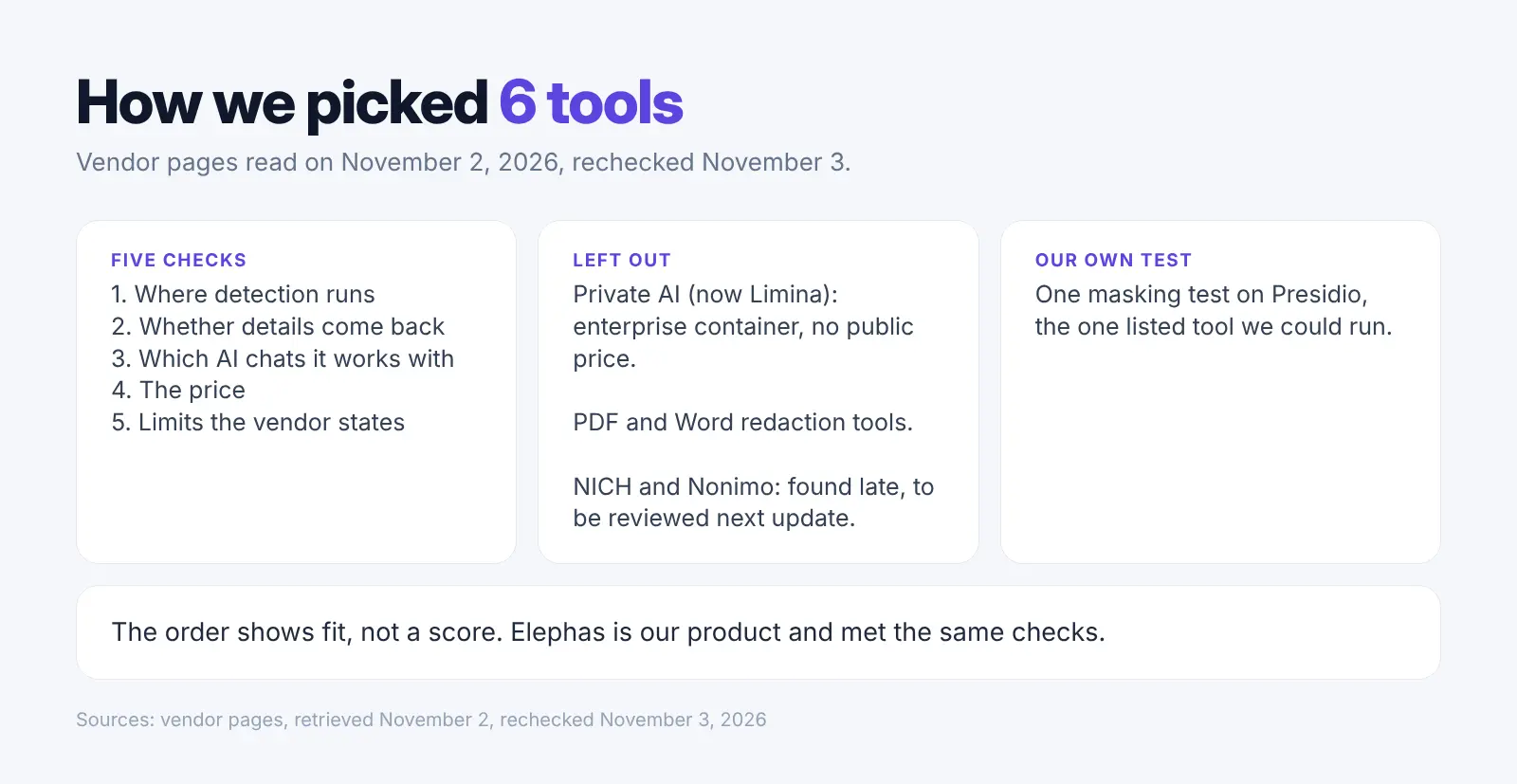
We also ran one masking test on Presidio, the one listed tool we could run in this setup.
- Left out: Private AI, now Limina, which sells an enterprise container with no public price.
- Left out for now: NICH, a free beta Chrome extension for English text with 13 store users, and Nonimo, a Mac and Windows app with a browser extension, free up to 100,000 words a month, then US$13.90 a month on its worldwide price list. We found both late in our November 3 recheck and will review them in the next update.
- Left out: PDF and Word redaction tools, which solve a different job.
- Our free anonymize text tool is not ranked as a pick. We mention it inside the Elephas entry as a free first step.
- The order shows fit, not a score. Elephas is our product and met the same checks.
FAQ: ChatGPT Anonymizer Tools
Is it safe to paste personal data into ChatGPT?
Not without hiding confidential details first. ChatGPT Free, Plus and Pro accounts share data for model improvement by default unless you turn it off (OpenAI). Harmonic Security's January 2026 report found 98,034 sensitive-data cases on personal free AI accounts, and 87% of those went through free ChatGPT (Security Boulevard).
Does ChatGPT anonymize data on its own?
No. ChatGPT does not anonymize data on its own. OpenAI's data controls let you stop model training on your chats or use a Temporary Chat. They do not hide the names or emails you type, so you need a separate tool.
Is anonymized text still personal data under GDPR?
Yes, often. If placeholders can be linked back to real people, GDPR treats the text as pseudonymized personal data.
Can an anonymizer put the real names back?
Yes. PII Shield and Elephas do it automatically, and ANOXY does it in proxy mode. Priversi restores real details when you paste the reply back. Caviard masks prompts and replies, and Alt+R switches between masked and original text, but it does not say it restores the reply automatically. Presidio can restore values it encrypted.
Which free ChatGPT anonymizer should you use?
Priversi is free with no limit and runs in your browser. Caviard has a free tier for up to 10 protected values per document.
Try Elephas Free for 7 Days
Elephas hides personal details on your computer before every cloud AI question, then puts them back in the answer. Mac and Windows. Download Elephas
Related Resources
Research Methodology and Sources
We read the vendor pages on November 2, 2026, rechecked them on November 3, and ran our own Presidio masking test on one made-up sample.
- Vendors: PII Shield, Caviard, Elephas, Priversi, ANOXY, Presidio
- Studies: Zaman and Garimella, Staab and others, Harmonic Security
- Reviews: quoted word for word from the linked pages.