12 Best PII Redaction Tools in 2026 for Documents and AI Use
In 2025, Harmonic Security found 579,113 cases of sensitive company data across about 22.5 million AI prompts and file uploads, about 2.6 for every 100 (Harmonic Security). Code, legal text and deal data came up most often.
PII redaction tools find personally identifiable information (PII), such as names, emails and ID numbers, and hide it before a file or prompt is shared. For the bigger picture, read our sensitive data guide.
Adobe Acrobat Pro and Redactable black out PDFs. Presidio is the free pick for developers. Elephas is a different kind of tool: it hides personal details on your computer before a question about your files reaches cloud AI, then puts them back in the answer.
Quick answer
- Black out a PDF: Adobe Acrobat Pro on Mac or Windows, or Redactable in your browser from $19 a month.
- Free for developers: Presidio, a free open-source toolkit you set up and tune yourself.
- Ask AI about your files with details hidden first: Elephas, from $19 a month on Mac and Windows.
- Company-wide control: Nightfall AI or Strac, both sold mostly by quote.
- Cloud API: Google Cloud Sensitive Data Protection costs about $0.003 to check 1 million characters, while Amazon Comprehend costs about $1.
Which Is the Best PII Redaction Tool?
The best PII redaction tool depends on what you need to hide and who will set it up. Adobe Acrobat Pro and Redactable fit people who black out PDFs. Presidio fits developers. Elephas fits people who ask AI about their own files. Nightfall AI or Strac fit company-wide rules.
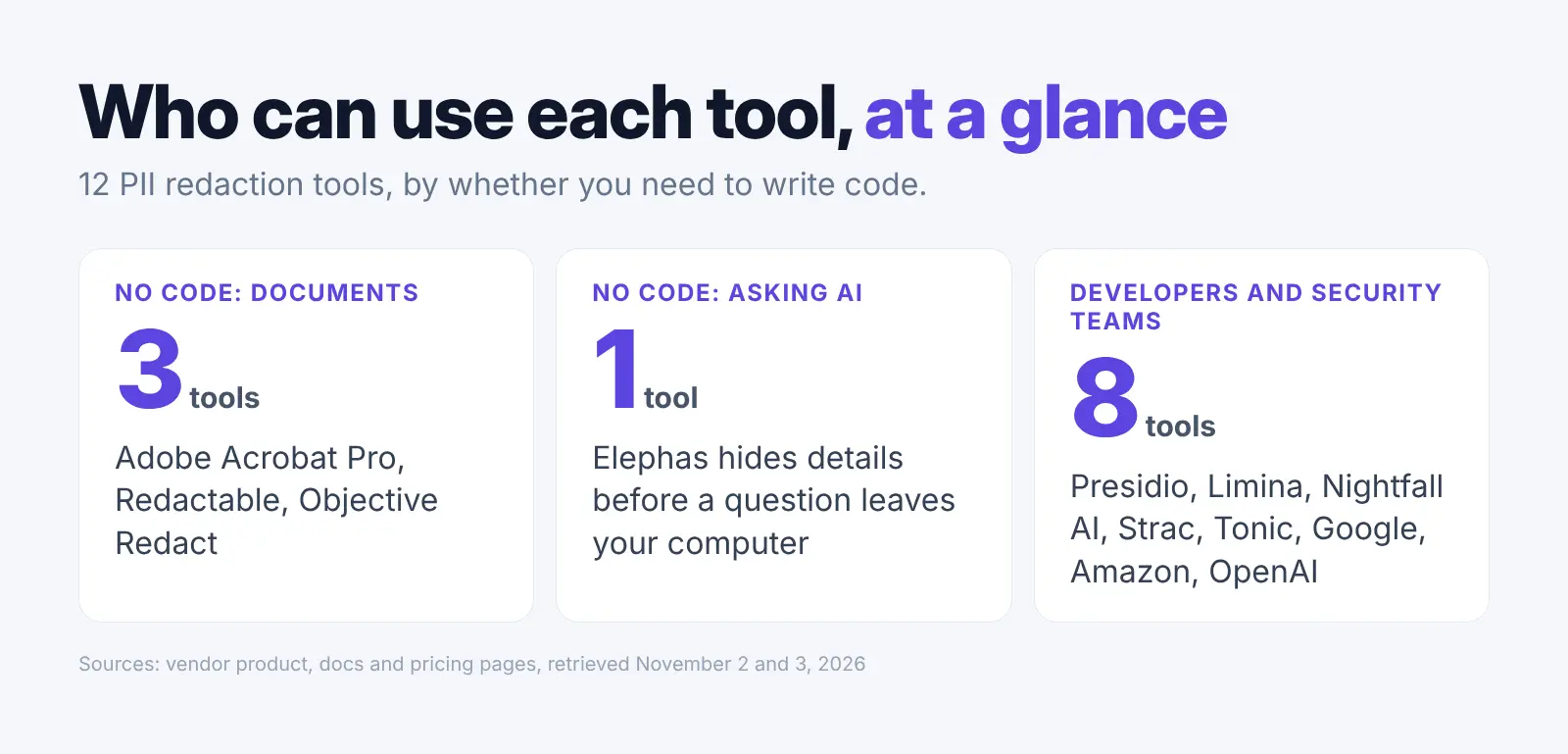
You do not need to write code for four of these tools: Adobe Acrobat Pro, Redactable, Objective Redact and Elephas. The other eight are for developers or security teams.
| Tool | Price | Best for | Needs code? | Where it runs |
|---|---|---|---|---|
| Adobe Acrobat Pro | Paid plan | Blacking out PDFs | No | Your computer |
| Presidio | Free | Developers | Yes | Your own setup |
| Redactable | From $19/month for 15 documents | PDFs and scans in a browser | No | Vendor cloud |
| Elephas | From $19/month | Asking AI about your files | No | Your computer before cloud AI |
| Objective Redact | $274 per user a year (Team) | Office disclosure work | No | Your computer |
| Limina | Free Starter plan; paid by quote | Data pipelines | Yes | Your setup or vendor cloud |
| Nightfall AI | Free API up to 3 GB/month; DLP by quote | Company DLP | Admin setup | Vendor cloud |
| Strac | No public price | SaaS and email controls | Admin setup | Not stated; SaaS links and browser |
| Tonic Textual | 100,000-word free trial | Text-heavy records | Yes | Your setup or vendor cloud |
| Google Cloud SDP | About $0.003 per 1M characters after 1 GiB free | Google Cloud work | Yes | Google Cloud |
| Amazon Comprehend | About $1 per 1M characters | AWS text work | Yes | AWS |
| OpenAI Privacy Filter | Free download | Local text screening | Yes | Your machine |
Checked November 3, 2026, on vendor pages. For the two cloud APIs, we turned each listed price into the cost of checking 1 million characters of plain English text, so you can compare them (Google pricing, AWS pricing).
We counted one character as one byte, because Google bills by data size and Amazon by 100-character units. Other languages can use more bytes per character, which raises Google's cost. "No public price" means we found no paid price on the pages we read.
1. Adobe Acrobat Pro: Black Out PDFs on Your Computer
Best for: anyone who already works in PDFs and needs to remove names, numbers or whole pages for good.
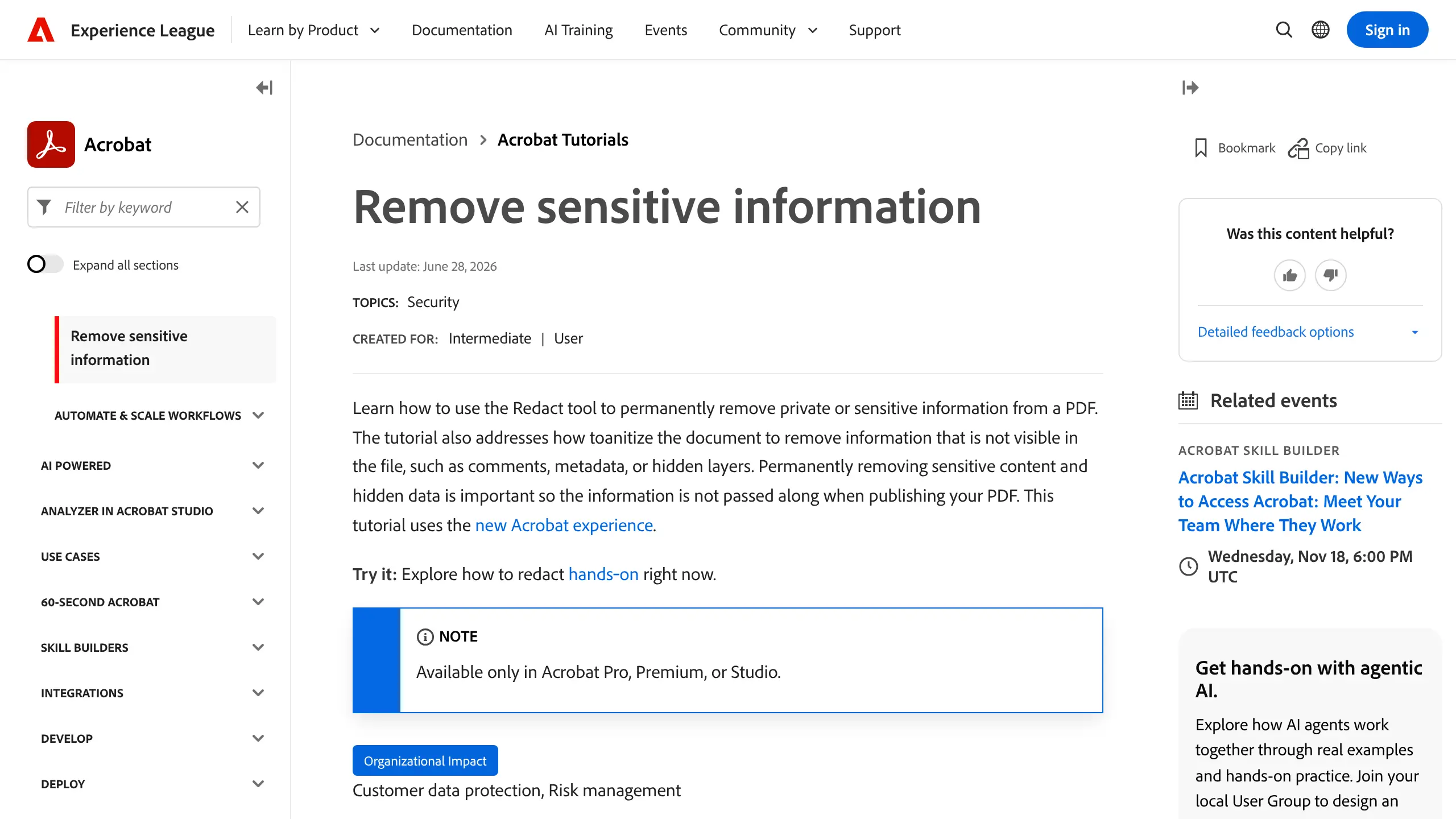
Acrobat's redaction tool is part of Acrobat Pro, Premium and Studio. You can select text by hand or use Find text and redact. Adobe's tutorial says you can search for a pattern "to find certain types of information" (Adobe).
Key Capabilities:
- Redactions are applied for good and saved to a new file
- A sanitize step removes hidden data such as comments, metadata and hidden layers
Pricing: Paid plans. Check Adobe's pricing page for the price and trial in your country (Adobe pricing).
Your data: The redaction tool runs in the Acrobat desktop app on Windows 10 or 11 (64-bit) and recent macOS versions (Adobe system requirements).
Main catch: Adobe says redaction is available only in Acrobat Pro, Premium or Studio. Run the sanitize step too, or hidden data such as comments can stay in the file.
Why We Picked Adobe Acrobat Pro: It can search by pattern for certain types of information, removes text for good rather than just covering it, and cleans hidden data in the same tool.
2. Presidio: Free Toolkit for Developers
Best for: developers and technical teams that can deploy, tune and review a self-hosted workflow.
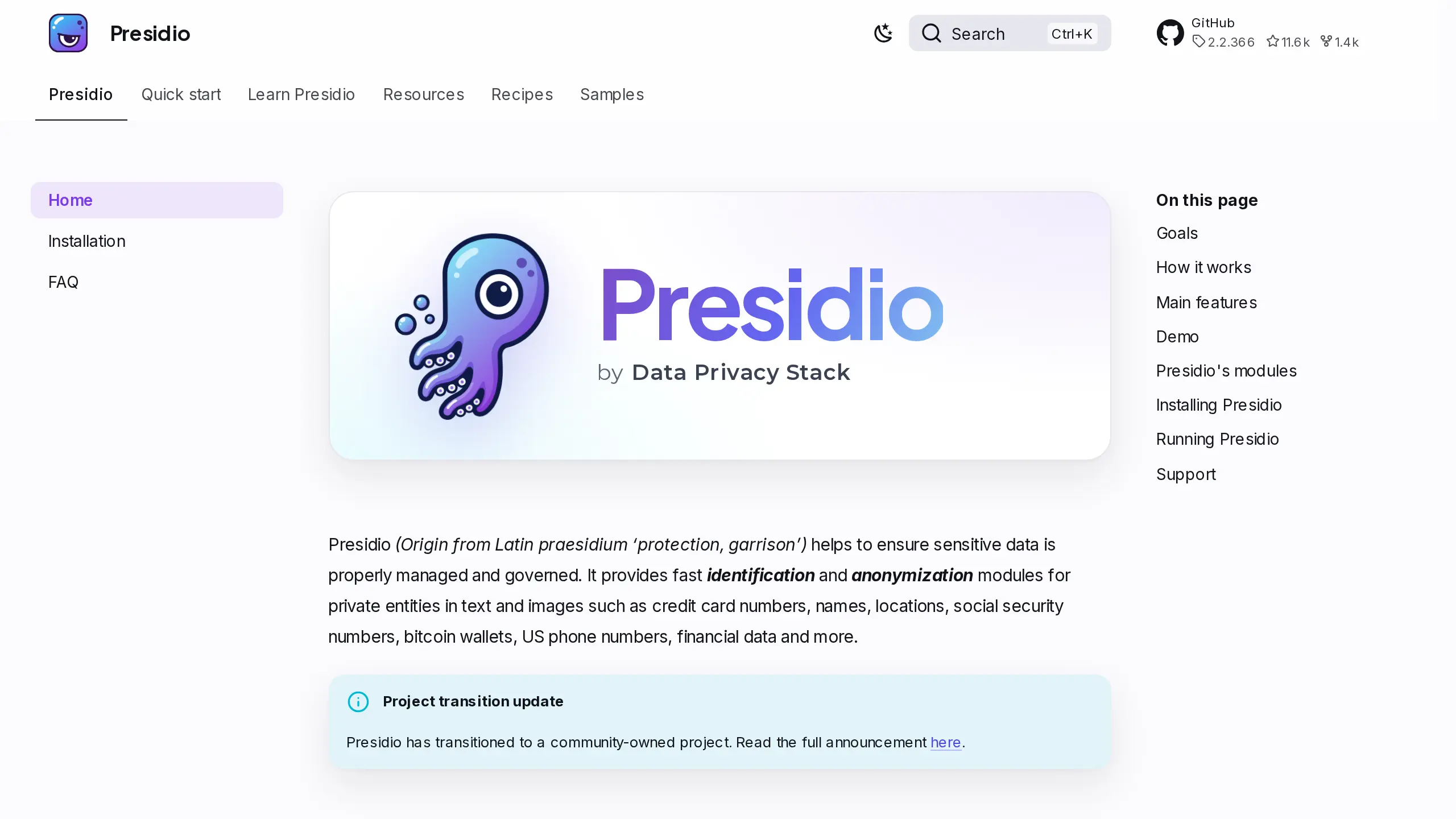
Presidio is a free, open-source toolkit, first built by Microsoft and now run as a community project by Data Privacy Stack. It detects names, locations, emails, phone numbers, cards, bank IDs, government IDs, health IDs and custom entities. It finds them with a trained text model, text patterns, nearby words and number checks (Presidio).
Key Capabilities:
- Redact, replace, hash, encrypt and decrypt detected text spans
- Process text, JSON, structured data and images with OCR (the image module is marked beta)
Pricing: Free and open source under the MIT license (Presidio project update).
Your data: Processing runs in the Python, Docker or Kubernetes setup you control (Presidio, installation).
Main catch: Presidio's documentation says automated detection cannot guarantee it will find all sensitive information (Presidio).
Why We Picked Presidio: It is free, runs on your own servers and takes custom rules. In our test it hid 12 of 14 details.
3. Redactable: Browser Redaction for PDFs and Scans
Best for: legal, finance and office teams that want automatic redaction without installing software.
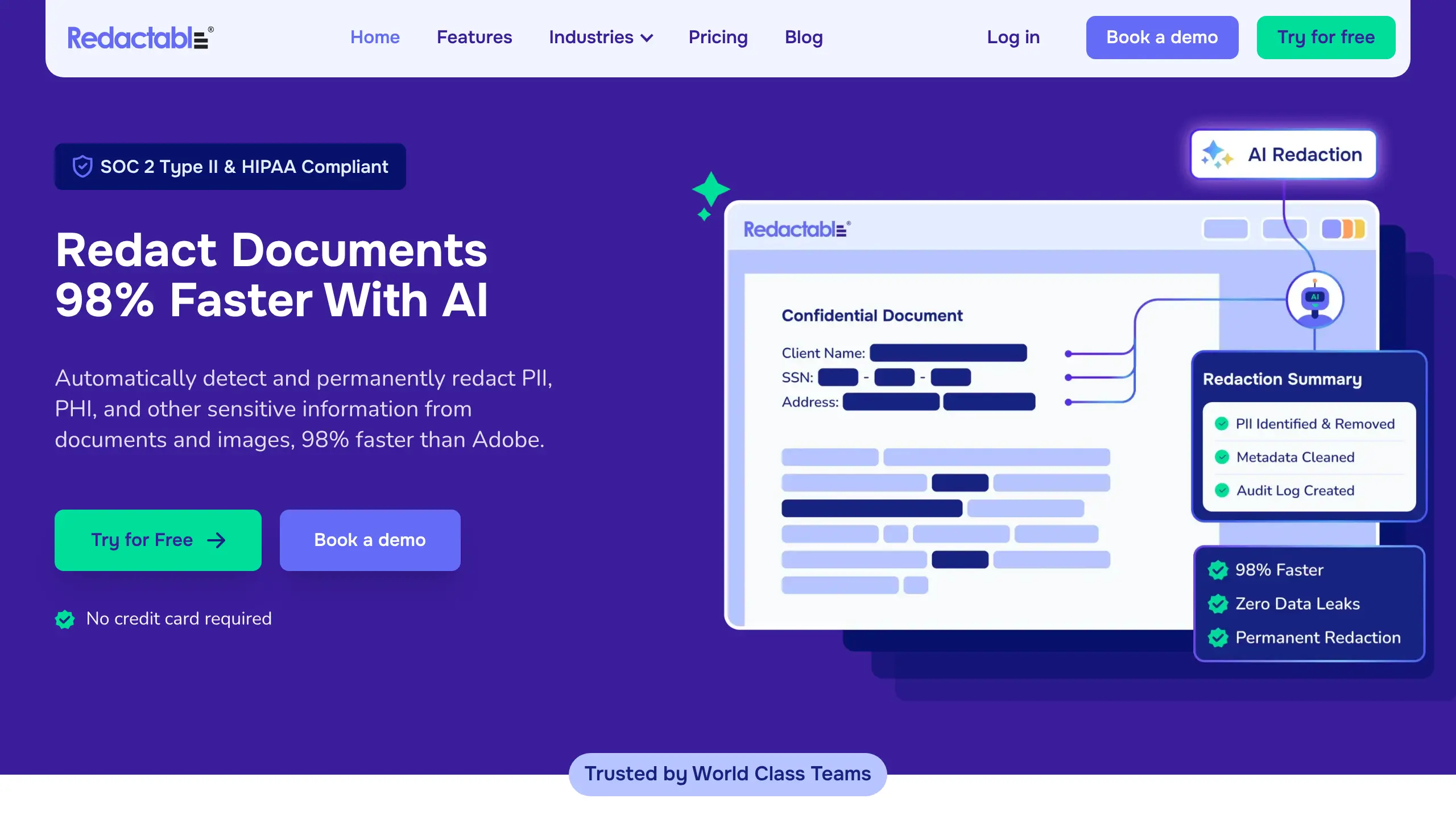
Redactable is a web app that finds personal details such as names and Social Security numbers in documents and images, then removes them for good. It reads scanned pages with OCR (text recognition). Its help center says a downloaded file "does not contain any meta data" (Redactable support).
Key Capabilities:
- Works on PDF, TIFF, PNG and JPG files (file types)
- Lets a person review and approve redactions before the final file (Redactable legal)
Pricing: You can redact 3 documents free first. Starter is listed at $19 a month for up to 15 documents, and Pro Plus at $99 a month for up to 150. Confirm the price for your plan on the pricing page before you buy. Enterprise is by quote (Redactable pricing).
Your data: Files are uploaded to Redactable's cloud, which it says is stored in the US (Redactable security).
Main catch: Word and Excel files must be saved as PDF first, and every file goes to the vendor's cloud.
Why We Picked Redactable: It finds details for you, handles scans and needs nothing more than a browser.
4. Elephas: A Different Kind of Tool, for Asking AI About Your Files
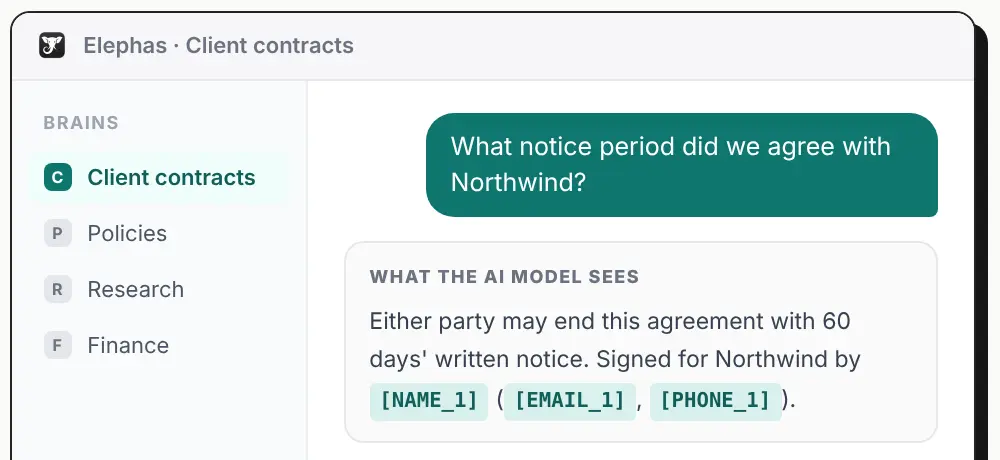
Elephas does not make a redacted file. It is private AI for your documents on Mac and Windows that answers questions from your contracts, reports and other files with sources. Before a question leaves your computer, it hides personal details such as names, email addresses and phone numbers, then puts them back in the answer.
Best for: people and small teams who want AI answers from their own files without sharing the personal details inside them.
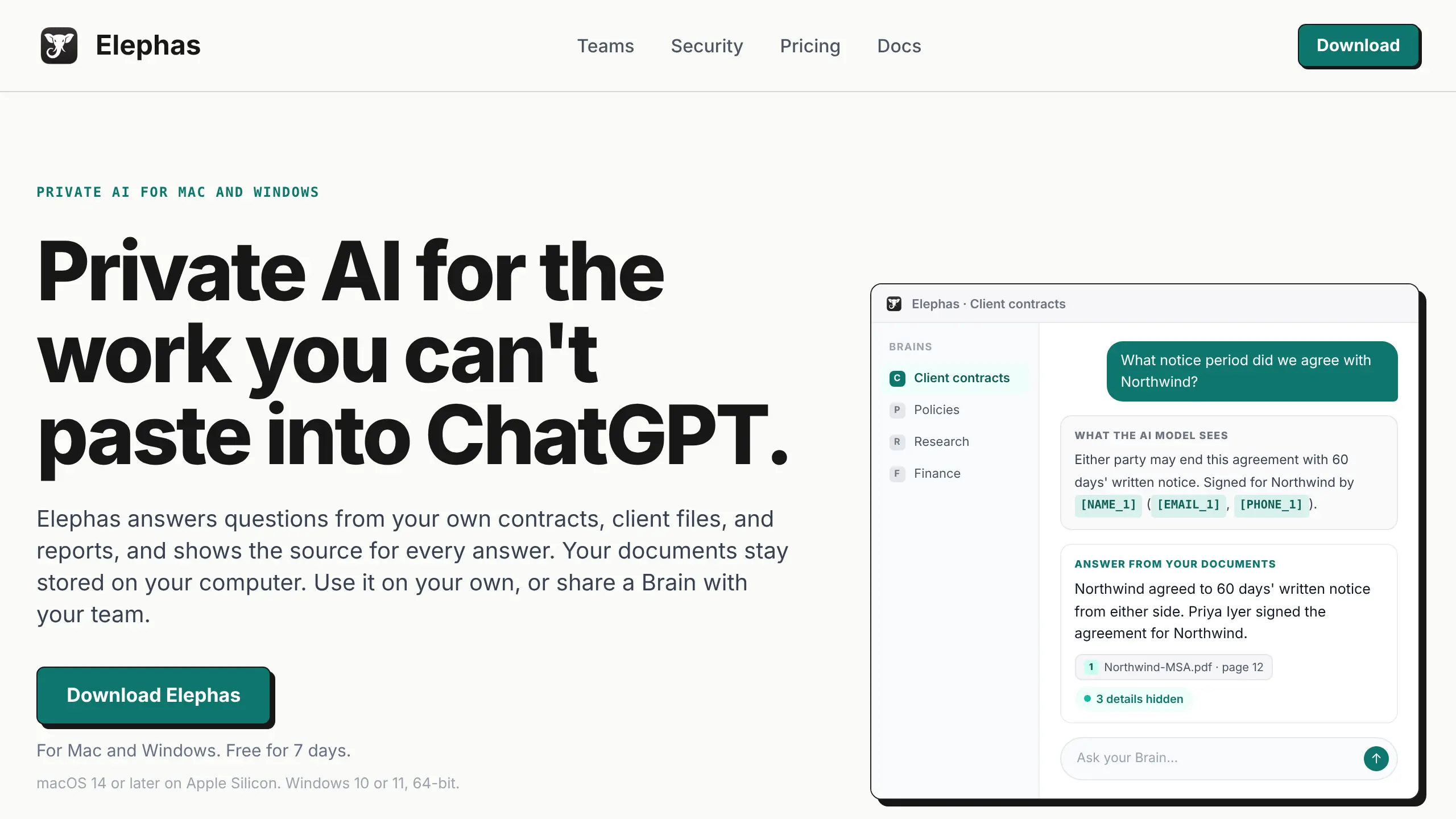
It hides personal details in six languages: English, German, Spanish, French, Japanese and Chinese. Under every answer you can see what was hidden (Elephas).
Key Capabilities:
- Answers from your documents and cites the source passage
- Hides personal details on your computer before cloud AI use
Pricing: 7-day free trial, no card. Plans start at $19 a month. Team costs $29 per person a month (Elephas pricing).
Your data: Documents stay stored on your computer. When you use Elephas AI or your own API key, the question and selected passages go to the cloud model with personal details hidden. An on-computer model sends nothing to the cloud (Elephas security). Elephas calls its hiding "detection, not a guarantee".
Main catch: It is a desktop app for Mac (macOS 14 or later on Apple Silicon) and Windows 10 or 11 (64-bit, not Windows on ARM), with no mobile app.
Why We Picked Elephas: For people who ask AI about their files, it hides the details it finds before each question leaves your computer, with no setup. Elephas is our product. Our separate free anonymize text tool masks one pasted passage in your browser; read the result, because it can miss details.
5. Objective Redact: Desktop Redaction for Disclosure Work
Best for: government and business teams that handle records requests and need repeatable rules.
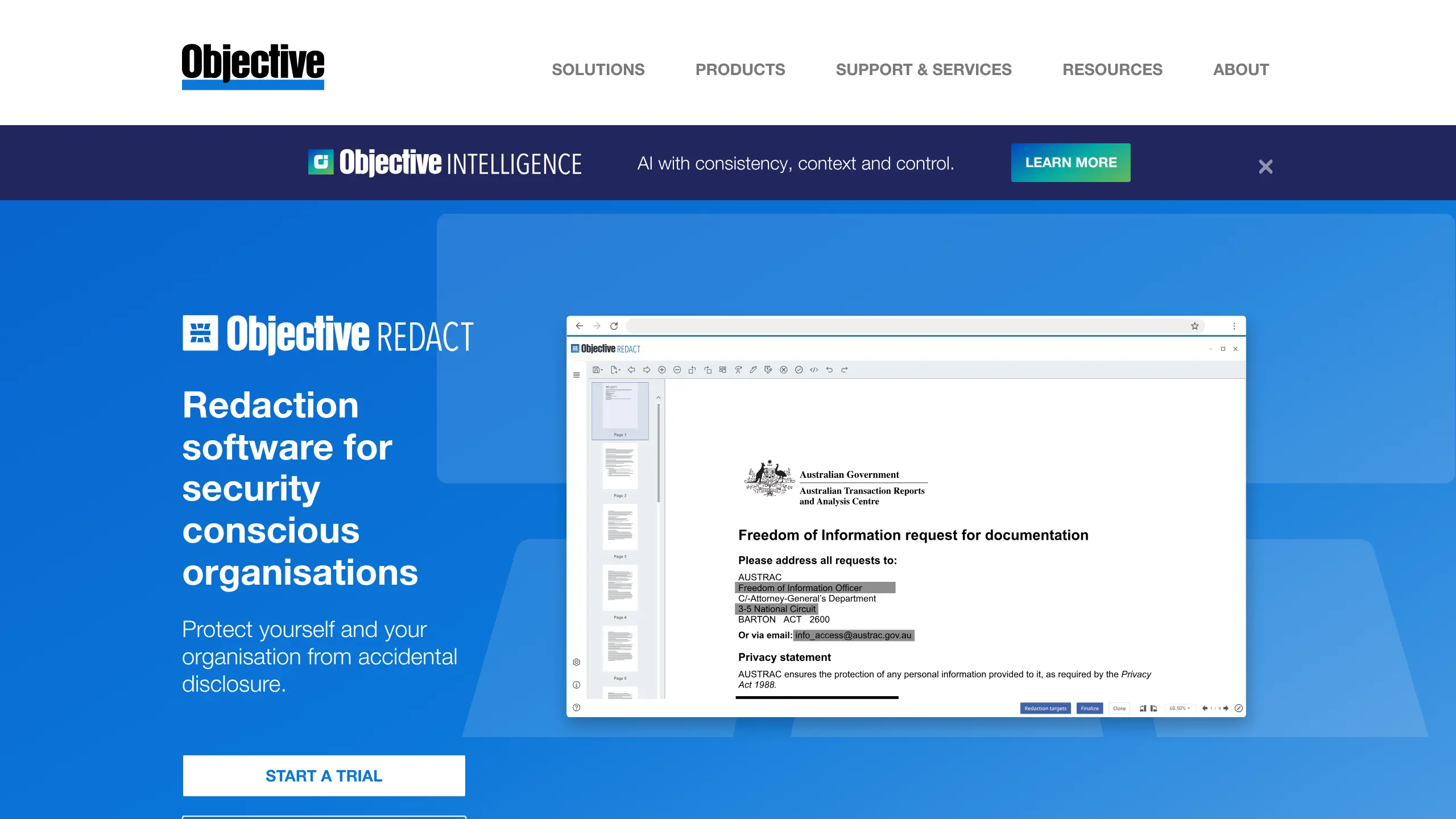
Objective Redact is desktop software for finding and removing details across many documents. It searches for "social security numbers, tax file numbers, credit card numbers, regular expressions, phrases, email addresses and more", and has a built-in OCR engine for scans (Objective).
Key Capabilities:
- Removes marked text for good, along with hidden metadata such as authors and dates
- Works on PDFs, Word and Excel documents and email, and can redact from Word, PowerPoint and Excel directly (Objective Redact PDF)
Pricing: The Team plan is $274 a year for each user license, for 1 to 20 users. A one-month Quick Project plan is listed at AUD $100 (Objective).
Your data: It installs on your desktop, so files are worked on there.
Main catch: We found no Mac version on its pages, and the one-month Quick Project plan is priced in Australian dollars.
Why We Picked Objective Redact: It handles office file types and saved rules for teams that redact the same kinds of records again and again.
6. Limina: Self-Hosted De-Identification for Many File Types
Best for: technical teams handling many document and media formats in a controlled environment.
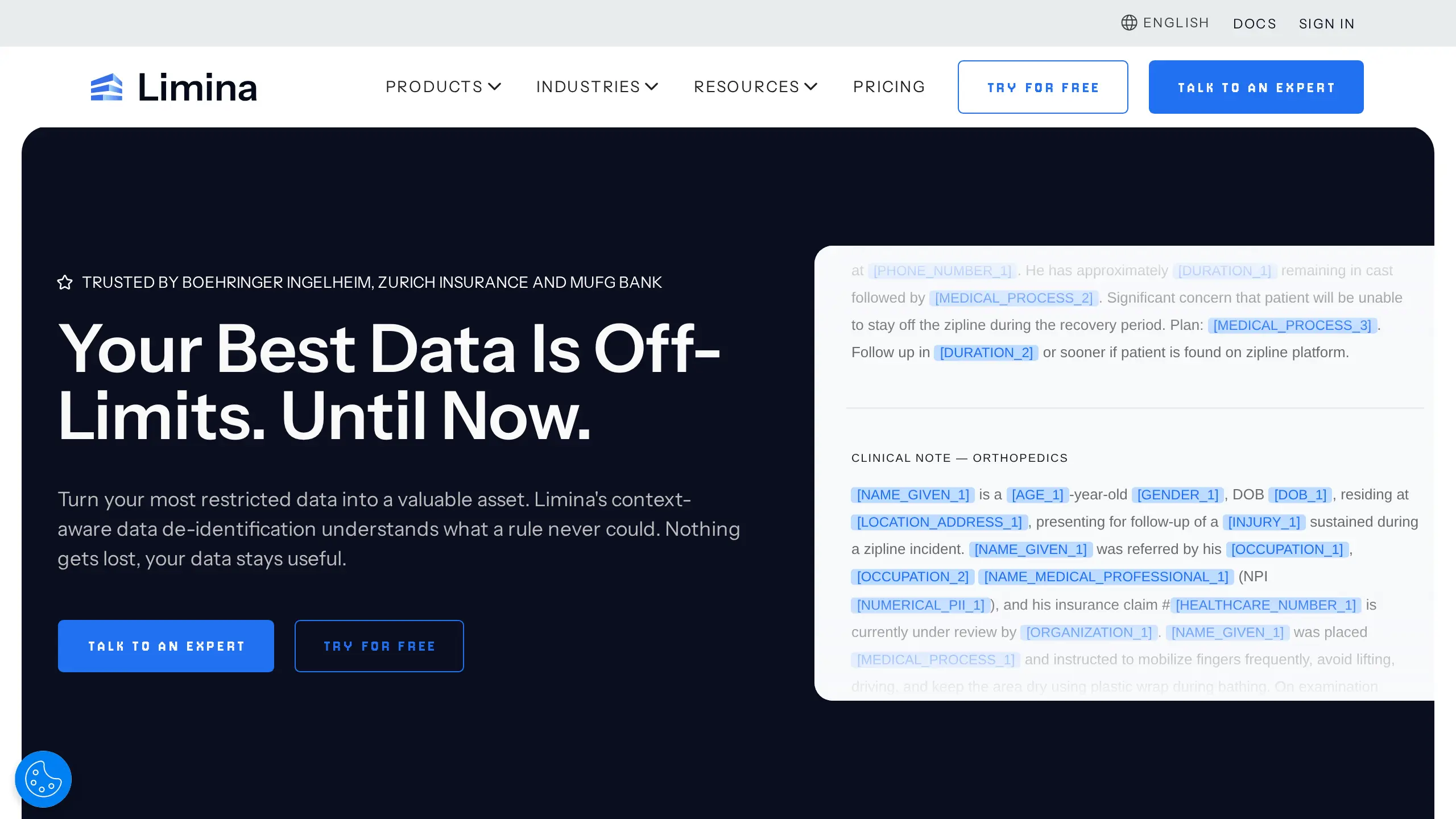
Limina is the trading name of Private AI Inc.; its terms describe the company as "Private AI Inc., doing business as Limina" (Limina terms). It lists 50+ entity types (Limina documentation) and its text service supports more than 50 languages, while file processing supports fewer (file types).
Key Capabilities:
- Process text, PDF, Word, PowerPoint, Excel, CSV, JSON, XML, images, audio and DICOM files (file types)
- Replace detected values with redaction, masks, numbered markers or synthetic values (Limina)
Pricing: A free Starter plan allows up to 75 API calls a day; paid plans have no public price, so contact sales (Limina pricing).
Your data: A self-hosted container can keep processing inside your environment (Limina installation).
Main catch: The vendor warns that complex Word document elements may not be de-identified correctly (Limina).
Why We Picked Limina: It covers a wide range of entity types, languages and file formats for self-hosted workflows.
7. Nightfall AI: Company-Wide Data Loss Prevention Controls
Best for: organizations that need controls across browser use, SaaS apps and employee workflows.
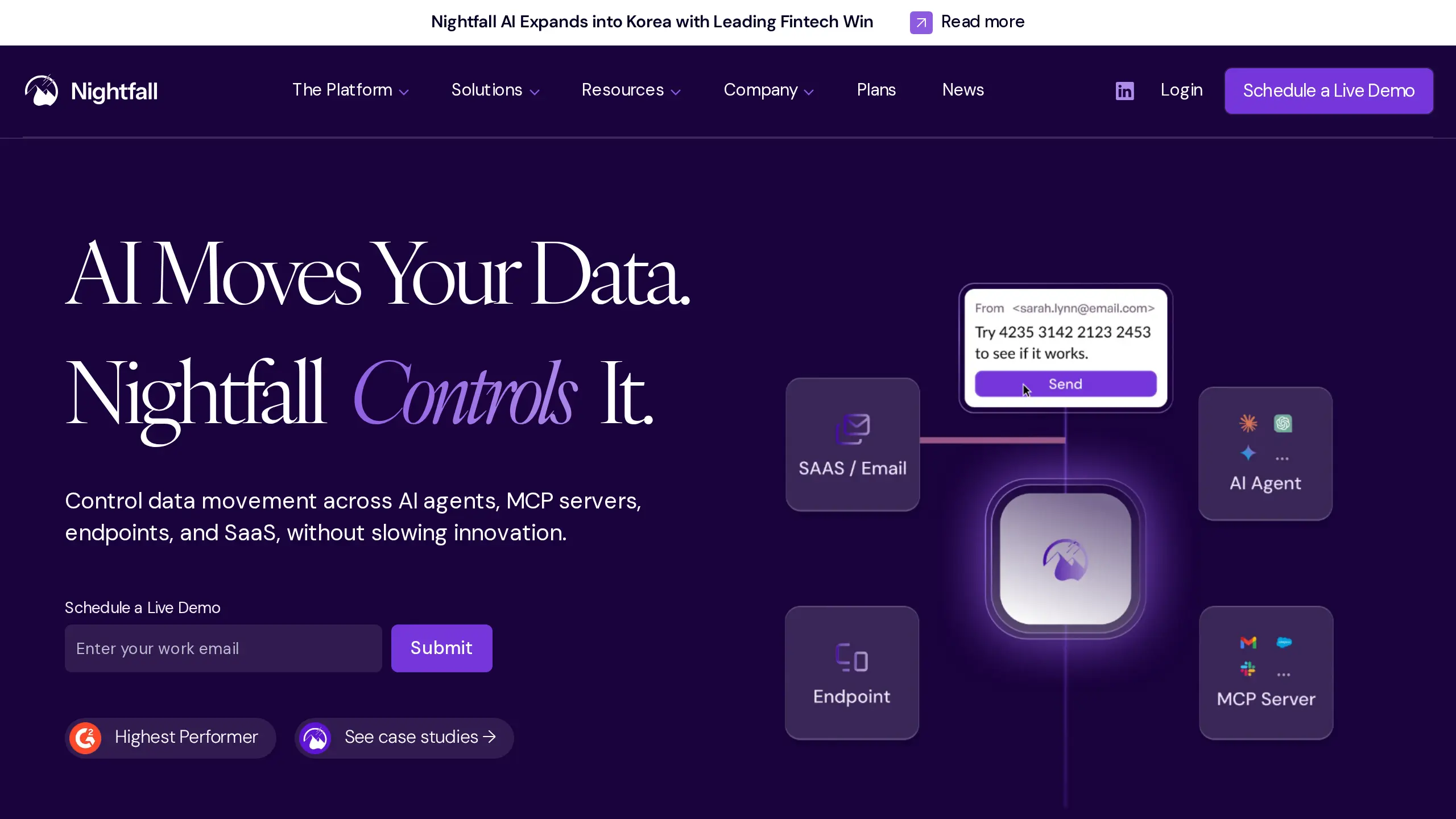
Nightfall AI is data loss prevention (DLP) software that stops sensitive data leaking from SaaS apps, email, browsers, endpoints and AI agents. It has "detectors spanning PII, health information, finance and payment card data, credentials & secrets" (Nightfall). Its browser and endpoint products can stop paste or uploads to ChatGPT and other AI tools.
Key Capabilities:
- Block, redact, delete, quarantine, label, coach or encrypt by destination
- Scan prompts, documents, spreadsheets, logs, ZIPs, JSON and images (Nightfall API docs)
Pricing: Developer APIs have a Free plan at $0/GB, up to 3 GB/month, and an Enterprise plan by quote (Nightfall custom apps). Foundation and Premier are priced per user per year, by quote only (Nightfall pricing).
Your data: Custom-app scanning uses Nightfall's hosted API and SDKs (Nightfall).
Main catch: Foundation and Premier have no public per-user dollar price.
Why We Picked Nightfall AI: Its browser and endpoint products can stop a paste or upload to an AI tool before it happens, across the whole company.
8. Strac: DLP for SaaS, Email and AI Browsers
Best for: security teams that need one policy layer across email, SaaS and AI browser use.
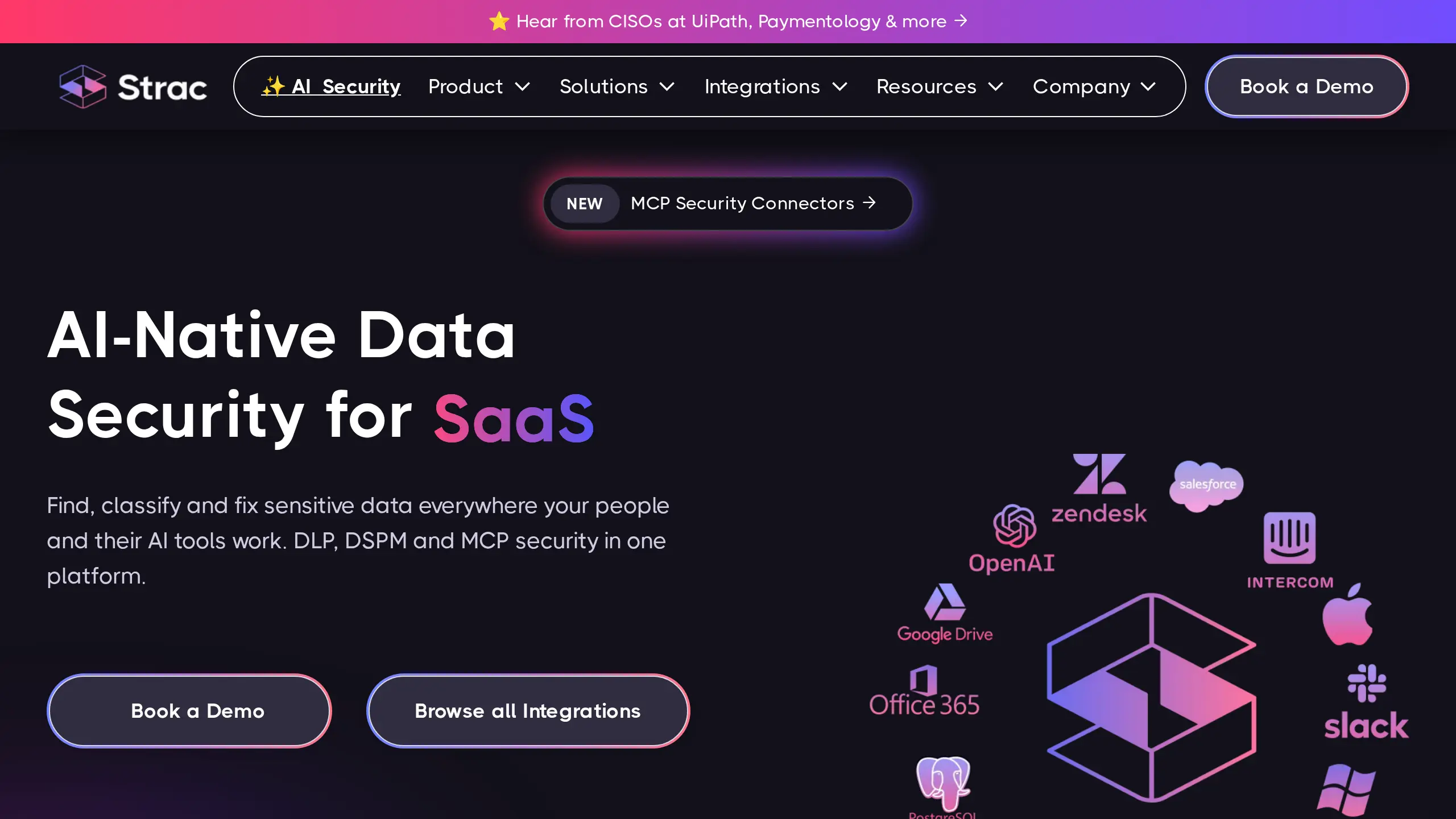
Strac is company DLP for SaaS apps, email, browsers and AI tools. It detects PII, protected health information, payment data, source code, credentials, secrets and custom patterns.
It can redact, mask, swap in fake data, block or alert on AI prompts (Strac ChatGPT DLP), and quarantine, delete, label or revoke access in SaaS apps (Strac SaaS DLP).
Key Capabilities:
- Scan Gmail and Microsoft 365 email bodies and attachments (Strac Gmail DLP, Strac Microsoft 365 DLP)
- Control ChatGPT, Claude, Gemini and Copilot use in the browser (Strac)
Pricing: No public price; contact sales. Strac offers a proof of value, but its pricing page shows no public DLP price or free tier (Strac pricing).
Your data: The pages we read describe SaaS connections and browser or endpoint controls, but do not say that all checking stays local (Strac).
Main catch: Strac sells by quote only, so you cannot see a price or try it without talking to sales.
Why We Picked Strac: It brings email, SaaS and AI browser controls into the same DLP program.
9. Tonic Textual: De-Identification for Text-Heavy Records
Best for: teams that need repeatable de-identification across many chats, tickets and documents.
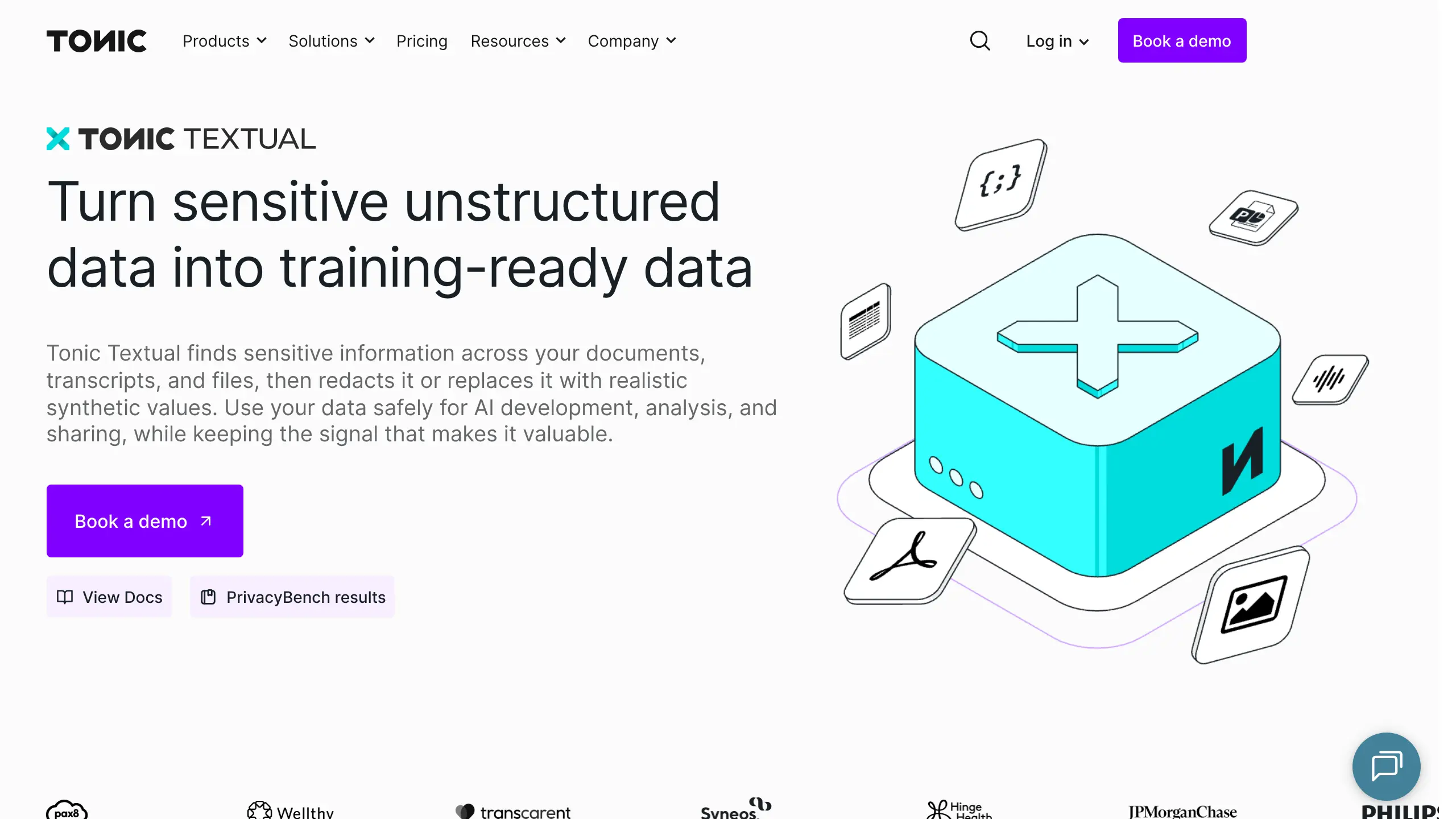
Tonic Textual prepares chats, tickets, recordings and documents for AI work. It uses its own entity recognition models, an LLM check for false alarms, built-in models and custom entity types to detect PII and company-specific identifiers (Tonic Textual).
Key Capabilities:
- Redact or make consistent synthetic replacements
- Redaction swaps each value for a labeled token, and the same value always gets the same token
Pricing: A new Cloud account gets a free 100,000-word trial (Tonic docs). After that, pay-as-you-go uses a per-1,000-word rate that is not publicly shown; Enterprise is custom pricing (Tonic pricing).
Your data: Teams can choose Tonic-hosted cloud processing or self-hosted Docker and Kubernetes deployment (Tonic Textual).
Main catch: Scanning stops after the trial allowance until you buy a pay-as-you-go plan (Tonic documentation).
Why We Picked Tonic Textual: It combines redaction and consistent synthetic data for ongoing data preparation.
10. Google Cloud Sensitive Data Protection: Managed Redaction API
Best for: teams already building applications and data workflows in Google Cloud.
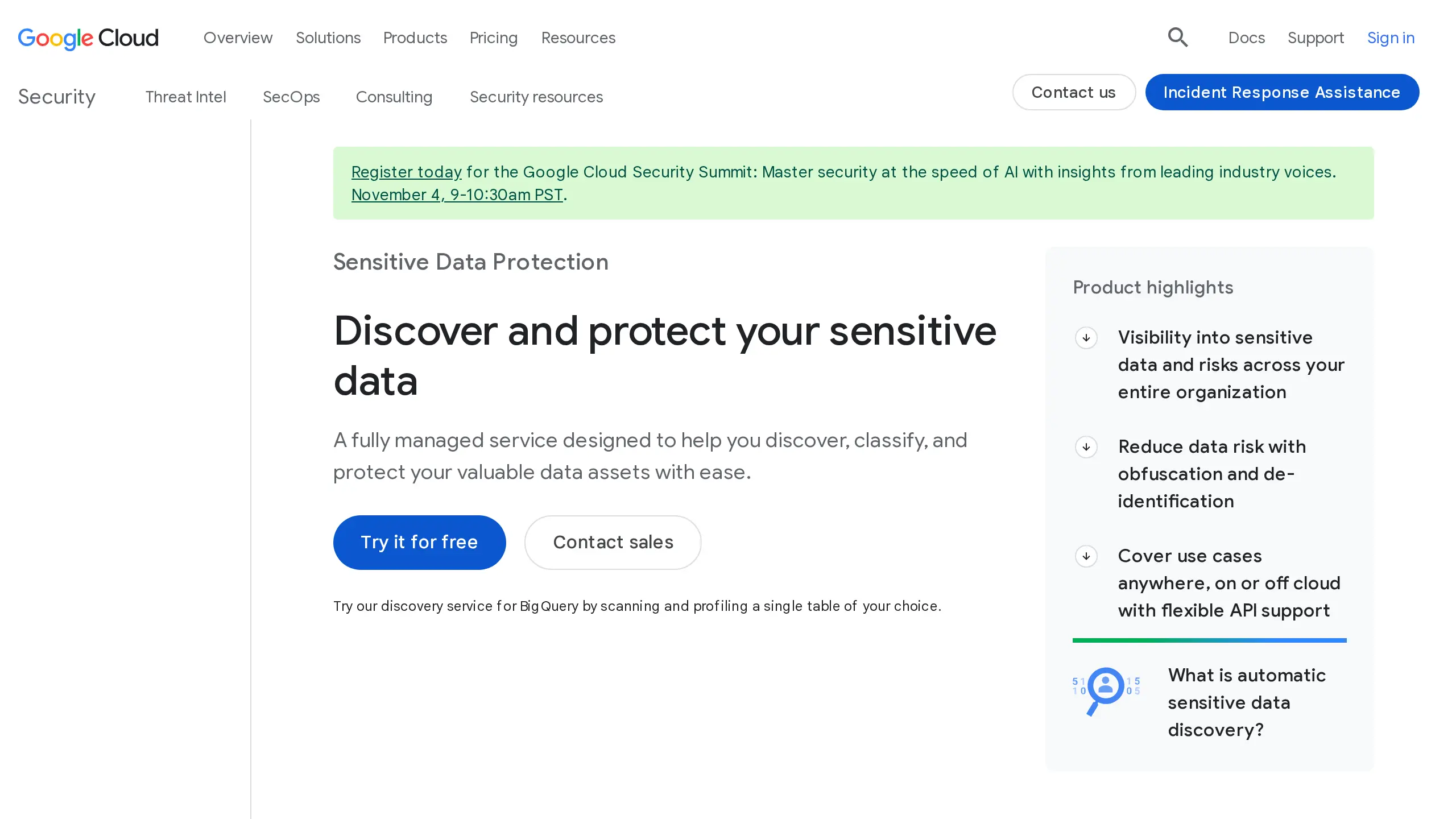
Sensitive Data Protection is Google's managed service for finding and hiding sensitive data. Google lists 200+ built-in detectors for personal, financial, health and other sensitive information. It can redact, replace, pseudonymize, tokenize and re-identify data when the chosen transformation supports it (Google Cloud).
Key Capabilities:
- Inspect content sent to the API, stored data, chat logs and images
- Apply deletion, masking, replacement, tokenization, encryption or date-shifting
Pricing: The first 1 GiB a month is free. Content inspection then costs $3/GiB up to 1 TiB, and transformation costs $2/GiB. That works out to about $0.003 to check 1 million characters, or about $0.005 if you also hide what it finds (Google pricing).
Your data: Content inspection is sent to the service as JSON over HTTPS (Google documentation).
Main catch: Google's pricing page warns: "It is possible for costs to become very high, depending on the quantity of information that you instruct Sensitive Data Protection to scan." (Google pricing).
Why We Picked Google Cloud Sensitive Data Protection: It has wide detector coverage and the lowest cost per character of the two cloud APIs here.
11. Amazon Comprehend: AWS PII Detection for Text Pipelines
Best for: AWS teams that need API-based detection and batch redaction for text records.
Amazon Comprehend is the Amazon Web Services (AWS) text API. It detects 36 documented PII types, made up of 22 universal and 14 country-specific types, and returns each one's location, type and confidence (AWS documentation). Batch jobs can replace detected values with a type label or a chosen character (AWS API).
Key Capabilities:
- Detect names, addresses, accounts, cards, IDs, IP addresses and AWS access keys
- Find PII in real time or redact it through batch jobs
Pricing: Detect PII costs about $1 per 1 million characters ($0.0001 for every 100 characters). Each request is billed for at least 300 characters, so short requests cost more per character. A free tier covers 5 million characters a month for 12 months (AWS pricing).
Your data: Processing happens in AWS through the Comprehend console, API and S3 batch jobs (AWS documentation).
Main catch: Redaction is batch-only, text PII support is limited to English and Spanish, and per character it costs more than 300 times as much as Google's content inspection.
Why We Picked Amazon Comprehend: It gives AWS teams a metered API for PII detection and batch redaction.
12. OpenAI Privacy Filter: Open-Weight Local PII Screening
Best for: developers who want a local model for text screening in an existing application.
OpenAI released Privacy Filter in April 2026 (Help Net Security) as an open-weight model (free to download and run yourself) under the Apache 2.0 license. It predicts eight categories, including private person, address, email, phone, URL, date, account number and secret, and accepts up to 128,000 tokens (Hugging Face model card).
Key Capabilities:
- Return detected spans that can be masked into placeholders
- Run locally on long unstructured text
Pricing: Free download under the Apache 2.0 license (Hugging Face).
Your data: Text can stay on your machine when you run the model locally.
Main catch: The model card calls it "a redaction and data minimization aid, not an anonymization, compliance, or a safety guarantee", and advises keeping a person in the loop for very sensitive work (Hugging Face model card).
Why We Picked OpenAI Privacy Filter: It is a free local option for developers who want an open-weight text model.
How Do You Hide Personal Details Before Pasting Into ChatGPT?
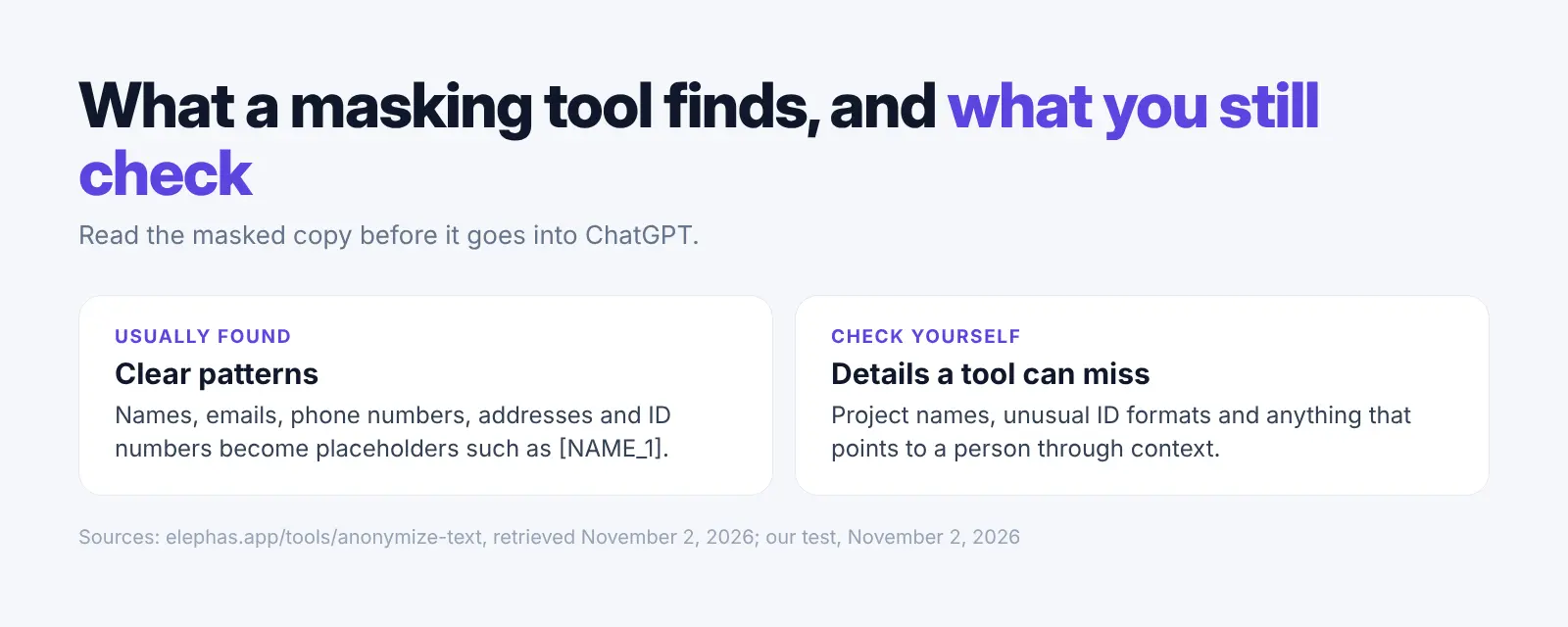
Mask the text first, read the masked copy, then paste only that copy into ChatGPT. A browser tool that shows placeholders makes the check fast, but no tool finds every detail. Read the masked result before you send it.
- Copy only the passage you need to ask about.
- Paste it into a masking tool. Our free anonymize text tool runs in your browser with no sign-up.
- Check each placeholder and look for names, addresses, ID numbers, project names and other details the tool may have missed.
- Paste the masked version into ChatGPT.
- If the answer needs the original values, put them back only after you get the response.
If you ask about your own files often, Elephas does this masking on your computer each time you ask and puts the details back in the answer. For what happens to files you upload, see ChatGPT and confidential files. Never paste the original and the masked version into the same chat.
What Is the Difference Between PII Redaction and Data Anonymization Tools?
PII redaction hides the personal details you can see in one text or document. Data anonymization goes further. It aims to make it unlikely that anyone in a whole dataset can be picked out. Hiding a name is not enough on its own, because the rest of the text can still point to the person.
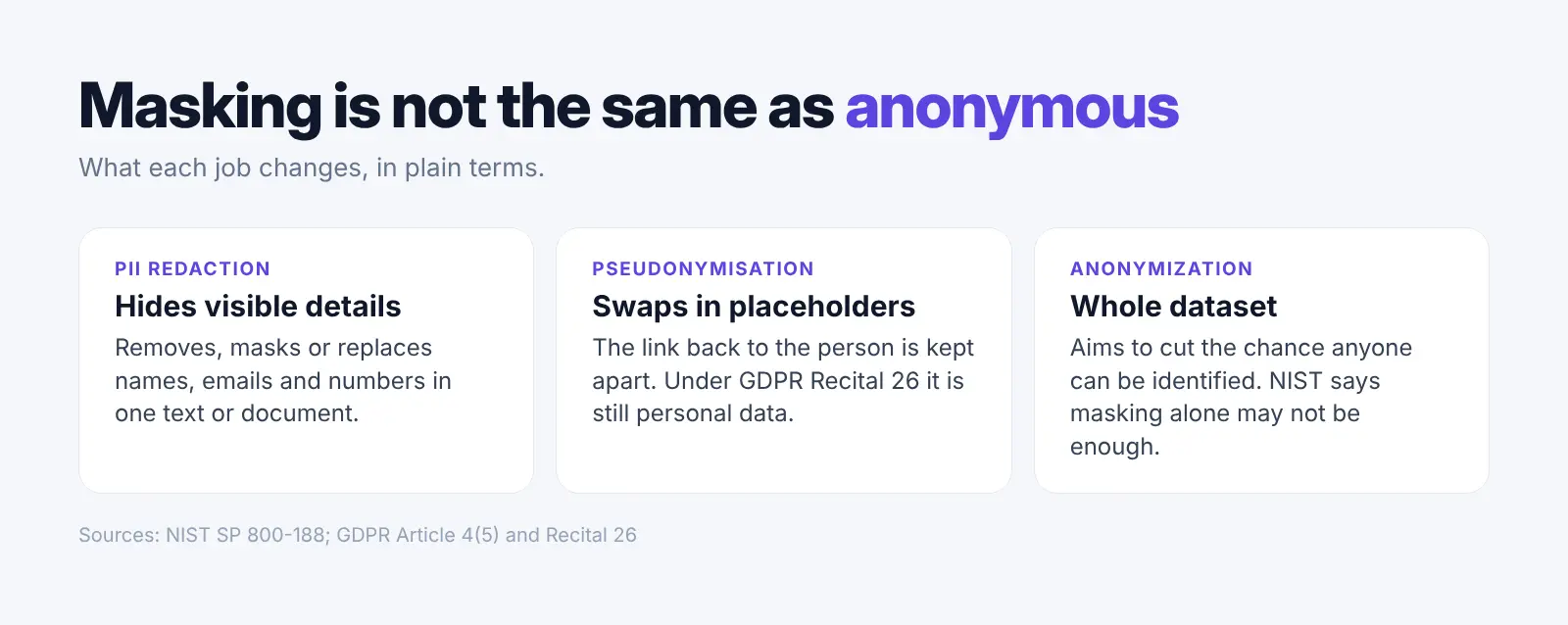
NIST says a tool that only masks personal details may not do enough to de-identify data (NIST SP 800-188). Swapping names for placeholders and keeping the key apart has its own name in EU law: pseudonymisation (GDPR Article 4(5)). That data still counts as personal data (GDPR Recital 26).
A 2015 review by NIST researcher Simson Garfinkel found that removing identifying details can lower the risk, but some of those datasets could still be traced back to people (NIST IR 8053). Pick a tool for the job you have: sharing data, studying it or asking AI about it.
Which Redaction Tools Fit Legal Work and Email?
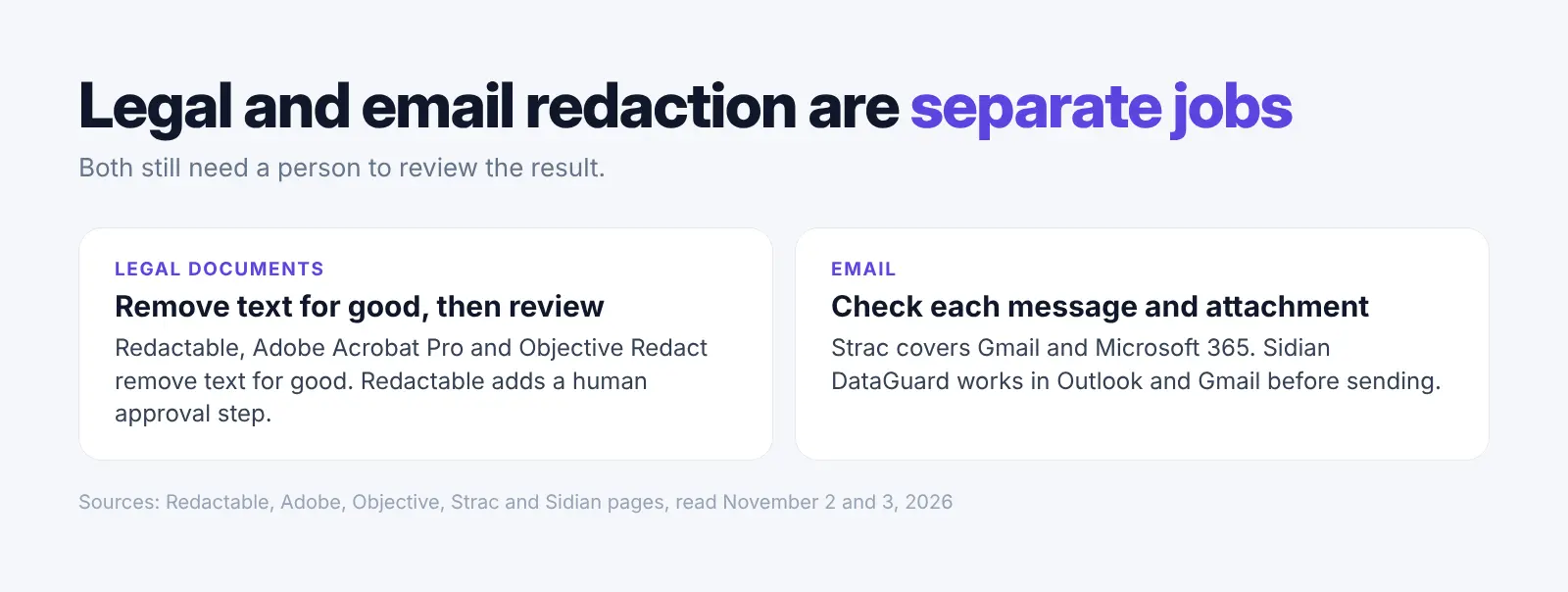
Legal work needs document redaction with a review step and a record, and email needs a check on each message and attachment before it is sent. For legal files, Redactable, Adobe Acrobat Pro and Objective Redact from the list above all remove text for good. Both jobs still need a person to review the result.
Legal Redaction Software
Redactable supports human approval before the final legal document is produced (Redactable). Everlaw supports document redactions inside its review platform (Everlaw). Microsoft Purview lets legal teams draw area redactions on documents in eDiscovery review sets (Microsoft Learn).
For asking questions about case files, see our AI tools for lawyers.
ABA Formal Opinion 512 says lawyers must evaluate the risk that confidential information about the people they represent will be disclosed to or accessed by others outside the firm before entering it into a generative AI tool (ABA Opinion 512). Our ABA 512 guide covers the steps.
Email Redaction
Strac redacts sensitive data in Gmail and Microsoft 365 email bodies and attachments (Strac Gmail DLP, Strac Office 365 guide). Sidian DataGuard says it works in Outlook and Gmail to remove private data from emails and attached or shared files before sending (Sidian).
Why Do Teams Redact Personal Details Before Using AI?
Teams redact personal details because staff paste and upload sensitive data into AI tools, often tools the company never approved. Redaction cuts the personal data in each request, but it does not replace access rules, and its accuracy changes with the kind of document.
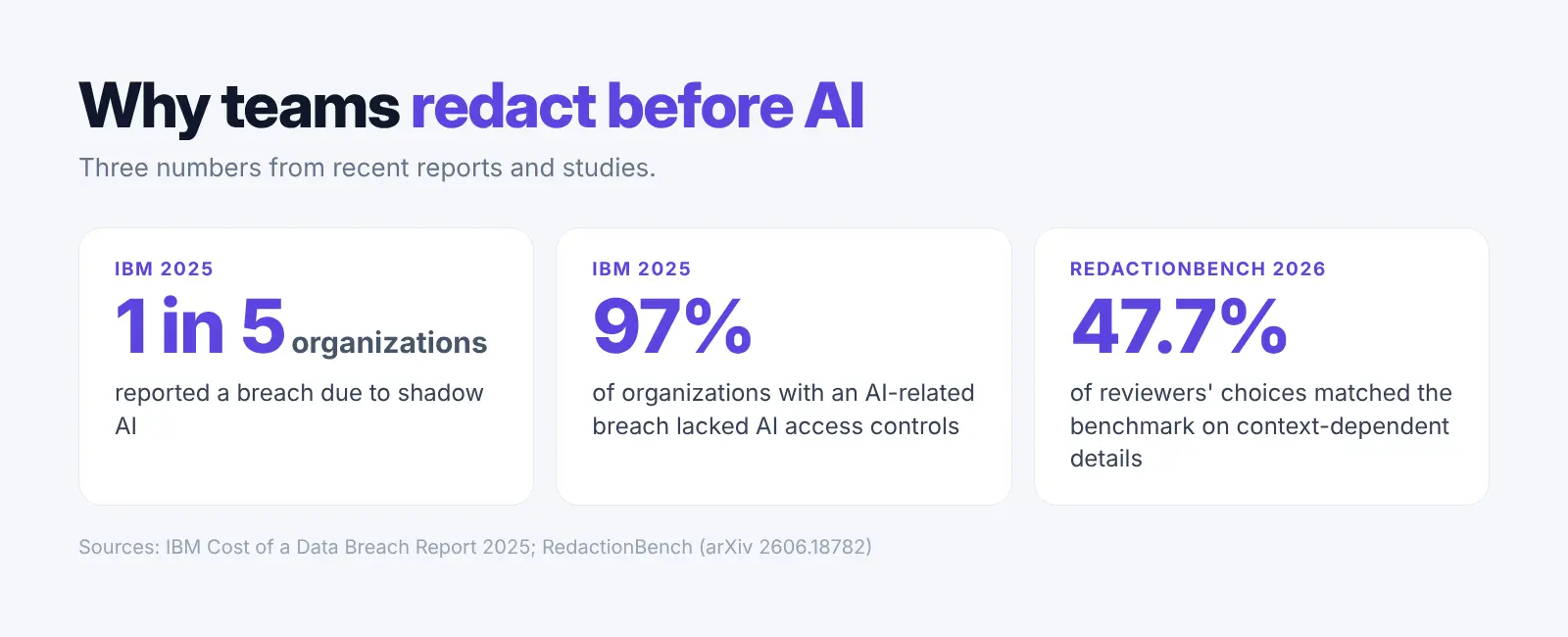
According to IBM's 2025 breach report, one in five organizations reported a breach due to shadow AI (AI tools the company never approved). Of organizations with an AI-related breach, 97% lacked AI access controls.
Deciding what to hide is hard even for people. In a 2026 study, RedactionBench, human reviewers agreed with the benchmark's answers only 47.7% of the time on details that depend on context (RedactionBench).
What Did We Find When We Tested Presidio?
We ran one made-up customer note with 14 personal details through Presidio twice, with its default settings. Both times it hid 12 of the 14 details, about 86%. Presidio's own documentation warns there is no guarantee it will find all sensitive information, so read masked text yourself before you paste it into an AI tool.
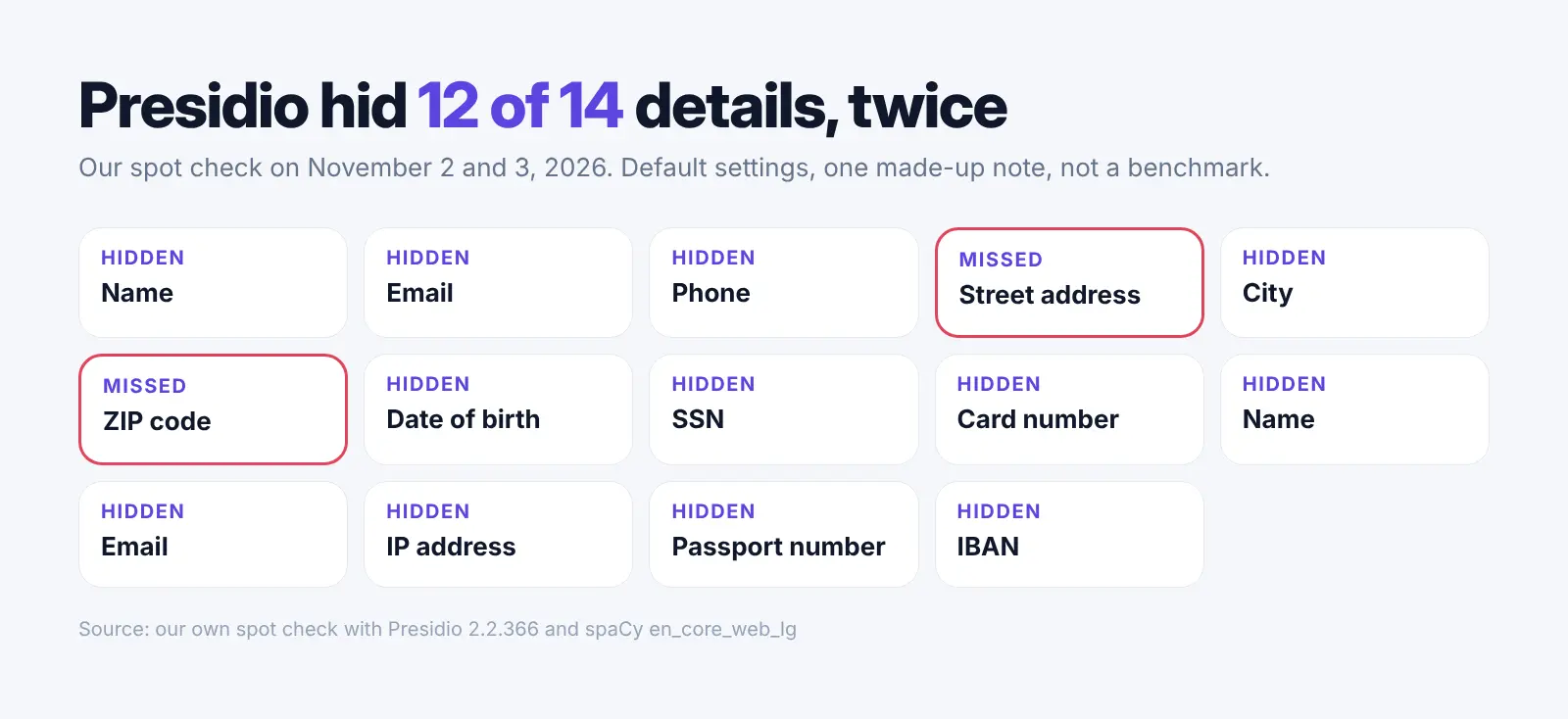
- The 14 details: two names, two emails, a phone number, a street address, a city, a ZIP code, a date of birth, a Social Security number, a card number, an IP address, a passport number and an IBAN.
- What it hid: 12 of 14 details, using Presidio 2.2.366 with the spaCy en_core_web_lg model.
- What it missed: the street address and the ZIP code, both times.
- Worth knowing: our first run used a well-known sample Social Security number that Presidio's number check rejects, so it was labelled a phone number. With a valid-format number, Presidio labelled it correctly.
- Scope: one note, two runs. A spot check, not a benchmark.
We found no independent test that compares these 12 tools on the same documents. A quick check on your own text is worth doing.
How We Picked These 12 Tools
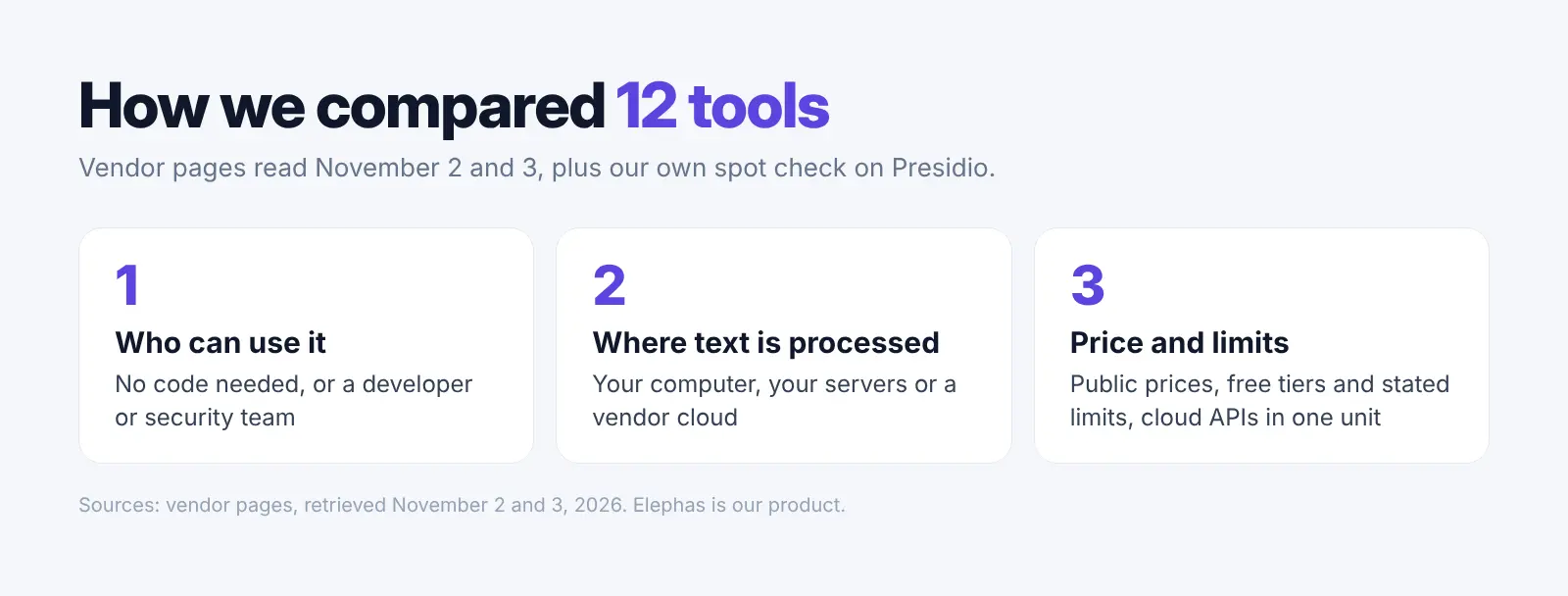
We read vendor pages on November 2 and 3, 2026 and compared 12 tools on who can use them, where text is processed, what they detect, what they do with it, price and stated limits. The order shows fit for different needs, not a score.
- We ran our own spot check on Presidio, the free developer pick.
- We turned the two cloud API prices into one unit, the cost of checking 1 million characters.
- We used "No public price" when no exact public paid price was found.
- Elephas is our product and appears at position 4, marked as a different kind of tool.
FAQ: PII Redaction Tools
Are there free PII redaction tools?
Yes. Presidio is free open-source software for developers who can deploy and tune it. OpenAI Privacy Filter is also a free download for developers. Redactable lets you redact 3 documents free.
How do I redact personal details in a PDF?
Use a tool that removes the text for good, such as Adobe Acrobat Pro, Redactable or Objective Redact. Drawing a black box over text is not enough. Then remove hidden data such as metadata and comments, and check the final file.
Is masked text safe to paste into ChatGPT?
Masked text can reduce the personal details you share, but no automated detector guarantees complete removal. Check for missed names, addresses, IDs, account numbers, customer names and context that could identify someone. Follow your organization's policies and use approved tools for sensitive or regulated work.
Can redaction be undone or put back into an answer?
Document redaction in Acrobat, Redactable or Objective Redact is meant to be permanent. Elephas puts hidden personal details back in the AI answer. Presidio can decrypt values if you manage encryption keys.
Does PII redaction make data anonymous?
No. Redaction can remove obvious identifiers, while anonymous data needs a wider check of re-identification risk. Under GDPR Recital 26, pseudonymised data is still treated as personal data.
Which tools work on a Mac or Windows computer without setup?
Adobe Acrobat Pro runs on both and blacks out PDFs. Elephas works on macOS 14 or later with Apple Silicon and Windows 10 or 11 (64-bit, not Windows on ARM), for asking AI about your files. Redactable is a web app, so you use it in your browser.
Try Elephas Free for 7 Days
Ask questions from your own documents with sources. Personal details are hidden on your computer before cloud AI use.
Related Resources
Research Methodology and Sources
Vendors: Adobe, Presidio, Redactable, Elephas, Objective, Limina, Nightfall AI, Strac, Tonic Textual, Google Cloud, Amazon Web Services pages, the OpenAI Privacy Filter model card on Hugging Face and a Help Net Security report were read on November 2 and 3, 2026, and rechecked on November 4.
Studies and rules: Harmonic Security, IBM, NIST, RedactionBench, GDPR and ABA Opinion 512.
Our test: One made-up customer note with 14 personal details was run through Presidio 2.2.366 on November 2 and again on November 3, 2026, last tested with a valid-format Social Security number. It was a spot check, not a benchmark.